
PLW600MDUO
Nema pronađenih stavki.
Nema pronađenih stavki.
Sva pitanja
PLW600MDUO
Nema pronađenih stavki.
Nema pronađenih stavki.
Kako postaviti visoku razinu sigurnosti 2 na vašim Powerline proizvodima?
1 Stavite adaptere na produžni kabel
Take a power strip and plug all the powerline adapters into it.
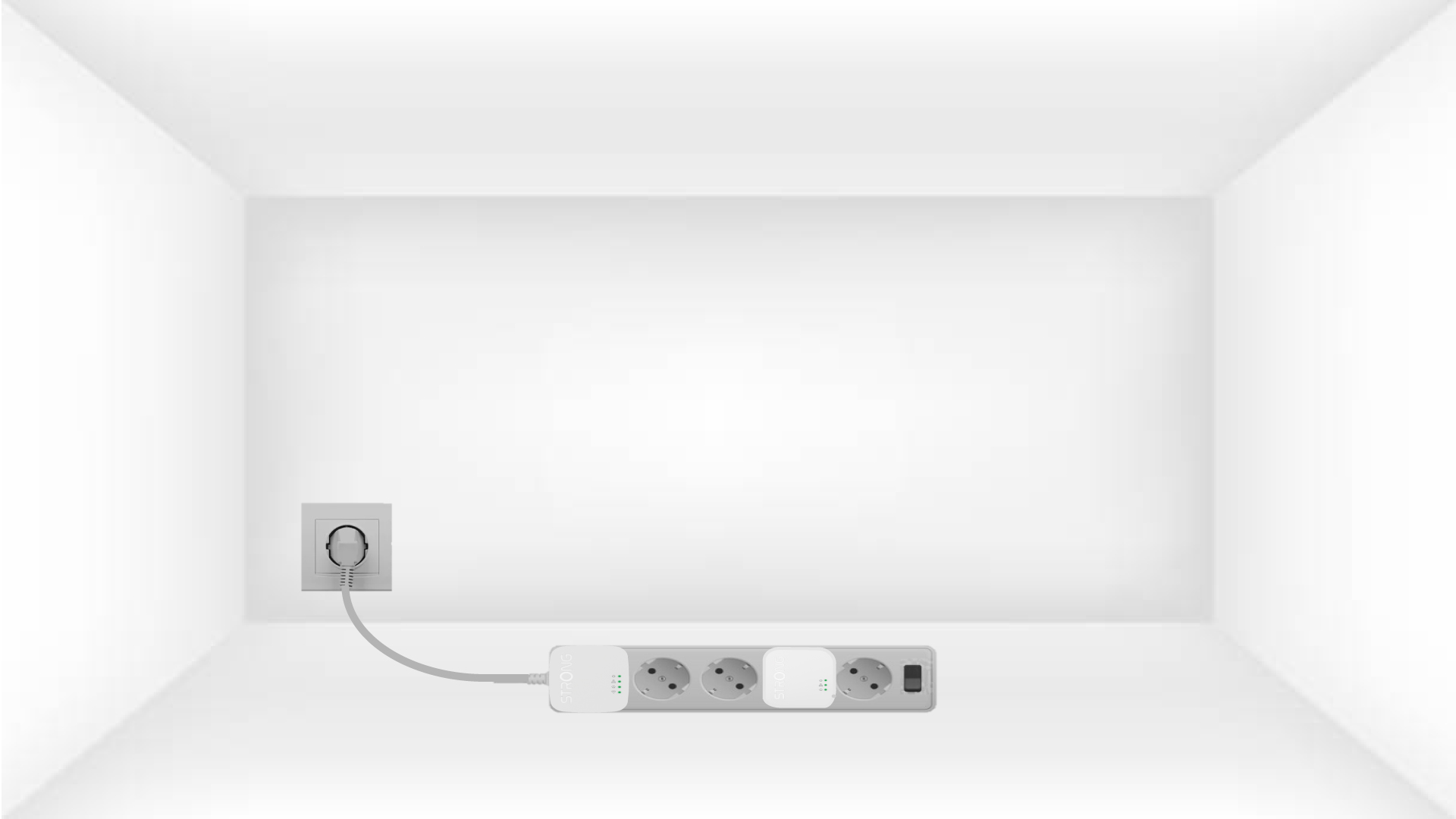
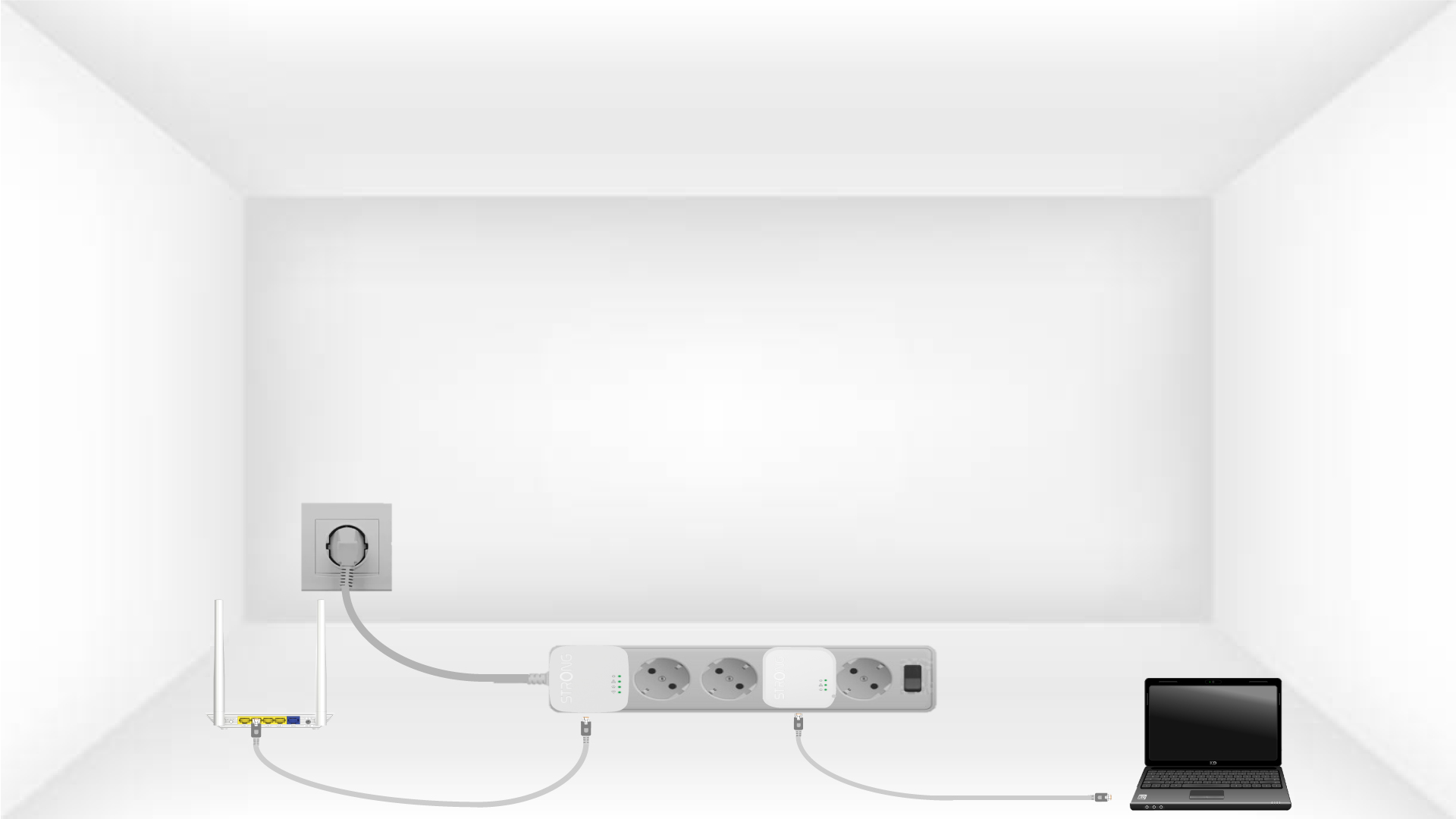
2. Spojite adaptere na internet
Connect one of the powerline adapters to the Internet gateway/router with an RJ45 cable.
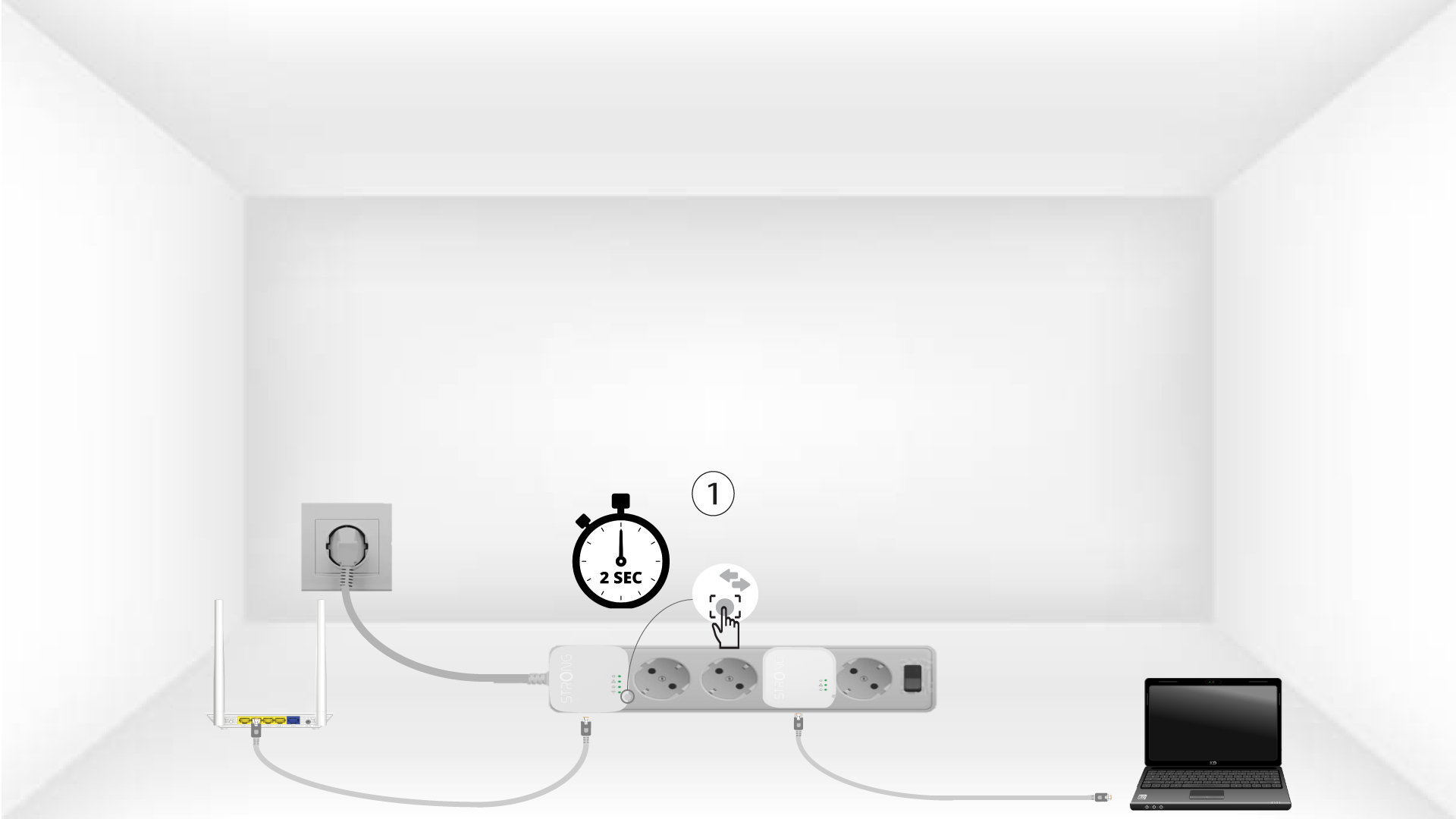
3 Pritisnite gumb Poveži i osiguraj (prvi uređaj)
Press the Connect & Secure button on the first device for 2 seconds.
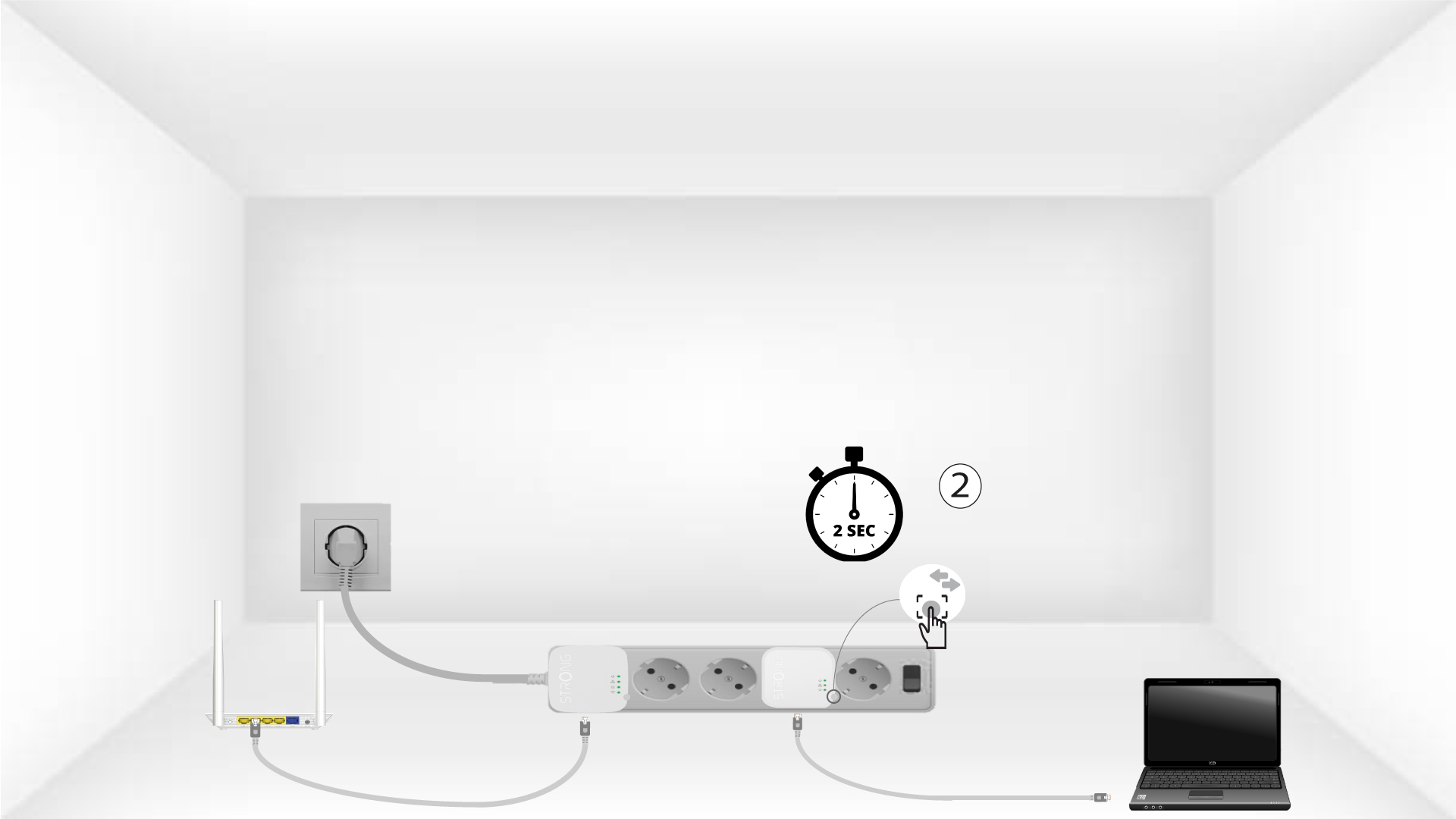
4 Pritisnite gumb Poveži i osiguraj (drugi uređaj)
Press the Connect & Secure button on the second device for 2 seconds. You have up to two minutes to do it.
5The home LED blinks
The home LED should blink on both devices.
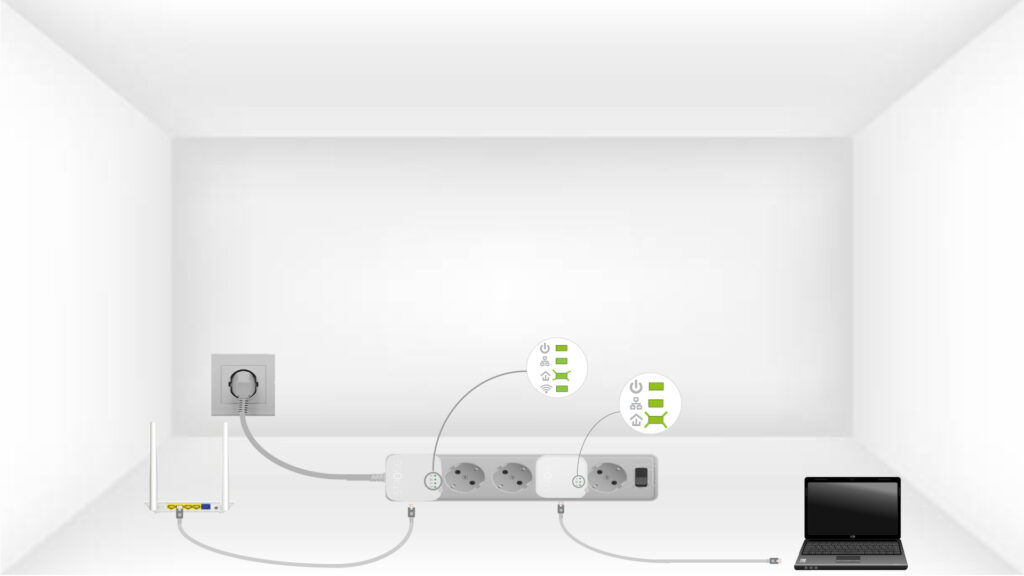
6 Ključ za šifriranje je postavljen
Vaš jedinstveni ključ za šifriranje je sada postavljen i sve LED diode uređaja trebale bi svijetliti zeleno.
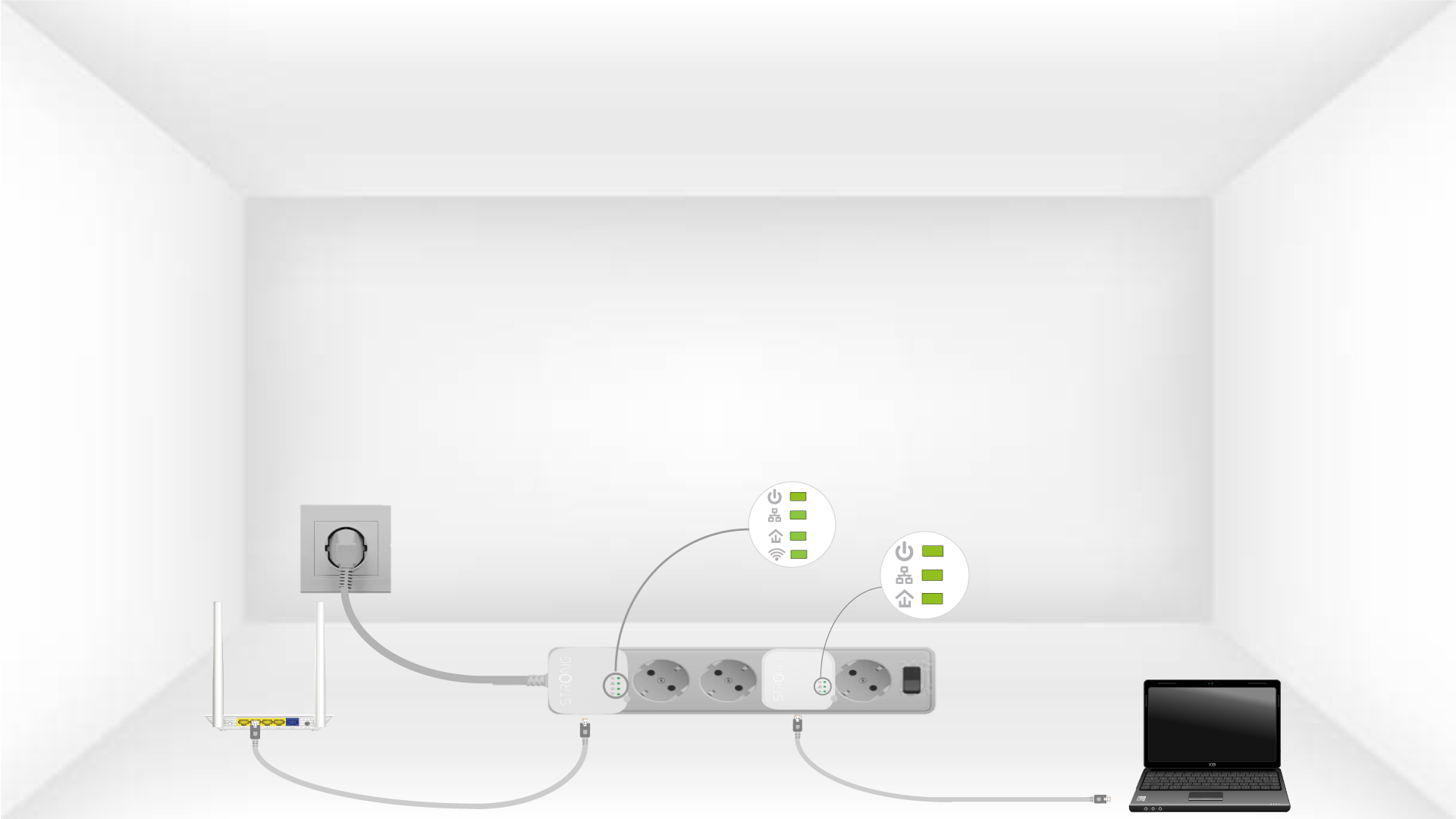
Now, install the adapters in the rooms where you need them. We strongly recommend not plugging the adapters into a power strip.