
PLW600MDUO
Sva pitanja
PLW600MDUO
Nemam pristup internetu i/ili LED ikone "početna" ne svijetli.
Morate resetirati adaptere na tvorničke postavke. Za resetiranje adaptera slijedite korake u nastavku.
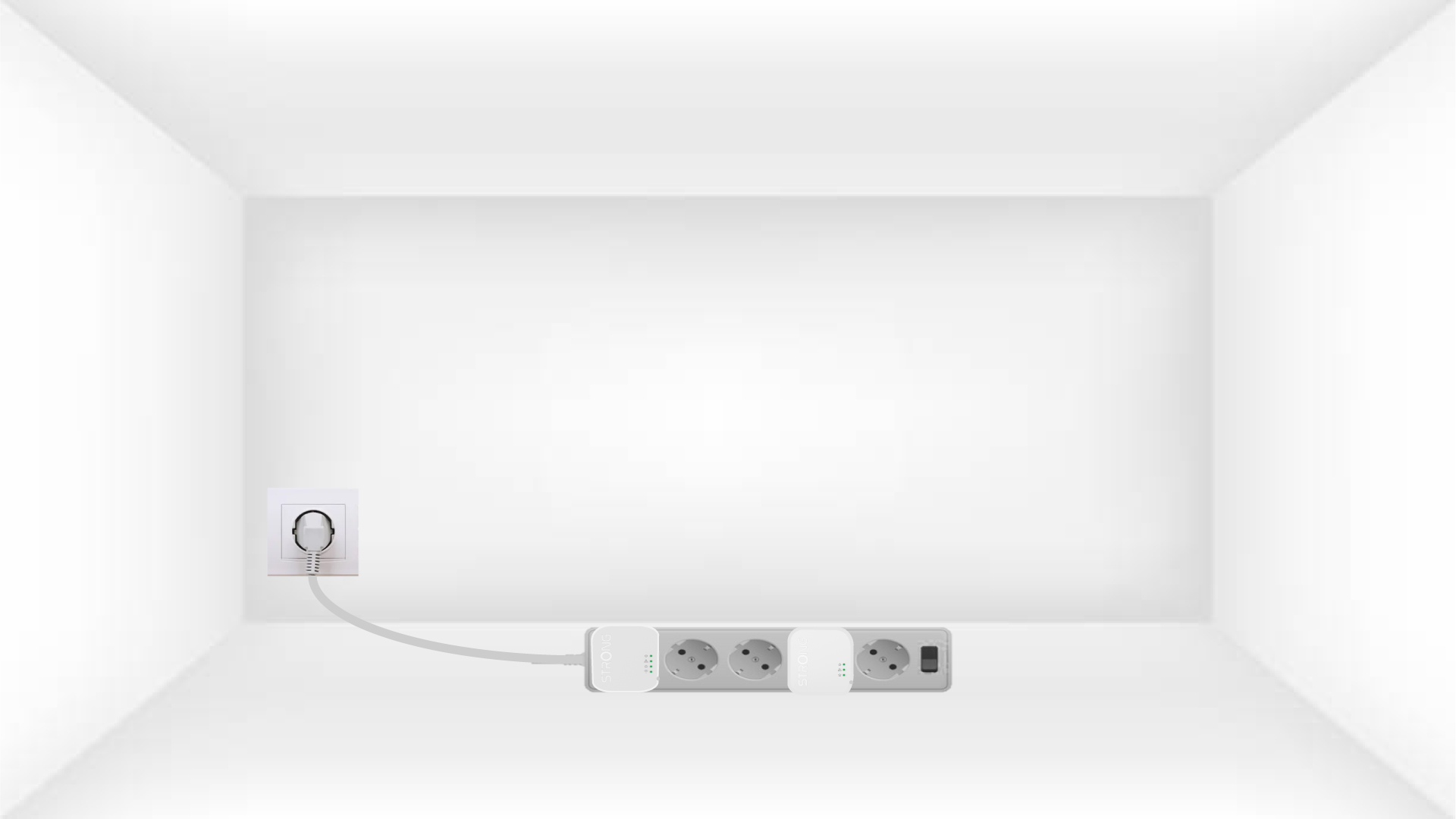
1Plug the adapters into a power strip
Spojite adaptere jedan za drugim na produžni kabel.
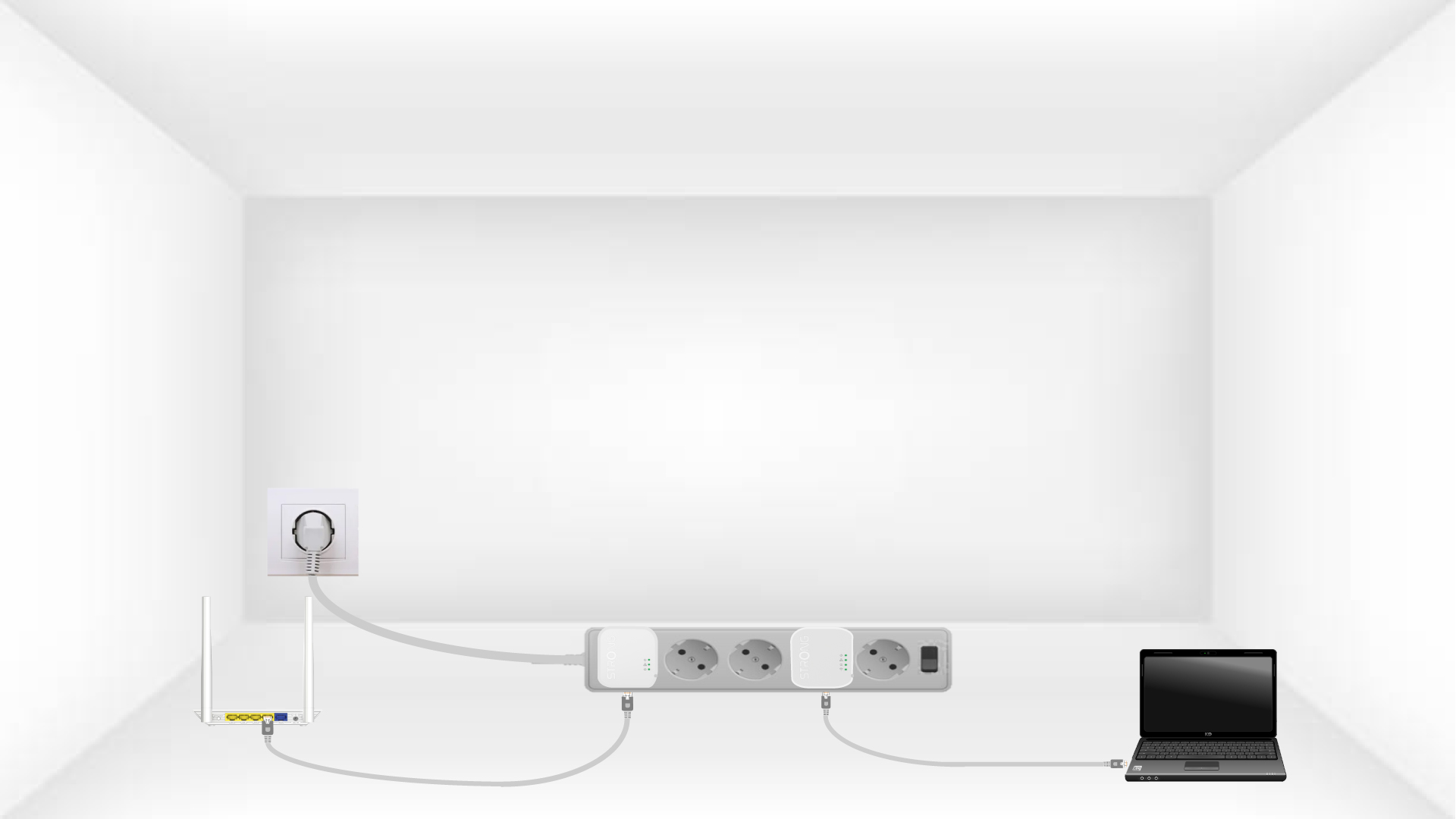
2. Spojite adaptere na internet
Connect each adapter to a working device (Internet router/gateway, Android box, Smart TV, computer, etc.) with an Ethernet cable. There must be communication between the devices, otherwise the adapter will automatically go into standby mode.
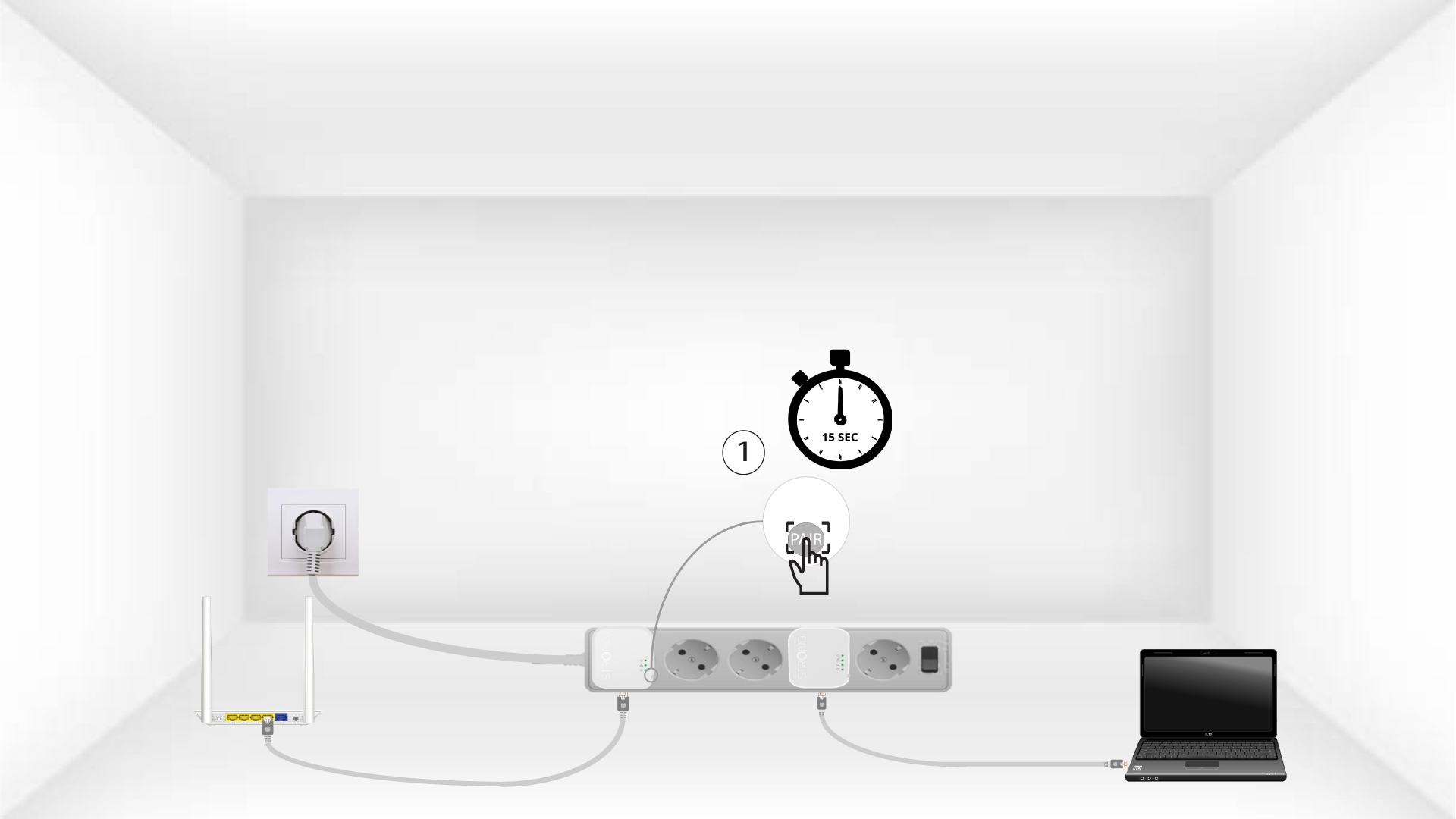
3 Pritisnite gumb Connect & Secure (prvi adapter)
Once the adapter is plugged in and connected to the Ethernet, press the Connect & Secure button on the right side of the device for 15 seconds.
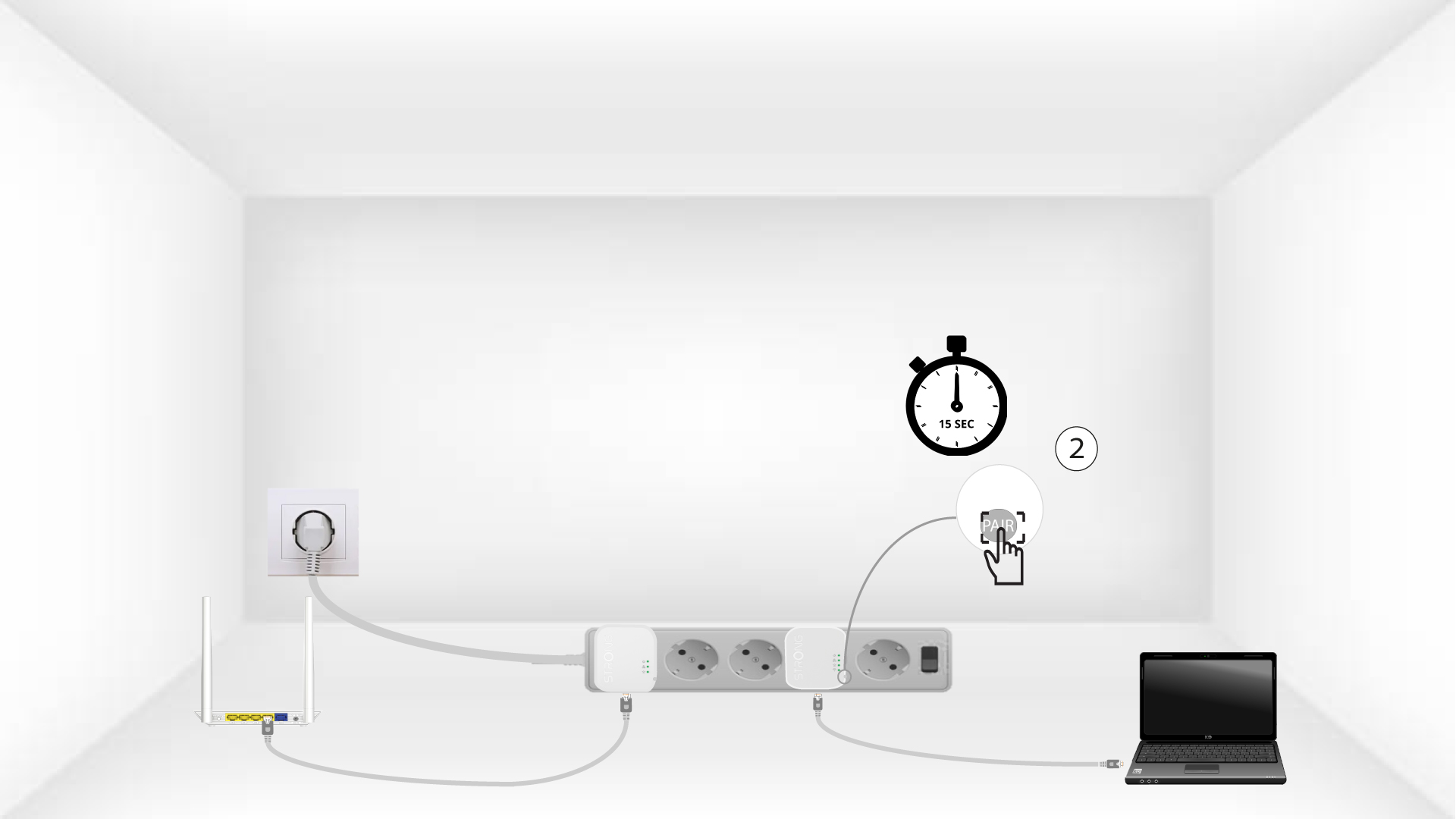
4 Pritisnite gumb Connect & Secure (drugi adapter)
Press the Connect & Secure button on the right side of the second device for 15 seconds.
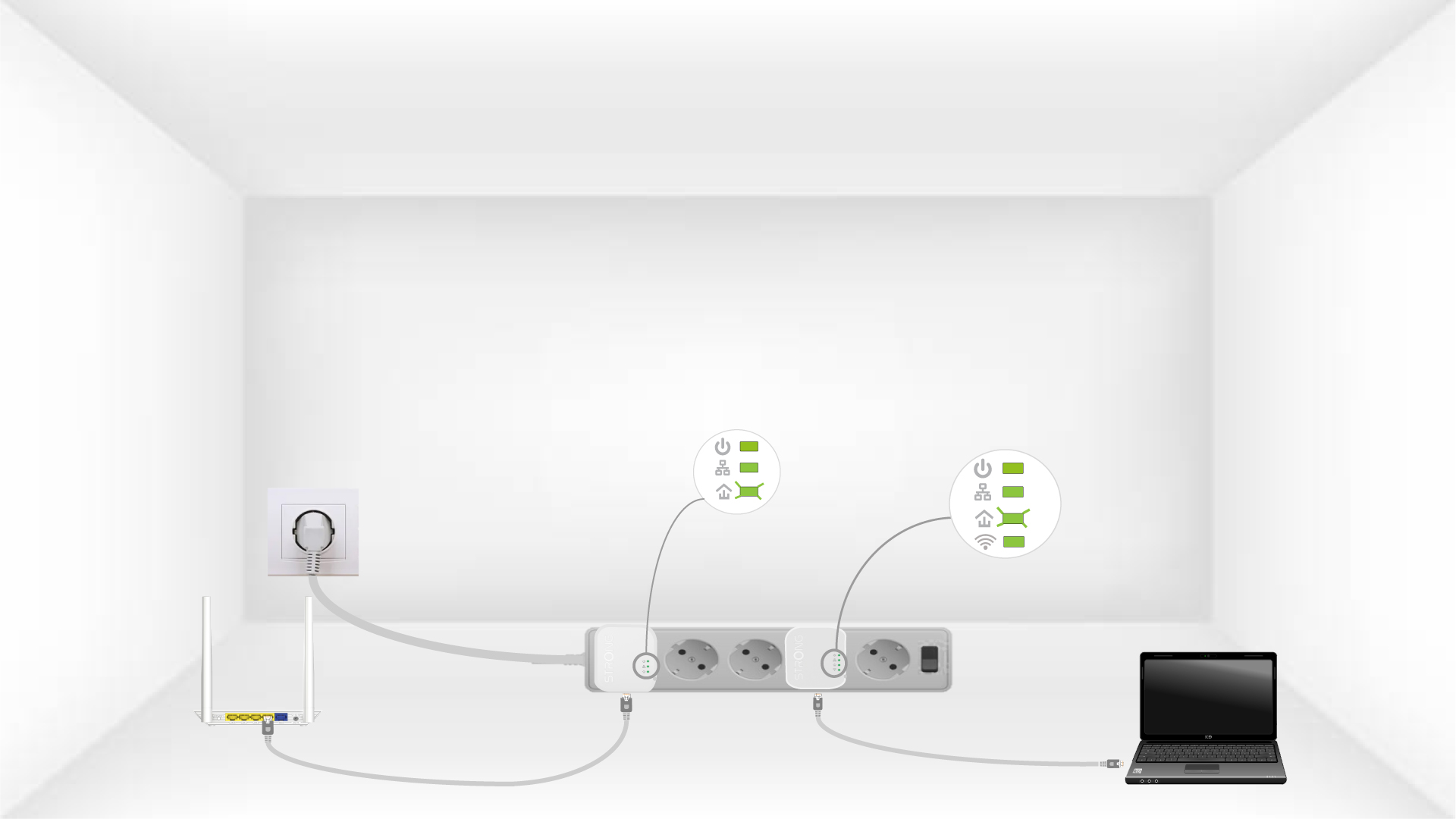
5The home LEDs blink
Kućne LED diode trebale bi početi treptati.
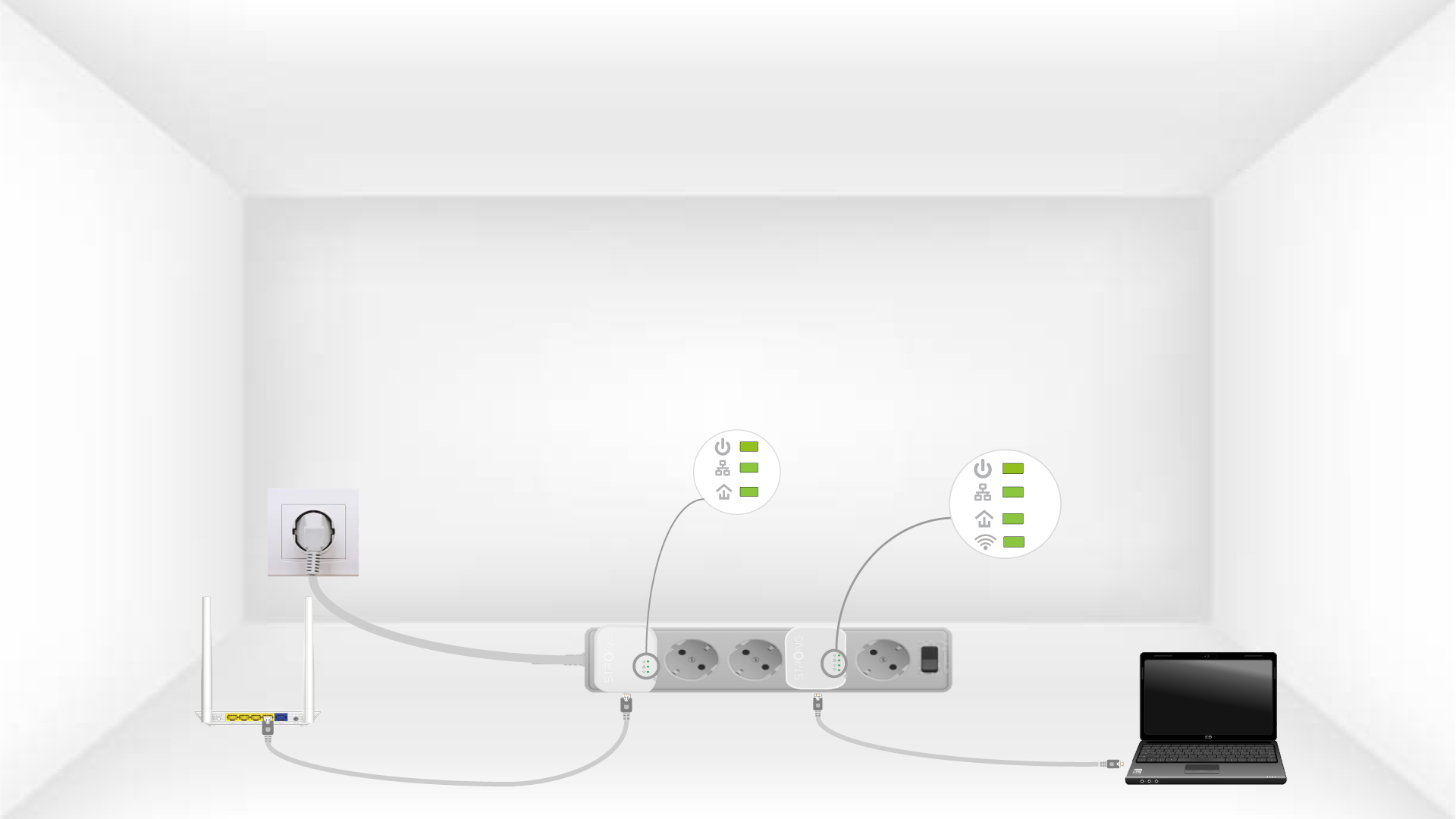
6The devices are reset
All the LEDs must be green at the end of the operation.
Repeat the same operation for a third powerline. You can have up to eight Powerline 600 Mini adapters on the same electrical installation. After resetting all the devices, you can put them in the rooms where you need them.