ATRIA Wi-Fi 6 Mesh 3000 (2 db-os csomag)
Nem találtunk tárgyakat.
Nem találtunk tárgyakat.
Minden kérdés
ATRIA Wi-Fi 6 Mesh 3000 (2 db-os csomag)
Nem találtunk tárgyakat.
Nem találtunk tárgyakat.
Hogyan állíthatok be két különböző Wi-Fi-hálózatot az Mesh készülékemen?
Az „ mesh ” készülékekkel több Wi-Fi-hálózatot is létrehozhat különböző módokon:
• Az „ mesh ” készülékeit hozzáférési pontként is beállíthatja, nem csupán „ mesh ” csomópontként.
• Kikapcsolhatja a készülék sávirányítási funkcióját, amely a 2,4 GHz-es vagy az 5 GHz-es sáv számára egyetlen Wi-Fi-hálózatot hoz létre.
• Vendéghálózatot is beállíthat.
Azt javasoljuk, hogy hozzon létre egy vendéghálózatot, ha otthon több Wi-Fi-hálózatra van szüksége.
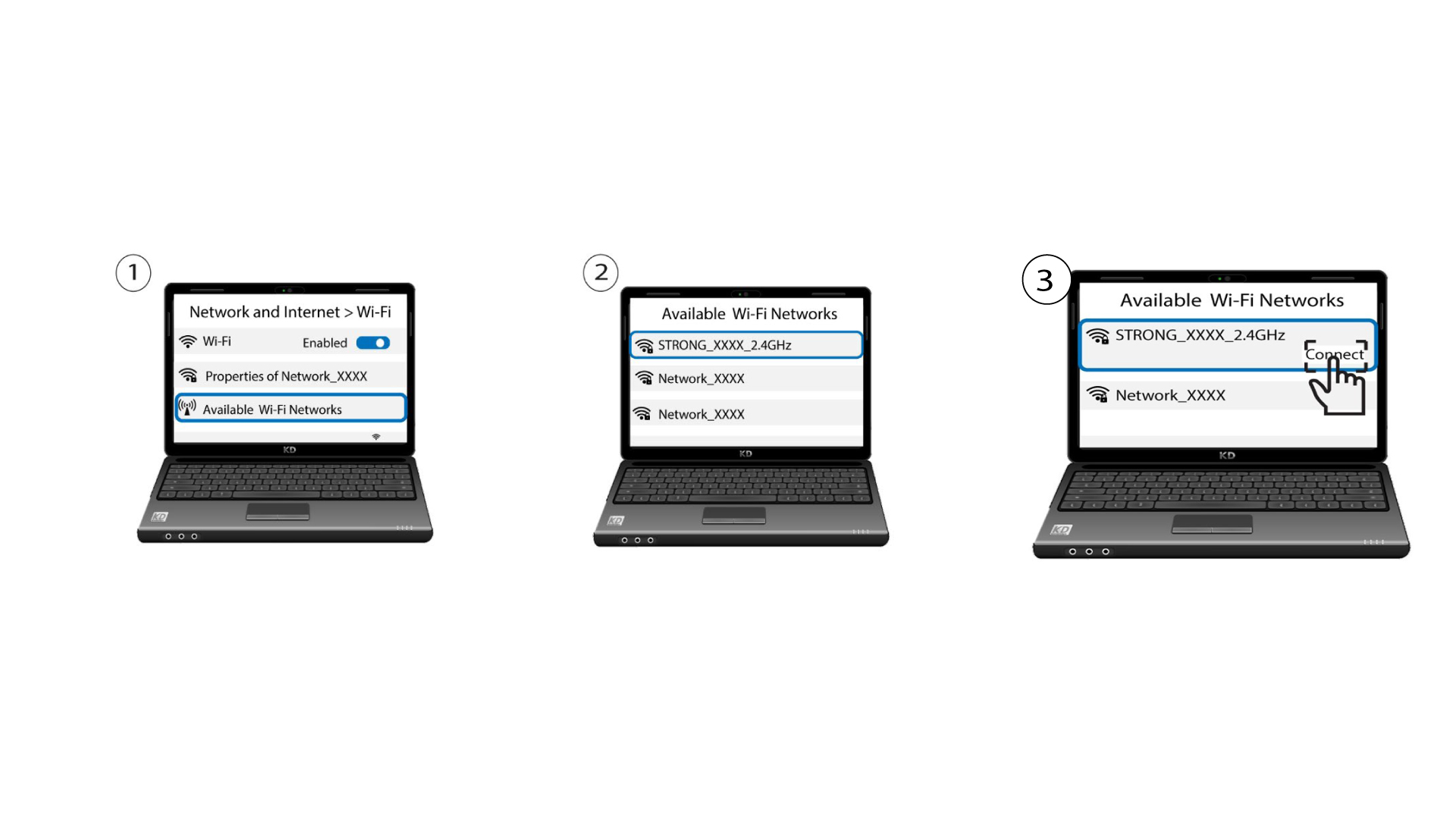
1. KülönbözőSSID-k ellenőrzése
Ekkor két különböző SSID-t (Wi-Fi-hálózat nevét) kell látnod az eszközeid Wi-Fi-listájában.