ATRIA Wi-Fi 6 Mesh 3000 UK 2 db-os csomag)
Nem találtunk tárgyakat.
Nem találtunk tárgyakat.
Minden kérdés
ATRIA Wi-Fi 6 Mesh 3000 UK 2 db-os csomag)
Nem találtunk tárgyakat.
Nem találtunk tárgyakat.
Hogyan tudom azonosítani a hálózatomban található különböző Mesh egységek IP-címeit?
Ahhoz, hogy megkeresse a hálózatában található különböző „ Mesh ” egységek IP-címeit, először csatlakoznia kell a webes felhasználói felülethez vagy az alkalmazáshoz, miközben csatlakozik a „ Mesh ” hálózathoz.
1.1. eset: Webes felhasználói felület
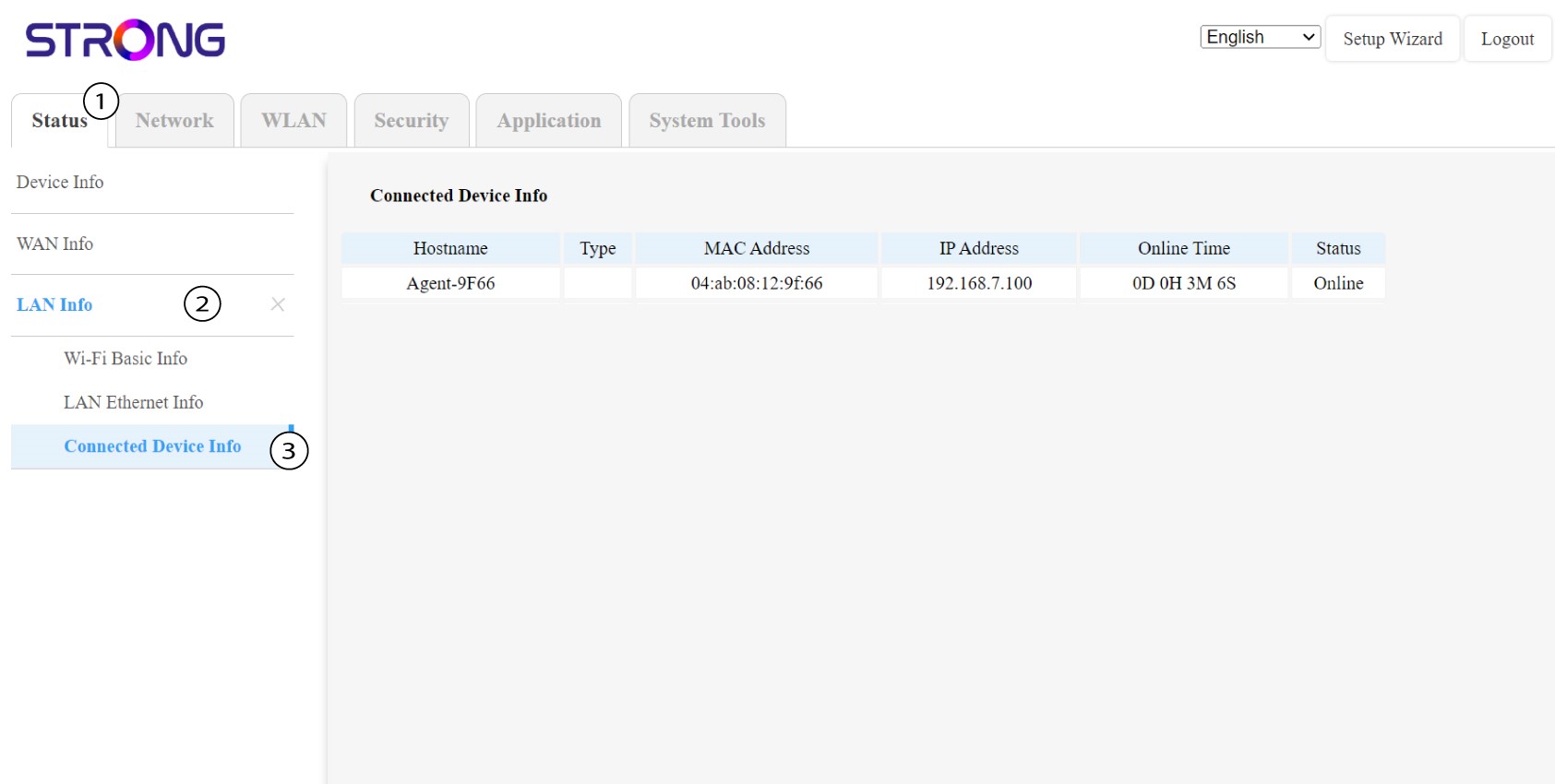
A webes felhasználói felületen az „Állapot”, a „LAN-adatok” és a „Csatlakozási adatok” menüpontok alatt megtekintheti az„agent” nevű Mesh IP-címét, és feljegyezheti azt.
1.2. eset: Alkalmazás
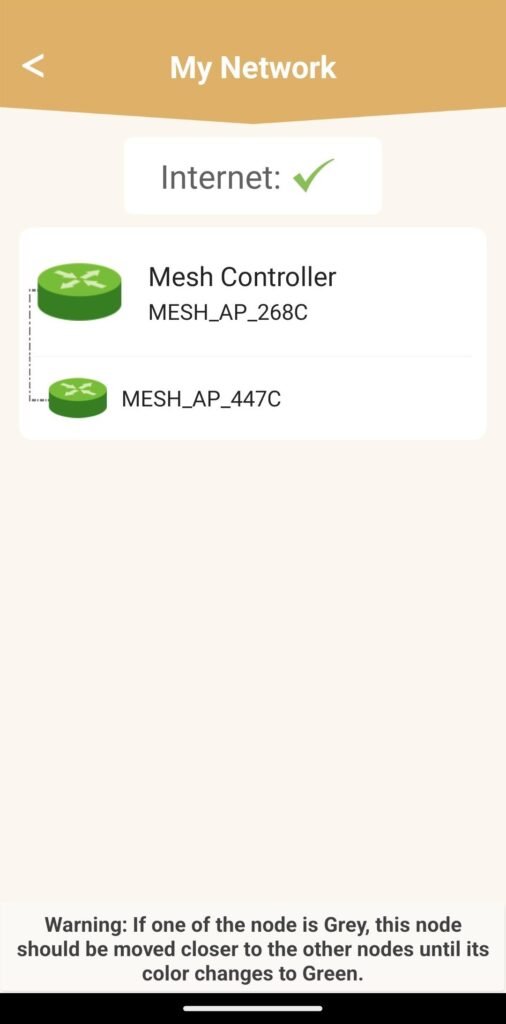
Az Atria alkalmazásban lépjen a „Saját hálózat” menüpontra, majd kattintson a keresett eszköz nevére, és jegyezze fel annak IP-címét.