
PLW600MDUO
Nem találtunk tárgyakat.
Nem találtunk tárgyakat.
Minden kérdés
PLW600MDUO
Nem találtunk tárgyakat.
Nem találtunk tárgyakat.
Hogyan állítsuk be a 2. szintű magas biztonsági szintet a hálózati áramkábeles termékeinken?
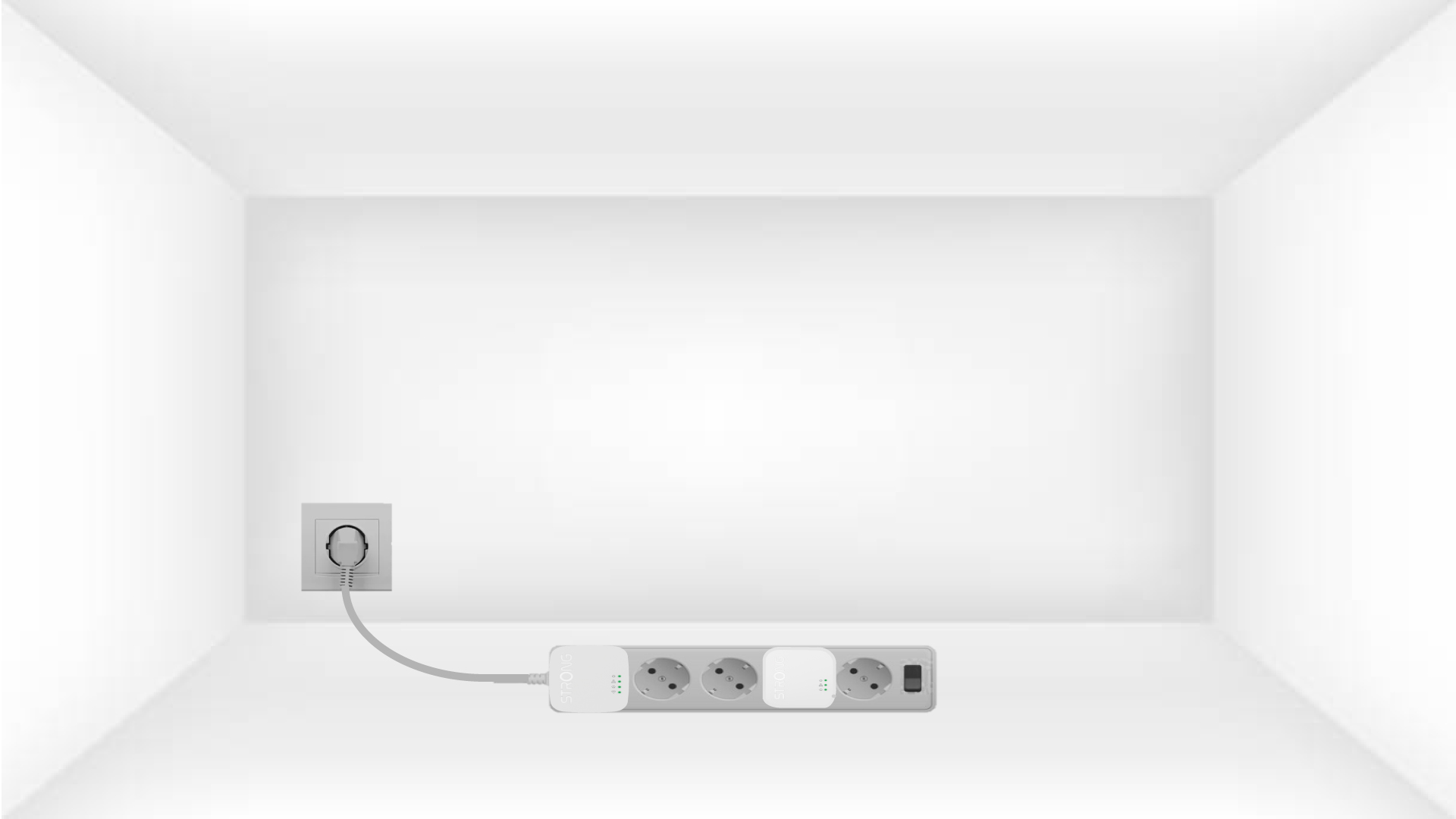
1. Csatlakoztassaaz adaptereket egy elosztóba
Take a power strip and plug all the powerline adapters into it.
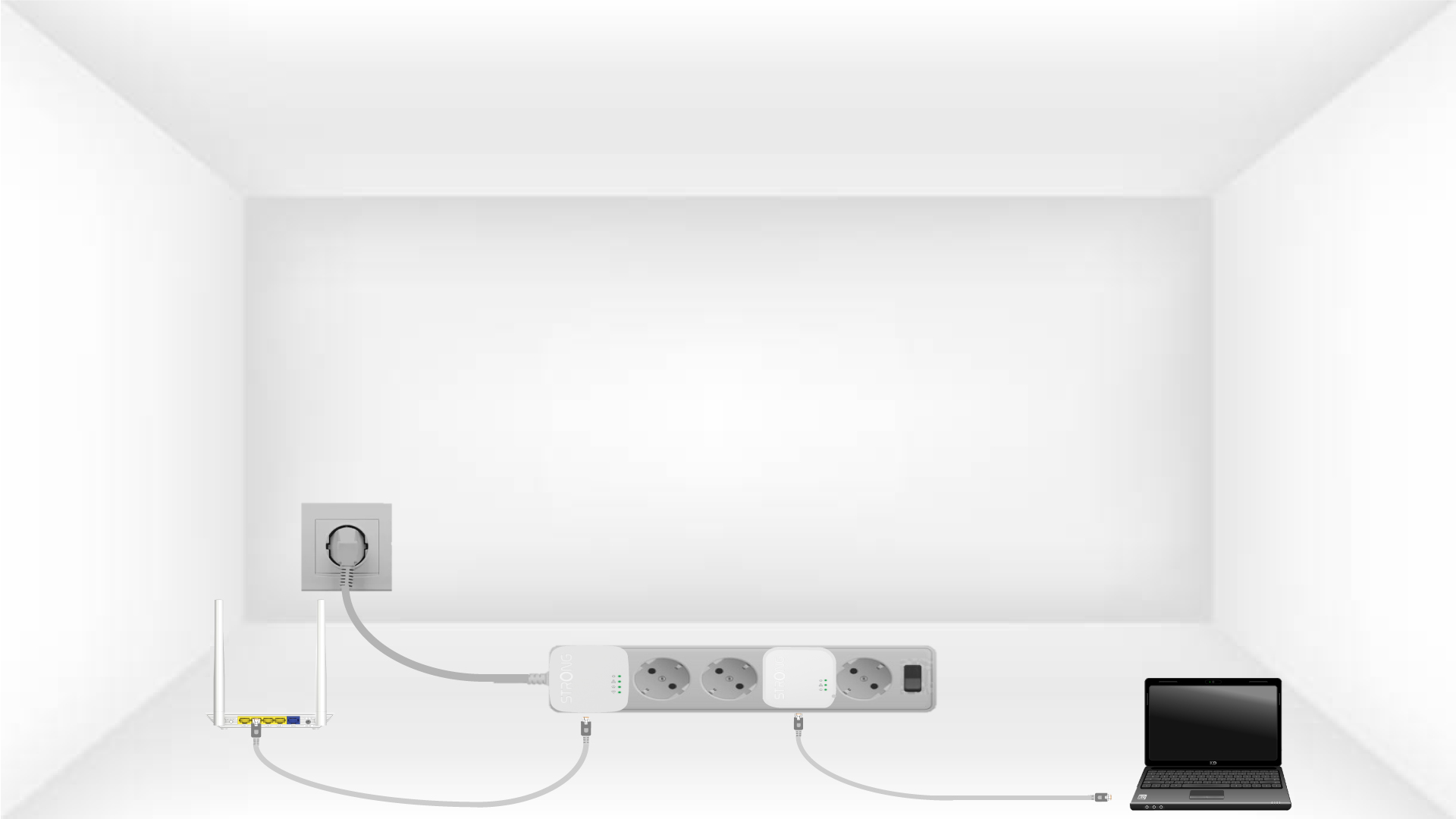
2. Csatlakoztassaaz adaptereket az internethez
Connect one of the powerline adapters to the Internet gateway/router with an RJ45 cable.
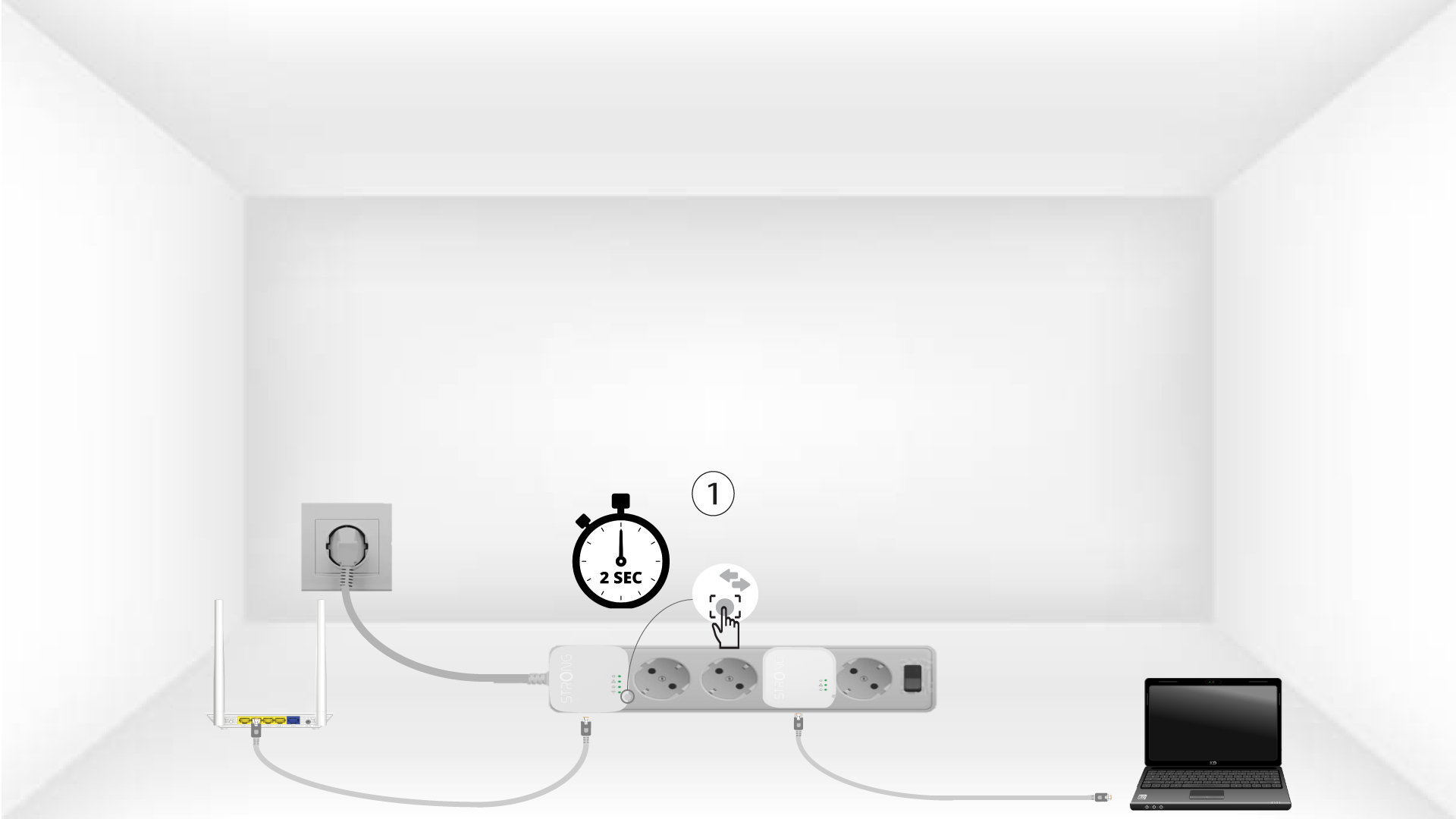
3. Nyomja mega „Connect & Secure” gombot (első eszköz)
Press the Connect & Secure button on the first device for 2 seconds.
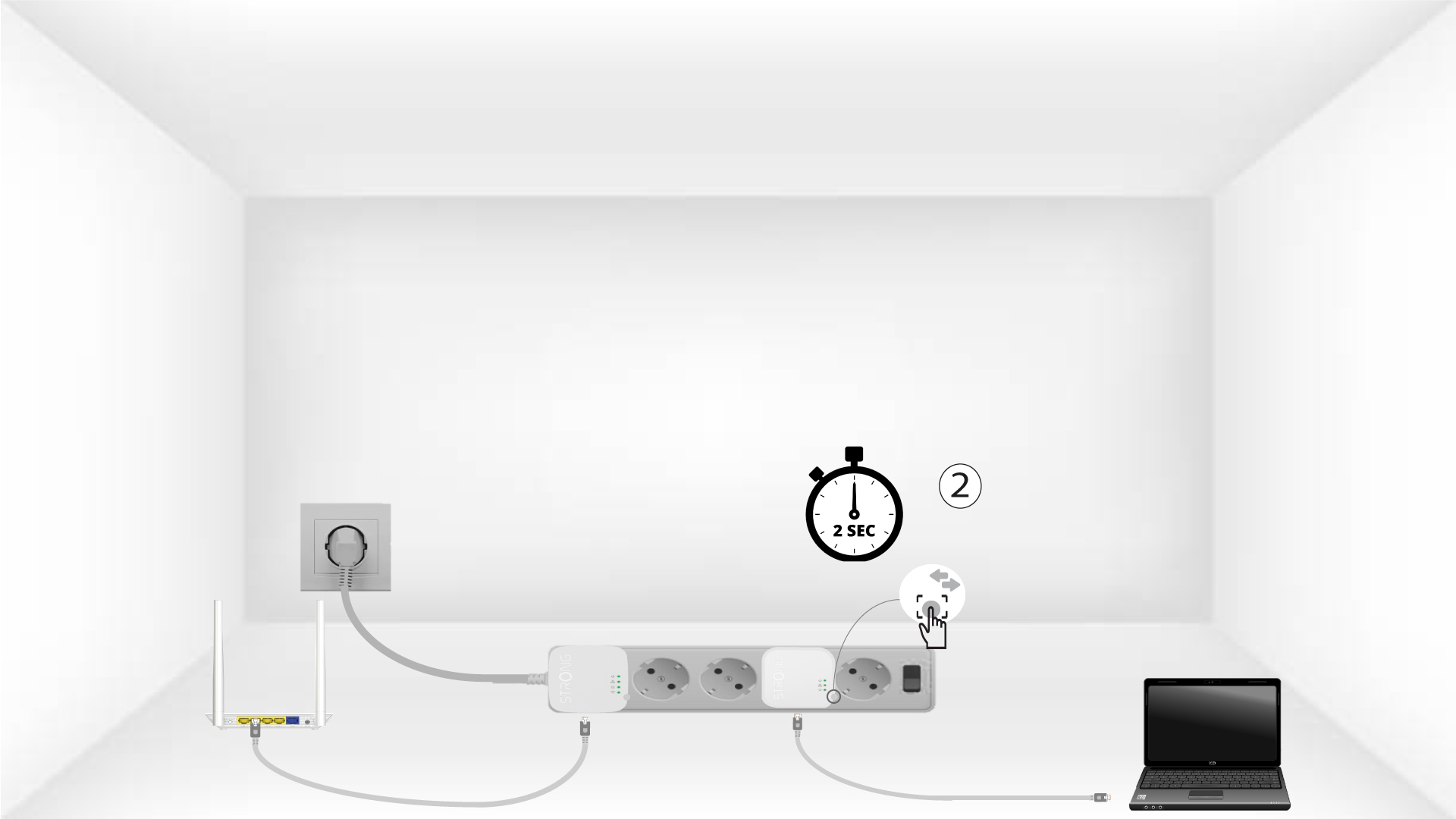
4. Nyomja mega „Connect & Secure” gombot (második eszköz)
Press the Connect & Secure button on the second device for 2 seconds. You have up to two minutes to do it.
5The home LED blinks
The home LED should blink on both devices.
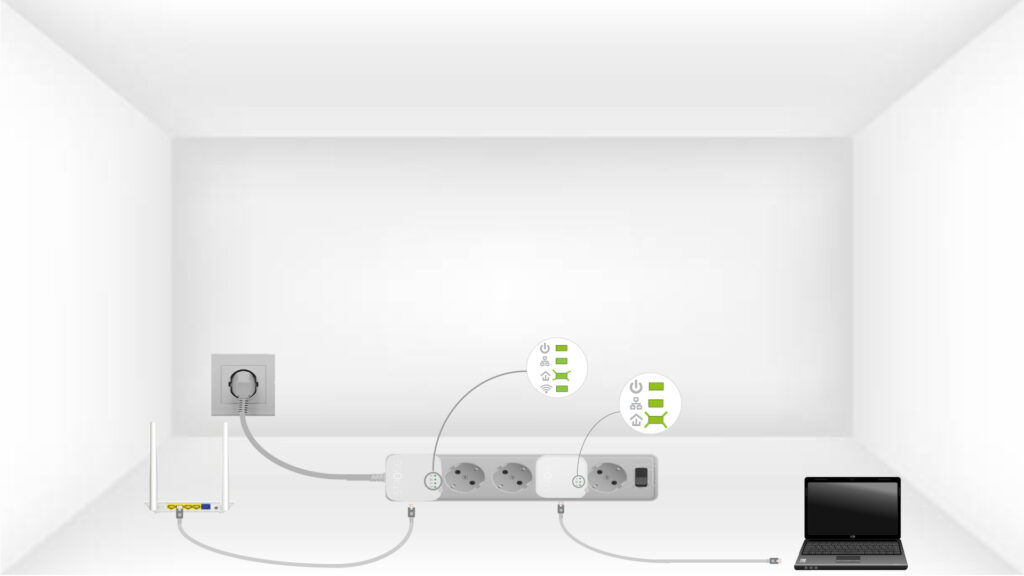
6. Atitkosítási kulcs be van állítva
Az egyedi titkosítási kulcs beállítása megtörtént, és az eszközök összes LED-jének zöldnek kell világítania.
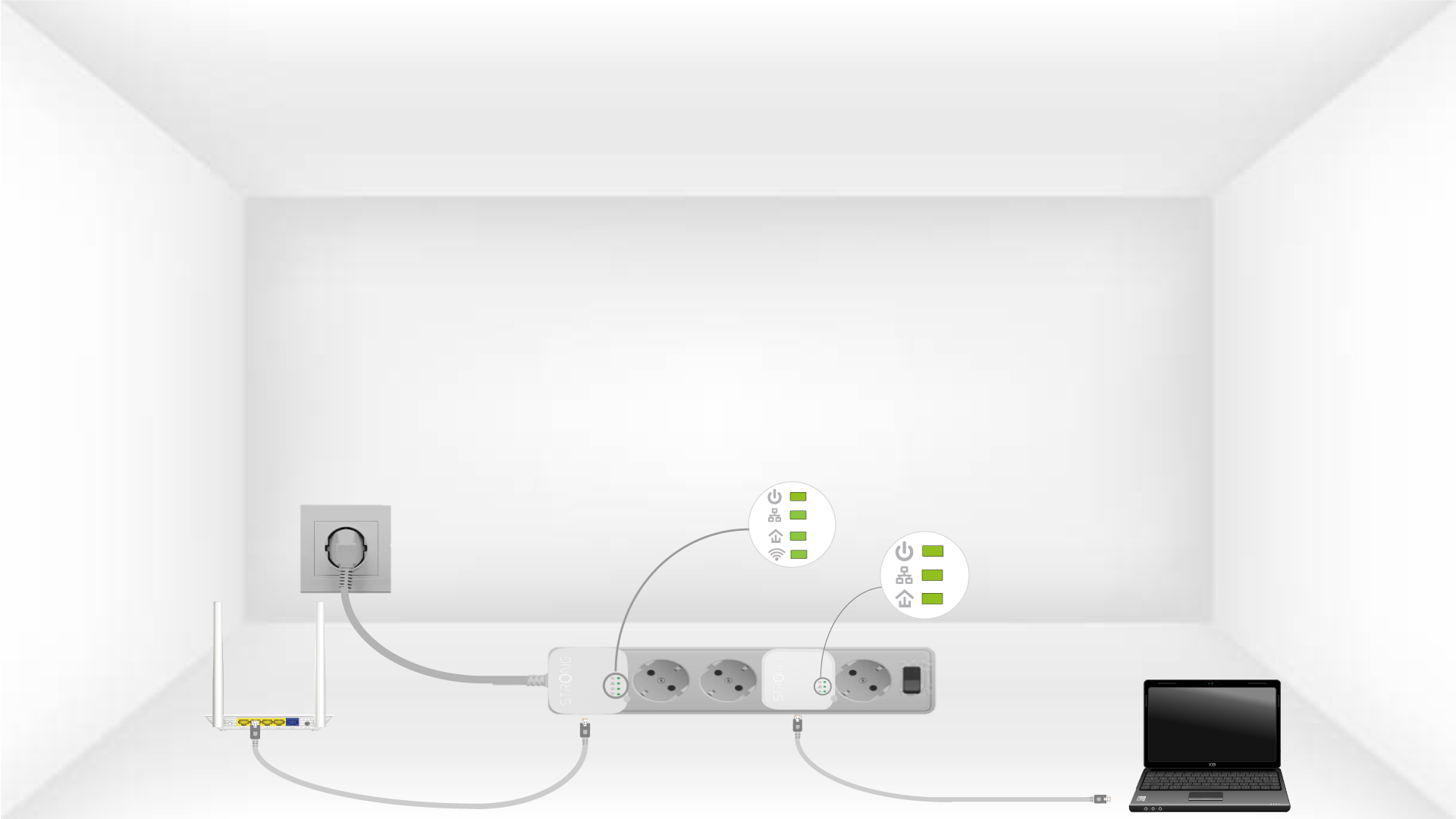
Now, install the adapters in the rooms where you need them. We strongly recommend not plugging the adapters into a power strip.