
Wi-Fi 4G+ AIRSPOT 510
Nessun articolo trovato.
Nessun articolo trovato.
Tutte le domande
Wi-Fi 4G+ AIRSPOT 510
Nessun articolo trovato.
Nessun articolo trovato.
Come posso accedere all'interfaccia utente web?
Per accedere all'interfaccia utente web, è necessario essere connessi alla rete Wi-Fi del proprio HOTSPOT PORTATILE 4G 900 CON DISPLAY dopo aver inserito la scheda SIM nell'apposito slot.
1. Connettitialla rete Wi-Fi del router
Per farlo, inserisci nel tuo dispositivo l’SSID (nome della rete Wi-Fi) e la password Wi-Fi del router.

2. Accedereall'interfaccia web
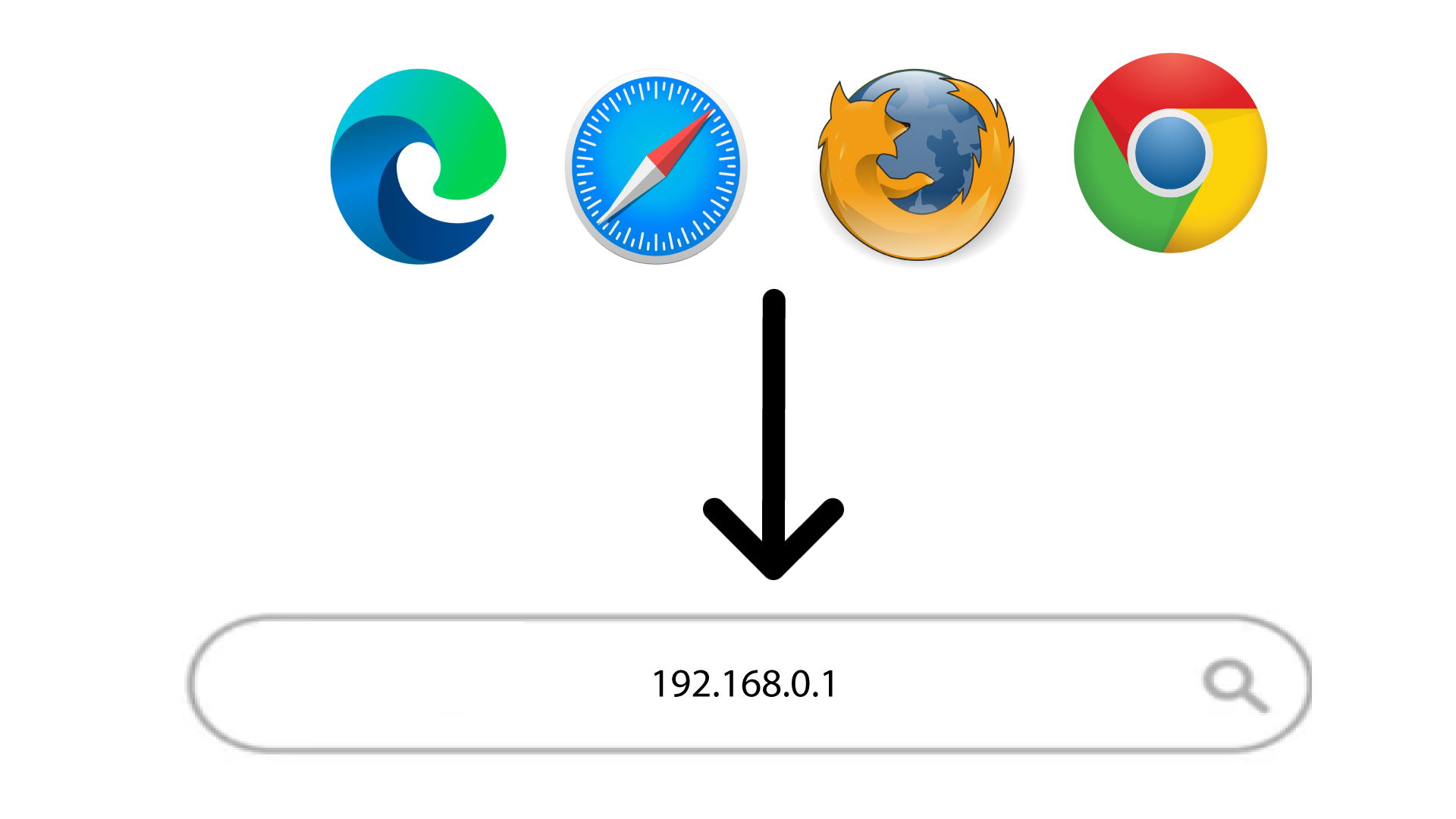
A questo punto, inserisci nel browser il seguente indirizzo IP: 168.0.1
3Accediall'interfaccia utente web
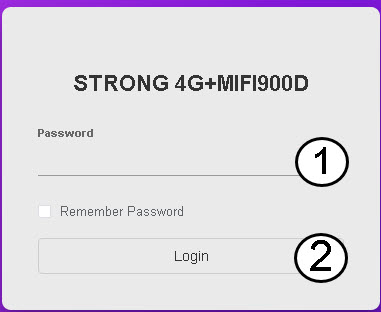
Una volta che ti sei collegato all'indirizzo IP, devi inserire la tua password prima di cliccare su "Accedi".
SUGGERIMENTO: per visualizzare la password, clicca sull'icona a forma di occhio.