Nessun articolo trovato.
LEAP 41 | Google TV 4K con HDR10+
Nessun articolo trovato.
Tutte le domande
Nessun articolo trovato.
LEAP 41 | Google TV 4K con HDR10+
Nessun articolo trovato.
Come posso aggiornare il mio dispositivo?
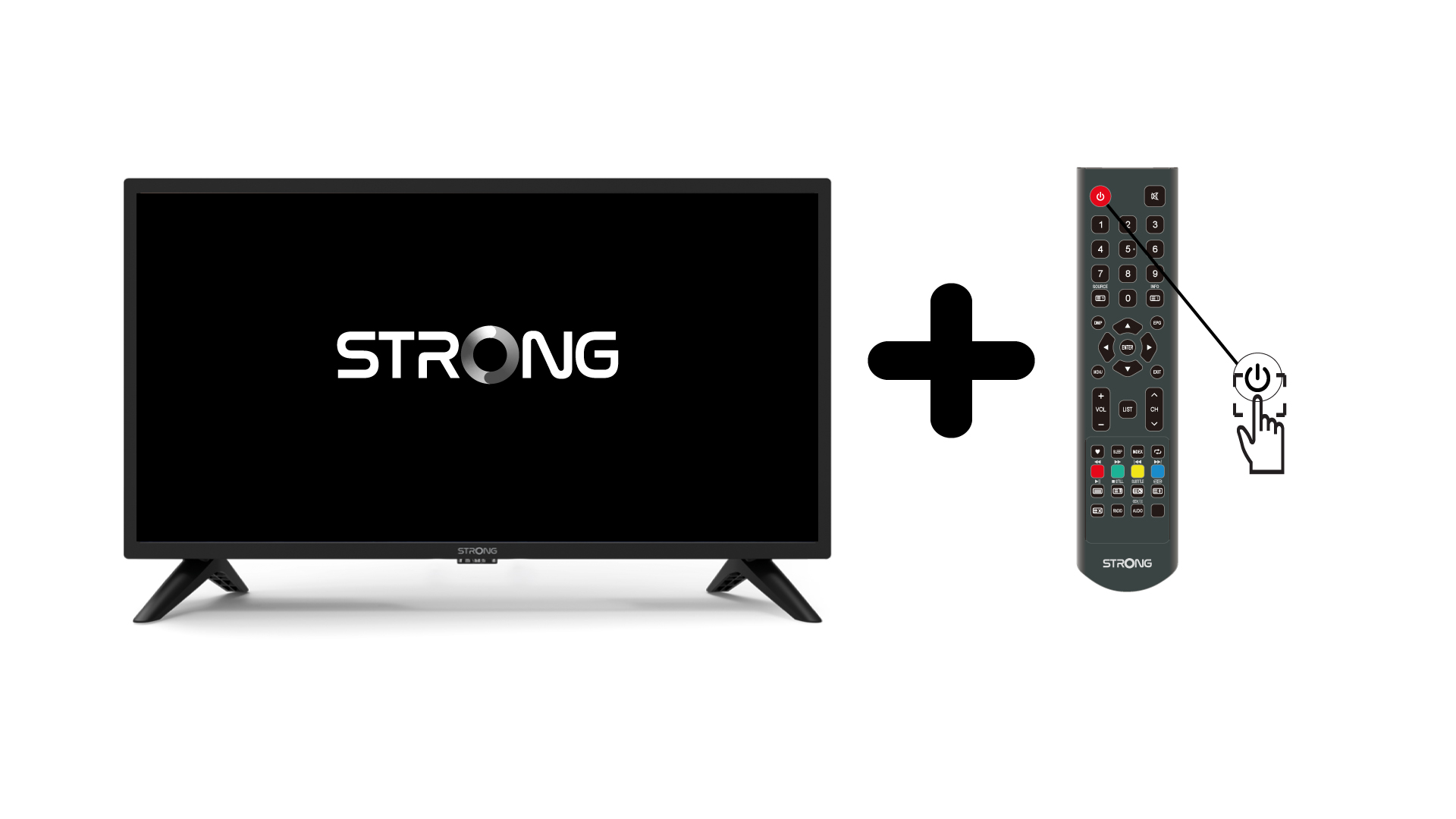
1.Accendere la TV e il dispositivo
Accendi la TV e il tuo dispositivo.
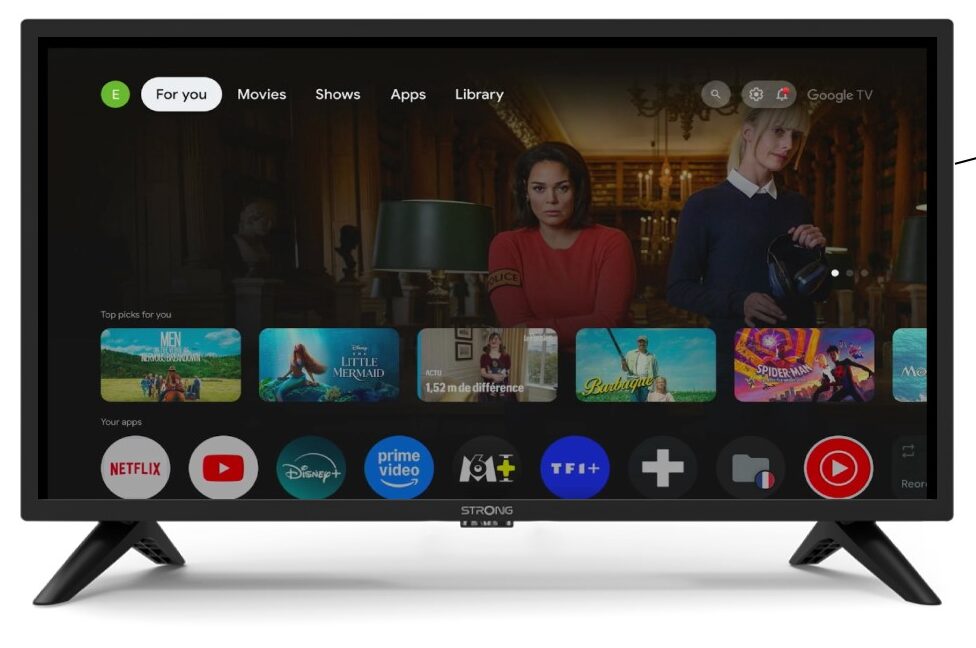
2 Impostazioni
Nella pagina Impostazioni, seleziona “telecomando e e accessori”.
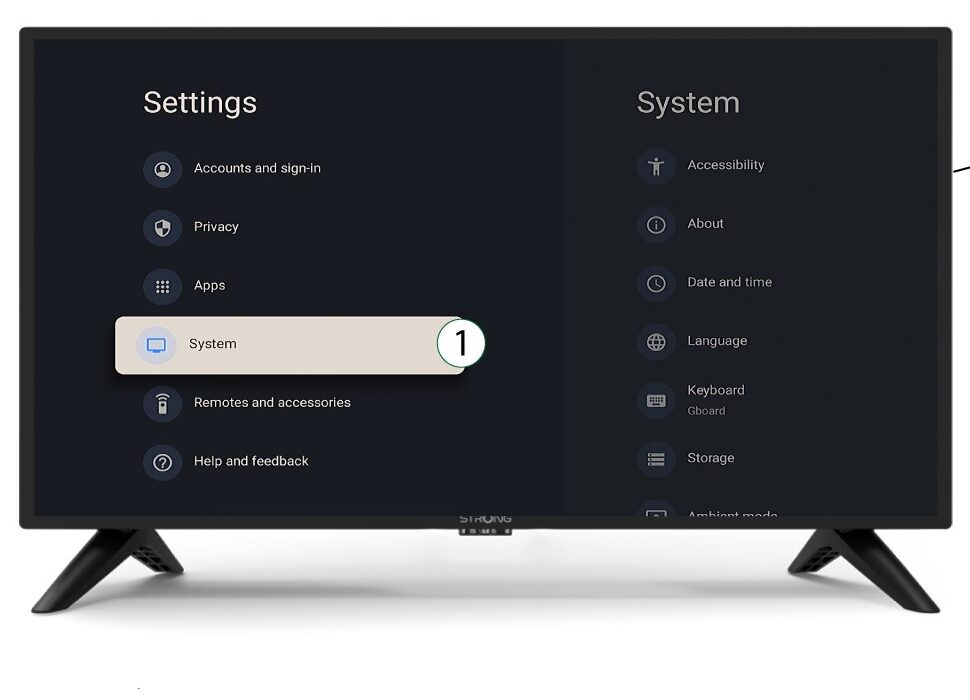
3System
Nel menu Impostazioni, seleziona Sistema e premi OK.
4Informazioni su
Selezionare "Informazioni" dal menu di sistema e premere OK.
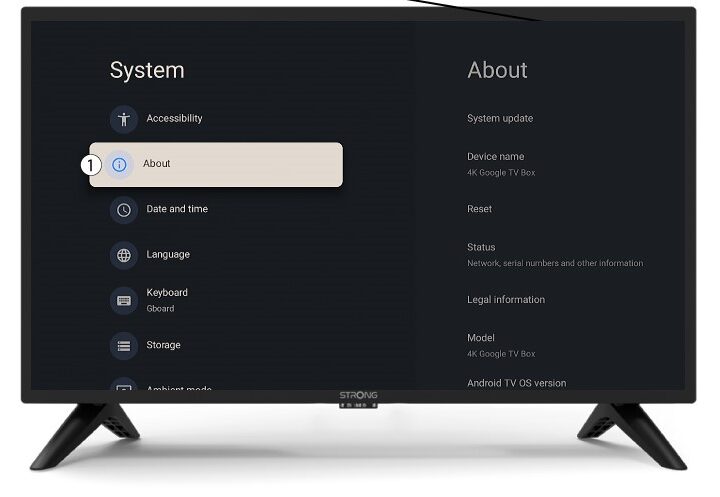
5. Aggiornamento del sistema
Selezionare " Aggiornamento di sistema".
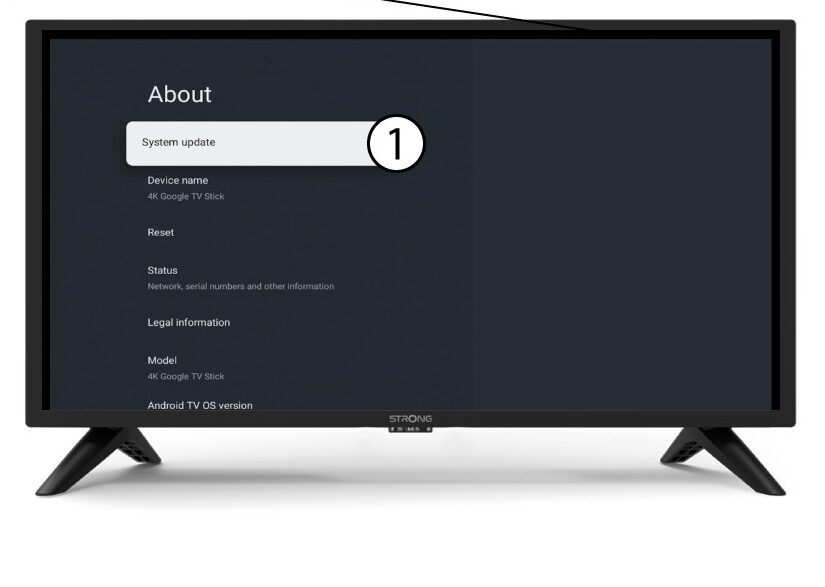
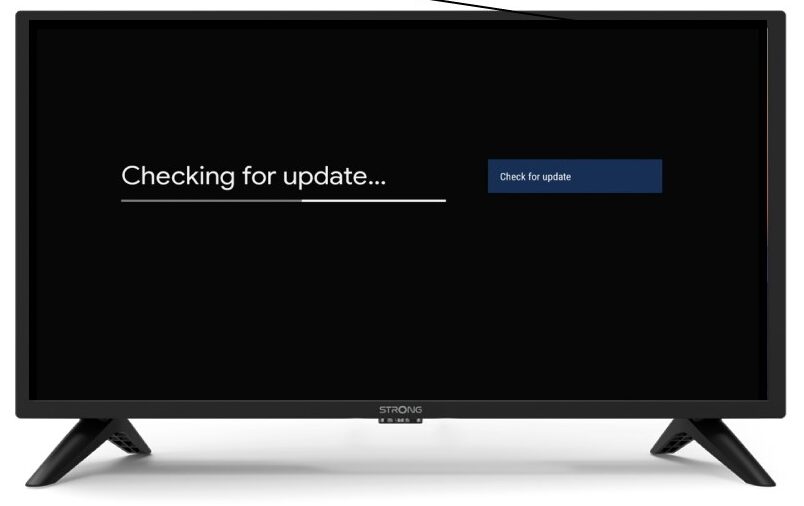
6. Ricercaautomatica di nuove versioni del software
Verrà avviata una verifica per controllare se disponi dell'aggiornamento più recente. Attendi il completamento dell'operazione. La nuova versione del software verrà scaricata automaticamente.