
4G AIRHOME 210 UK vaste 4G-antennes
Geen items gevonden.
Geen items gevonden.
Alle vragen
4G AIRHOME 210 UK vaste 4G-antennes
Geen items gevonden.
Geen items gevonden.
Hoe schakel ik de wifi uit?
Je kunt besluiten dat je de wifi van je router niet nodig hebt; als dat het geval is, moet je deze uitschakelen in de webinterface.
1. Maak verbindingmet het wifi-netwerk van je router
Om het wifi-netwerk van je router uit te schakelen, moet je verbinding maken met het wifi-netwerk van je apparaat.

2. Ganaar het IP-adres van de webinterface
Voer vervolgens het volgende IP-adres in: 192.168.188.1 in je browser.

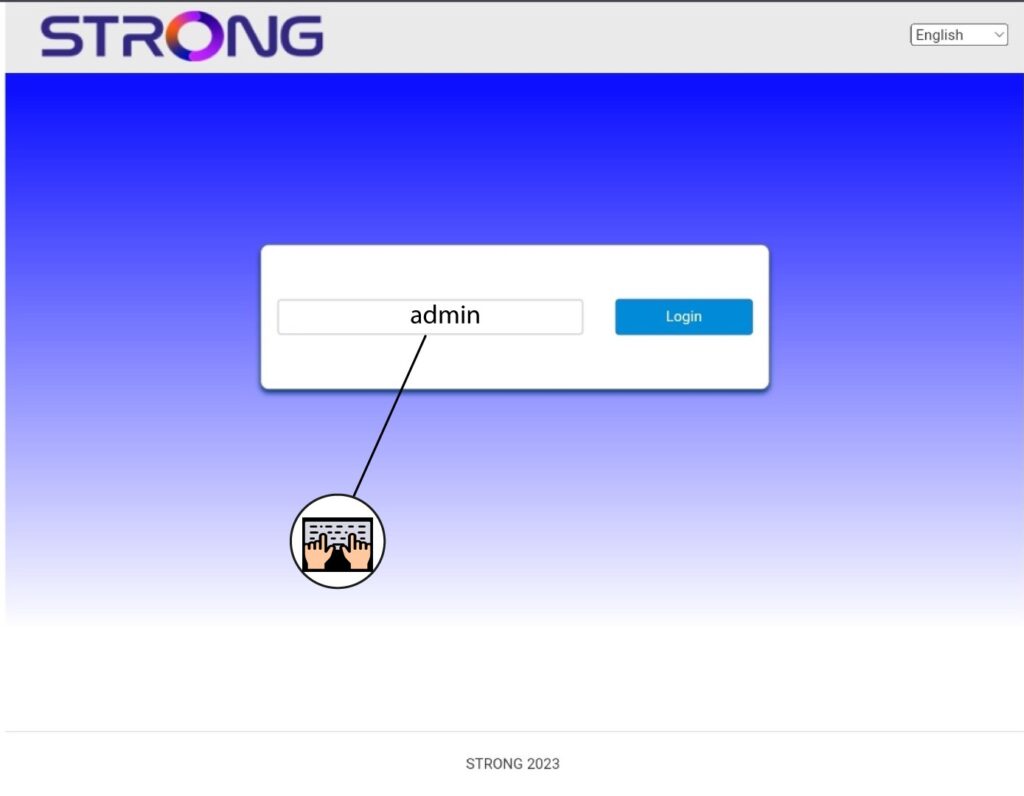
3Voeruw inloggegevens in
U moet het wachtwoord invoeren.
4. Wi-Fi-instellingen
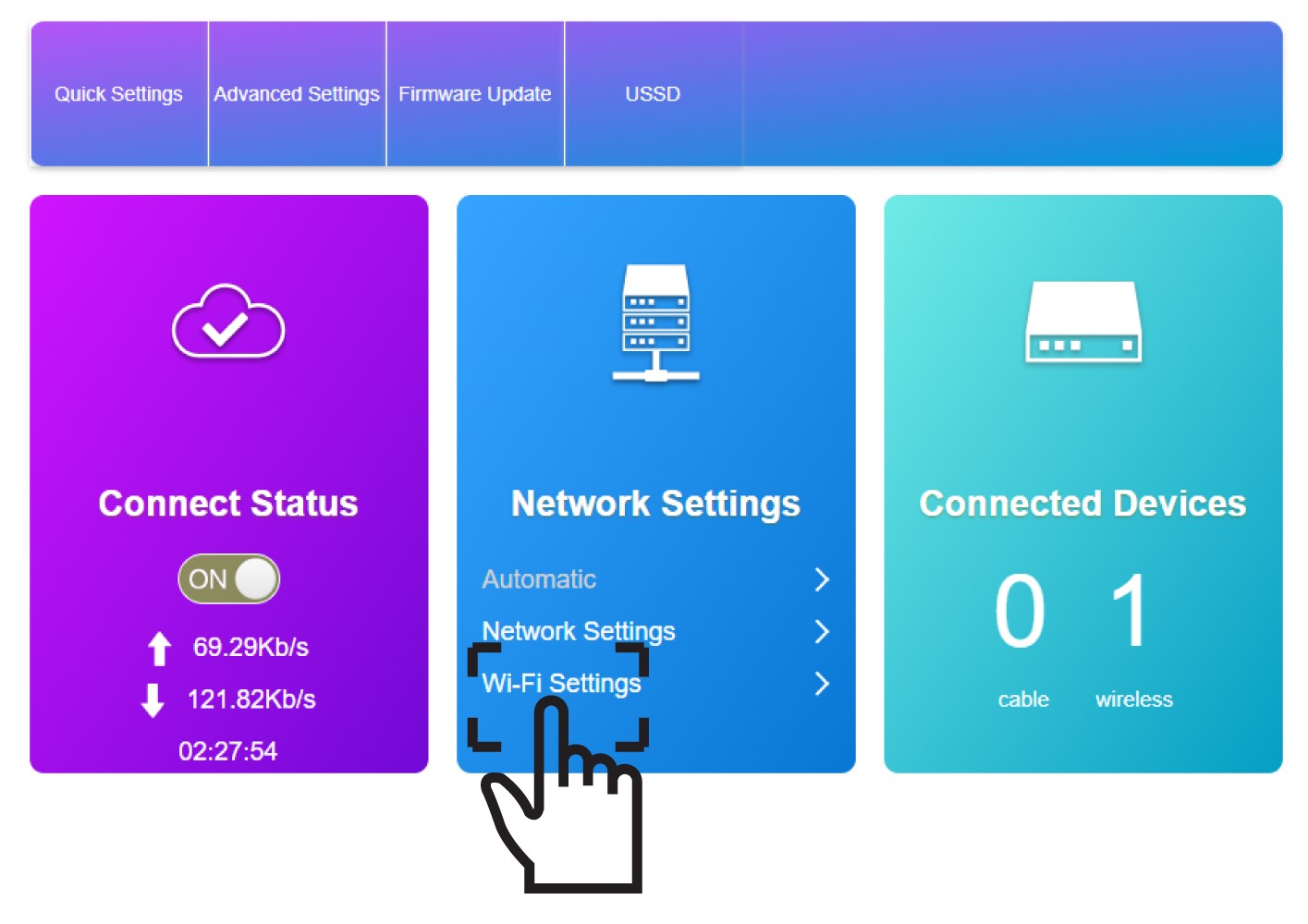
Klik op ‘Wi-Fi-instellingen’ in het gedeelte ‘Netwerkinstellingen’.
5. Wi-Fi uitschakelen
Klik vervolgens op ‘Uitschakelen ’ en ‘Toepassen’.
