
4G AIRHOME 210 UK vaste 4G-antennes
Geen items gevonden.
Geen items gevonden.
Alle vragen
4G AIRHOME 210 UK vaste 4G-antennes
Geen items gevonden.
Geen items gevonden.
Hoe kan ik de firmware van het apparaat bijwerken?
Wanneer u bent ingelogd op de webinterface, moet u de firmwareversie van uw apparaat controleren via de online updateoptie in de webinterface. Hierdoor wordt de nieuwste firmwareversie geïnstalleerd. Als uw router niet up-to-date is, volg dan de onderstaande procedure om de firmware bij te werken.
1. Maak verbindingmet het wifi-netwerk van je router
Om het wifi-netwerk van je router uit te schakelen, moet je verbinding maken met het wifi-netwerk van je apparaat.

2. Ganaar het IP-adres van de webinterface
Voer vervolgens het volgende IP-adres in: 192.168.188.1 in je browser.

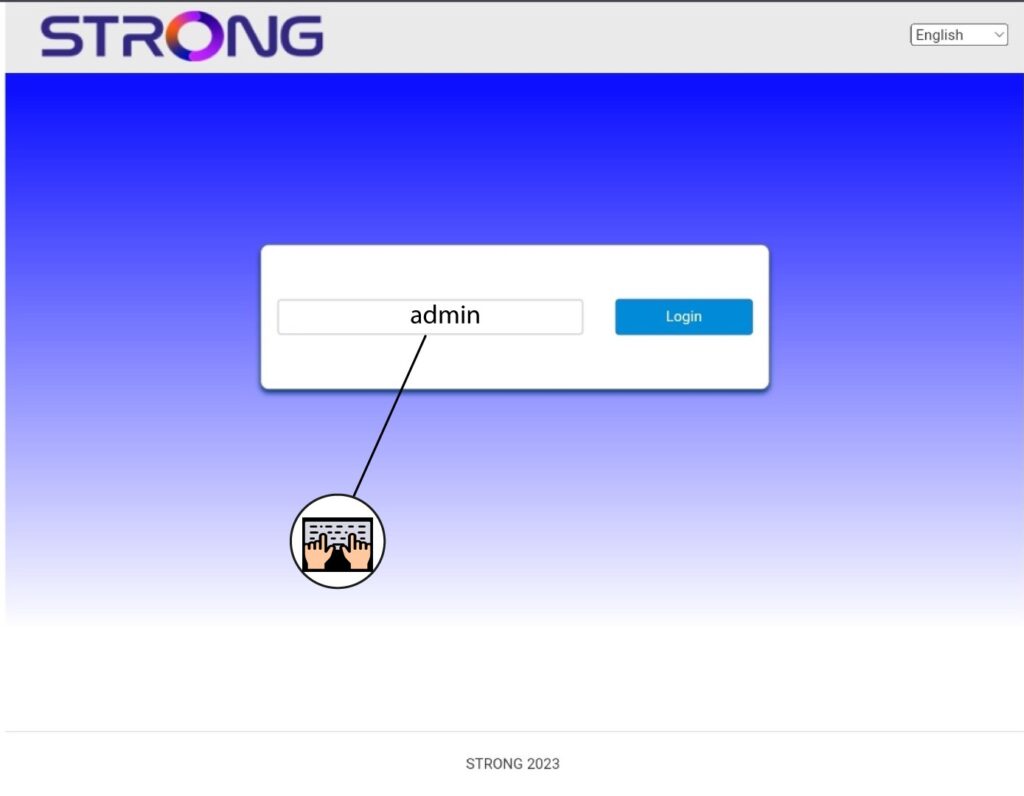
3Voeruw inloggegevens in
U moet het wachtwoord invoeren.
4. Firmware-update
Klik op ‘Firmware-update’.

5. Werkje router bij
Klik op ‘Check’ in het gedeelte ‘Check New Version’. De nieuwste versie van de software wordt automatisch gedownload, waarna u opnieuw verbinding moet maken met het wifi-netwerk om uw pincode in te voeren.