Geen items gevonden.
LEAP 41 | 4K Google TV met HDR10+
Geen items gevonden.
Alle vragen
Geen items gevonden.
LEAP 41 | 4K Google TV met HDR10+
Geen items gevonden.
Hoe verwijder ik een aanvraag?
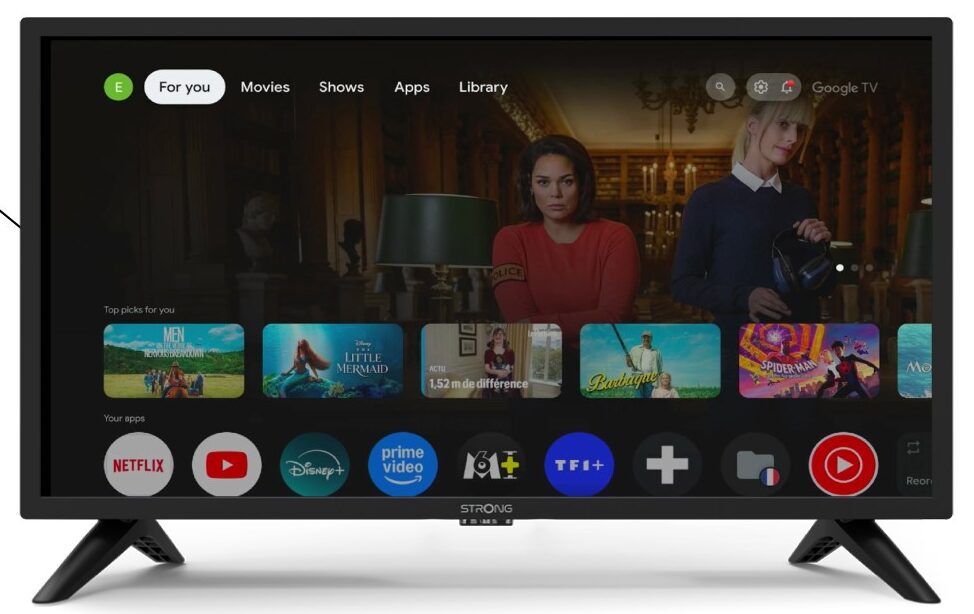
1Instellingen
Druk op de knop ‘Instellingen’ op de afstandsbediening (pictogram met tandwiel). Het menu ‘Instellingen’ verschijnt op uw tv-scherm.
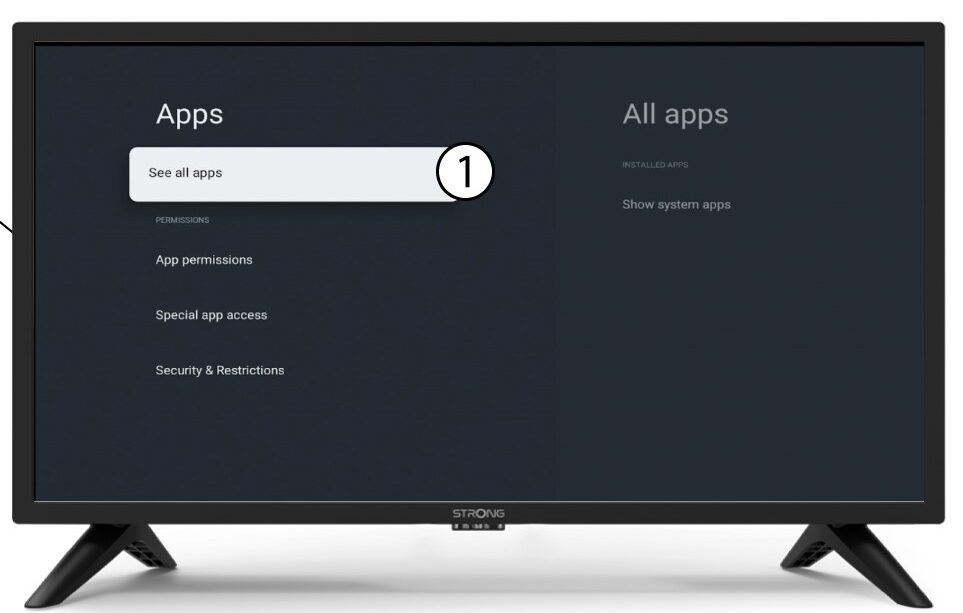
2Apps
Selecteer in de instellingen de optie ‘Apps’.

3Alleapps
Kies ‘Alle apps weergeven’.
4Selecteerde app die je wilt verwijderen
Kies een app uit de lijst.
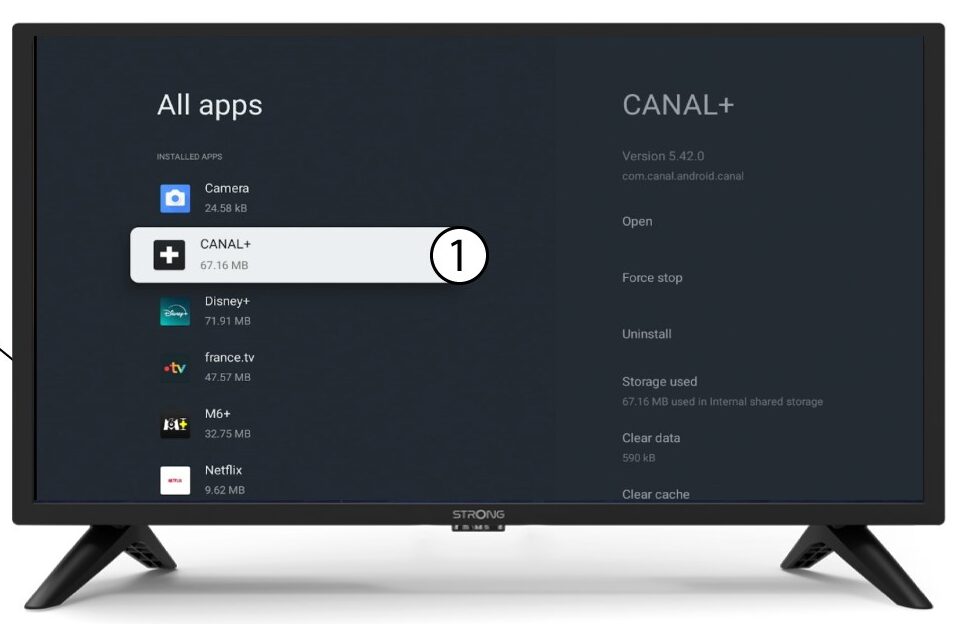
5. Verwijderen
Kies ‘Verwijderen’.
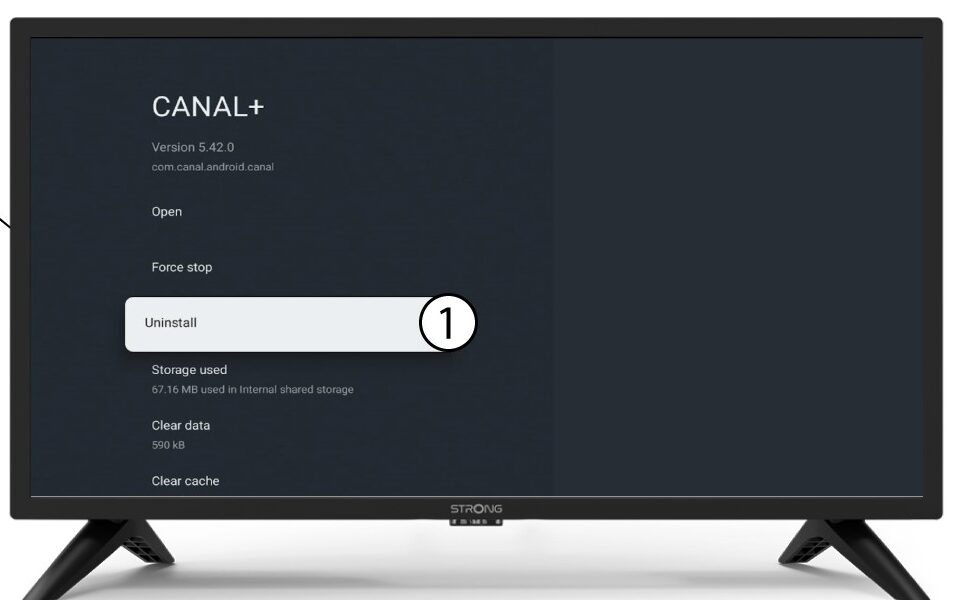
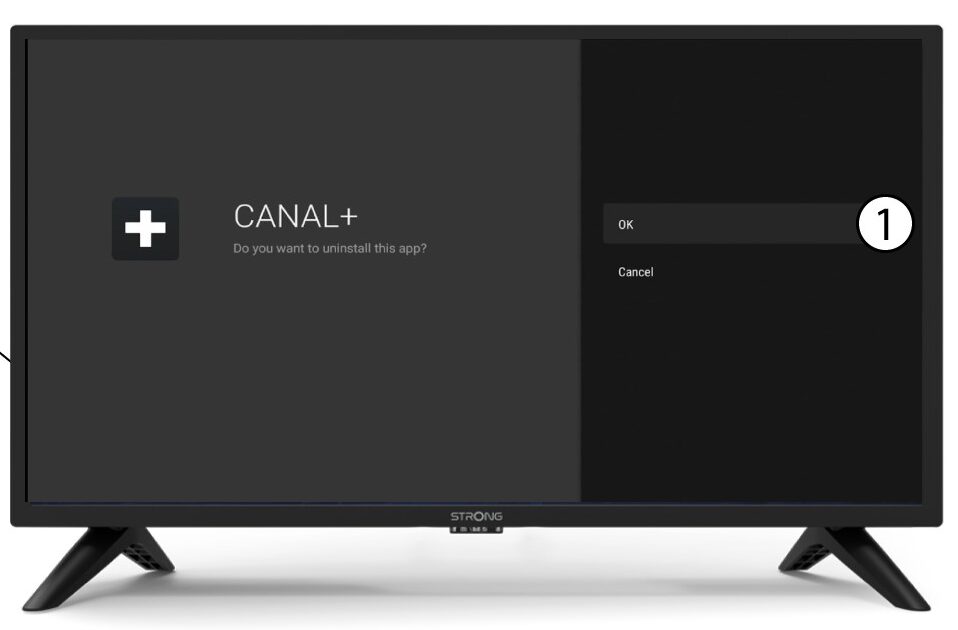
6Bevestigverwijdering
Klik op OK.