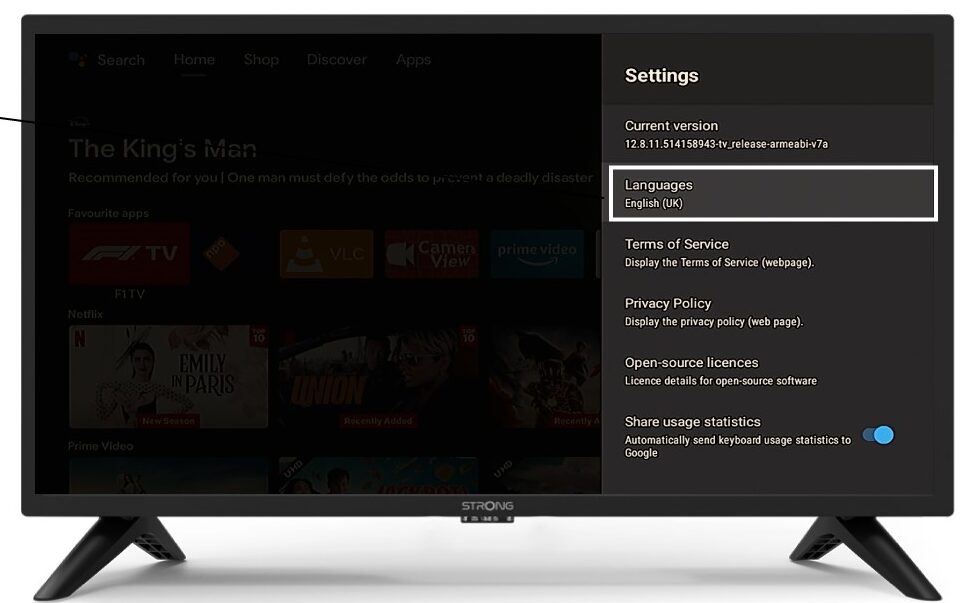
LEAP 41 | 4K Google TV met HDR10+
Alle vragen
LEAP 41 | 4K Google TV met HDR10+
Ik heb een AZERTY-toetsenbord via USB aangesloten, maar het wordt herkend als een QWERTY-toetsenbord. Hoe komt dat?

Waarschuwing: Houd er rekening mee dat de ondersteunde toetsenbordindelingen voor externe toetsenborden door Google worden bepaald. Het is daarom mogelijk dat uw toetsenbordindeling niet wordt ondersteund. In dat geval raden wij u aan contact op te nemen met de fabrikant van uw toetsenbord om te vragen of er een app beschikbaar is waarmee uw toetsenbord compatibel kan worden gemaakt.
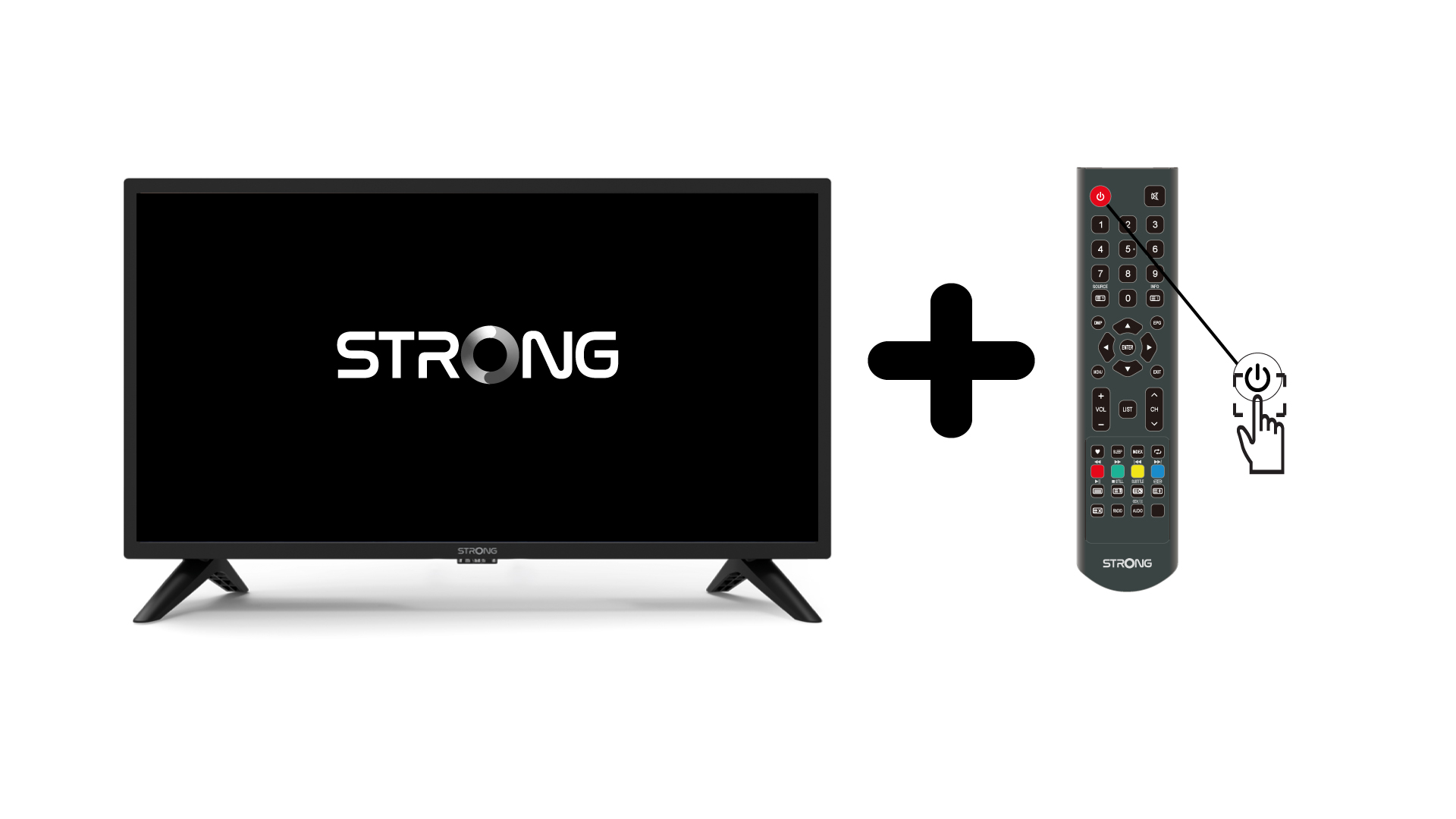
1. Zetde tv en het apparaat aan
Zet je tv en je apparaat aan.
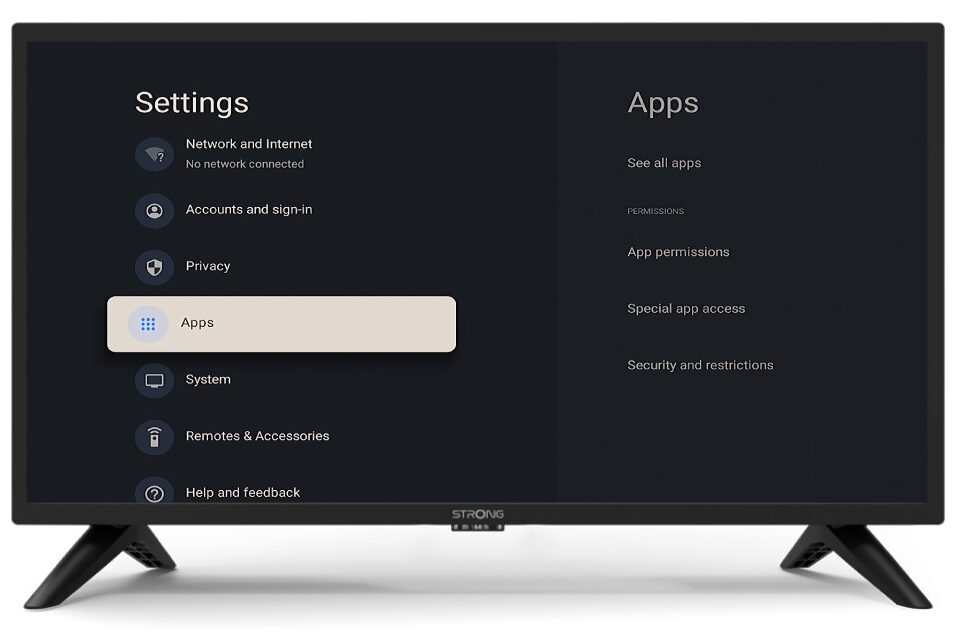
2. Instellingen
Druk op de knop ‘Instellingen’ op de afstandsbediening (pictogram met tandwiel). Het menu ‘Instellingen’ verschijnt op uw tv-scherm.
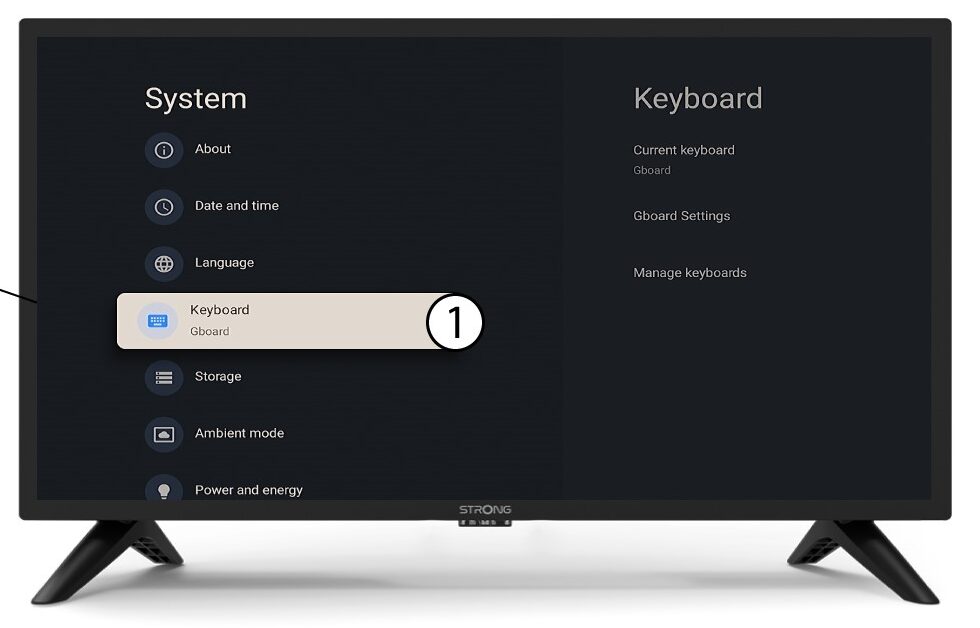
3Toetsenbord
Selecteer ‘Toetsenbord’ in het menu ‘Instellingen’ en druk op de OK-knop op uw afstandsbediening.
4Manage-toetsenbord
Klik op ‘Toetsenbord beheren’. Klik vervolgens op de schakelknop om het uit te schakelen.
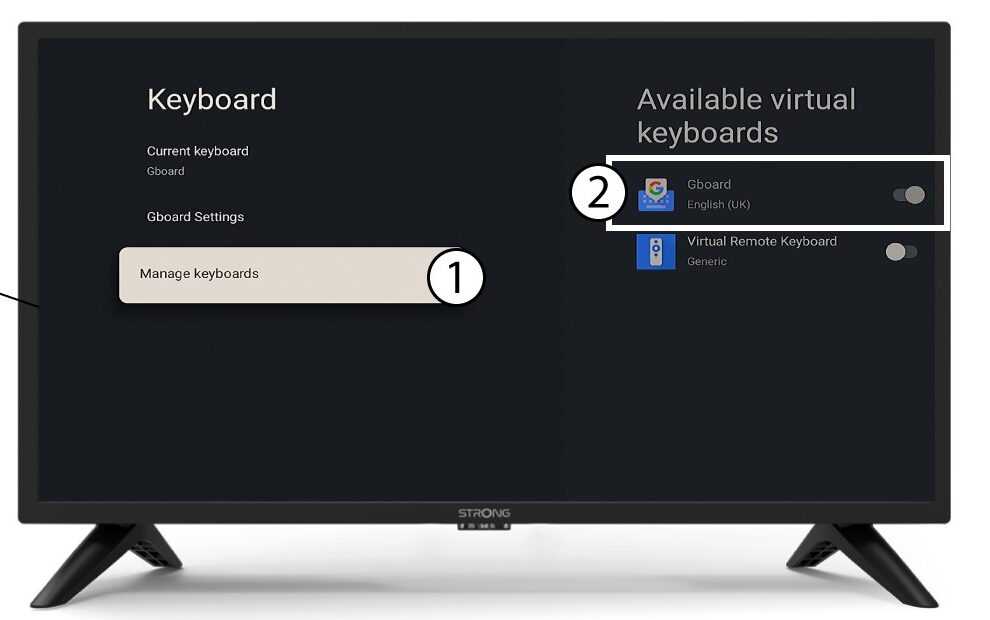
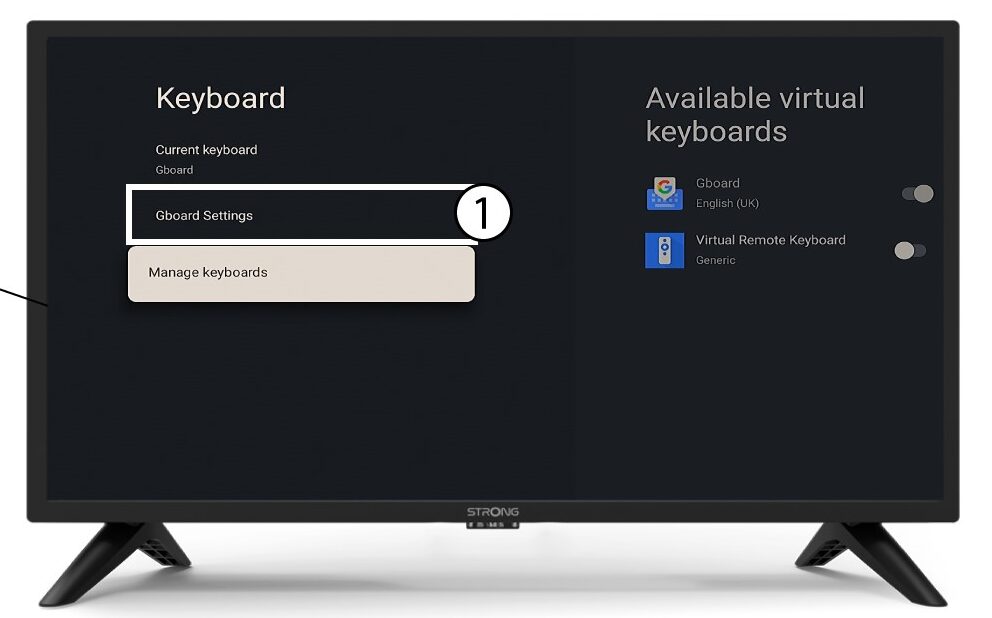
Instellingen 5Gboard
Klik op ‘Gboard-instellingen ’ en druk op ‘OK’.
6talen
Klik op ‘Talen’ en druk op OK op de afstandsbediening. Selecteer vervolgens de taal.