
Geen items gevonden.
Geen items gevonden.
2K+ SMART HOME
Alle vragen
Geen items gevonden.
Geen items gevonden.
2K+ SMART HOME
Hoe voer ik een harde reset uit op mijn camera (zonder de app te gebruiken)?
Als je de app niet kunt gebruiken, kun je de camera resetten met de knop op het apparaat.
Om dit te doen, moet je de onderstaande stappen volgen.
1. Zoekde resetknop
Draai aan de cameralens om de resetknop te vinden.
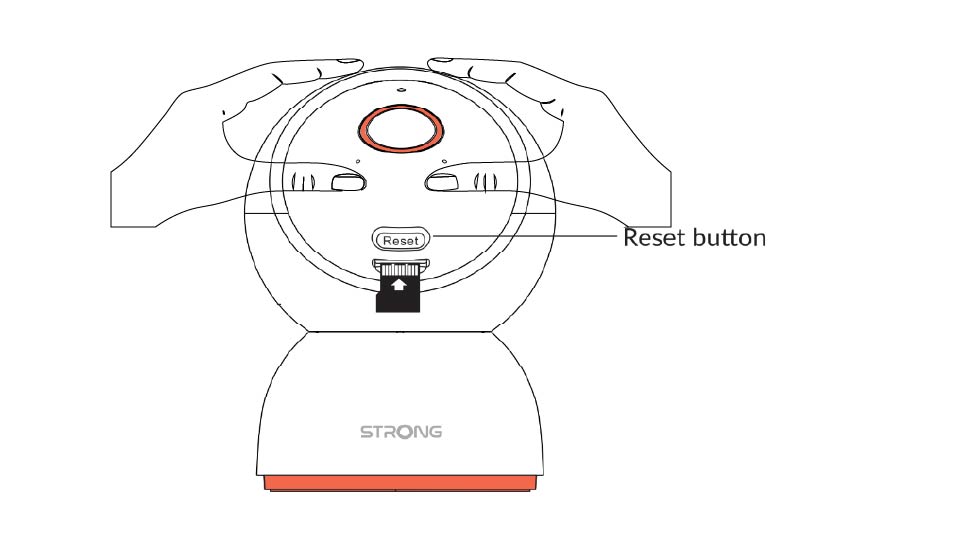
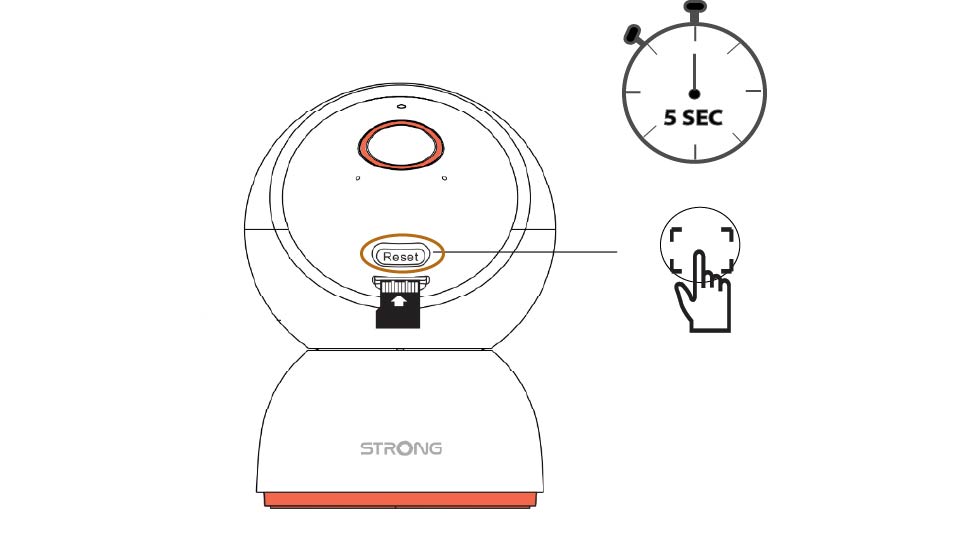
2. Druk opde resetknop
Houd de knop 5 seconden ingedrukt.
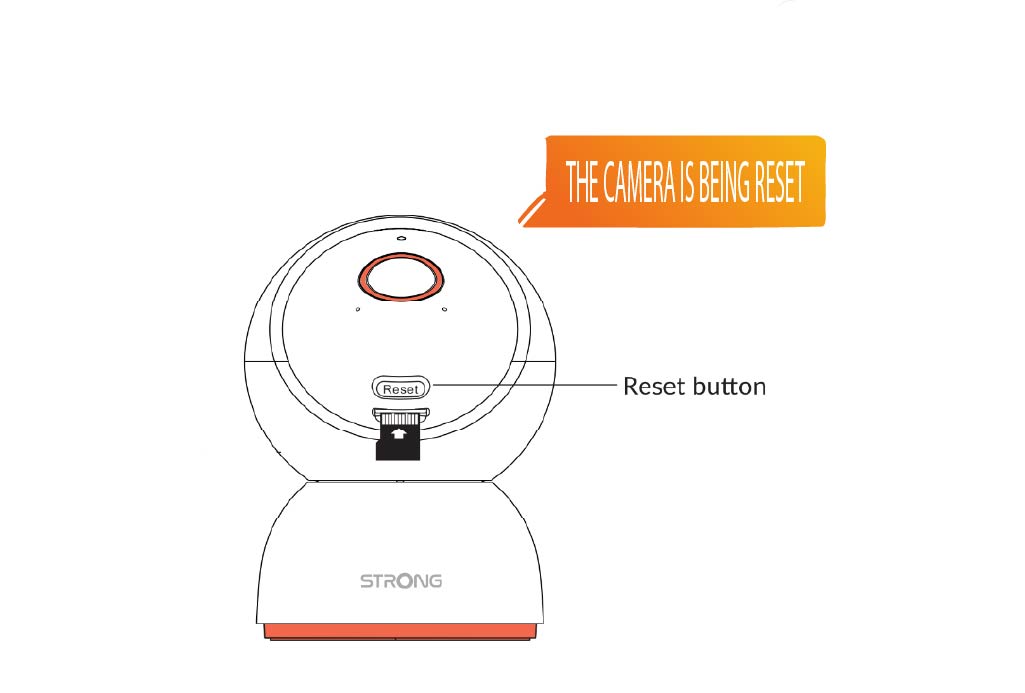
3. Wachtop het resetbericht
Zodra u deze stap hebt voltooid, hoort u: "De camera wordt opnieuw ingesteld." De camera start vervolgens automatisch opnieuw op.
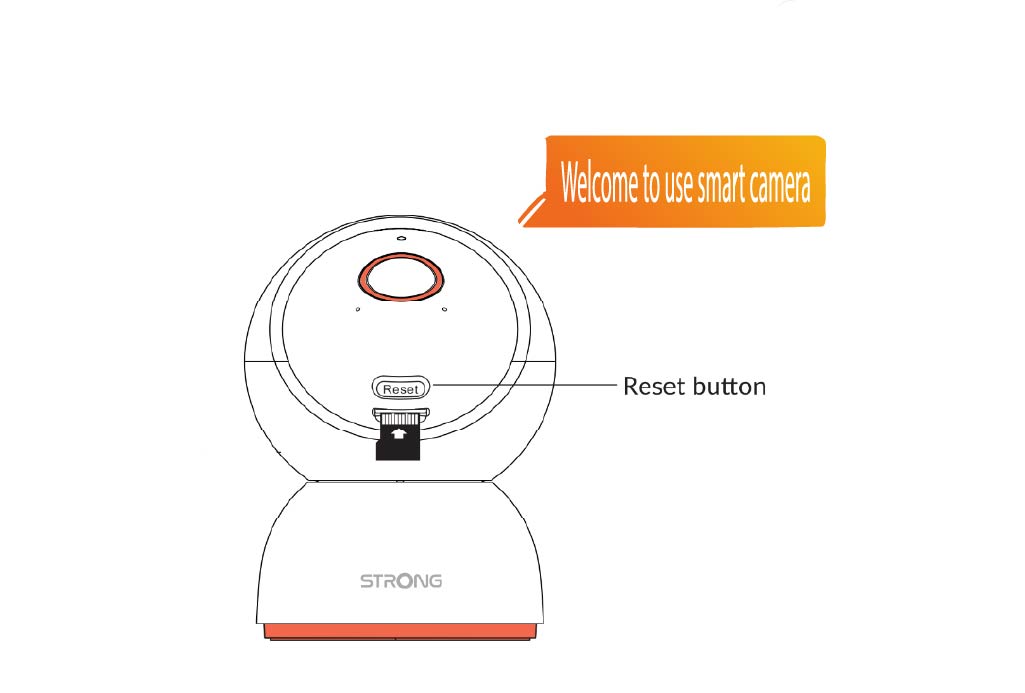
4Welkomstbericht
Zodra het klaar is, verschijnt de melding: “Welkom bij onze slimme camera.”
TIP: Zodra de reset is voltooid, open je de app en voeg je de camera opnieuw toe.