2K+ SMART HOME
Alle vragen
2K+ SMART HOME
Hoe stel ik bewegingsdetectie in op mijn camera?
1. Opende camera-instellingen
Klik op ‘Instellingen’.

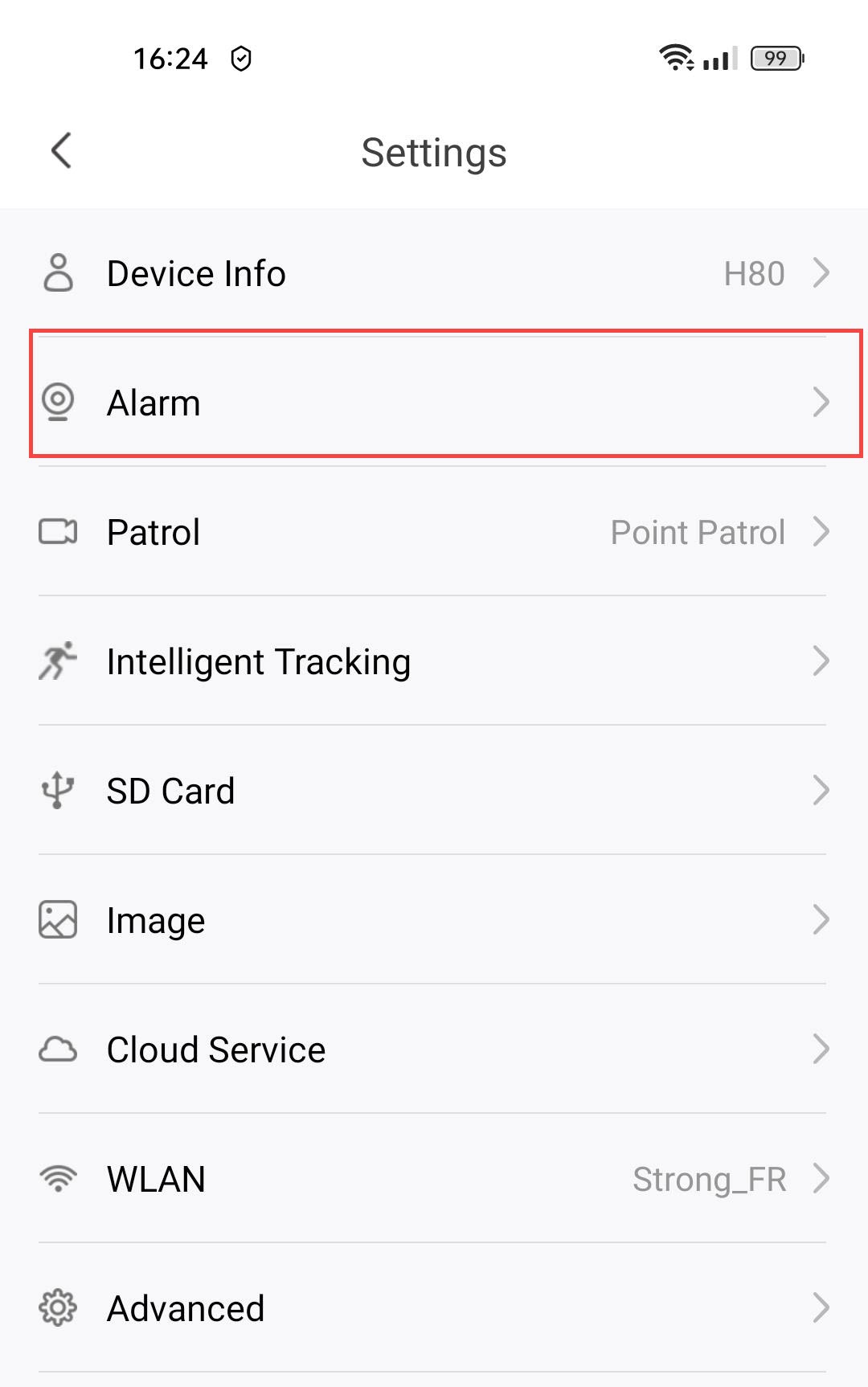
2. Alarminstellingen openen
Selecteer ‘Alarm’.
3. Bewegingsdetectie inschakelen
Druk vervolgens op de schakelaar ‘Bewegingsdetectie ’.
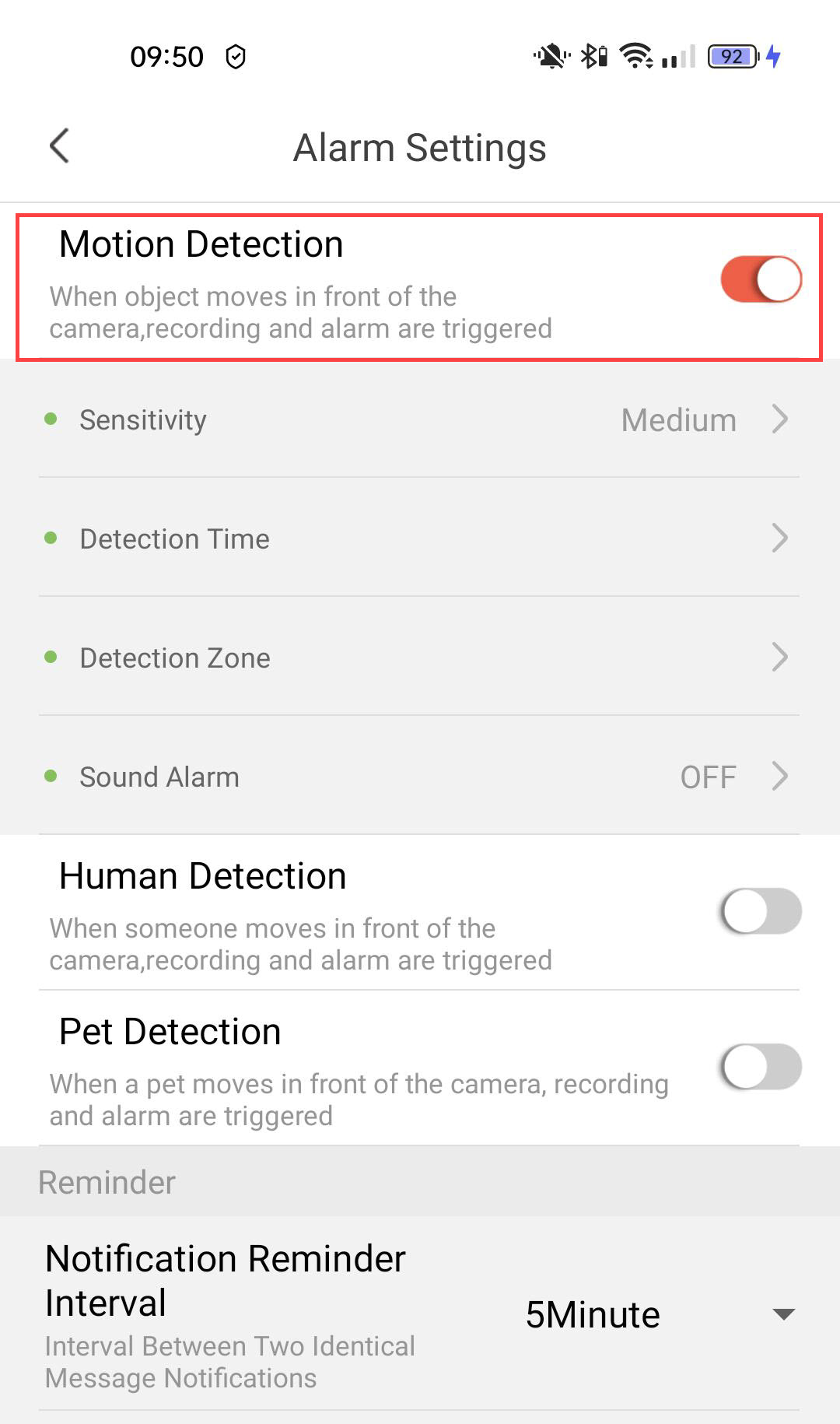
4. Gevoeligheid van de setdetectie instellen
Selecteer de gevoeligheid (kies een niveau tussen laag, gemiddeld en hoog om de nauwkeurigheid van de detectie te verbeteren).

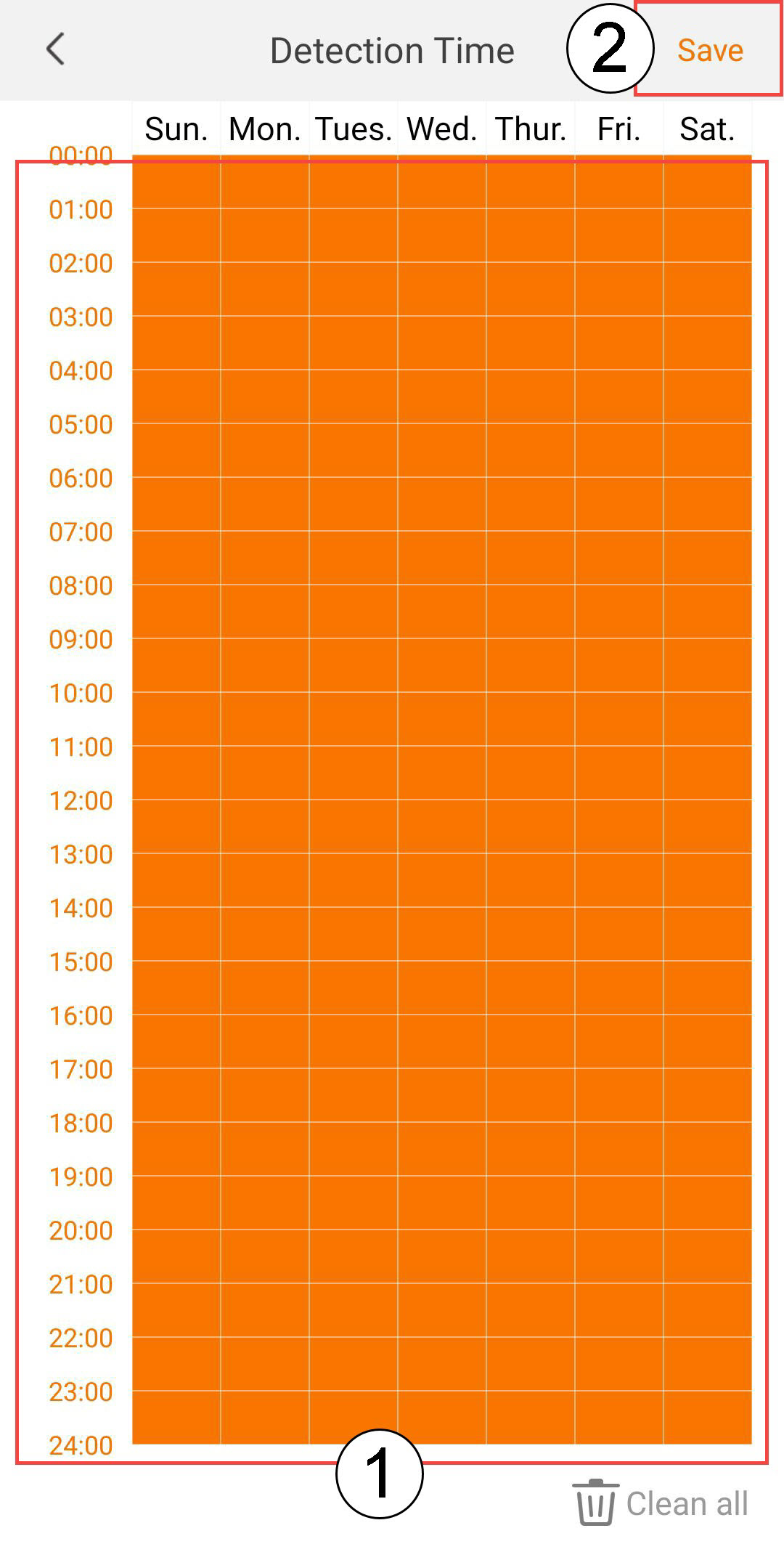
5. Detectietijd instellen
Selecteer de detectietijd ( kies de dagen en tijden waarop het alarm moet afgaan als er iets wordt gedetecteerd, en klik vervolgens op ‘Opslaan’).
6. De detectiezone vaststellen
Selecteer detectiezone (maak een detectiezone aan op het raster en klik op ‘Opslaan’. Het alarm gaat af als er iets in deze zone wordt gedetecteerd).

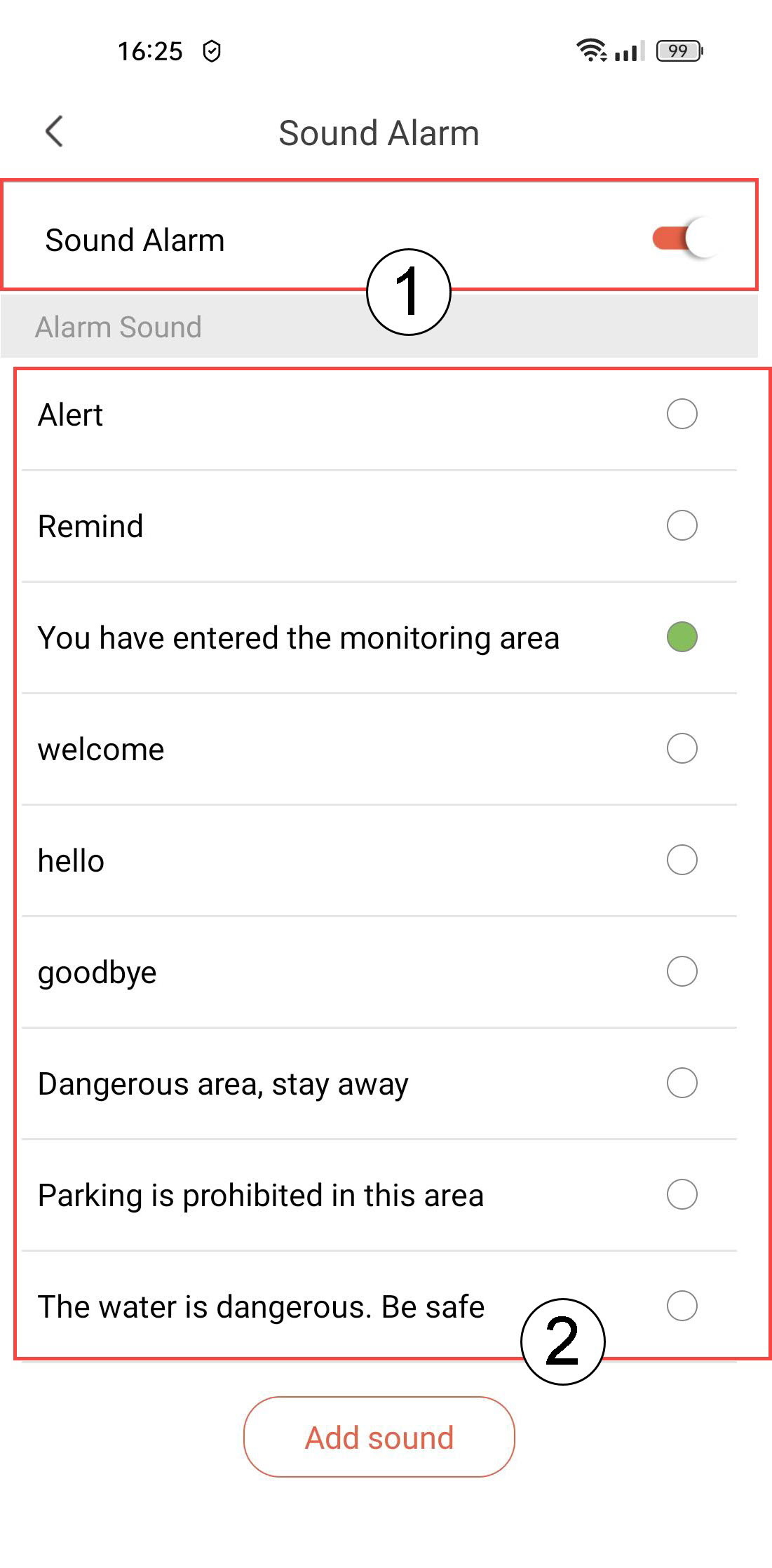
7. Geluidsalarm inschakelen
Selecteer ‘Geluidsalarm’ ( druk op de schakelaar om het alarm in te schakelen en kies een geluid uit de lijst).
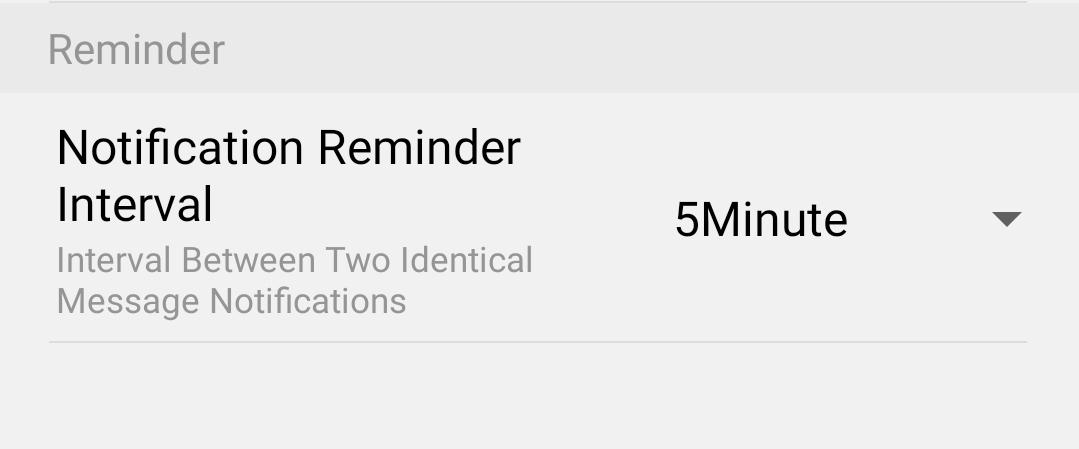
8Herinneringsinterval instellen
Selecteer ‘Herinnering’ (stel de interval tussen twee identieke gebeurtenissen in. Je moet een waarde kiezen tussen 30 seconden en 30 minuten).