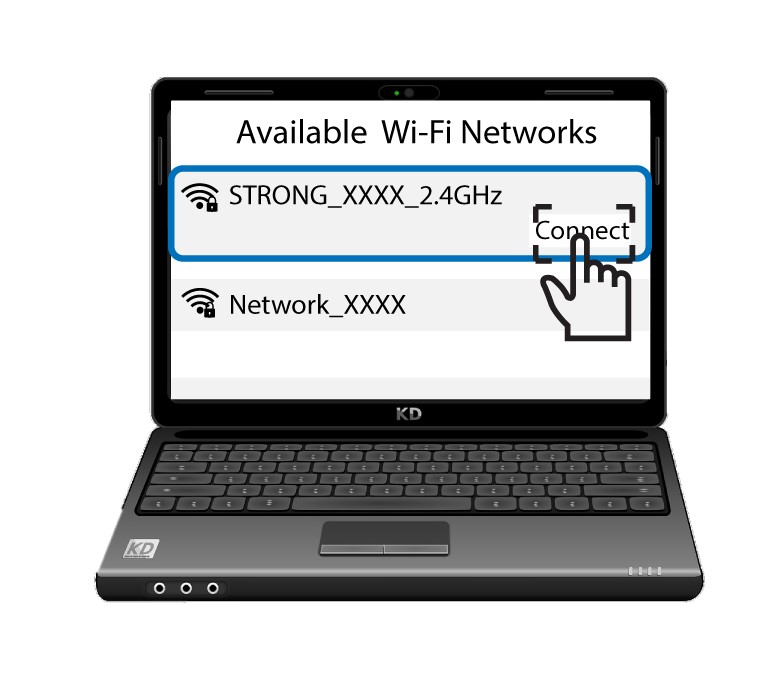
4G AIRHOME 310 med avtakbare 4G-antenner
Ingen gjenstander funnet.
Ingen gjenstander funnet.
Alle spørsmål
4G AIRHOME 310 med avtakbare 4G-antenner
Ingen gjenstander funnet.
Ingen gjenstander funnet.
Hvordan kobler jeg enhetene mine til WPS?

Du kan for eksempel bruke WPS-funksjonen til å sette opp Wi-Fi-forbindelsen mellom ruteren og datamaskinene dine (Linux/Windows). Det er ikke mulig å koble til mobiltelefonen ved hjelp av WPS. For å enkelt koble telefonen til Wi-Fi, kan du skanne QR-koden som er plassert på baksiden av ruteren. Den vil automatisk koble deg til nettverket uten å måtte oppgi Wi-Fi-passordet.
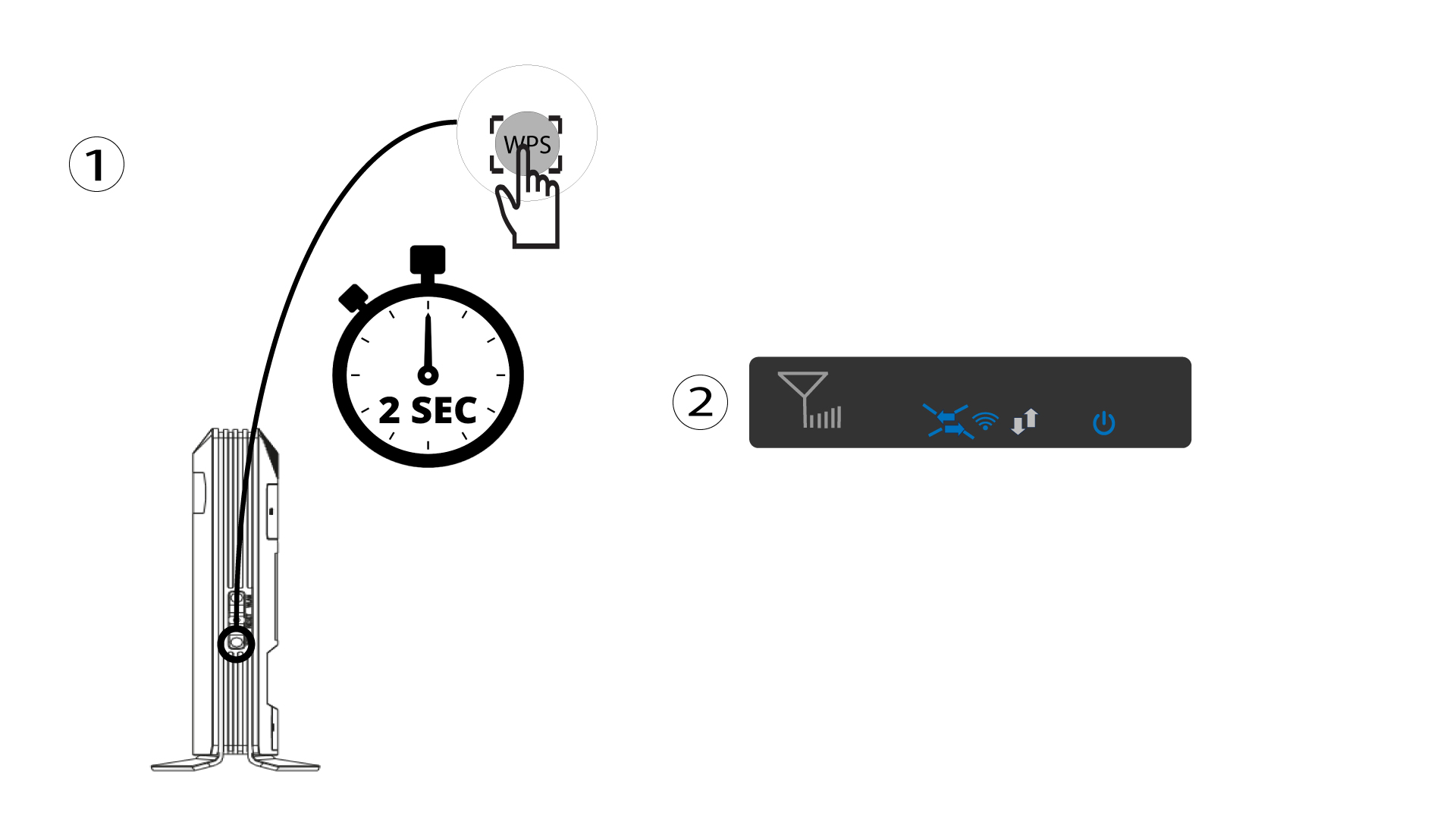
1 Trykk på WPS-knappen
Trykk på WPS-knappen i 2 sekunder for å tillate at alle kompatible enheter i hjemmet ditt automatisk kobler seg til ruterens Wi-Fi-nettverk. Når den er aktivert, blinker de horisontale pilene blått.
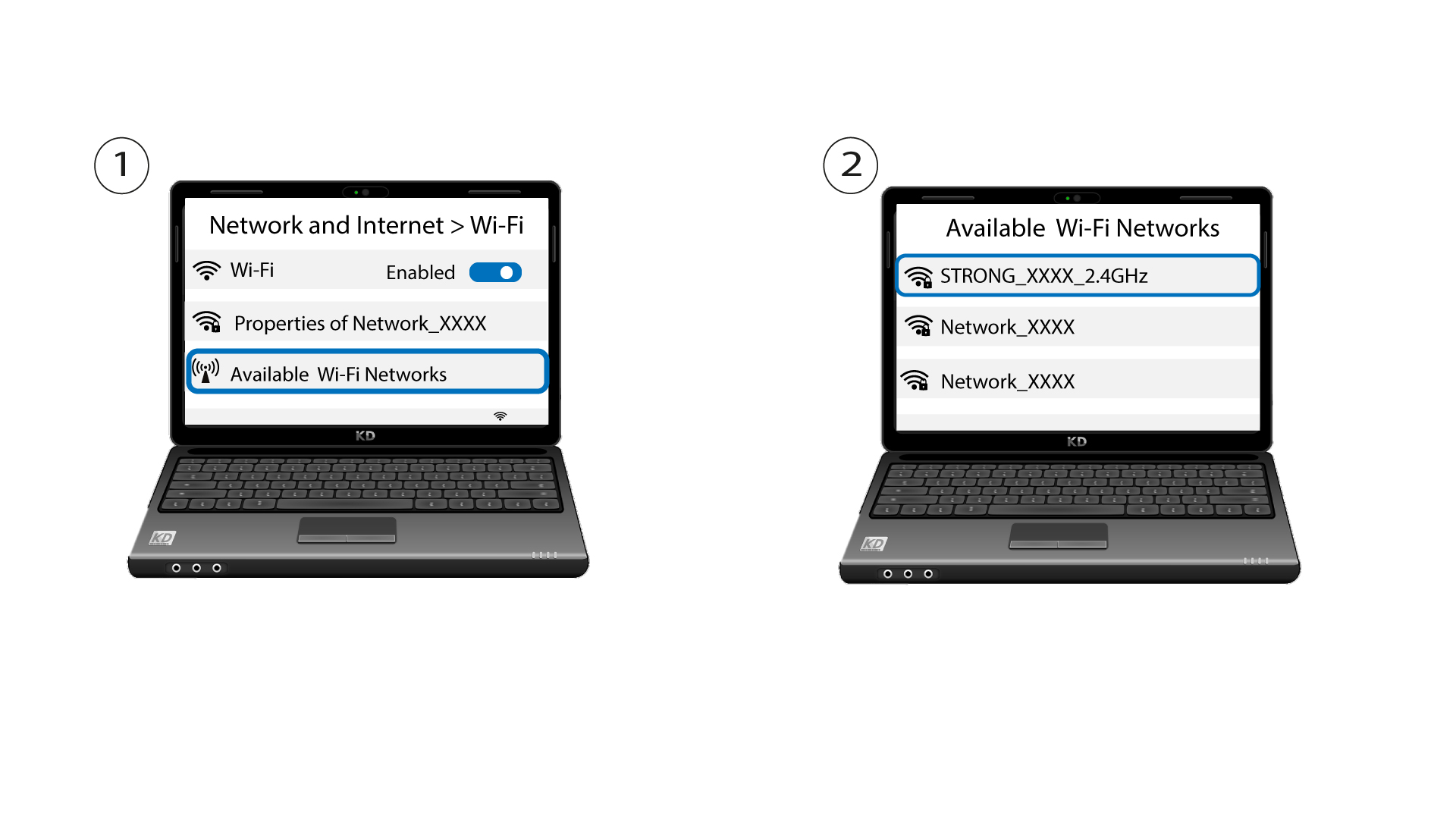
2 Velg Wi-Fi-nettverket blant de tilgjengelige nettverkene
Gå til Wi-Fi-innstillingene på datamaskinen eller telefonen din, og klikk på navnet på ruteren for å velge den.
3 Koble til Wi-Fi
Klikk deretter på tilkoblingsknappen .