5G AIRHOME 1050 | Wi-Fi 6
Ingen gjenstander funnet.
Ingen gjenstander funnet.
Alle spørsmål
5G AIRHOME 1050 | Wi-Fi 6
Ingen gjenstander funnet.
Ingen gjenstander funnet.
Hvordan kobler jeg enhetene mine til WPS?

Du kan for eksempel bruke WPS-funksjonen til å sette opp Wi-Fi-forbindelsen mellom ruteren og datamaskinene, smarttelefonene og/eller skriveren.
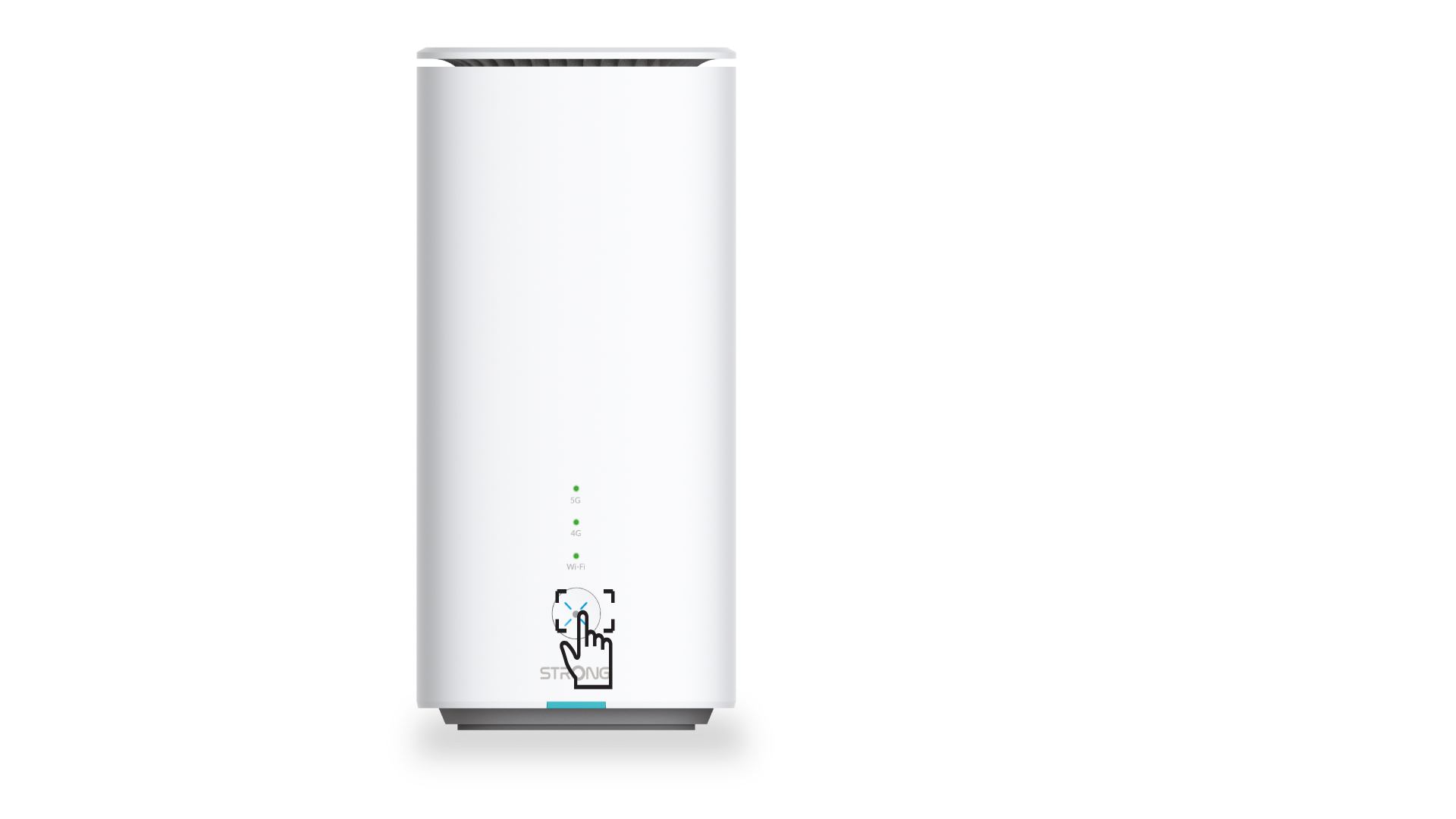
1 Trykk på WPS-knappen
Trykk på WPS-knappen på forsiden av ruteren for å tillate at alle kompatible enheter i hjemmet ditt automatisk kobler seg til ruterens Wi-Fi-nettverk.
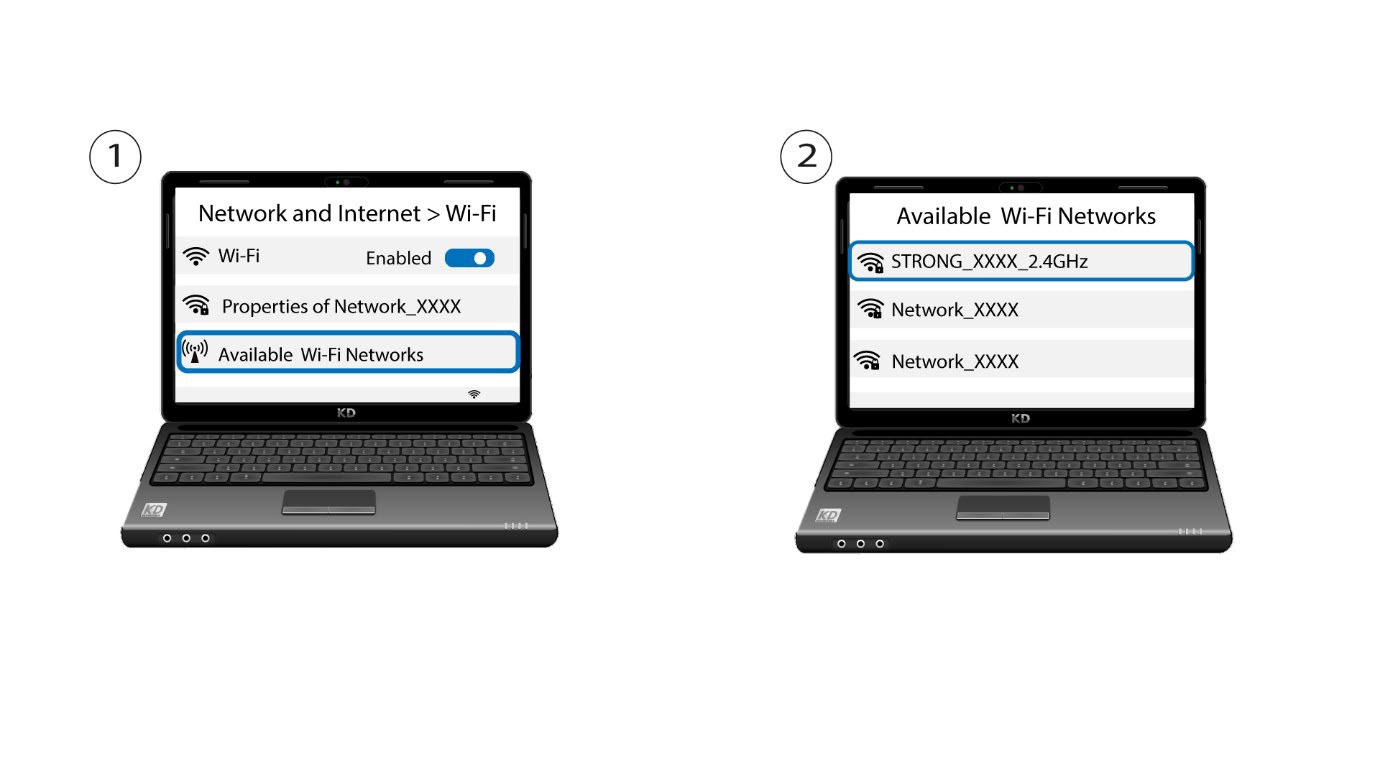
2 Velg Wi-Fi-nettverket til ruteren
Gå til Wi-Fi-innstillingene på datamaskinen eller telefonen din, og klikk på navnet på ruteren for å velge den.
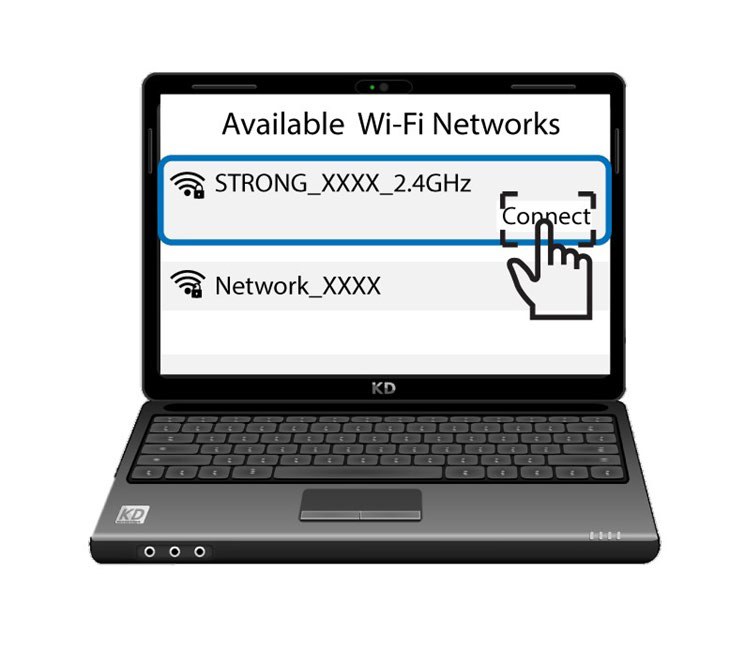
3 Koble til Wi-Fi
Klikk deretter på tilkoblingsknappen