4G AIRSPOT 220 Mobil Wi-Fi med skjerm
Ingen gjenstander funnet.
Ingen gjenstander funnet.
Alle spørsmål
4G AIRSPOT 220 Mobil Wi-Fi med skjerm
Ingen gjenstander funnet.
Ingen gjenstander funnet.
Hvordan skriver jeg inn PIN-koden til SIM-kortet mitt?
1 Koble til ruterens Wi-Fi-nettverk
For å taste inn PIN-koden til SIM-kortet må du koble til nettgrensesnittet. For å gjøre dette, taster du inn SSID-en (Wi-Fi-nettverksnavnet) og Wi-Fi-passordet til ruteren på enheten din.

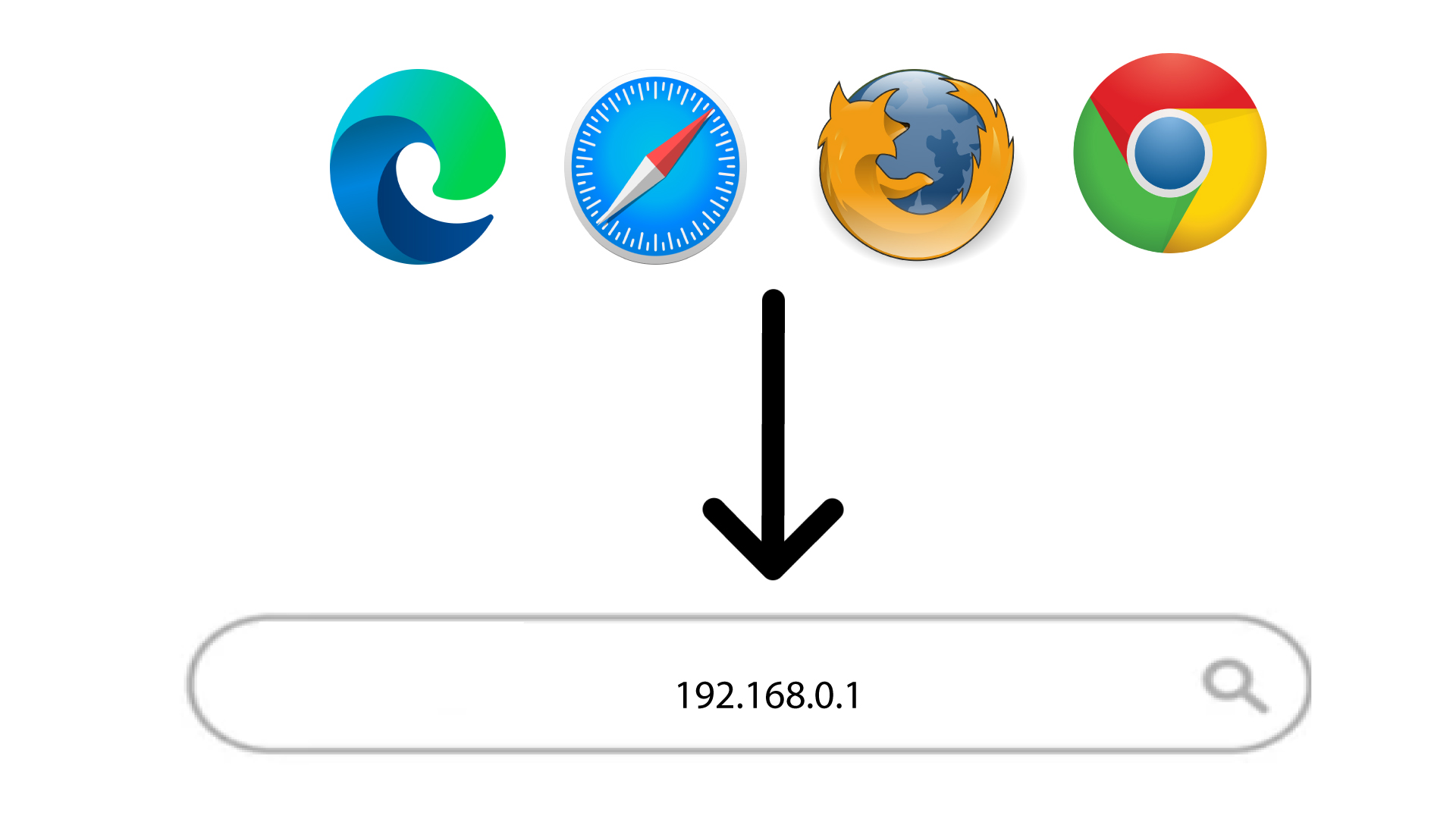
2 Bla til IP-adressen til webgrensesnittet
Deretter skriver du inn følgende IP-adresse i nettleseren din: 192.168.188.1
3 Logg inn
Når du har bladd frem til IP-adressen, må du skrive inn passordet og klikke på Logg inn .

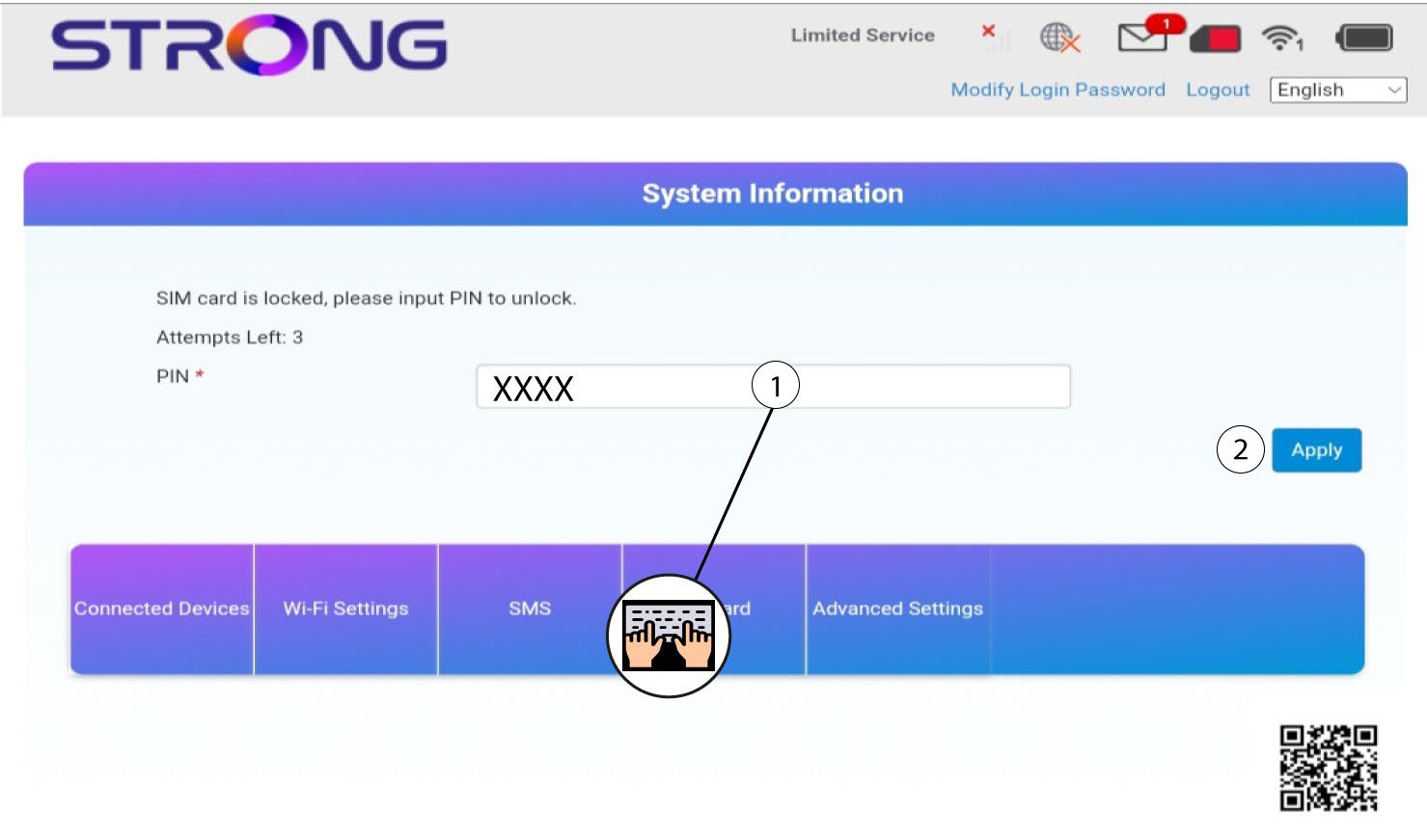
4 Tast inn PIN-koden
Skriv inn PIN-koden for SIM-kortet og klikk på Bruk .