4G AIRSPOT 220 Mobil Wi-Fi med skjerm
Ingen gjenstander funnet.
Ingen gjenstander funnet.
Alle spørsmål
4G AIRSPOT 220 Mobil Wi-Fi med skjerm
Ingen gjenstander funnet.
Ingen gjenstander funnet.
Hvordan setter jeg inn SD-kortet i hotspot 150?
Hvordan setter jeg inn SD-kortet i hotspot 150?
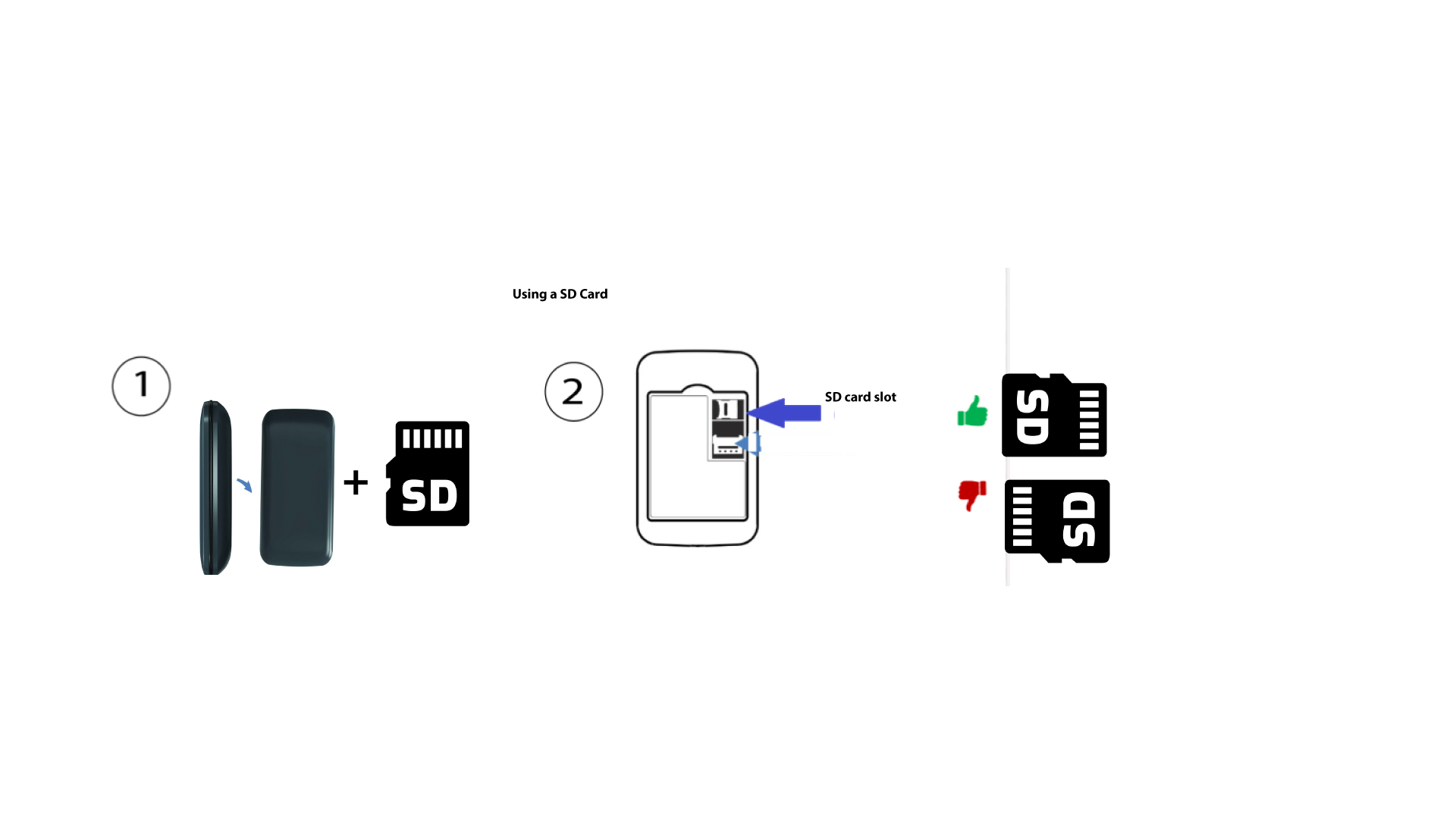
For å sette inn SD-kortet i ruteren, må du først slå av enheten ved å trykke på av/på-knappen i fem sekunder.
1
Sett inn SD-kortet
Fjern deretter dekselet og sett SD-kortet i sporet som er angitt øverst til høyre på baksiden av enheten.