
Mobilne Wi-Fi 4G+ AIRSPOT 520 z ekranem dotykowym
Nie znaleziono żadnych elementów.
Nie znaleziono żadnych elementów.
Wszystkie pytania
Mobilne Wi-Fi 4G+ AIRSPOT 520 z ekranem dotykowym
Nie znaleziono żadnych elementów.
Nie znaleziono żadnych elementów.
Jak wprowadzić kod PIN? (Ekran Mi-Fi)
Po pierwszym włożeniu karty SIM urządzenie wyświetli monit o wprowadzenie kodu PIN.
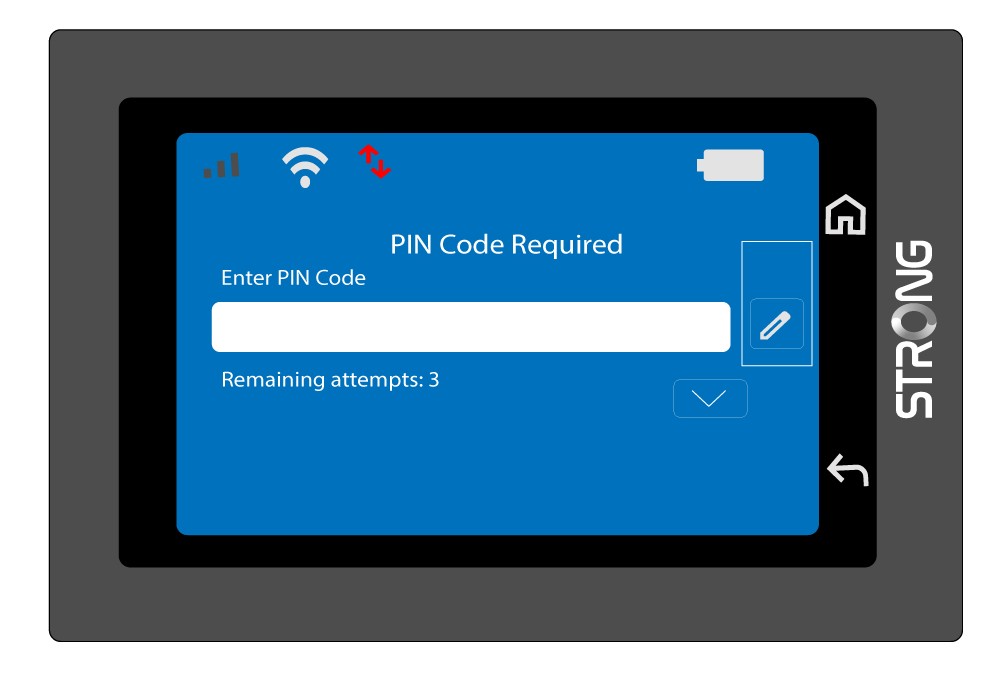
1. Otwórzklawiaturę
Kliknij ikonę pióra, aby wyświetlić klawiaturę numeryczną.
2. Wprowadźkod PIN
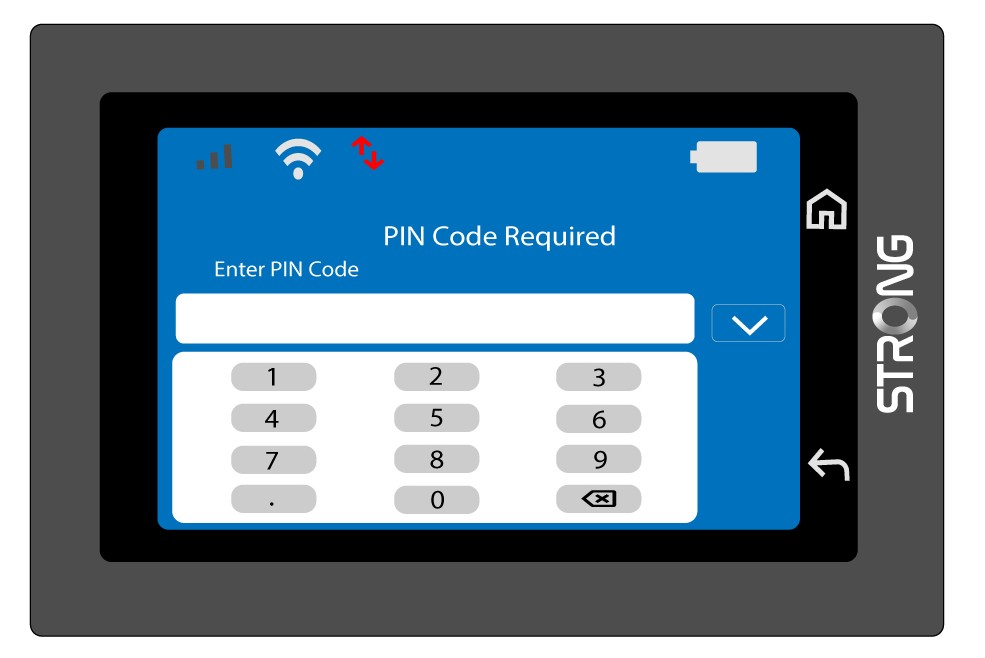
Wprowadź kod PIN za pomocą klawiatury numerycznej, a następnie dotknij ikony (v), aby potwierdzić.
3. Potwierdźkod
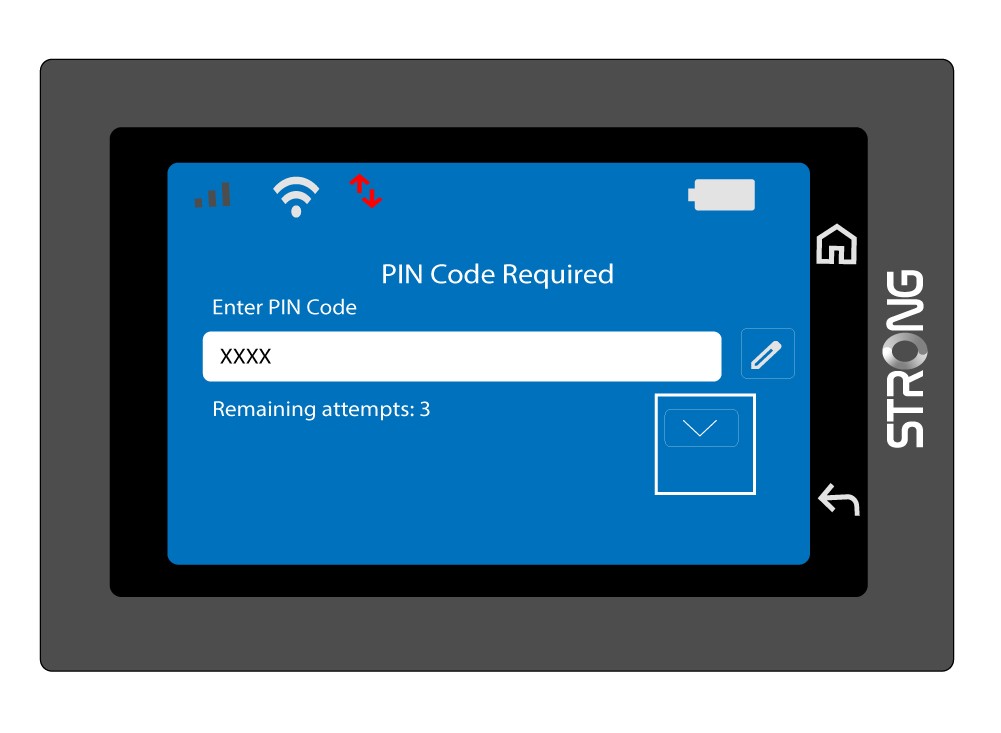
Zweryfikuj kod PIN na ekranie głównym.
4. Poczekajna potwierdzenie
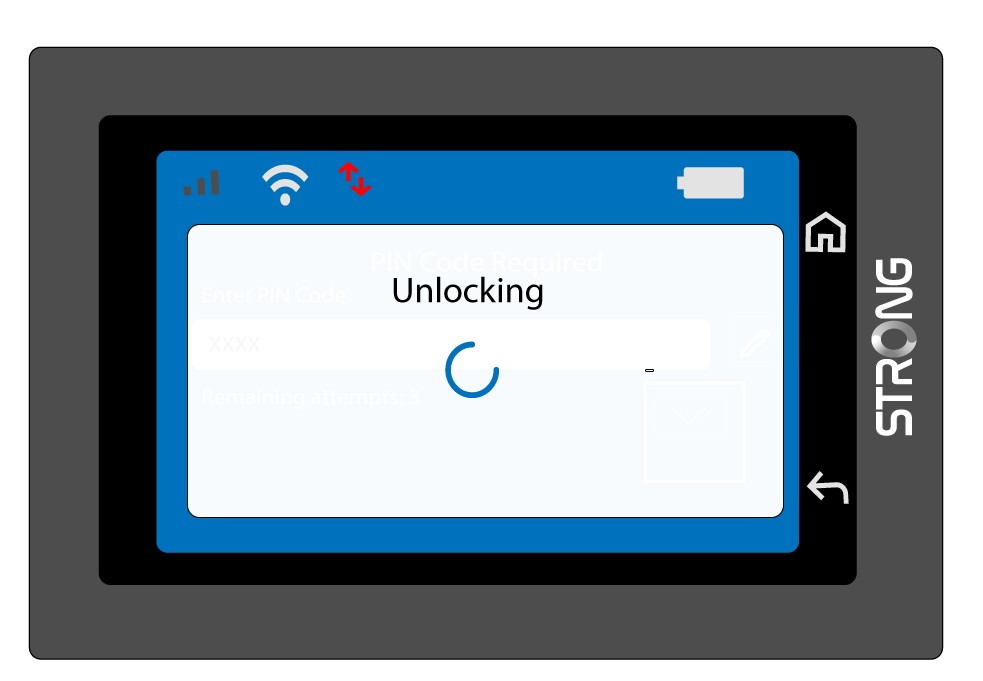
Poczekaj, aż komunikat o odblokowaniu zniknie z ekranu.
5Gotowedo użycia
Powinien pojawić się następujący ekran.
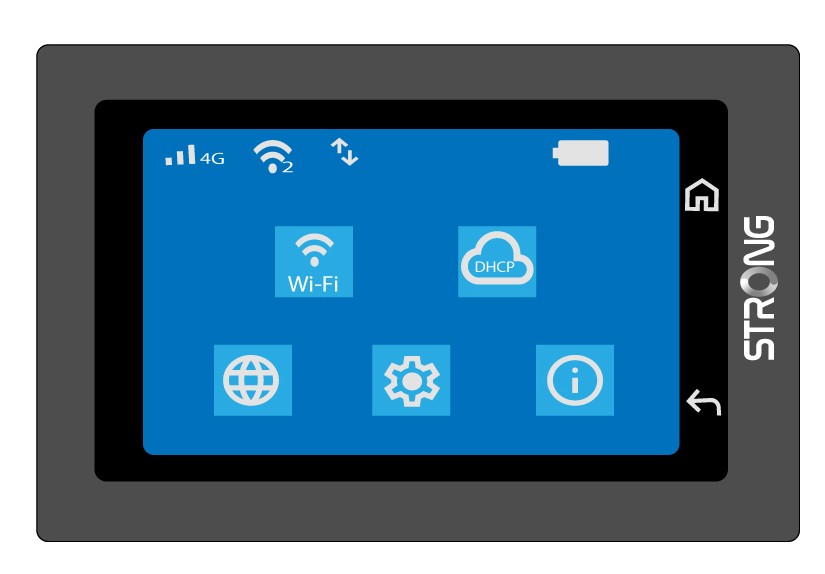
Po pierwszym pomyślnym zalogowaniu się urządzenie Mi-Fi zapamięta Twój kod PIN.