
4G AIRHOME 210 UK antenas 4G fixas
Nenhum item encontrado.
Nenhum item encontrado.
Todas as perguntas
4G AIRHOME 210 UK antenas 4G fixas
Nenhum item encontrado.
Nenhum item encontrado.
Como é que altero a palavra-passe de administrador?
1. Acederà interface de utilizador web
Para aceder à interface de utilizador web, siga as orientações descritas em: Como posso aceder à interface de utilizador web?
2. Alterara palavra-passe de início de sessão
Depois de fazer isso, clique em «Modificar palavra-passe de início de sessão » na barra superior.
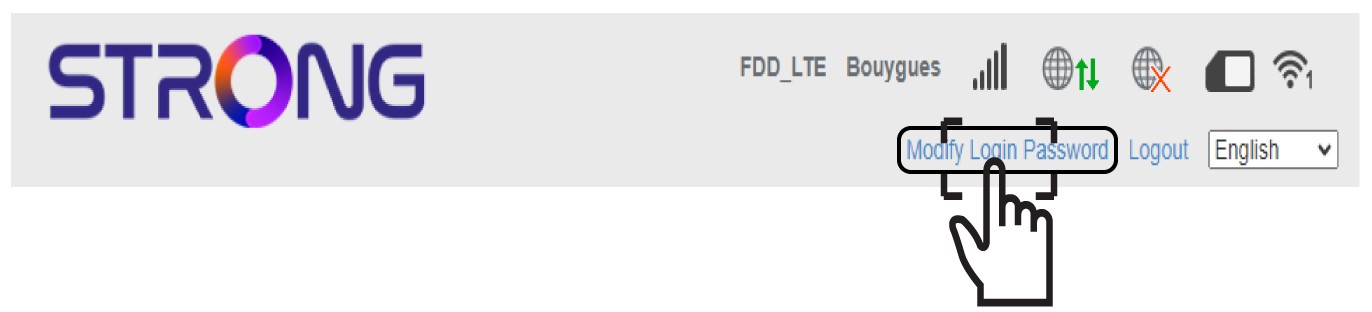
3Introduzaa nova palavra-passe de administrador
Introduza as seguintes informações antes de clicar em «Aplicar»:
- Palavra-passe atual: Introduza a palavra-passe atual.
- Nova palavra-passe: Introduza a nova palavra-passe.
- Confirmar nova palavra-passe: Introduza a mesma palavra-passe que no campo anterior.

4. Anotea nova palavra-passe
Anote a nova palavra-passe para aceder à interface de utilizador web.
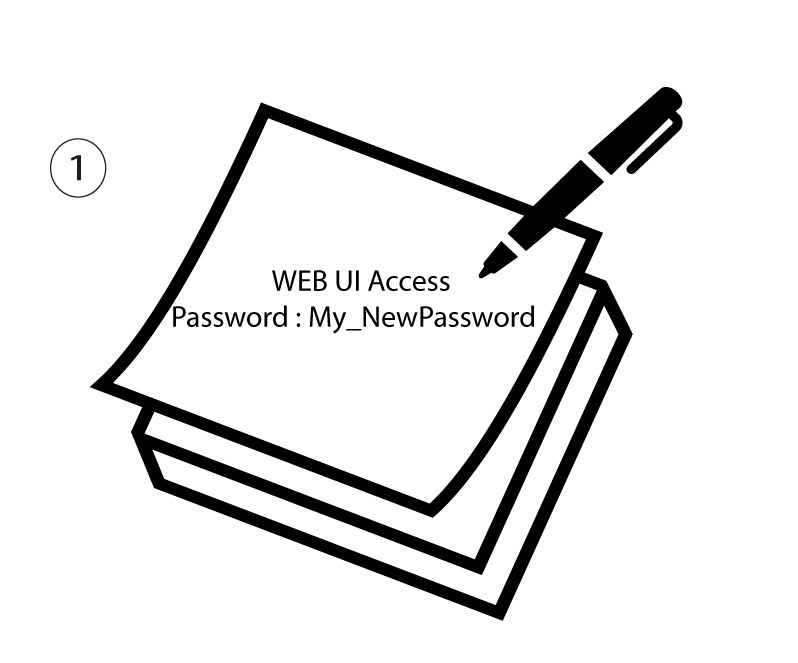
The new password can contain up to 32 characters including numbers, lower case, upper case, and special characters (! # $ * + , - . % : = ? @ [ ] ^ _ { | } ~).