4G AIRHOME 210 UK antenas 4G fixas
Nenhum item encontrado.
Nenhum item encontrado.
Todas as perguntas
4G AIRHOME 210 UK antenas 4G fixas
Nenhum item encontrado.
Nenhum item encontrado.
Como introduzo o código PIN do meu cartão SIM?
1Ligue-seà rede Wi-Fi do seu router
Para introduzir o código PIN do seu cartão SIM, tem de se ligar à interface de utilizador web. Para tal, introduza o SSID (nome da rede Wi-Fi) e a palavra-passe Wi-Fi do router no seu dispositivo.

2. Acedaao endereço IP da interface de utilizador web
Em seguida, introduza o seguinte endereço IP no seu navegador: 192.168.188.1

3Introduzaas suas credenciais
Depois de aceder ao endereço IP, deve introduzir a palavra-passe e clicar em «Iniciar sessão».

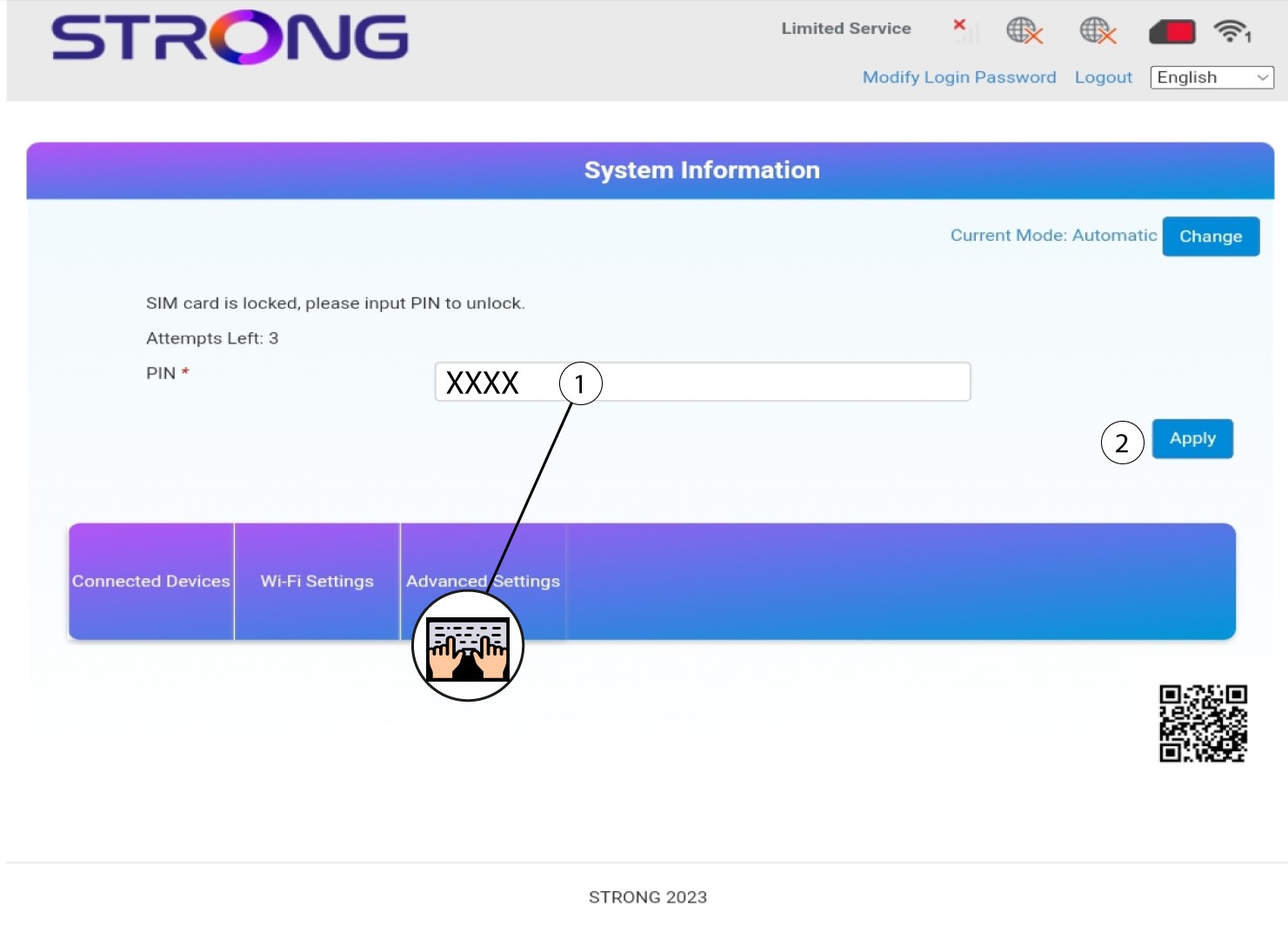
4Introduzao código PIN
Introduza o código PIN do seu cartão SIM e clique em «Aplicar».