4G+ AIRHOME 710 com antenas 4G+ amovíveis
Todas as perguntas
4G+ AIRHOME 710 com antenas 4G+ amovíveis
Como introduzo o código PIN do meu cartão SIM?
1Ligue-seà rede Wi-Fi do seu router
Para introduzir o código PIN do seu cartão SIM, tem de se ligar à interface de utilizador web. Para tal, introduza o SSID (nome da rede Wi-Fi) e a palavra-passe Wi-Fi do router no seu dispositivo.

2. Acedaao endereço IP da interface de utilizador web
Em seguida, introduza o seguinte endereço IP no seu navegador: 192.168.188.1

3. Encontreas suas credenciais para a interface de utilizador web
Por favor, consulte a etiqueta do produto, localizada na parte traseira do dispositivo, para encontrar o seu nome de utilizador e palavra-passe.

4Introduzaas suas credenciais
Deve introduzir o nome de utilizador e a palavra-passe. Em seguida, clique em «Iniciar sessão».

5Váao menu de ligação
Quando se ligar à interface de utilizador web pela primeira vez, irá ver uma mensagem de aviso que o convida a introduzir o código PIN clicando no botão de ligação.

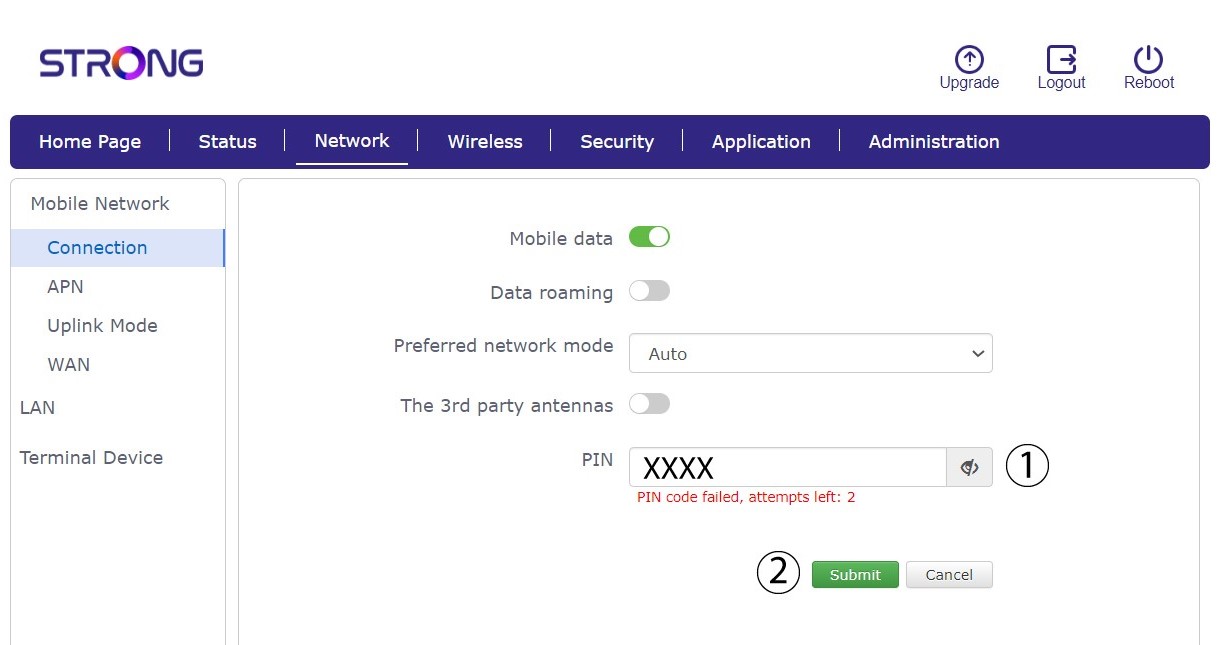
6Introduzao código PIN do seu cartão SIM
Introduza o seu código PIN no campo e clique em «Enviar».
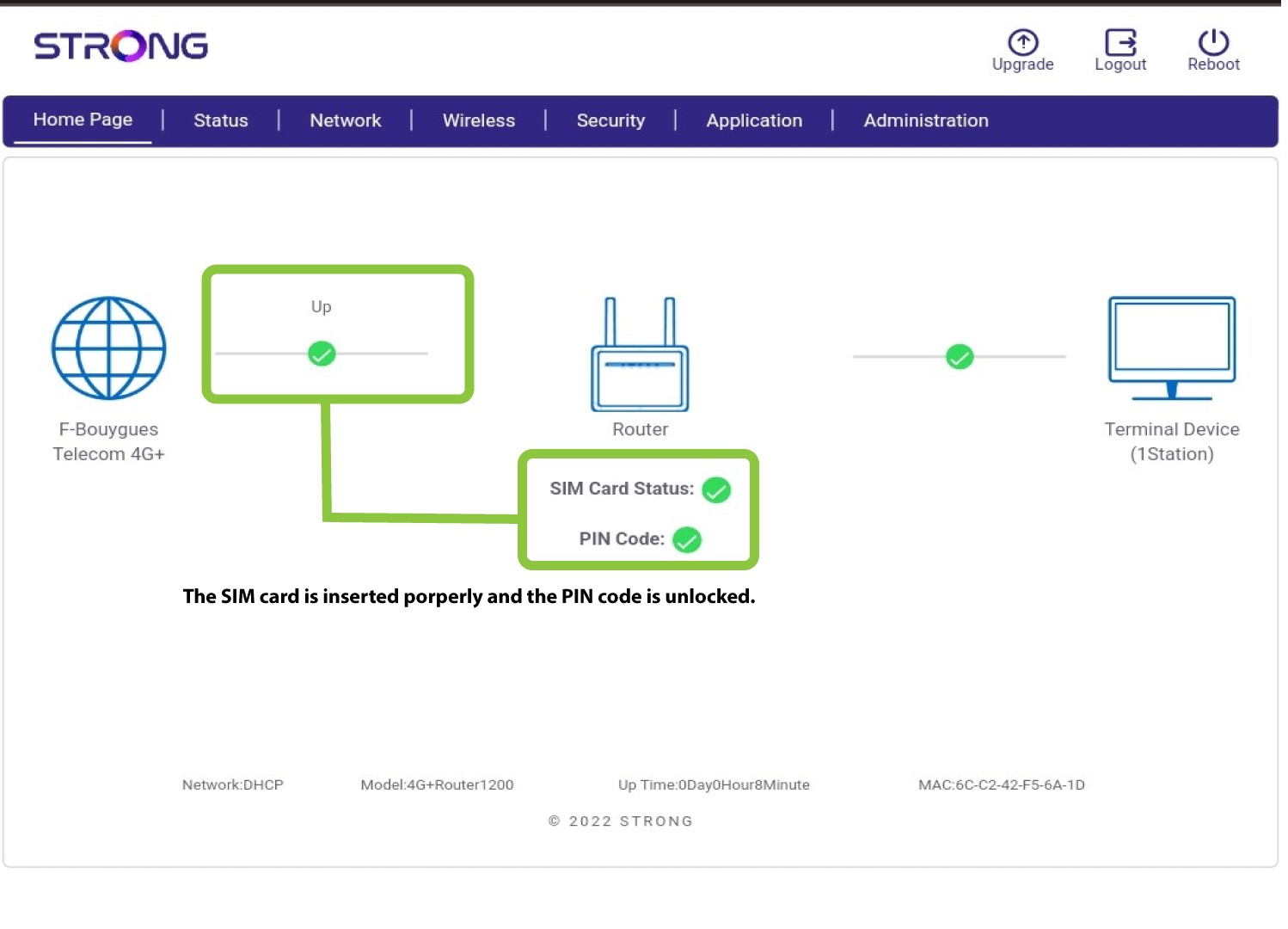
7O cartão SIM está desbloqueado
O cartão SIM está desbloqueado e o seu ícone fica agora verde, com o nome da rede ao lado.