Wi-Fi 4G AIRSPOT 220 s displejom
Nenašli sa žiadne položky.
Nenašli sa žiadne položky.
Všetky otázky
Wi-Fi 4G AIRSPOT 220 s displejom
Nenašli sa žiadne položky.
Nenašli sa žiadne položky.
Ako môžem zmeniť heslo správcu?
1. Otvortewebové používateľské rozhranie
Ak sa chcete pripojiť k webovému používateľskému rozhraniu, postupujte podľa pokynov uvedených v článku: Ako sa prihlásiť do webového používateľského rozhrania?
2Zmeniťheslo
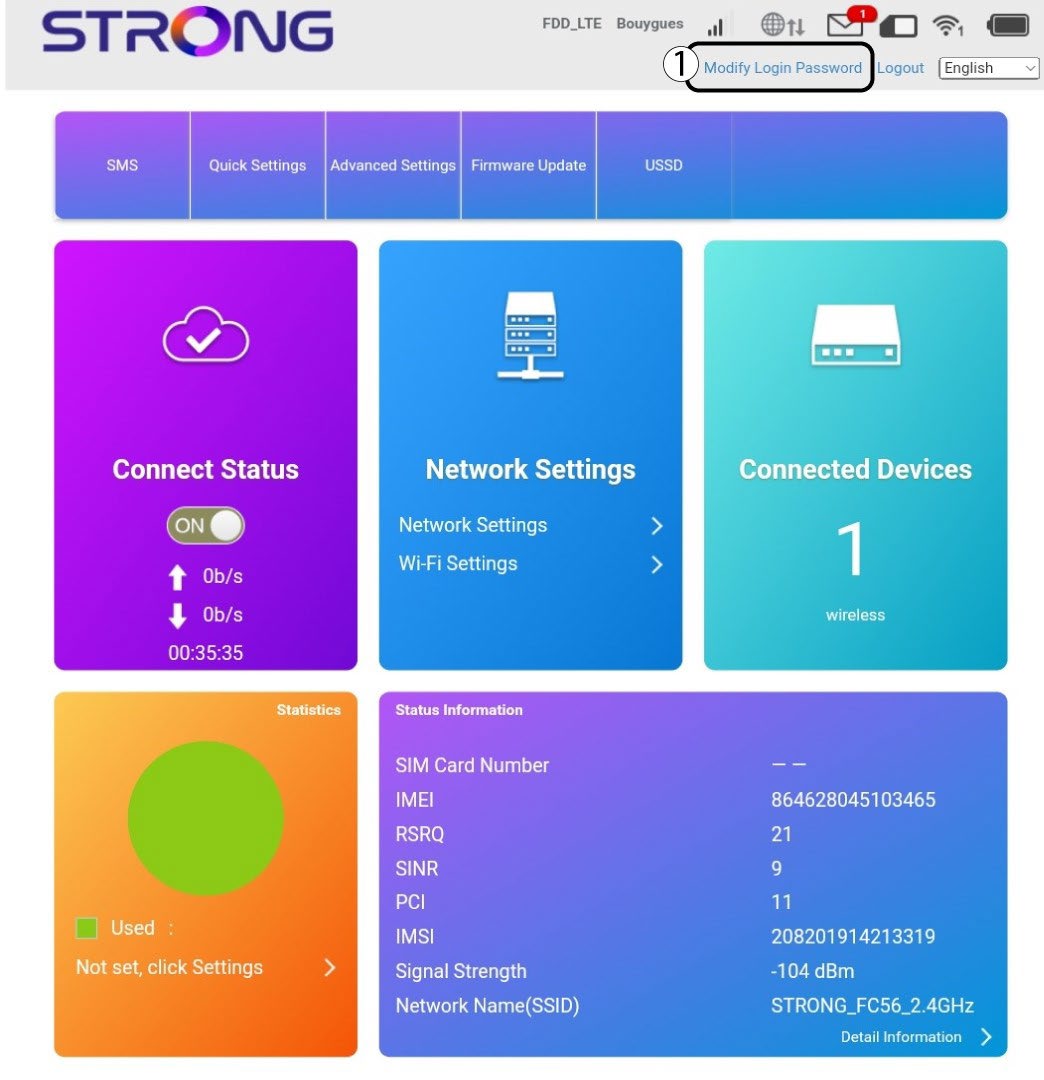
Akonáhle to urobíte, kliknite na položku „Zmeniť prihlasovacie heslo“ v hornom paneli.
3Zadajtenové údaje
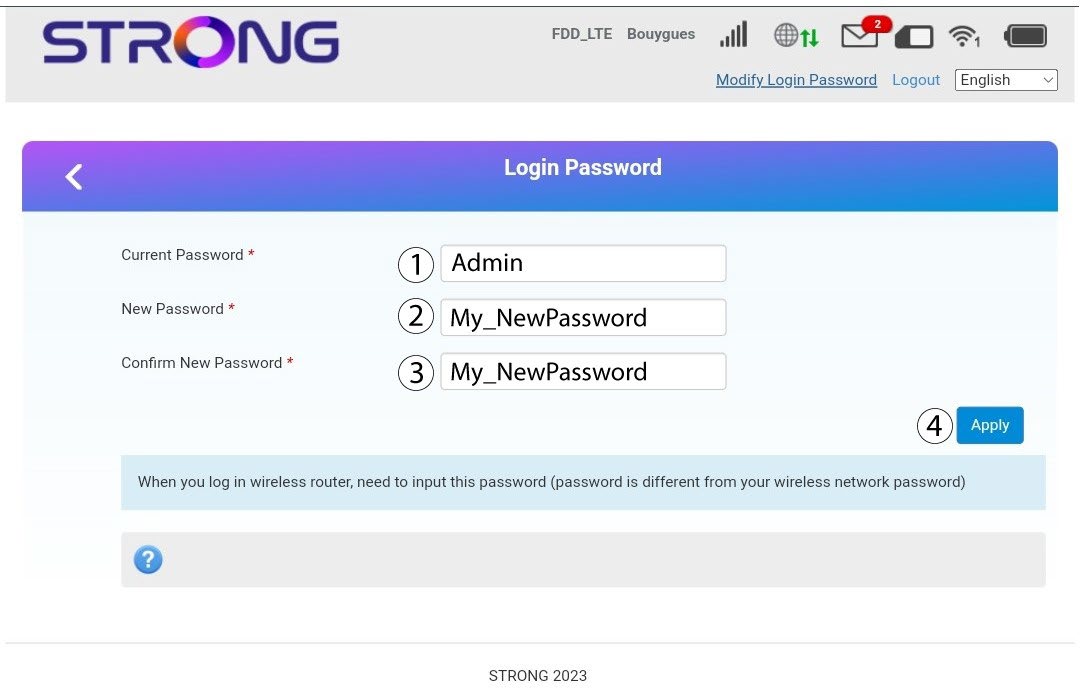
Pred kliknutím na tlačidlo „Použiť“ zadajte nasledujúce informácie:
· Aktuálne heslo: Zadajte aktuálne heslo.
· New Password: Enter the new password. The new password can contain up to 32 characters including numbers, lower case, upper case, and special characters (! # $ * + , - . % : = ? @ [ ] ^ _ { | } ~).
· Potvrdenie nového hesla: Zadajte rovnaké heslo ako v predchádzajúcom poli.
4. Uložteinformácie
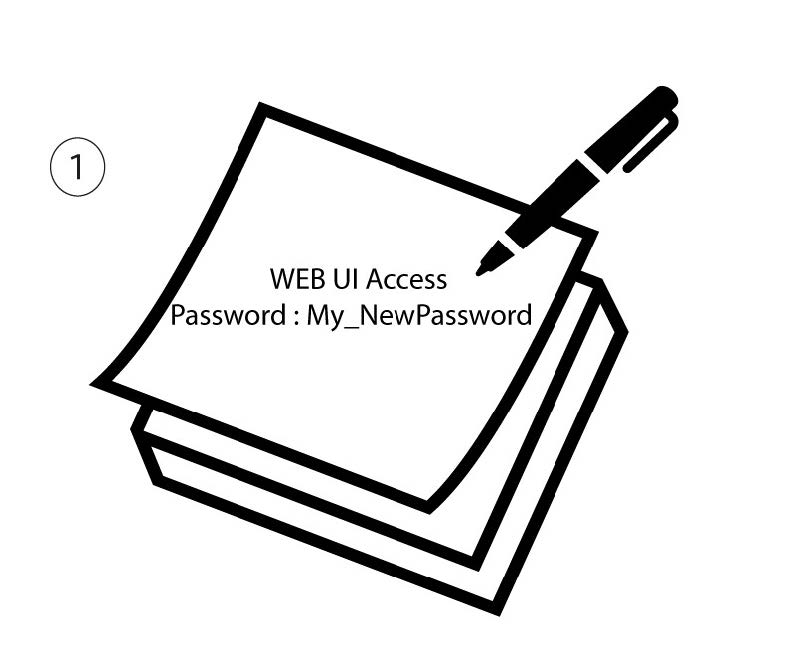
Zapíšte si nové heslo pre prístup do webového používateľského rozhrania.