LEAP
Všetky otázky
Pripojil som klávesnicu AZERTY cez USB, ale systém ju rozpoznáva ako klávesnicu QWERTY. Prečo?

Upozornenie: Majte na pamäti, že podporované rozloženia klávesníc pre externé klávesnice určuje spoločnosť Google. Preto sa môže stať, že vaše rozloženie klávesnice nebude podporované. V takom prípade vám odporúčame obrátiť sa na výrobcu vašej klávesnice a zistiť, či existuje nejaká aplikácia, ktorá by zabezpečila kompatibilitu vašej klávesnice.
1Zapnitezariadenie
Zapnite televízor a zariadenie LEAP S1.
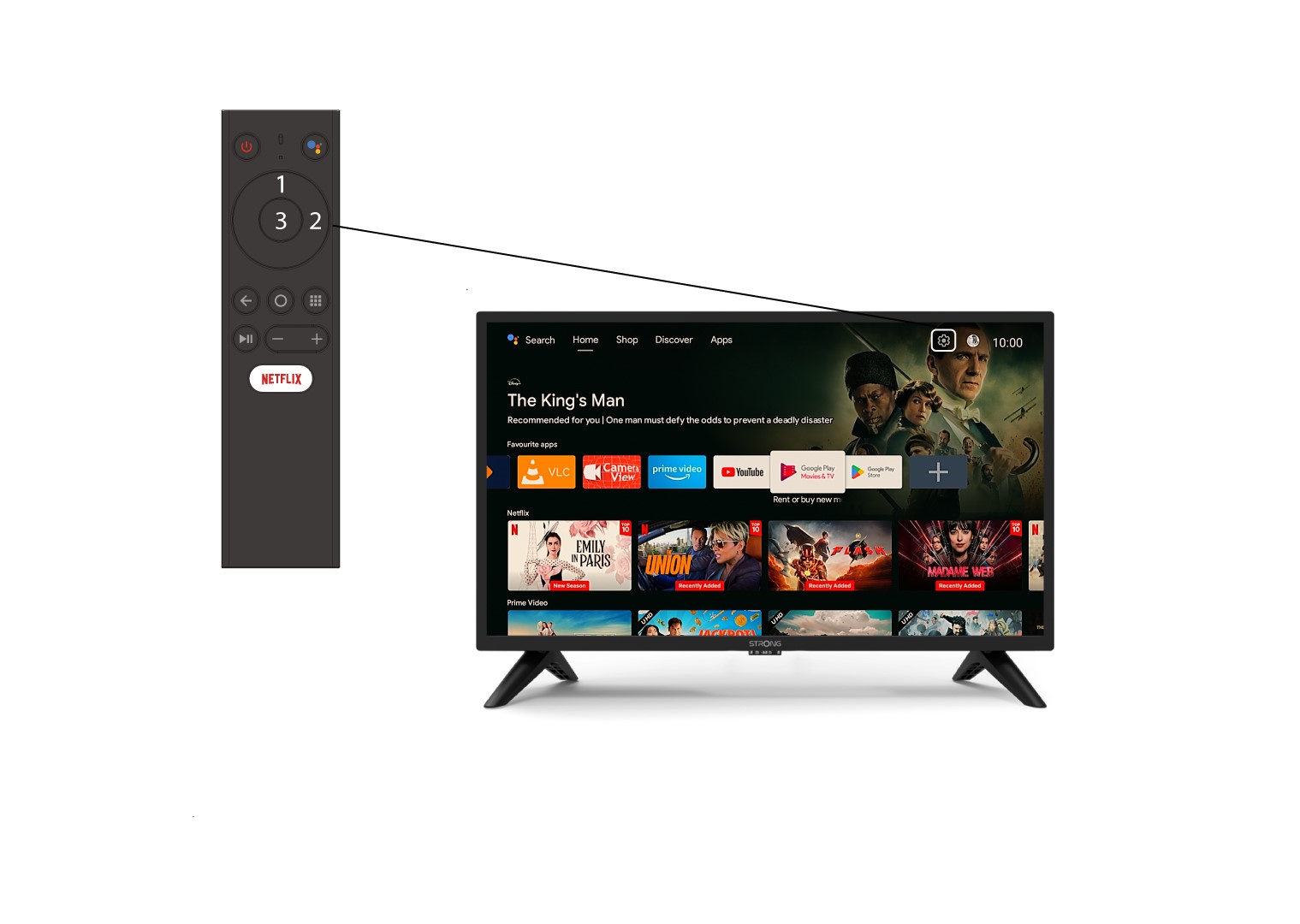
2Prejditedo ponuky Nastavenia
Vyhľadajte ikonu ozubeného kolesa (ponuka nastavení) v pravom hornom rohu obrazovky a vyberte ju pomocou šípok na počítači. Následne stlačte tlačidlo OK na diaľkovom ovládači, čím otvoríte ponuku nastavení.
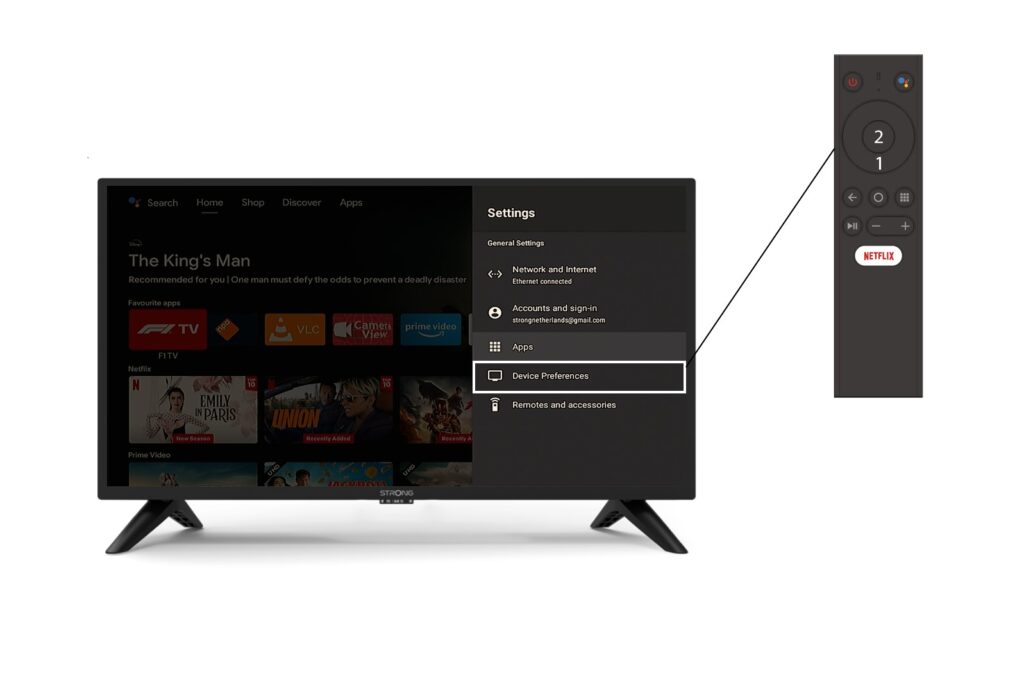
3. Nastavenia zariadenia
V ponuke Nastavenia vyberte položku „Nastavenia zariadenia“ a stlačte tlačidlo OK na diaľkovom ovládači.
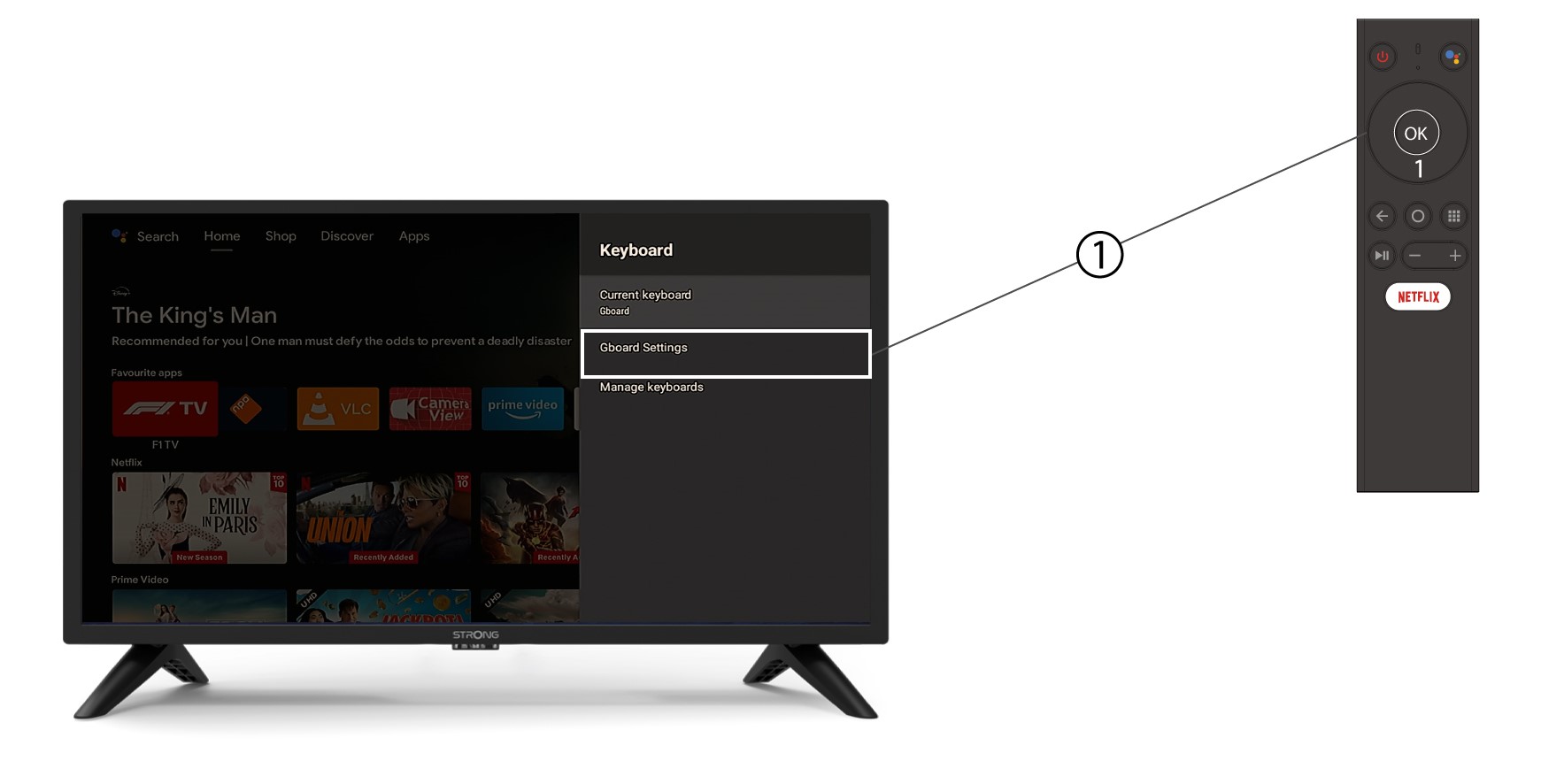
4Nastavenia klávesnice
V ponuke klávesnice kliknite na položku „Nastavenia Gboard“ a stlačte tlačidlo OK.
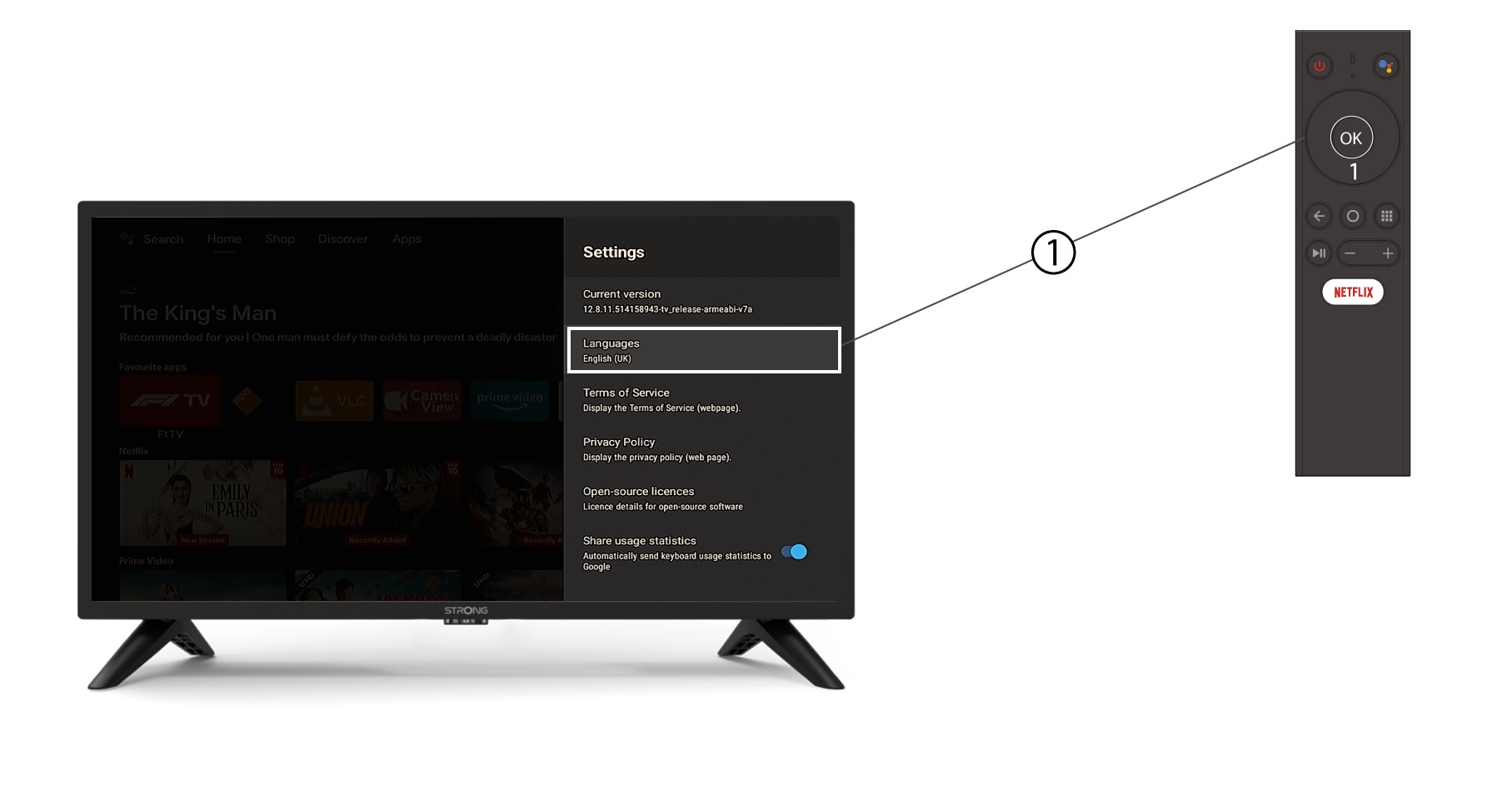
5 Nastavenia jazyka
V ponuke Nastavenia, ktorá sa otvorí, kliknite na položku Jazyk, potom nastavte hodnotu na Angličtina UK a stlačte tlačidlo OK.