ATRIA Wi-Fi 6 Mesh 3000 UK 2-balenie)
Všetky otázky
ATRIA Wi-Fi 6 Mesh 3000 UK 2-balenie)
Čo môžem robiť v webovom rozhraní?
1. Pripojte sak Wi-Fi sieti zariadenia
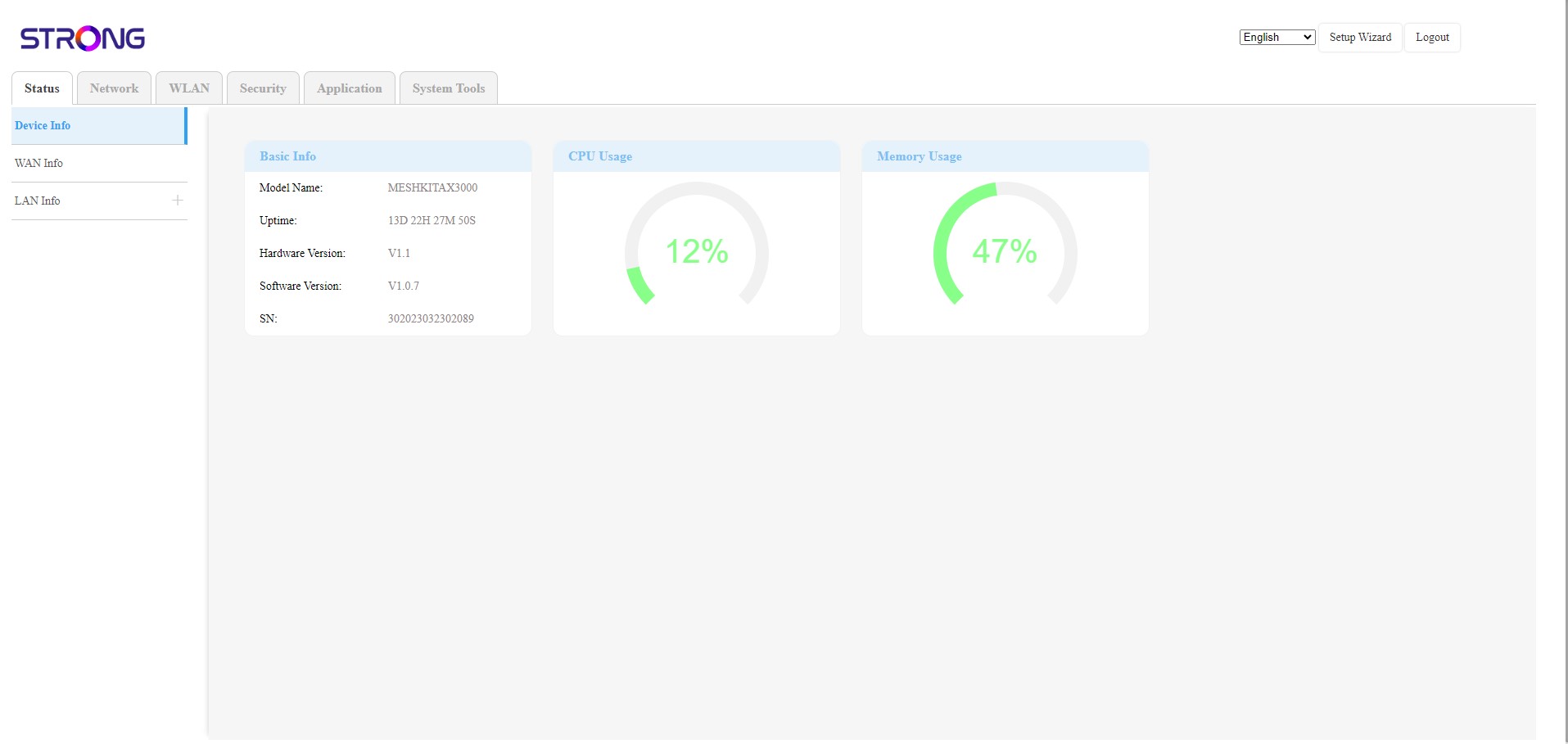
Webové používateľské rozhranie je rozdelené do 6 častí:
• Stav: Tu nájdete všetky informácie o zariadení Mesh a o sieti.
• Sieť: Tu môžete nakonfigurovať nastavenia WAN a LAN (IPv4 / IPv6) a nastaviť obmedzenie rýchlosti.
• WLAN: tu si môžete vybrať medzi sieťami 2,4 GHz a 5 GHz, nastaviť viacero SSID, WPS, spravovať prístup k internetu pre rôzne MAC adresy, zmeniť SSID a heslá Wi-Fi a nastaviť funkciu „ Mesh “.
• Bezpečnosť: tu môžete nastaviť firewall, nastavenia DoS, filtre URL/MAC, filtre IP, rodičovskú kontrolu a kontrolu služieb a naplánovať aktiváciu siete „ Mesh “.
• Aplikácie: tu môžete konfigurovať nastavenia NAT (ALG, DMZ, presmerovanie portov), VPN, SNTP (časové pásmo), dynamické DNS, UPnP a pristupovať k konfigurácii IPTV.
• Systémové nástroje: tu môžete zmeniť prihlasovacie údaje, reštartovať zariadenie, aktualizovať firmvér, uložiť a obnoviť zálohu, obnoviť továrenské nastavenia, spravovať LED diódy, pristupovať k protokolom a spustiť diagnostiku.