АТРИА Ви-Фи 5 Mesh Систем 2100 UK ( add-on )
Нема пронађених ставки.
Нема пронађених ставки.
Сва питања
АТРИА Ви-Фи 5 Mesh Систем 2100 UK ( add-on )
Нема пронађених ставки.
Нема пронађених ставки.
Како могу да додам ново Mesh јединице на постојећу мрежу коју сам управо конфигурисао/ла?
Веома је лако додати ново mesh јединице на ваше постојеће Mesh мрежа.
1 Случај 1: WPS дугме
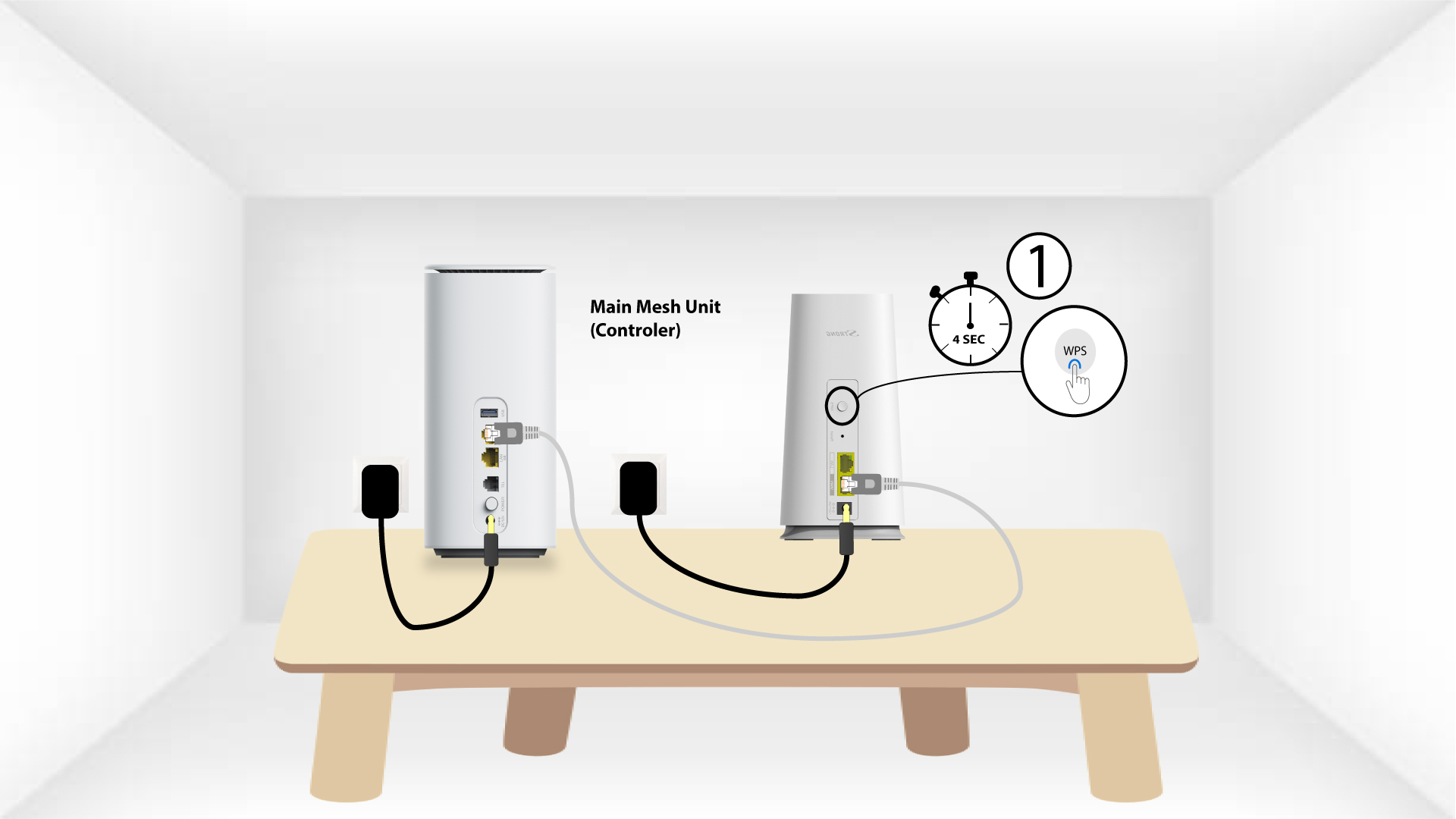
Да бисте то урадили, притисните WPS дугме 5 секунди на Mesh јединица која је повезана са вашим
рутер/модем преко RJ45 .
2 WPS другог уређаја
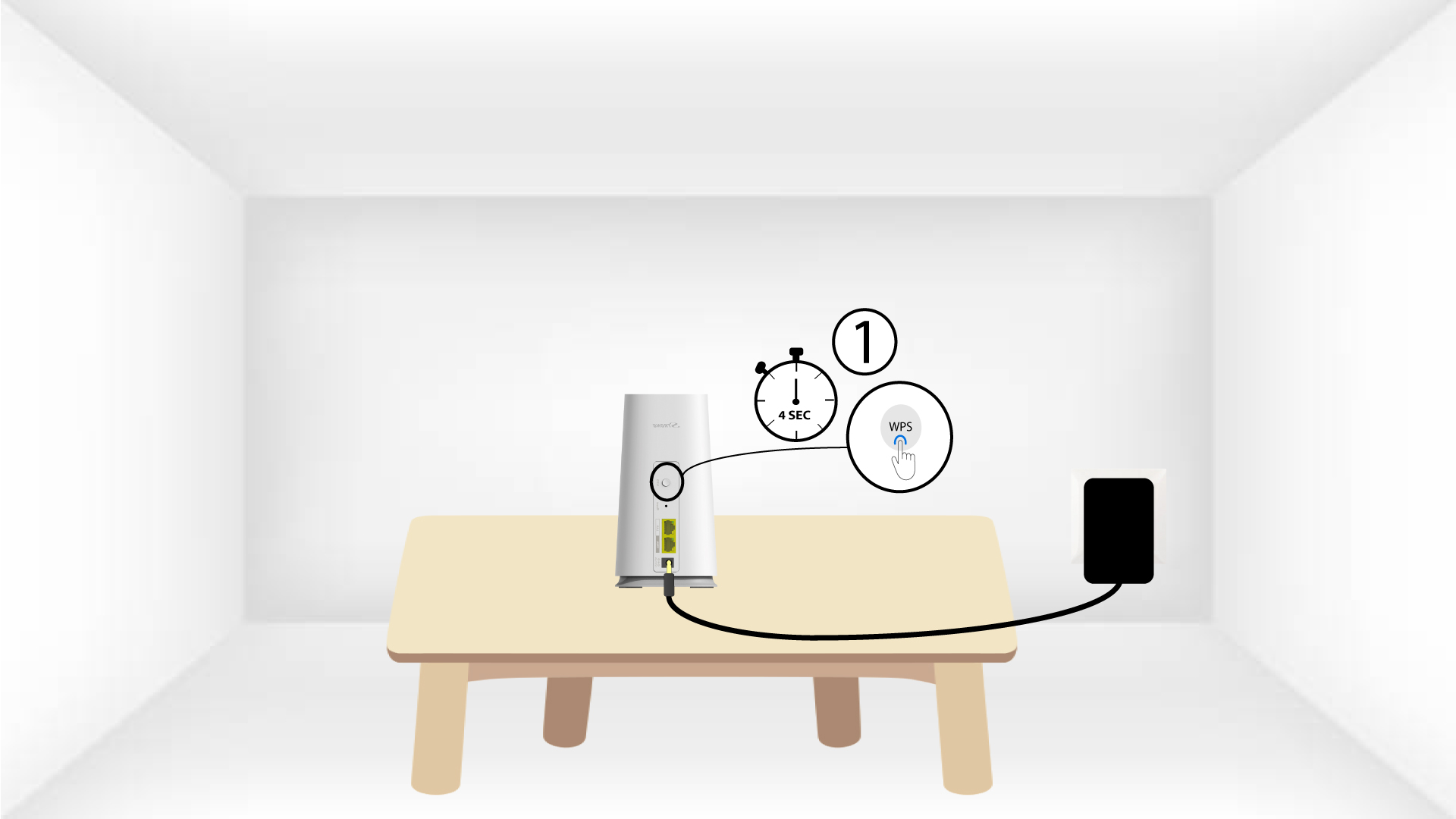
Затим, притисните WPS дугме на новом уређају 5 секунди .
1 Случај 2: Преткоморе Mesh Апликација
Такође можете додати Mesh чвор путем апликације Atria Mesh .
Да бисте то урадили, повежите се на Wi-Fi мрежу Mesh уређај који је повезан са вашим рутером/модемом.

2 Атрија Mesh Апликација
Затим преузмите апликацију Atria Mesh .

3 акредитива
Унесите корисничко име и лозинку (admin/admin) да бисте се повезали.

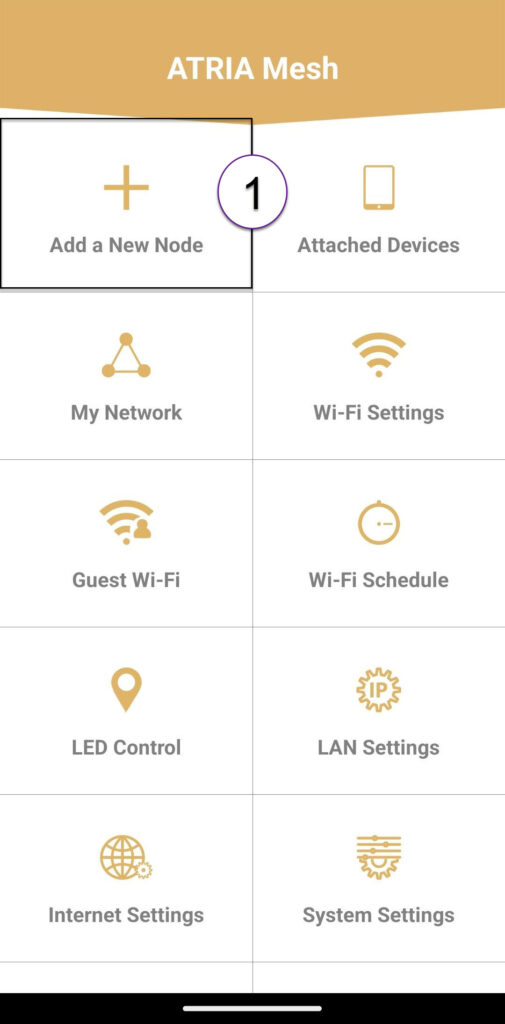
4 Додај ново Mesh
Кликните на Додај нови Mesh мреже .
5 QR код
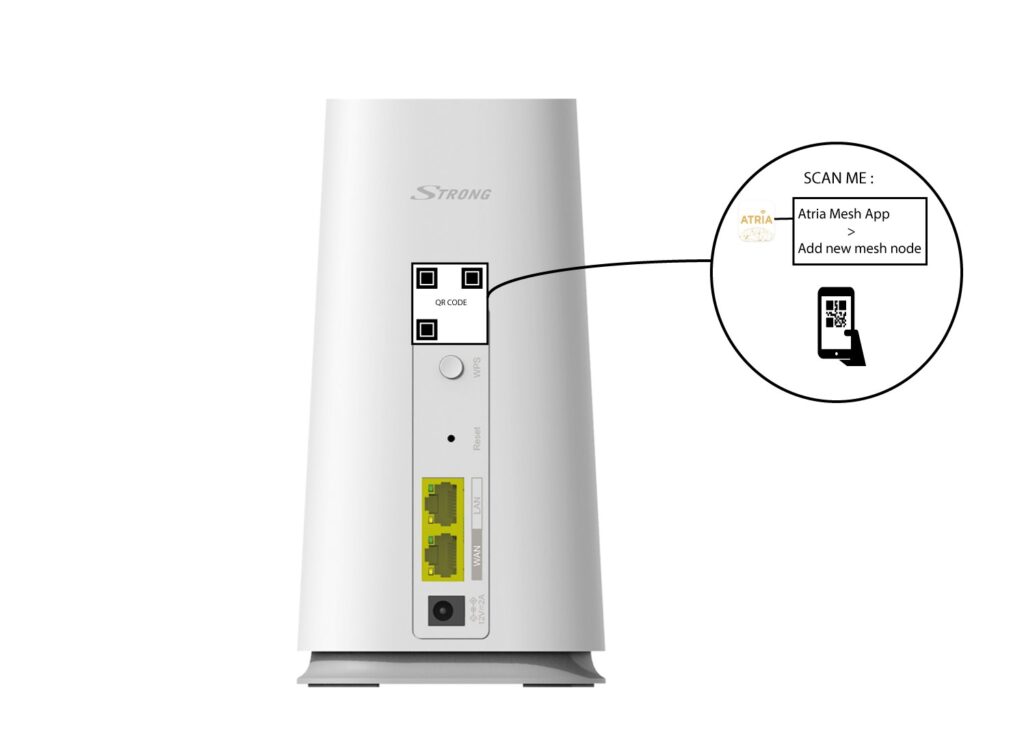
Скенирајте QR код који се налази на задњој страни mesh које желите да додате.