4G+ AIRSPOT 510 Мобилни Wi-Fi
Нема пронађених ставки.
Нема пронађених ставки.
Сва питања
4G+ AIRSPOT 510 Мобилни Wi-Fi
Нема пронађених ставки.
Нема пронађених ставки.
Како да ажурирам фирмвер уређаја?
Можете извршити аутоматску надоградњу или ручну надоградњу у веб интерфејсу.
Случај 1: Аутоматска надоградња
1 Приступите веб интерфејсу
Пратите доленаведену процедуру да бисте приступили веб интерфејсу: Како да приступим веб интерфејсу?
2 Отворите подешавања надоградње система
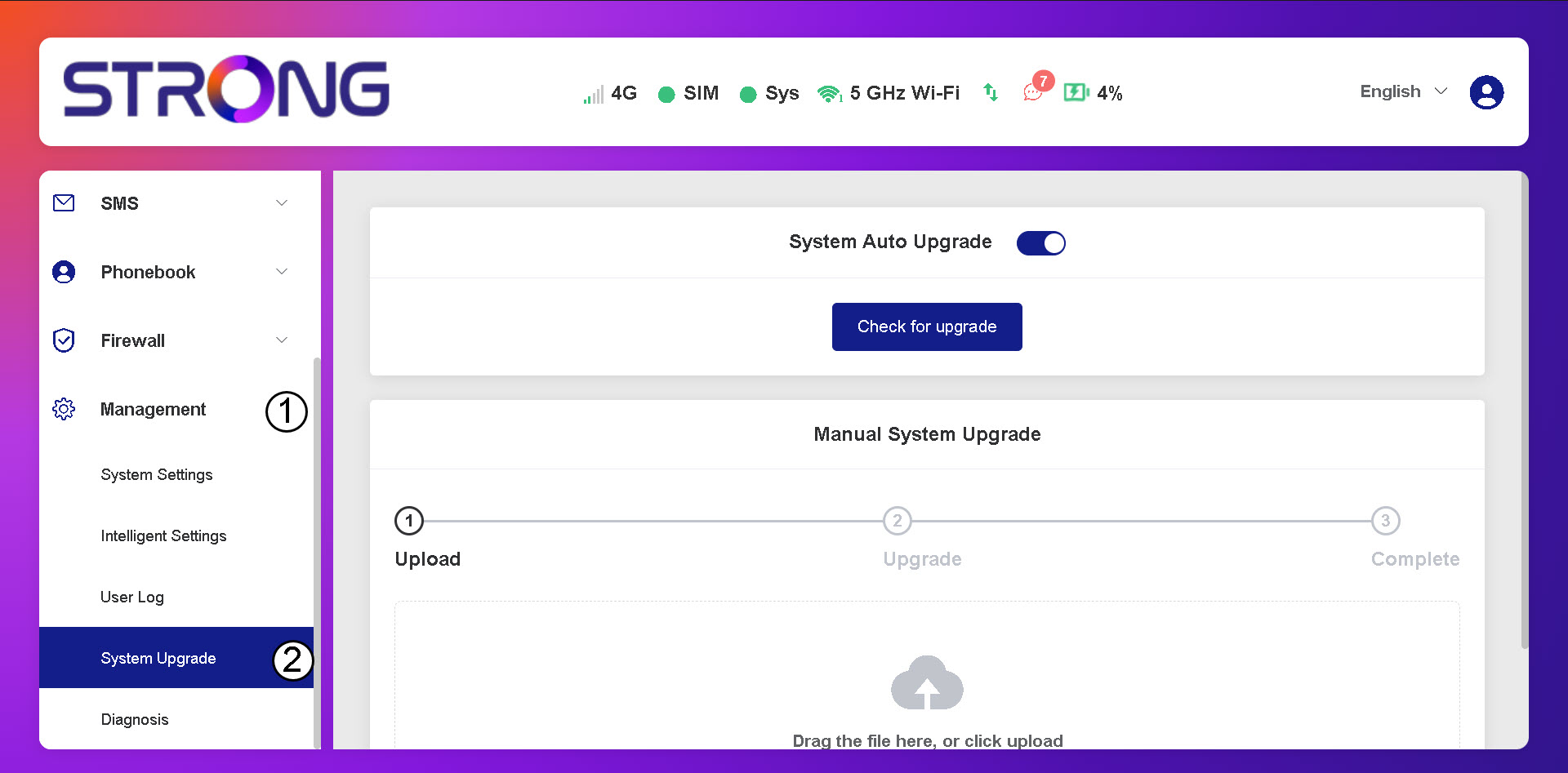
Кликните на Управљање и надоградња система.
3 Проверите аутоматска ажурирања
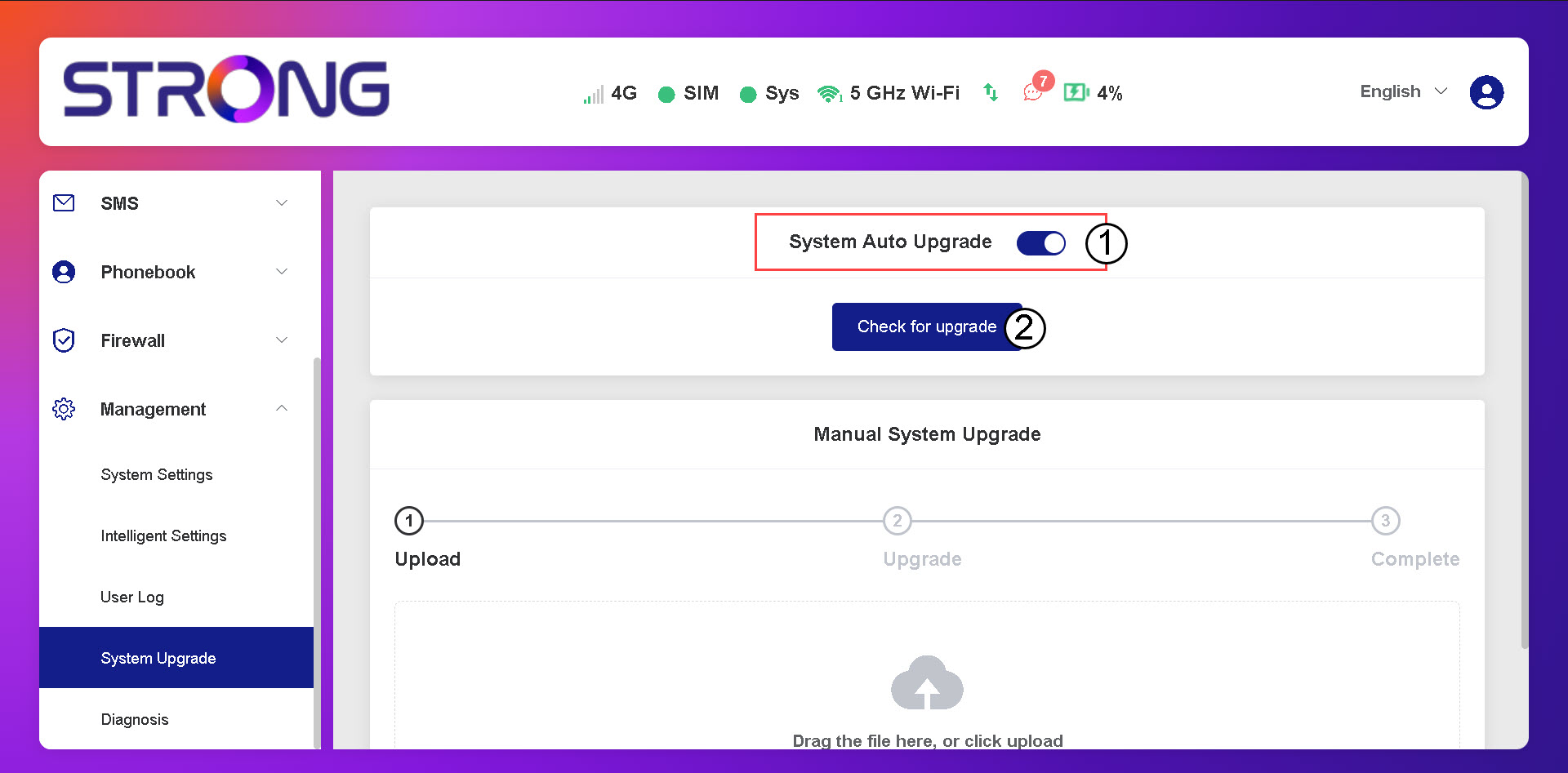
Проверите да ли је активиран прекидач за аутоматско ажурирање система и кликните на дугме „Провери надоградњу“.
4 Сачекајте проверу надоградње
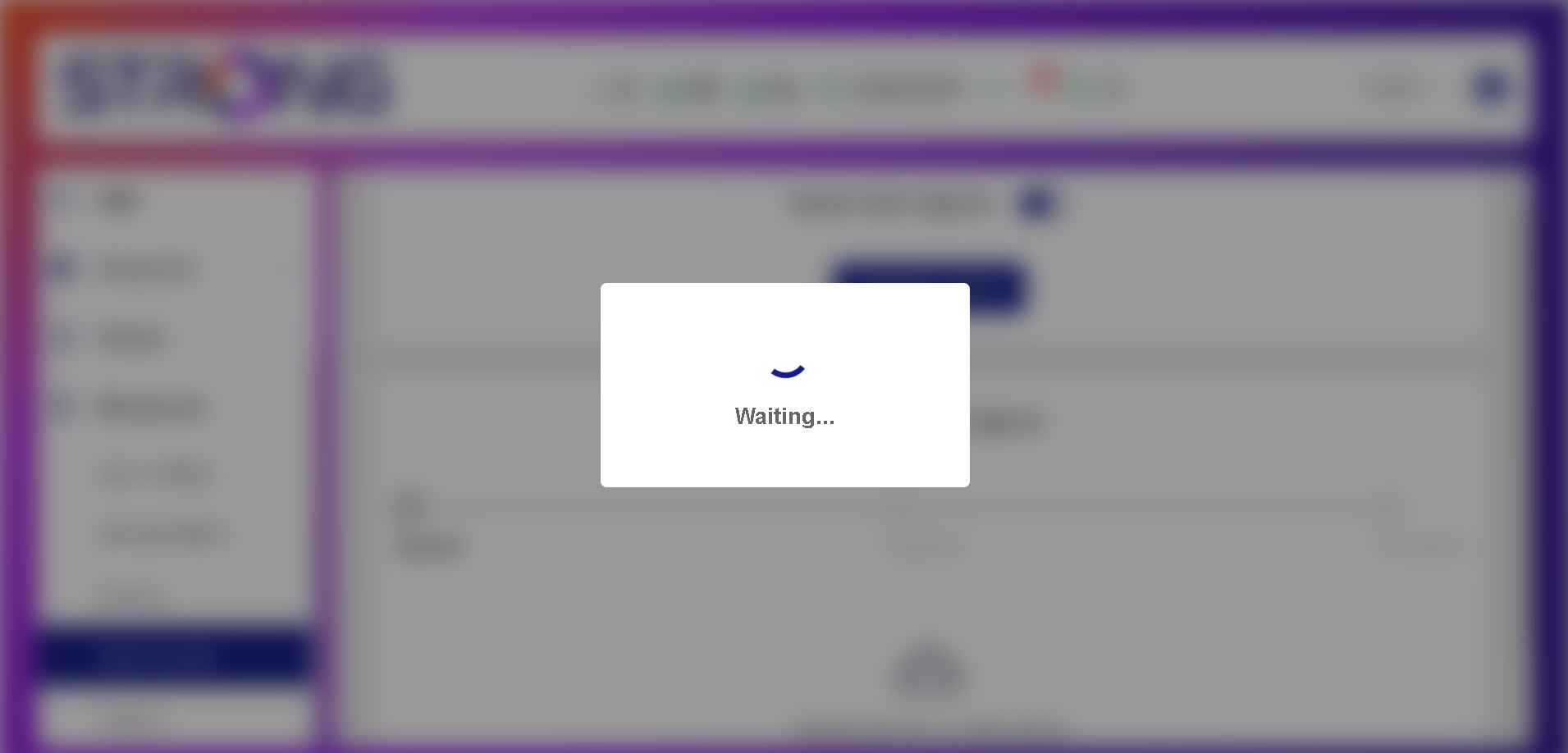
Сачекајте да систем потражи надоградњу, ако постоји, систем ће вас замолити да је преузмете.
5. Потврдите статус система
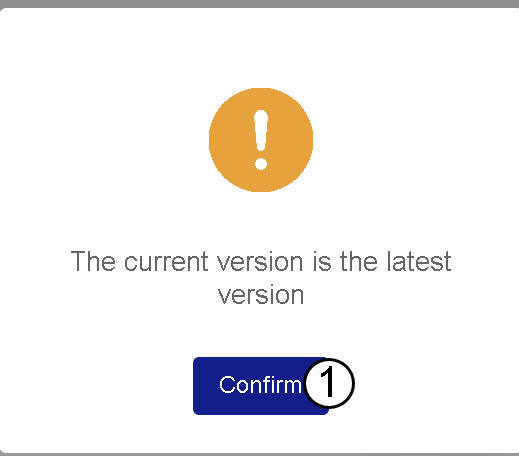
Ако је ваш уређај ажуриран, приказаће се следећа порука.