
5G AIRHOME 1050 | Wi-Fi 6
Alla frågor
5G AIRHOME 1050 | Wi-Fi 6
Hur kommer jag åt webbgränssnittet?
För att komma åt webbgränssnittet måste du vara ansluten till enhetens Wi-Fi efter att du har satt in SIM-kortet i kortfacket.
1. Ansluttill routerns Wi-Fi-nätverk
För att göra detta anger du routerns SSID (Wi-Fi-nätverksnamn) och Wi-Fi-lösenord på din enhet:

2. Gåtill webbgränssnittets IP-adress
Ange sedan följande IP-adress i din webbläsare: 192.168.0.1

3Hittadina inloggningsuppgifter
Du hittar dina inloggningsuppgifter på etiketten på baksidan av enheten.
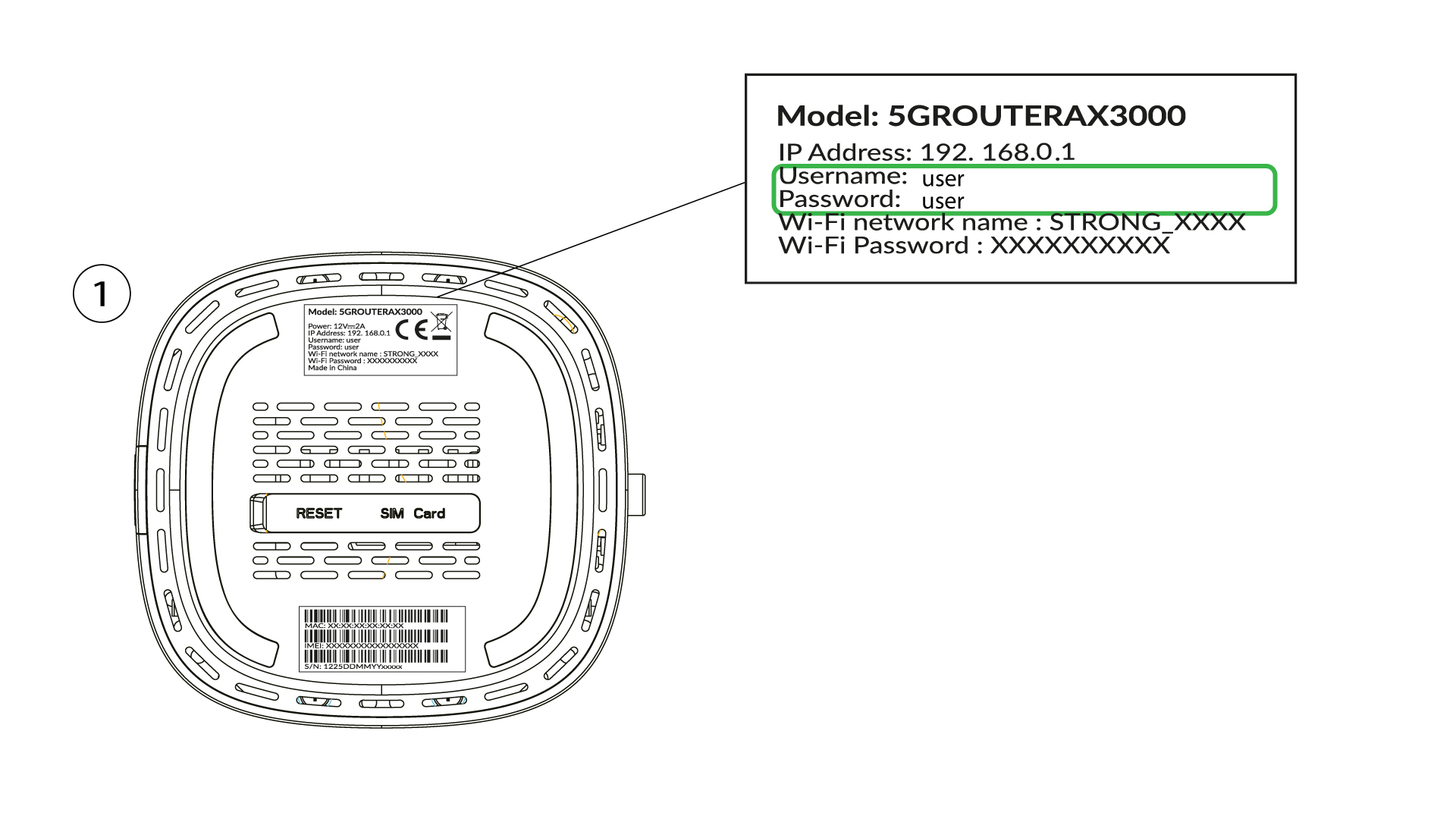
4Angedina inloggningsuppgifter
Du måste ange användarnamn och lösenord och klicka på ”Logga in” ( för att hitta dina inloggningsuppgifter, se föregående steg).

5Ändraadministratörslösenordet
I popup-fönstret som visas måste du skapa ett nytt administratörslösenord efter din första inloggning. För att göra detta anger du följande uppgifter innan du klickar på ”Bekräfta”:
- Redigera lösenord: ange ett lösenord på mellan 8 och 32 tecken som innehåller stora bokstäver, små bokstäver, siffror och minst ett specialtecken (@, $, !, %, *, ?, &)
- Bekräfta lösenord: ange samma lösenord.
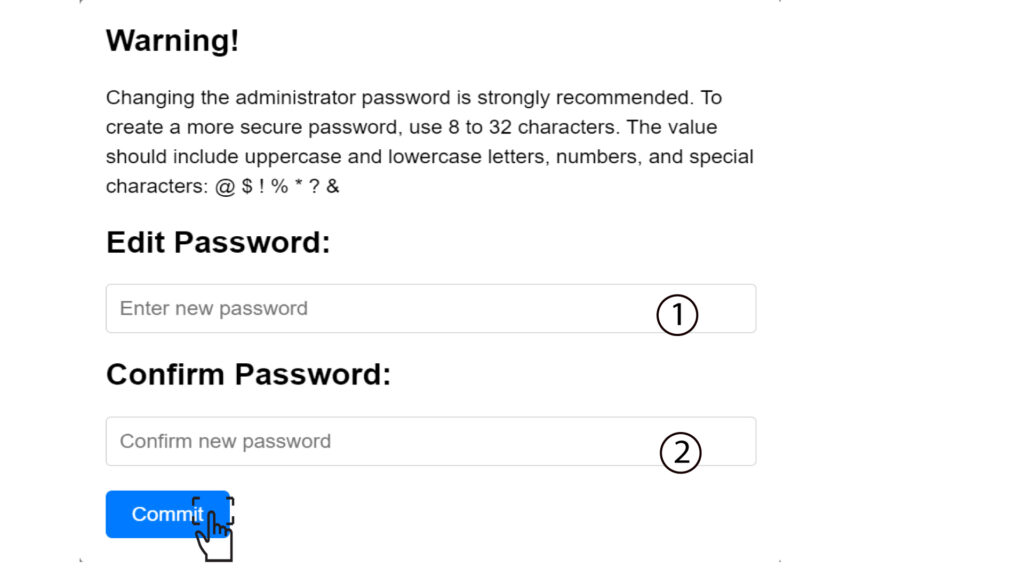
6. Angede nya inloggningsuppgifterna
Skriv gärna ner det nya administratörslösenordet och användarnamnet på ett papper:
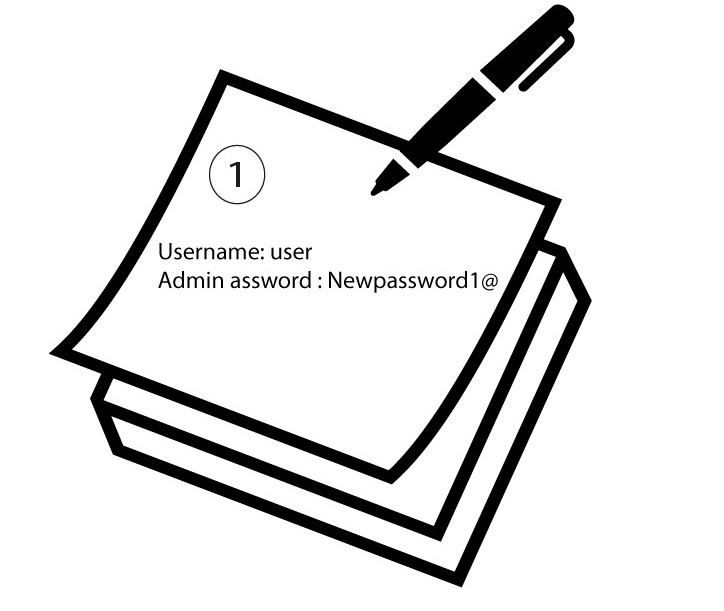

Varning: Om standardlösenordet för administratören är inställt på ”user” måste du ändra det efter den första inloggningen för att säkra åtkomsten till routern och förhindra intrång. När du har ställt in det nya lösenordet bör du skriva ner det.