4G AIRHOME 310 med avtagbara 4G-antenner
Inga föremål hittades.
Inga föremål hittades.
Alla frågor
4G AIRHOME 310 med avtagbara 4G-antenner
Inga föremål hittades.
Inga föremål hittades.
Hur ansluter jag mina enheter med WPS?

Du kan använda WPS-funktionen för att konfigurera Wi-Fi-anslutningen mellan exempelvis din router och dina datorer (Linux/Windows). Det går inte att ansluta en mobiltelefon via WPS. För att enkelt ansluta din telefon till Wi-Fi, skanna QR-koden på routerns baksida – då ansluts du automatiskt till nätverket utan att behöva ange Wi-Fi-lösenordet.
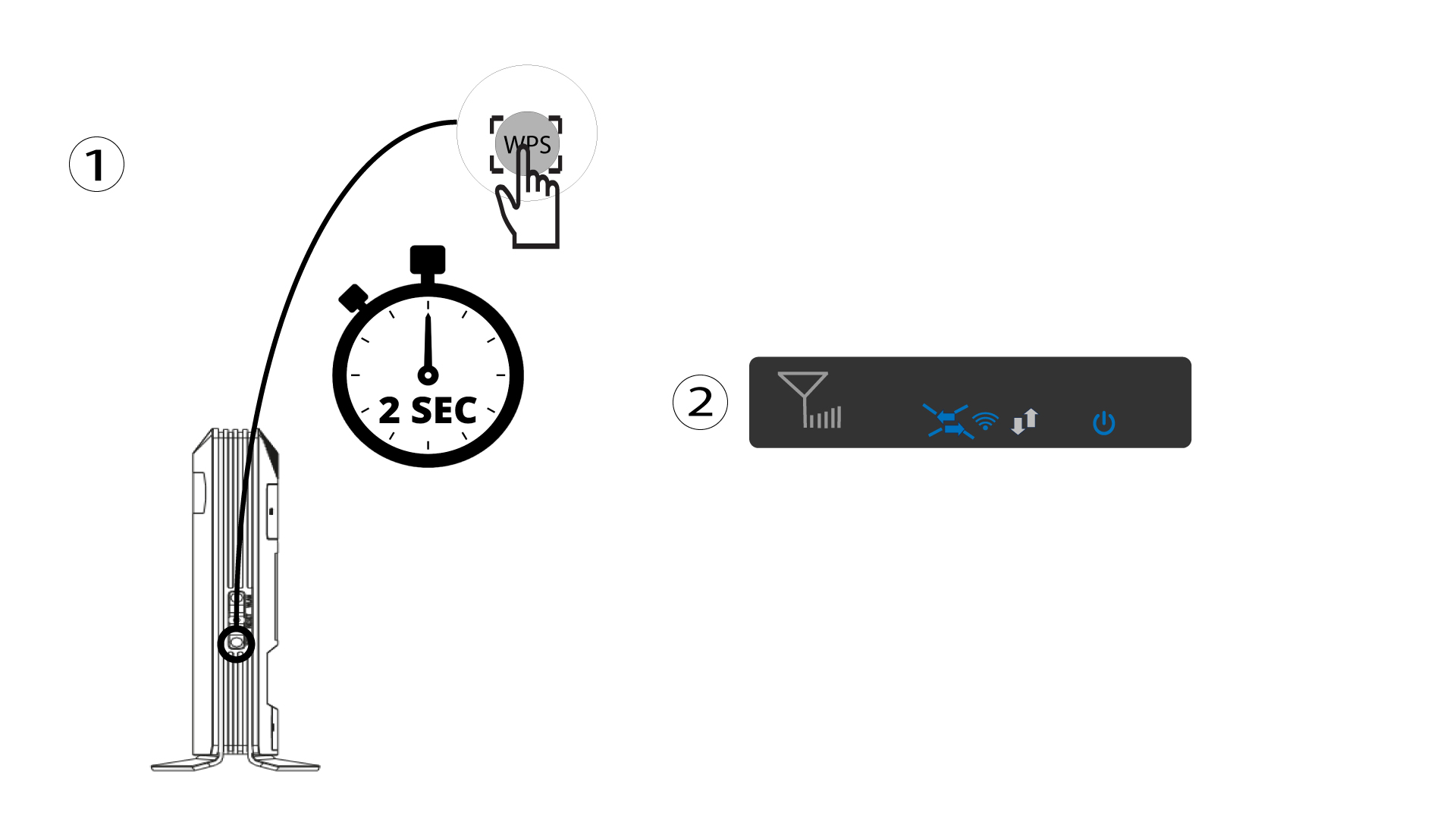
1 Tryck påWPS-knappen
Tryck på WPS-knappen i 2 sekunder så att alla kompatibla enheter i ditt hem automatiskt kan ansluta till routerns Wi-Fi-nätverk. När funktionen är aktiverad blinkar de horisontella pilarna blått.
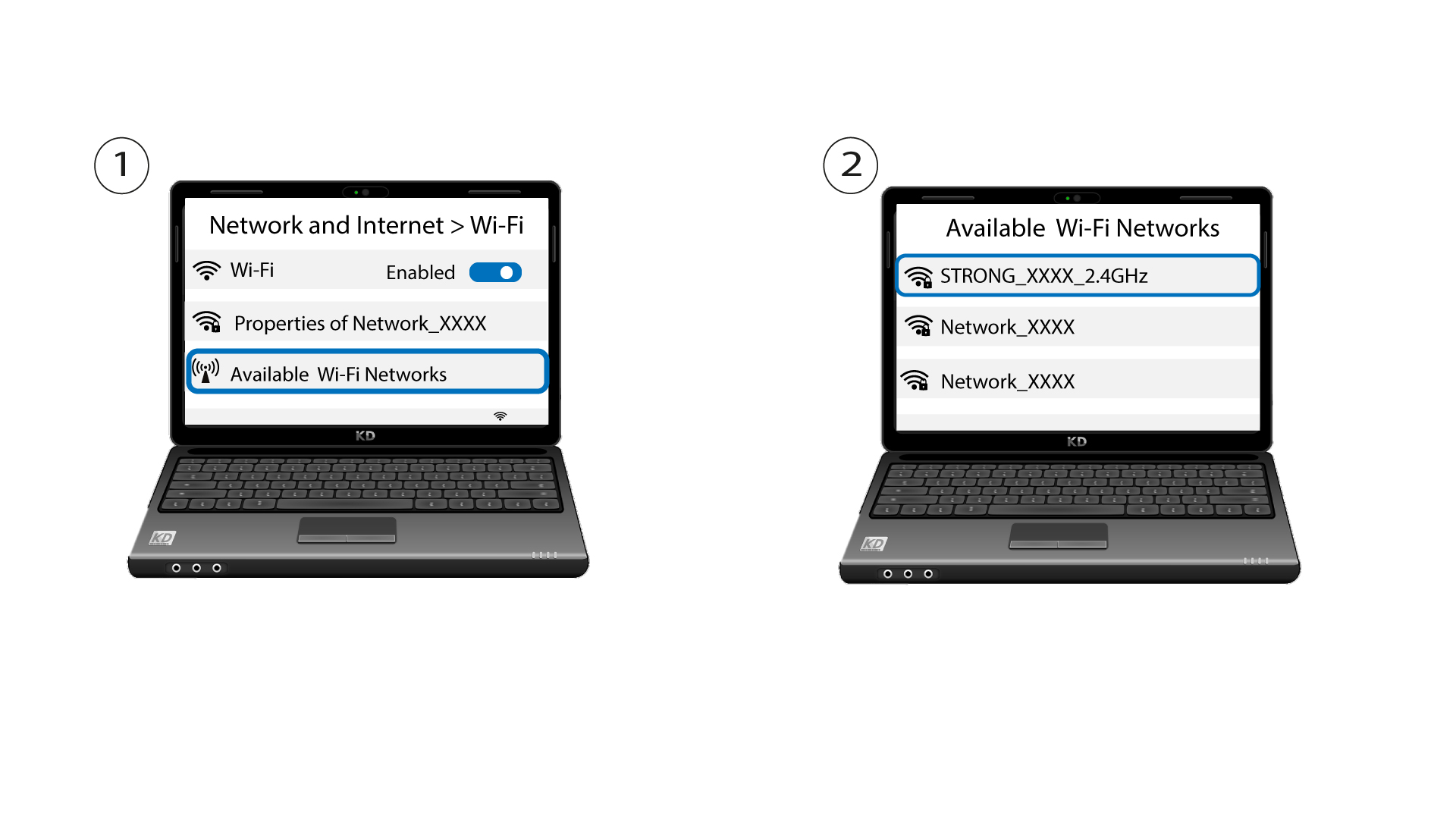
2VäljWi-Fi-nätverket bland de tillgängliga nätverken
Gå till Wi-Fi-inställningarna på din dator eller telefon och klicka på routerns namn för att välja den.
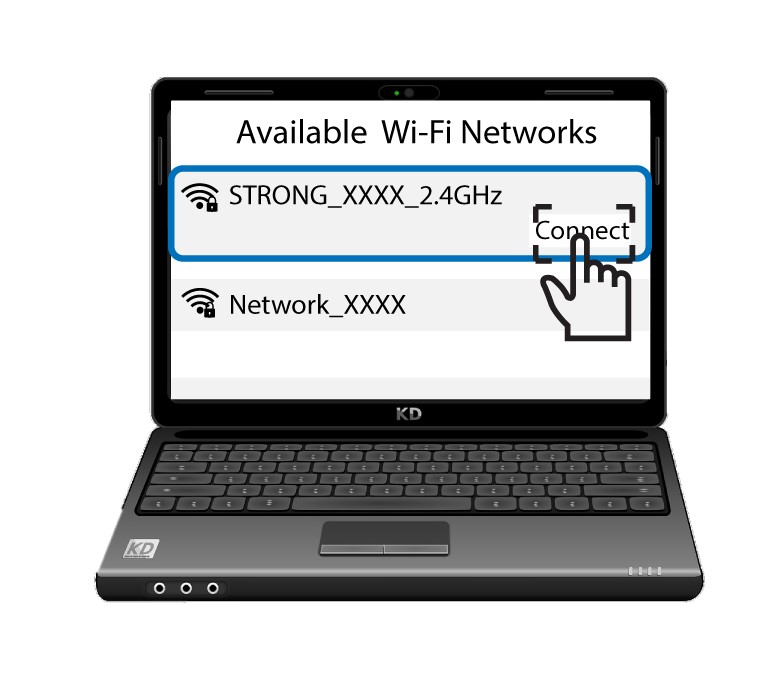
3. Ansluttill Wi-Fi
Klicka sedan på knappen ”Anslut ”.