ATRIA Wi-Fi 6 Mesh 3000 (2-pack)
Alla frågor
ATRIA Wi-Fi 6 Mesh 3000 (2-pack)
Vad kan jag göra i webbgränssnittet?
1. Ansluttill enhetens Wi-Fi-nätverk
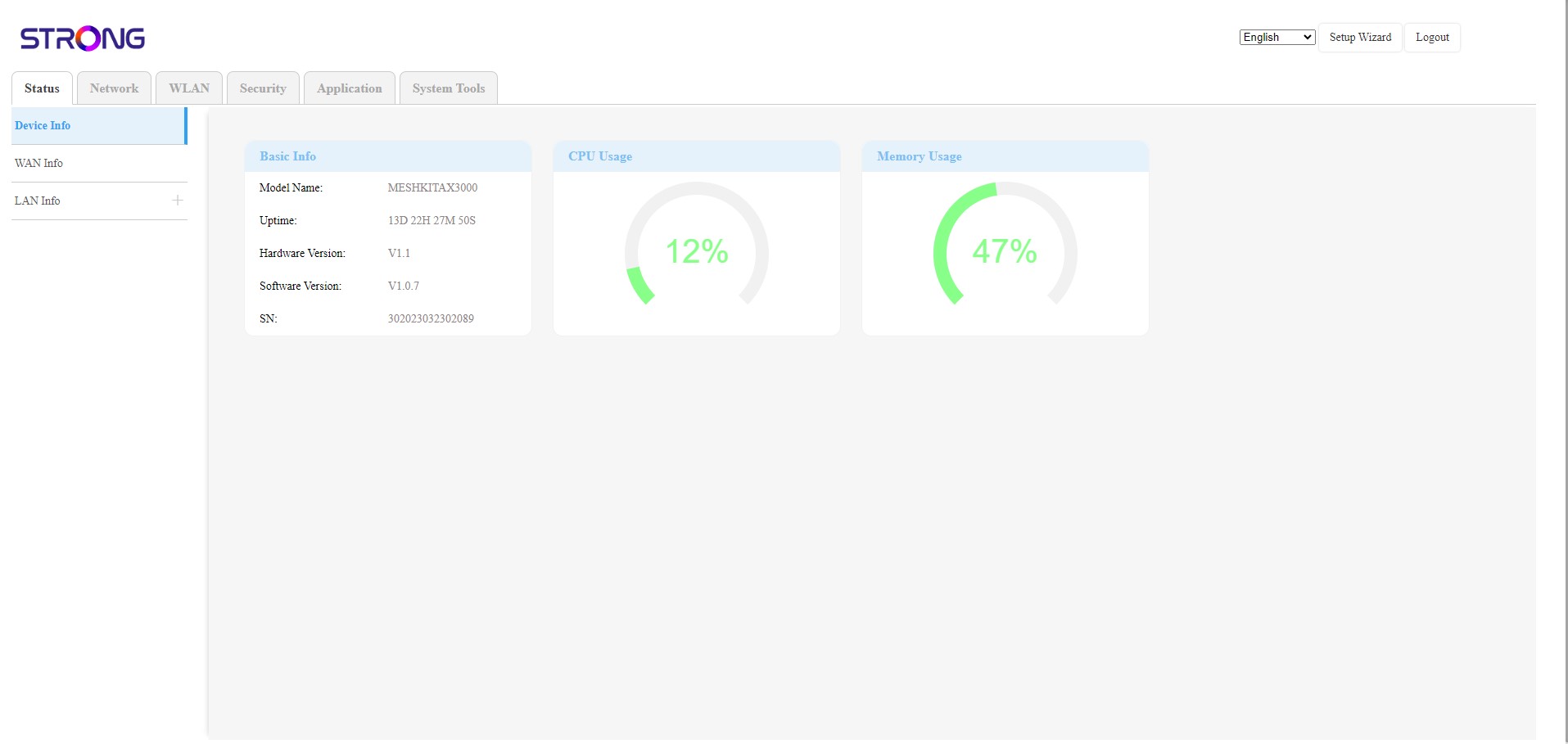
Webbgränssnittet är indelat i 6 avsnitt:
• Status: Här hittar du all information om enheten Mesh och nätverket.
• Nätverk: Här kan du konfigurera WAN- och LAN-inställningarna (IPv4/IPv6) samt ställa in en hastighetsbegränsning.
• WLAN: Här väljer du mellan 2,4 GHz- och 5 GHz-nätverk, ställer in flera SSID:er, WPS, hanterar internetåtkomst för olika MAC-adresser, ändrar SSID och Wi-Fi-lösenord samt ställer in en Mesh.
• Säkerhet: Här kan du ställa in en brandvägg, DoS-inställningar, URL-/MAC-filter, IP-filter, föräldrakontroll/tjänstekontroll samt schemalägga aktiveringen av Mesh -nätverket.
• Applikation: här kan du konfigurera NAT-inställningarna (ALG, DMZ, portvidarebefordran), ett VPN, SNTP (tidszon), ett VPN, dynamisk DNS, UPnP samt komma åt IPTV-konfigurationen.
• Systemverktyg: här kan du ändra inloggningsuppgifterna, starta om enheten, uppdatera firmware, spara och återställa en säkerhetskopia, återställa till fabriksinställningarna, hantera lysdioderna, komma åt loggarna och starta diagnostik.