5G AIRHOME 1050 | Wi-Fi 6
Усі питання
5G AIRHOME 1050 | Wi-Fi 6
Як ввести PIN-код SIM-карти?
Щоб ввести PIN-код SIM-карти, необхідно підключитися до веб-інтерфейсу.
1. Підключітьсядо мережі Wi-Fi вашого маршрутизатор
Для цього введіть на своєму пристрої SSID (ім’я мережі Wi-Fi) та пароль Wi-Fi пристрою « маршрутизатор »:

2. Перейтидо веб-інтерфейсу за IP-адресою
Потім введіть у браузері таку IP-адресу: 192.168.0.1

3. Сторінка входу
Необхідно ввести ім'я користувача та пароль ( ця інформація вказана на етикетці, розташованій знизу пристрою; будь ласка, запишіть новий пароль адміністратора, який ви встановите після першого входу в систему). Потім натисніть «Увійти».

4. Введітьсвої облікові дані
Коли ви вперше підключитеся до веб-інтерфейсу, ви побачите попереджувальне повідомлення, в якому вам буде запропоновано ввести PIN-код, натиснувши кнопку підключення.
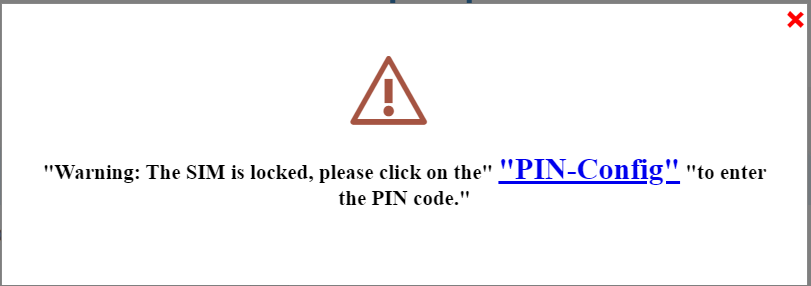
5ВведітьPIN-код
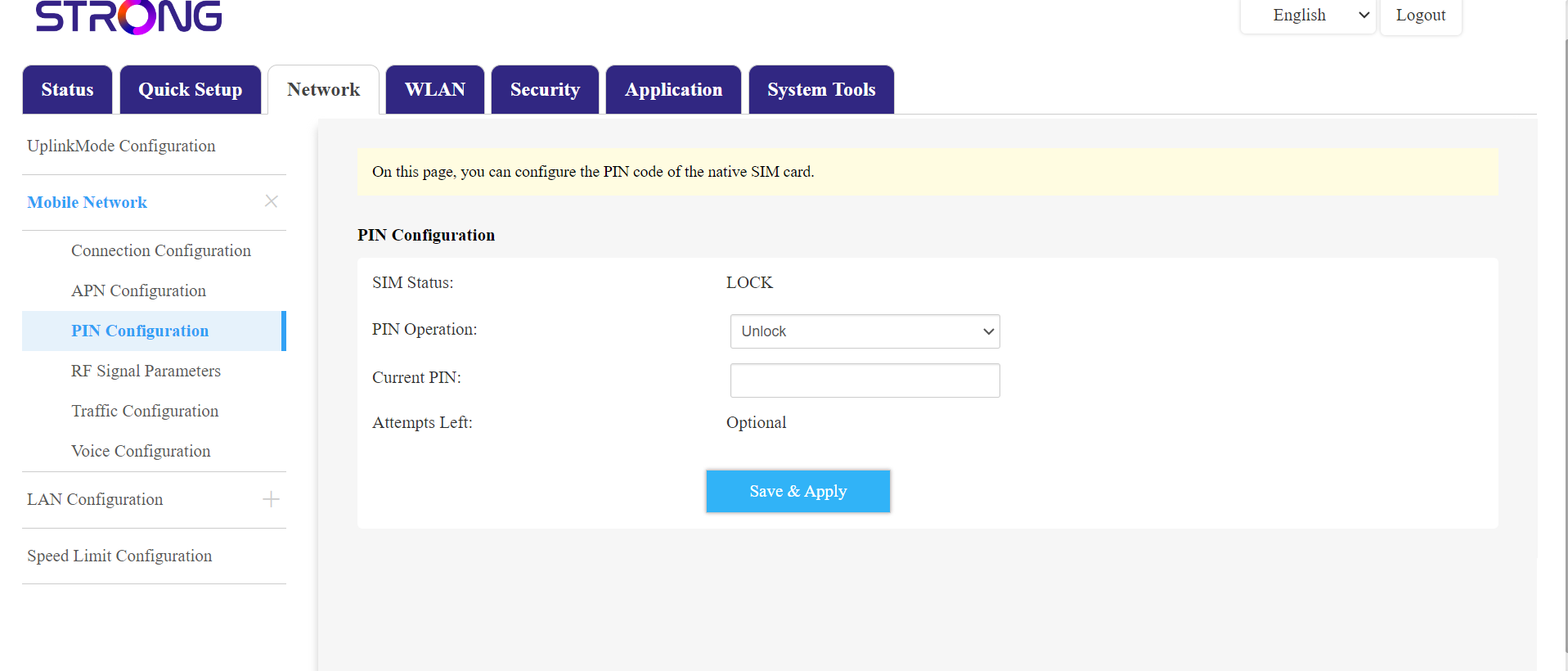
Потім перейдіть у розділ «Мережа» у верхній панелі, а потім у розділ «Мобільна мережа» і натисніть «Налаштування PIN-коду».
Введіть свій PIN-код у відповідне поле та натисніть «Підтвердити».
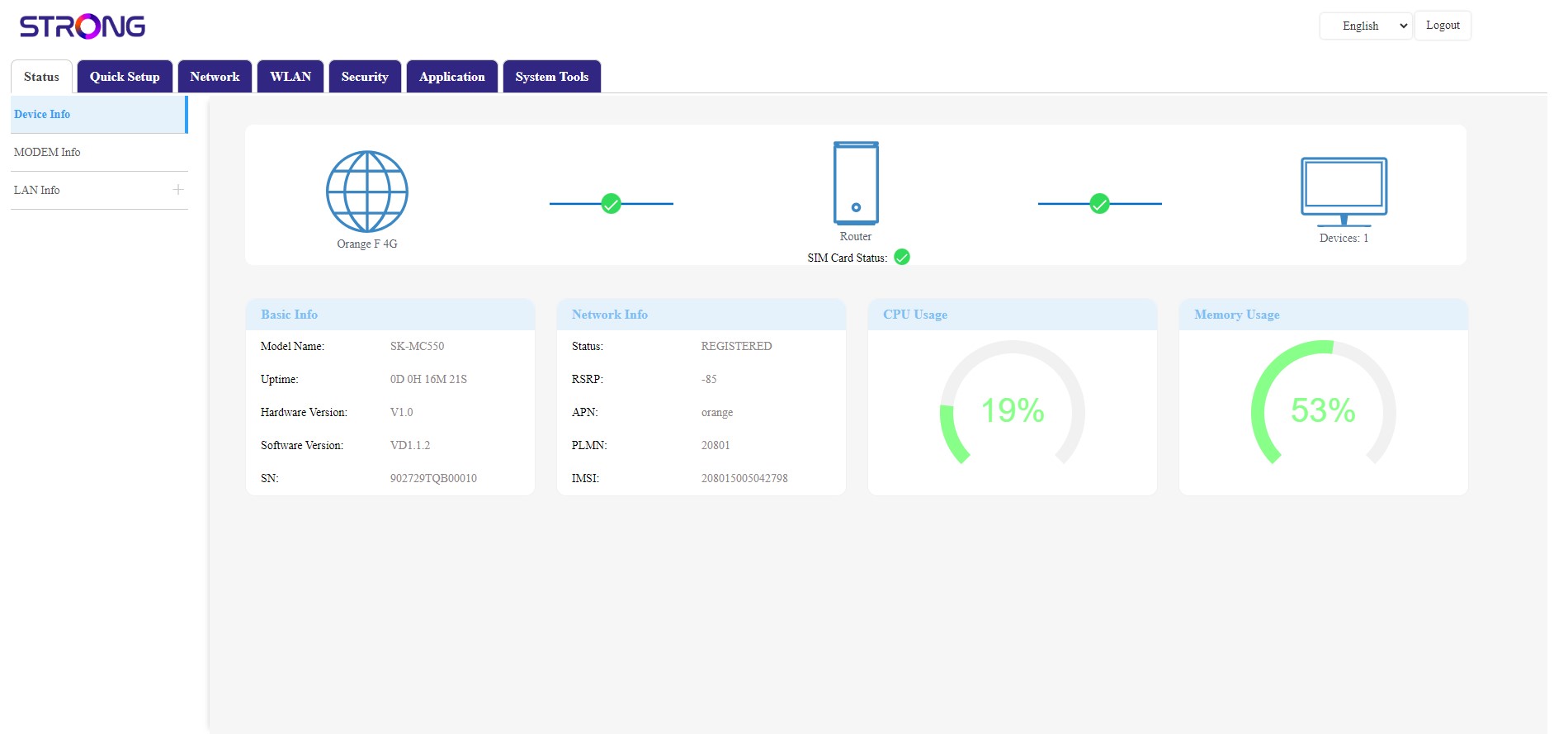
6.SIM-картка розблокована
SIM-картка розблокована, і її піктограма тепер стає зеленою, а поруч з нею відображається назва мережі.