
5G AIRHOME 1050 | Wi-Fi 6
Нічого не знайдено.
Нічого не знайдено.
Усі питання
5G AIRHOME 1050 | Wi-Fi 6
Нічого не знайдено.
Нічого не знайдено.
Що означають різні статуси SIM-карт у веб-інтерфейсі користувача?

Попередження: Перед підключенням до веб-інтерфейсу переконайтеся, що SIM-картка вставлена правильно, а PIN-код вимкнено або введено.
Перейшовши до веб-інтерфейсу, ви побачите, що поруч із рядком стану SIM-карти можуть відображатися різні статуси:
Випадок 1: SIM-картка не вставлена або не розпізнається, і немає з’єднання з мобільною мережею.
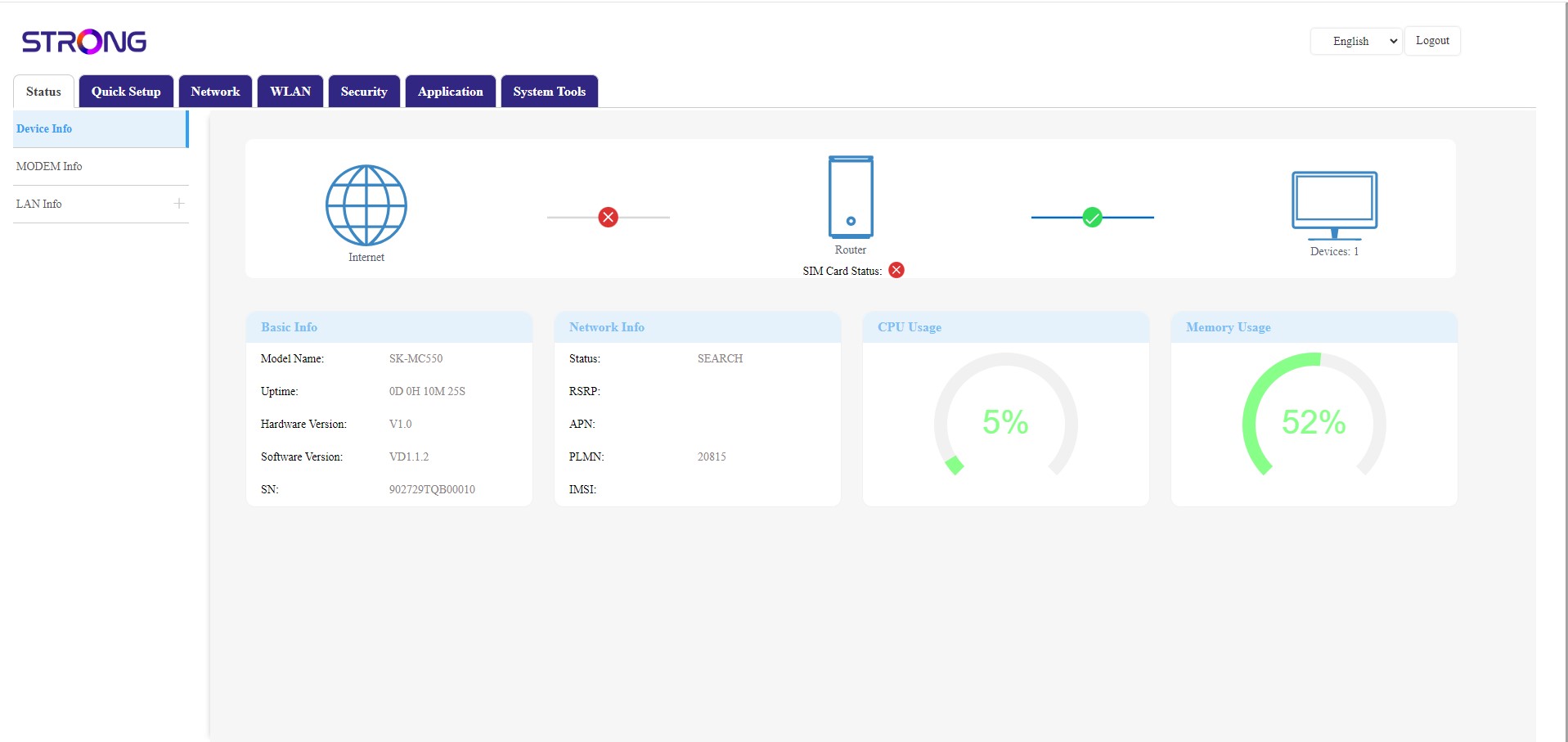
Випадок 2: SIM-картка вставлена правильно і розпізнана, але з’єднання з мобільною мережею відсутнє, оскільки SIM-картка заблокована PIN-кодом або може знадобитися деякий час, щоб мережа була розпізнана (якщо мережа не розпізнається після короткого очікування, будь ласка, перевірте налаштування APN та введіть дані вашого оператора).
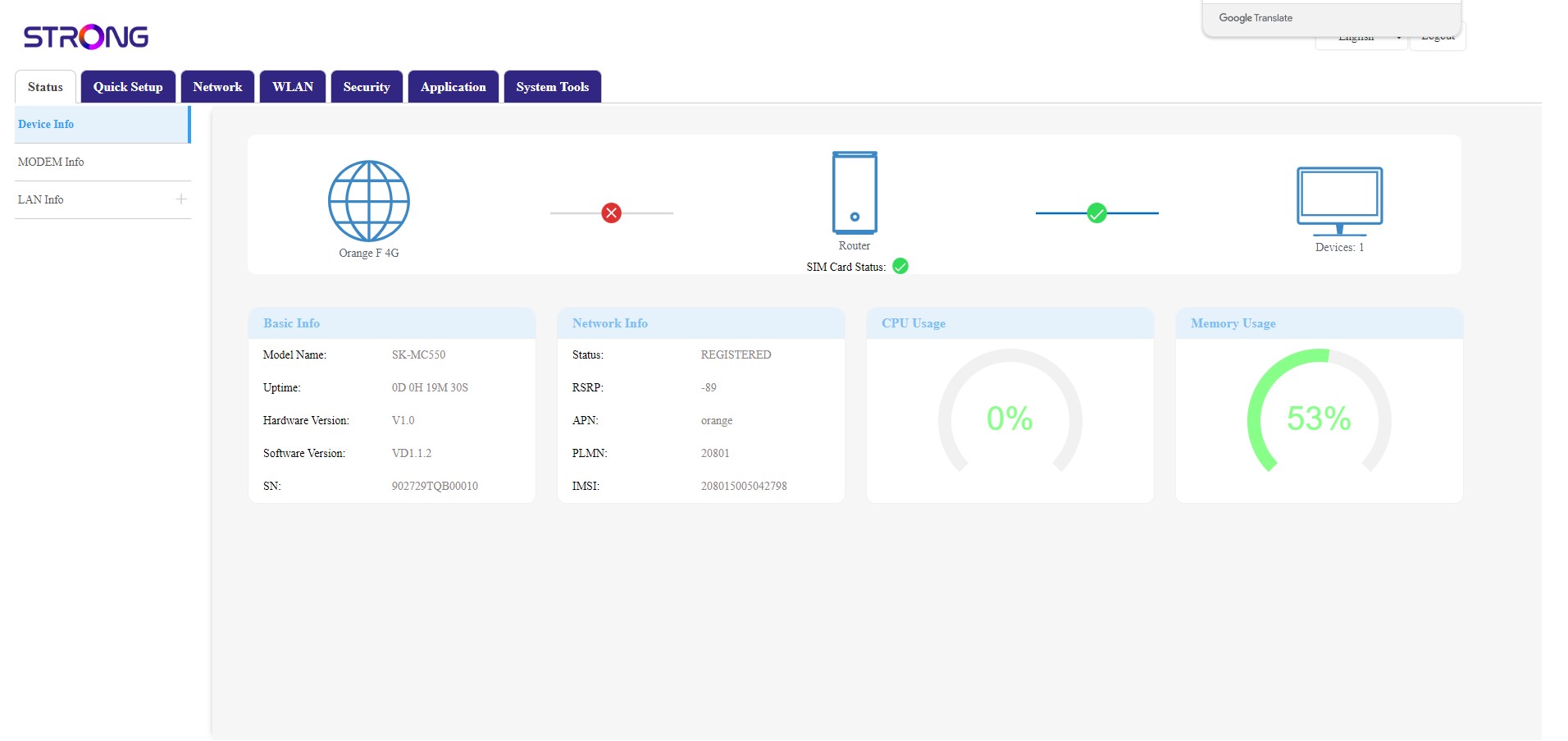
Випадок 3: SIM-картка вставлена правильно, PIN-код введено. Зв’язок працює.
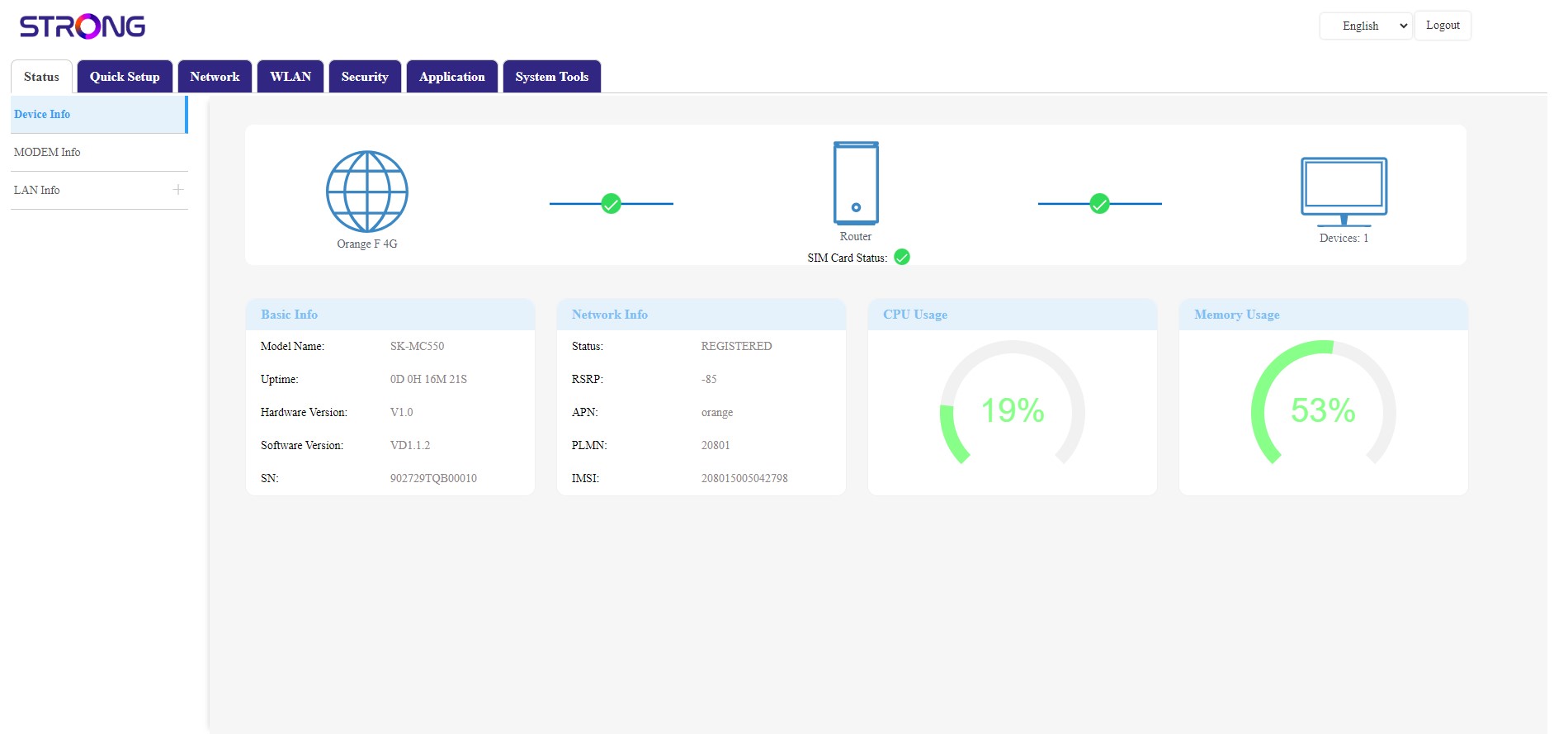
- Якщо SIM-картка заблокована PIN-кодом, вам необхідно підключитися до веб-інтерфейсу, щоб ввести його та розблокувати SIM-картку.
- Якщо SIM-картка не розпізнається, переконайтеся, що золотиста сторона не видна, коли SIM-картка вставлена в слот.
- Якщо SIM-картка встановлена неправильно, встановіть її правильно в слот і переконайтеся, що SIM-картка все ще знаходиться в адаптері.