Нічого не знайдено.
LEAP 41 | 4K Google TV HDR10+
Нічого не знайдено.
Усі питання
Нічого не знайдено.
LEAP 41 | 4K Google TV HDR10+
Нічого не знайдено.
Як оновити мій пристрій?
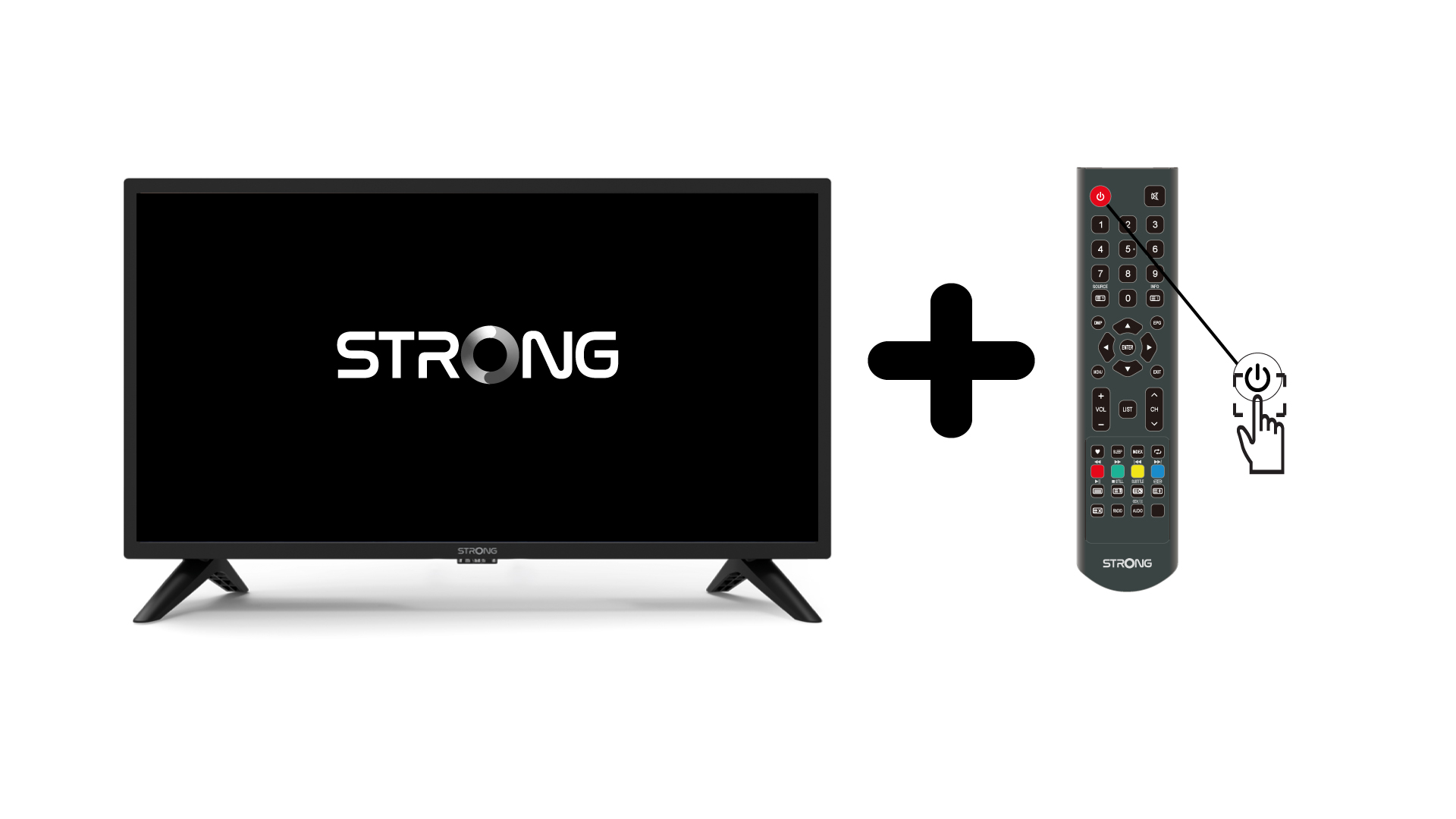
1. Увімкніть« TV » та пристрій
Увімкніть « TV » та свій пристрій.
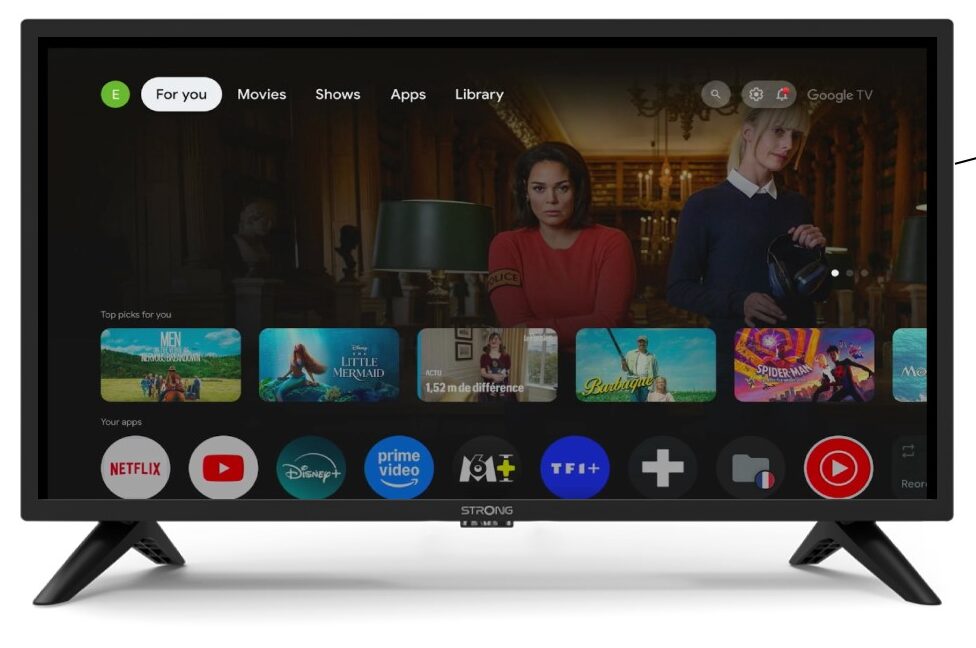
2. Налаштування
На сторінці «Налаштування» виберіть пункт «Дистанційне керування та аксесуари».
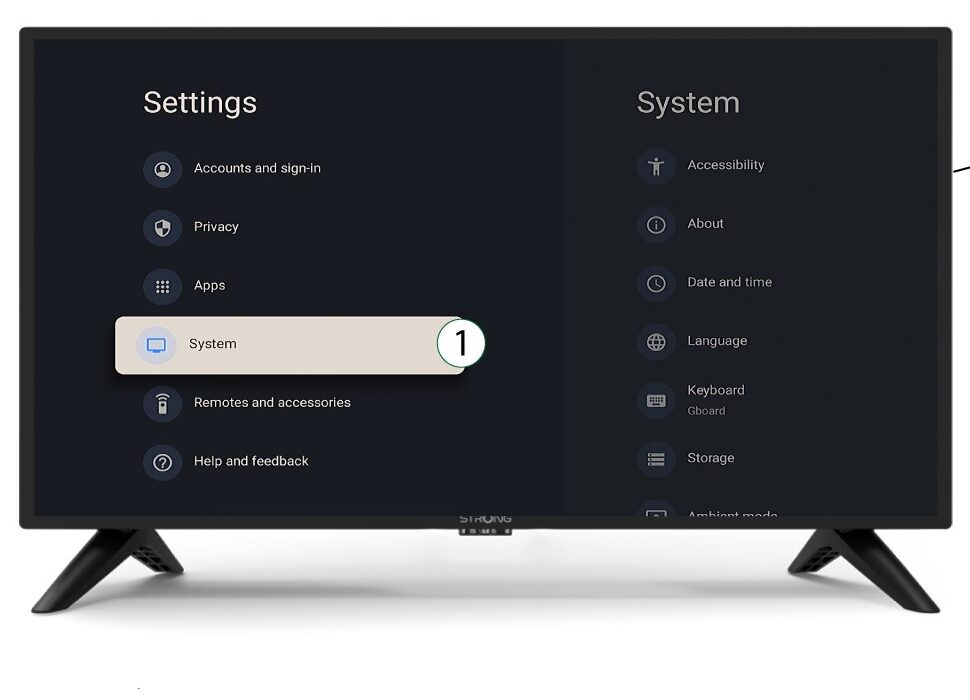
3System
У меню «Налаштування» виберіть пункт «Система» та натисніть «ОК».
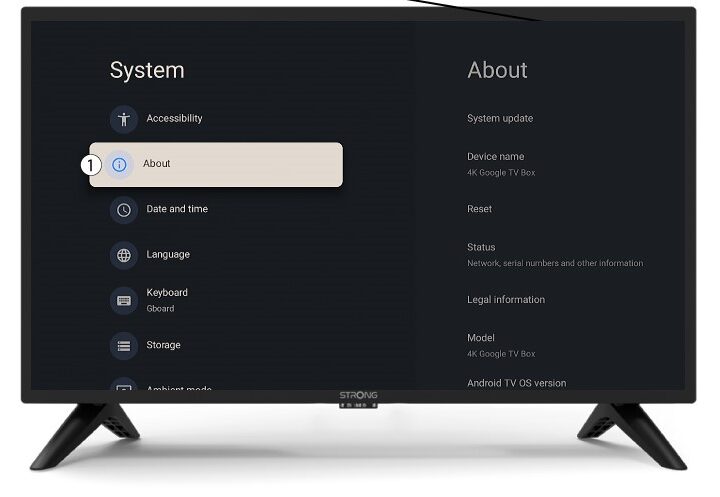
4Про
Виберіть пункт «Про програму» в системному меню та натисніть «ОК».
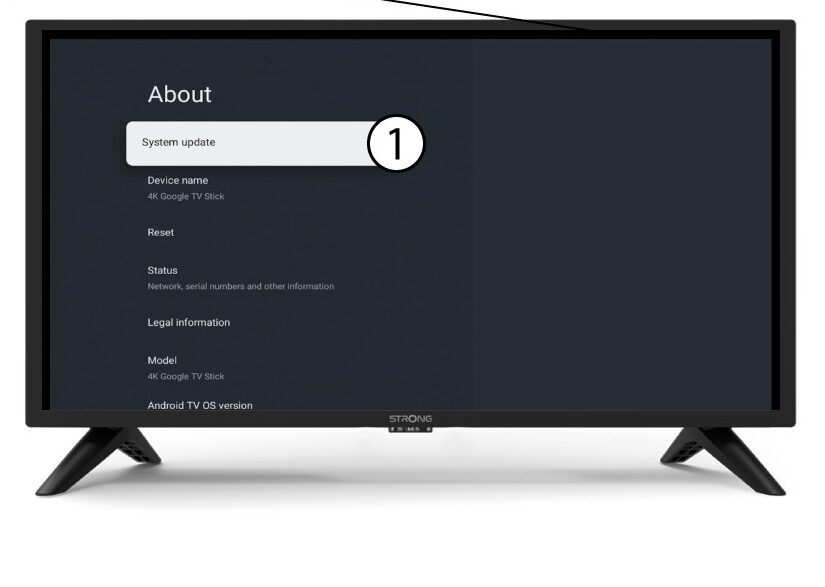
5. Оновлення системи
Виберіть «Оновлення системи».
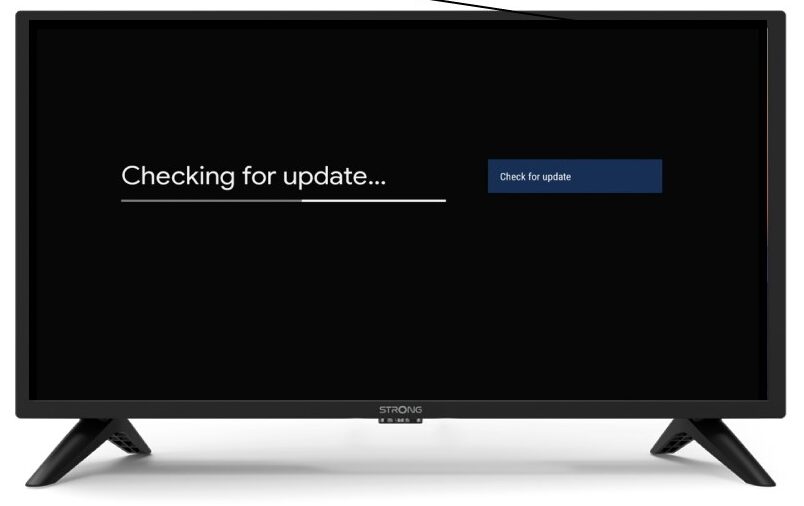
6. Пошук нової версії програмного забезпечення
Буде запущено перевірку наявності останнього оновлення. Будь ласка, зачекайте, поки вона виконується. Нова версія програмного забезпечення завантажиться автоматично.