LEAP 41 | 4K Google TV HDR10+
Усі питання
LEAP 41 | 4K Google TV HDR10+
Я підключив клавіатуру AZERTY через USB, але вона розпізнається як клавіатура QWERTY. Чому?

Попередження: Зверніть увагу, що перелік підтримуваних розкладок клавіатури для зовнішніх клавіатур визначається компанією Google. Тому ваша розкладка клавіатури може бути непідтримуваною. У цьому випадку радимо звернутися до виробника вашої клавіатури, щоб дізнатися, чи існує додаток, який забезпечить сумісність вашої клавіатури.
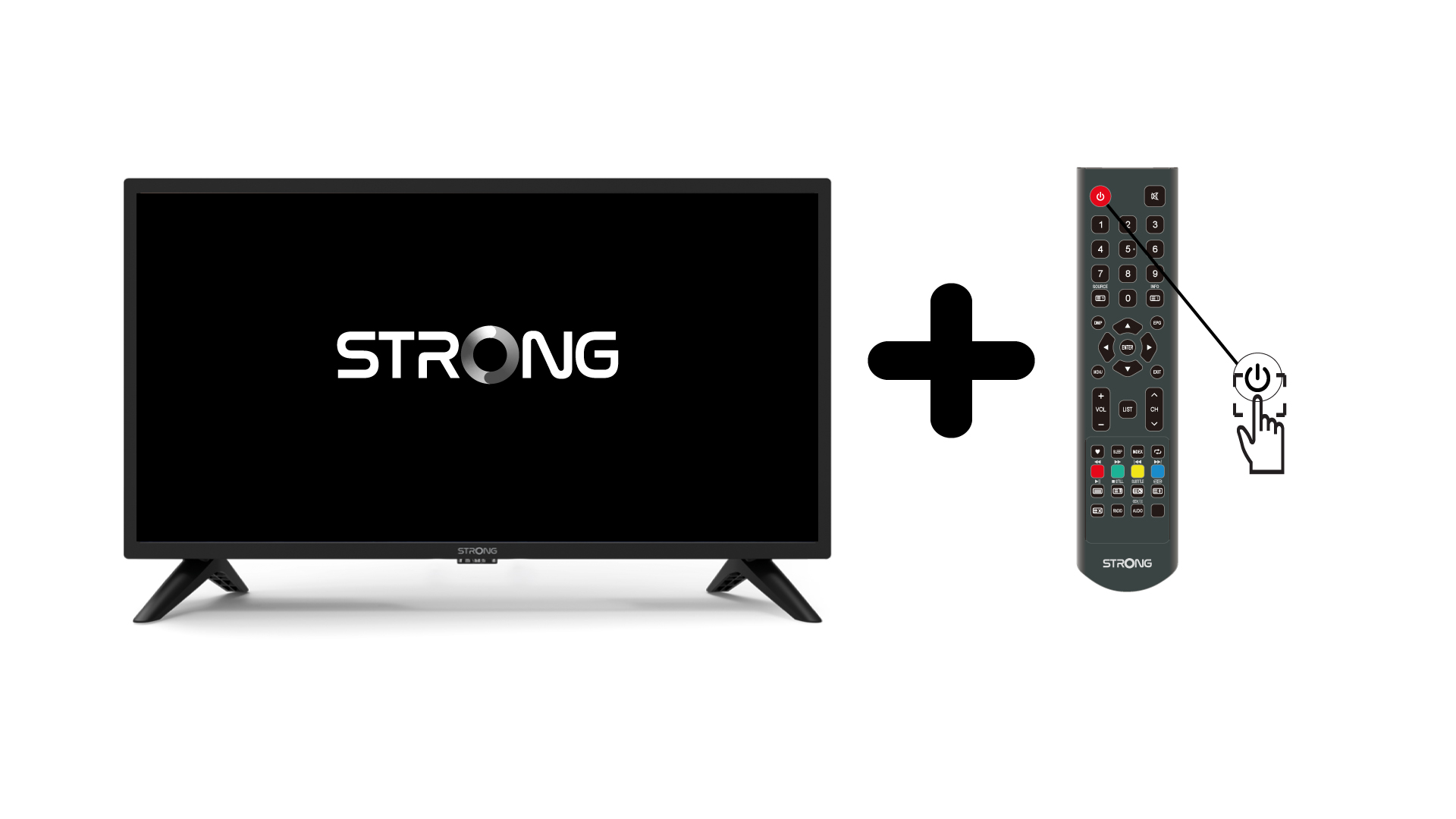
1. Увімкніть« TV » та пристрій
Увімкніть « TV » та свій пристрій.
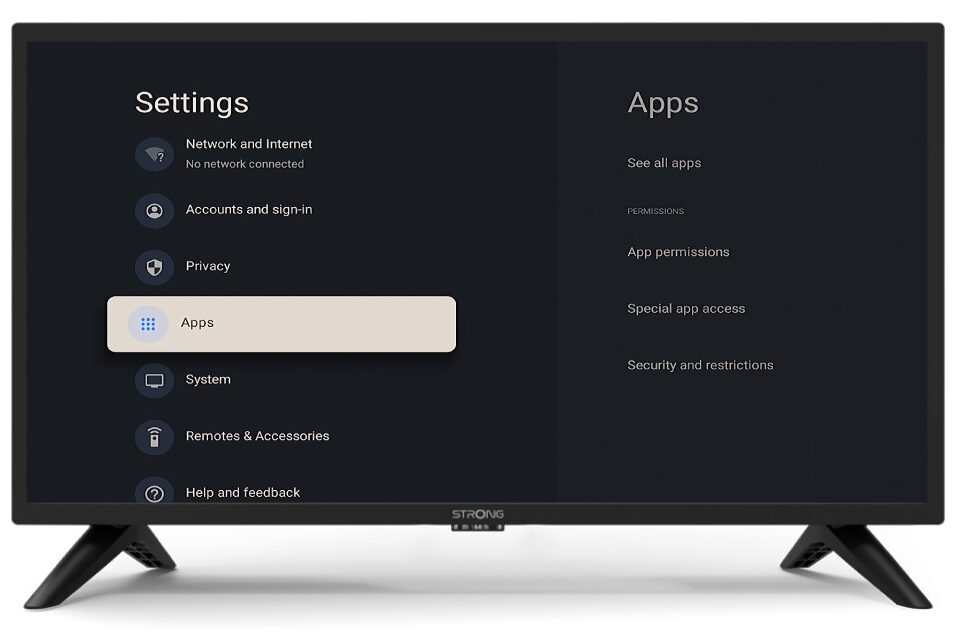
2. Налаштування
Натисніть кнопку «Налаштування» на пульті дистанційного керування (значок у вигляді шестерні). На екрані телевізора « TV » з’явиться меню «Налаштування».
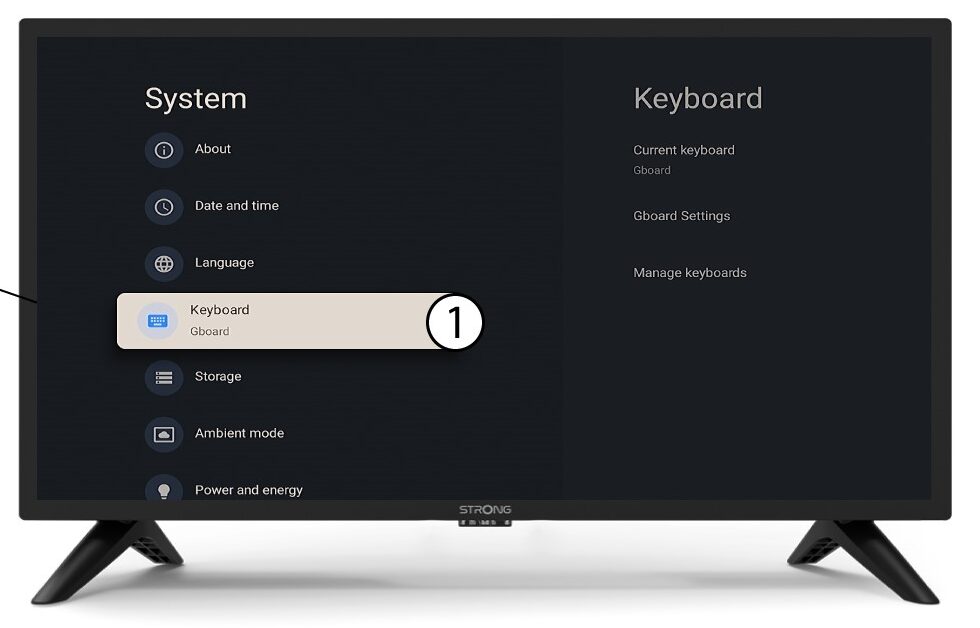
3Клавіатура
Виберіть пункт «Клавіатура» в меню «Налаштування» та натисніть кнопку «ОК» на пульті дистанційного керування.
4ManageKeyboard
Натисніть «Керування клавіатурою». Потім натисніть кнопку перемикання, щоб вимкнути цю функцію.
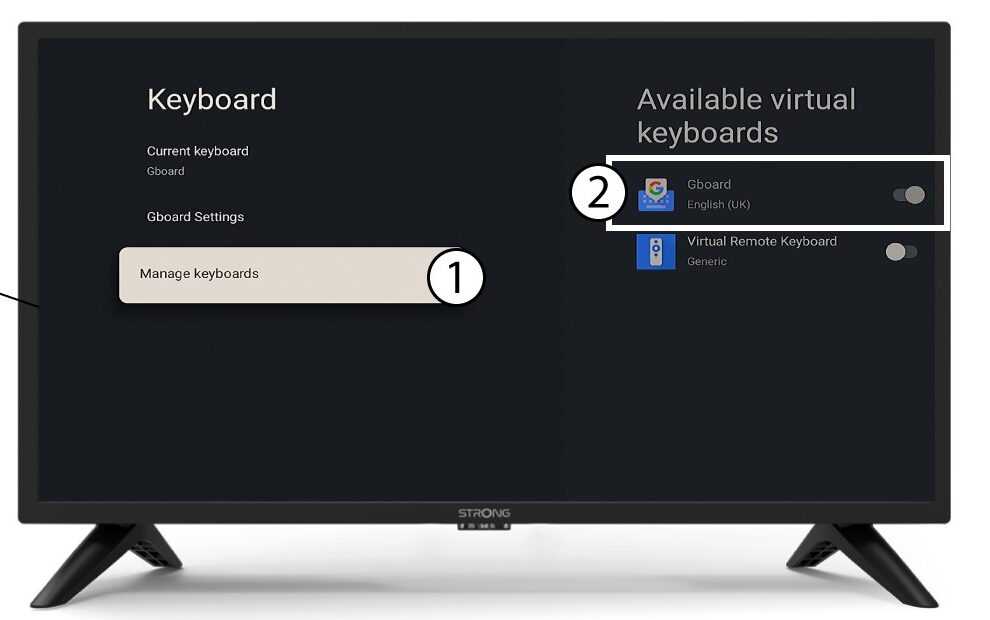
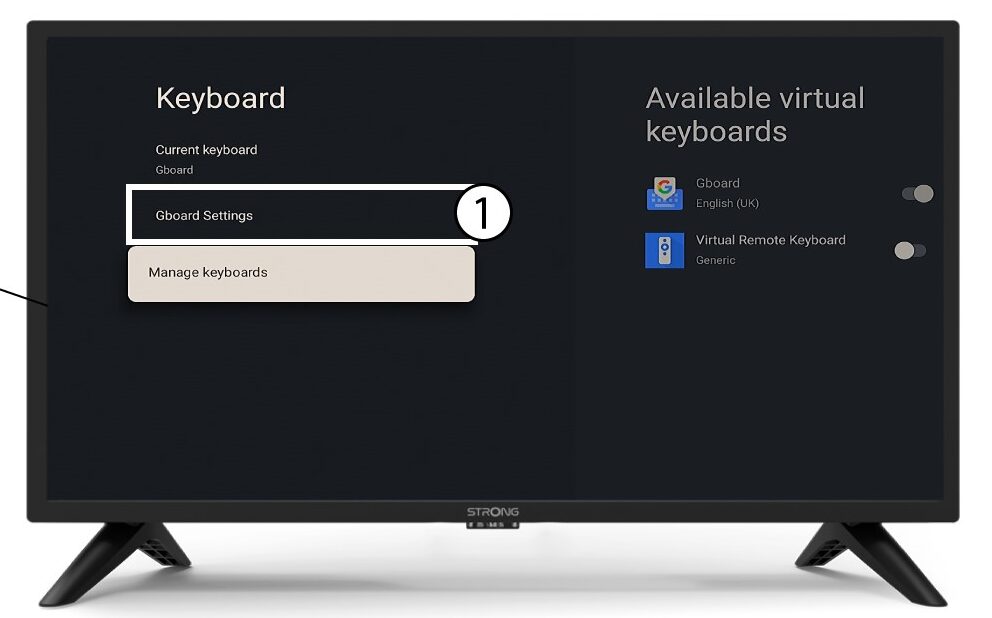
Налаштування 5Gboard
Натисніть «Налаштування Gboard » і натисніть «ОК».
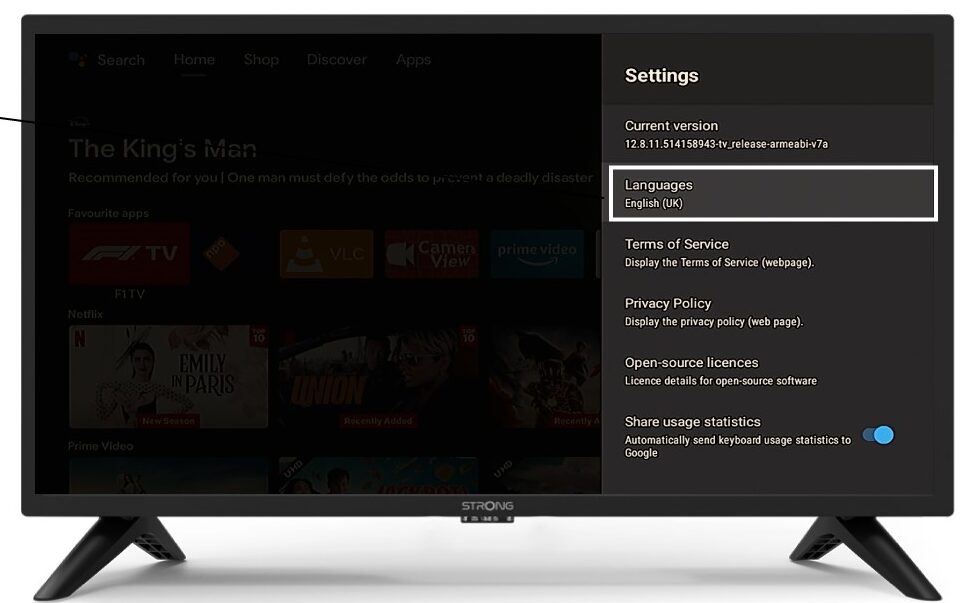
6 мов
Натисніть кнопку «Мови» та натисніть «ОК» на пульті дистанційного керування. Потім виберіть мову.