2K+ SMART HOME КАМЕРА
Всички въпроси
2K+ SMART HOME КАМЕРА
Как да настроя функцията за разпознаване на домашни любимци?
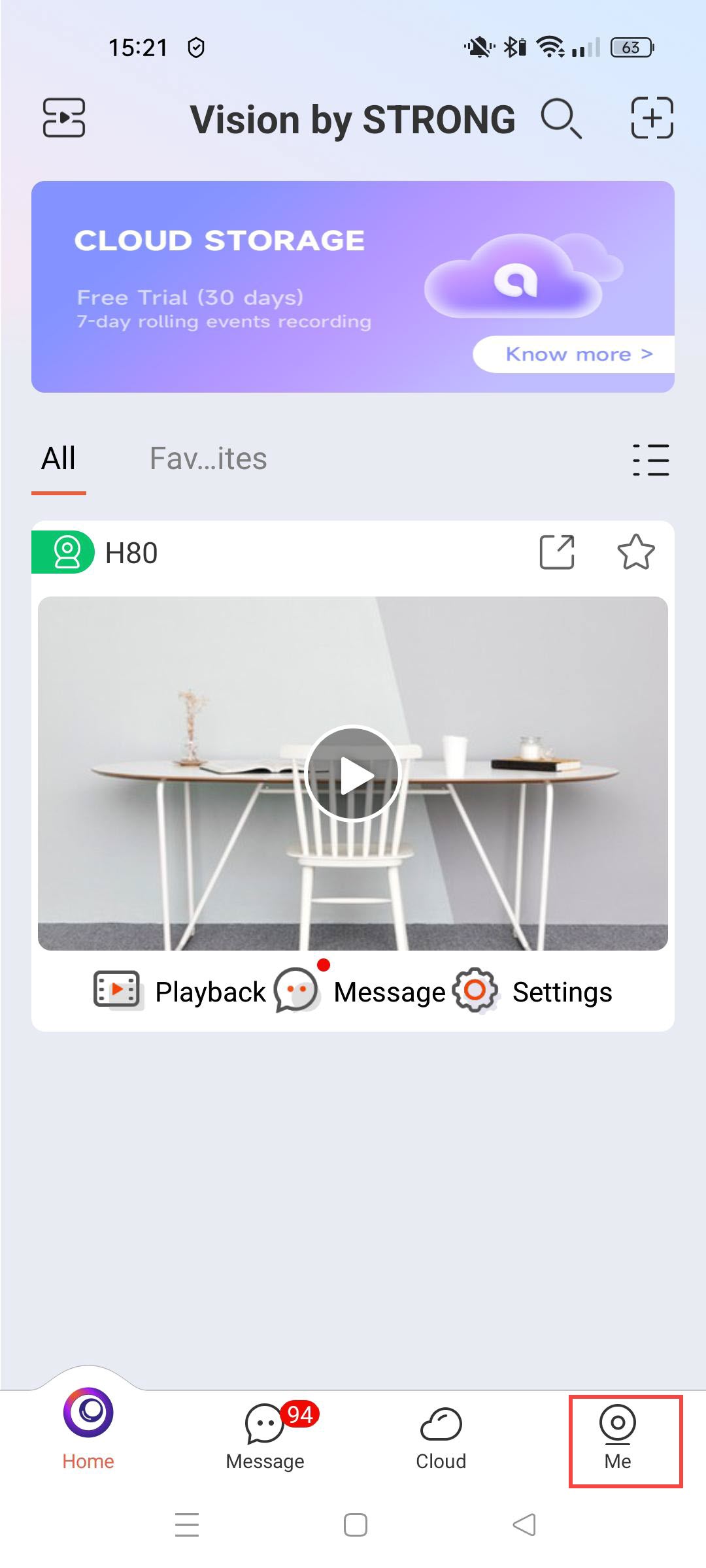
1. Отворетенастройките на камерата
Кликнете върху „Настройки“.
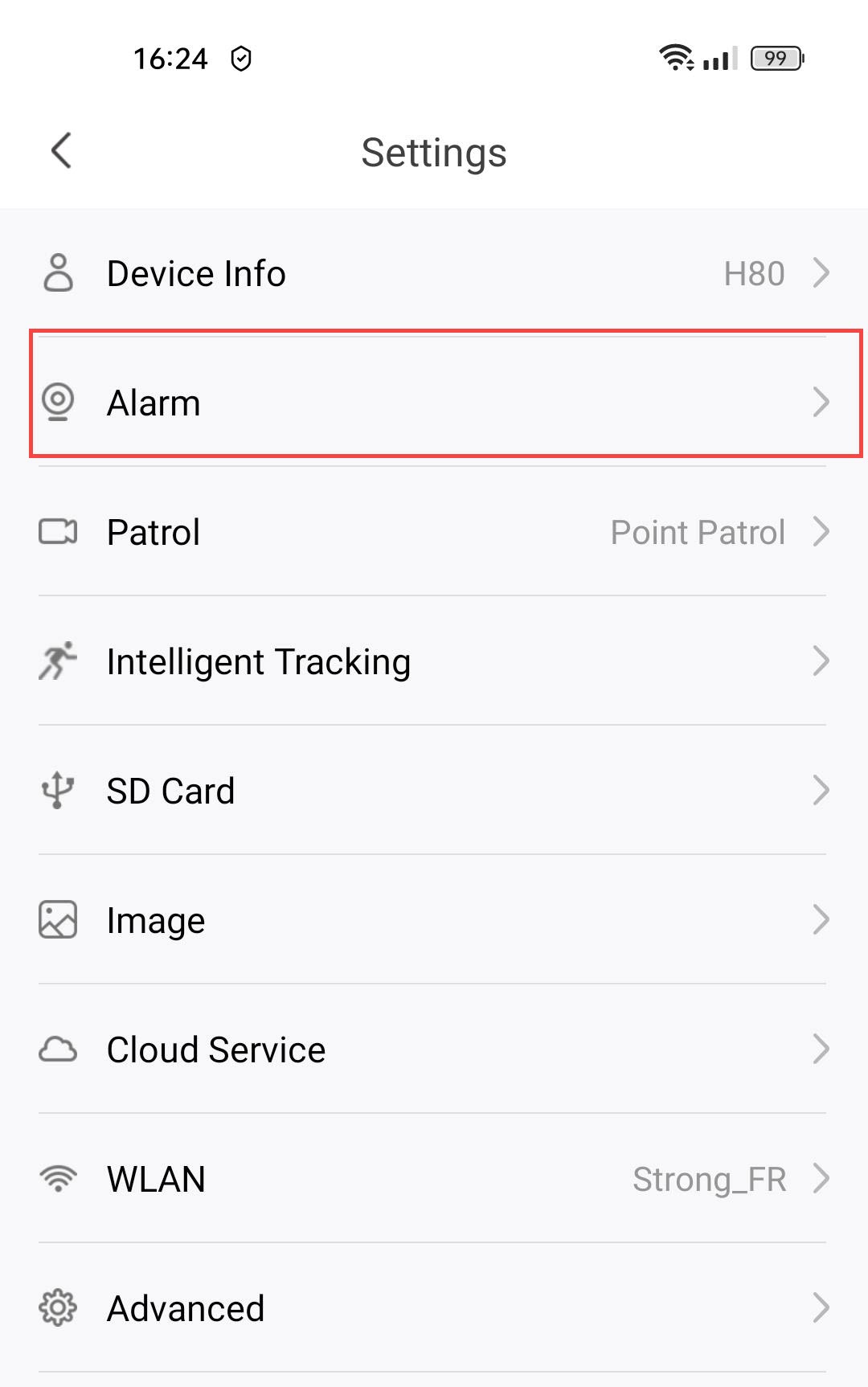
2. Достъп донастройките на алармата
Изберете „Аларма“.
3Активиранена функцията за разпознаване на домашни любимци
Натиснете превключвателя за разпознаване на домашни любимци .
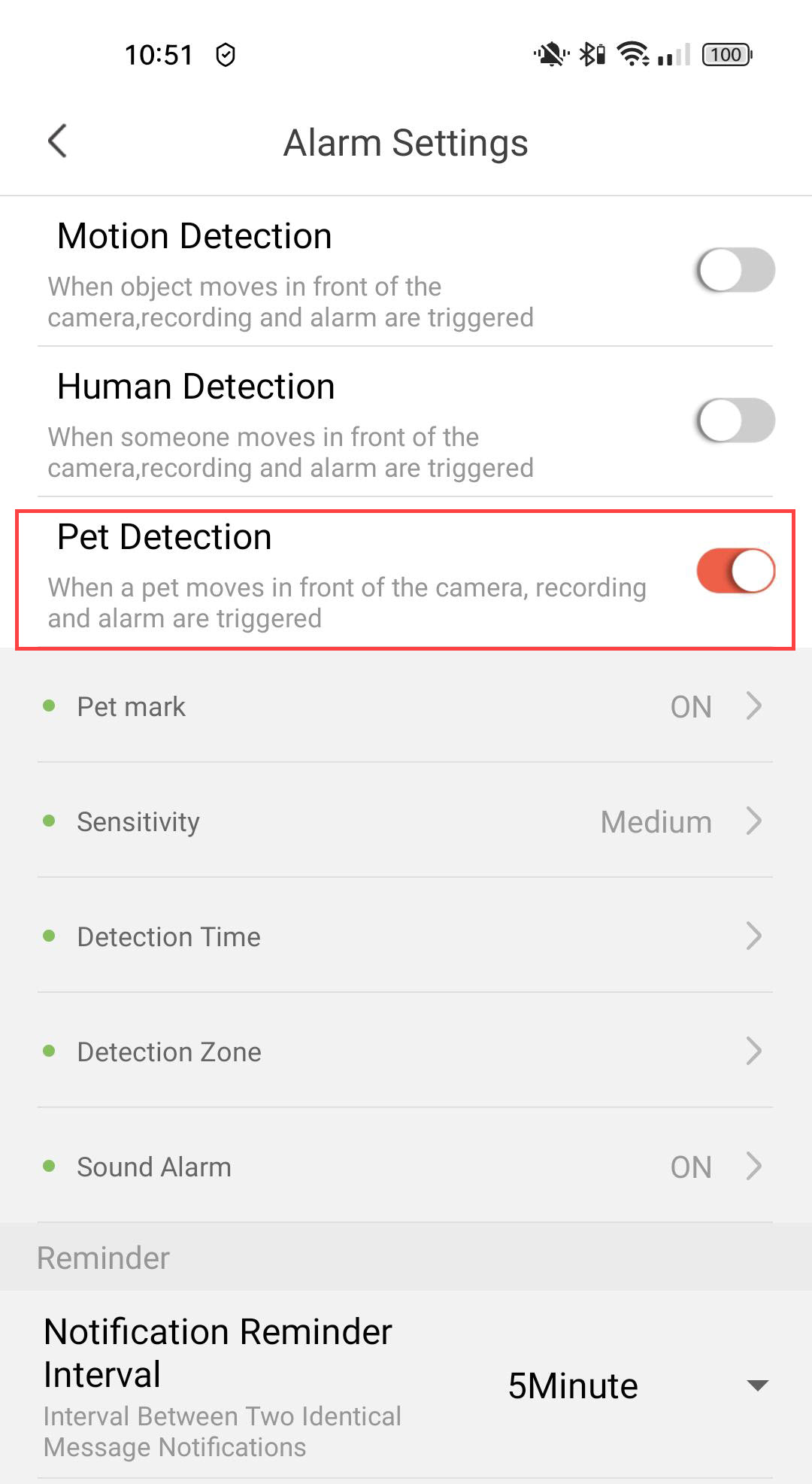
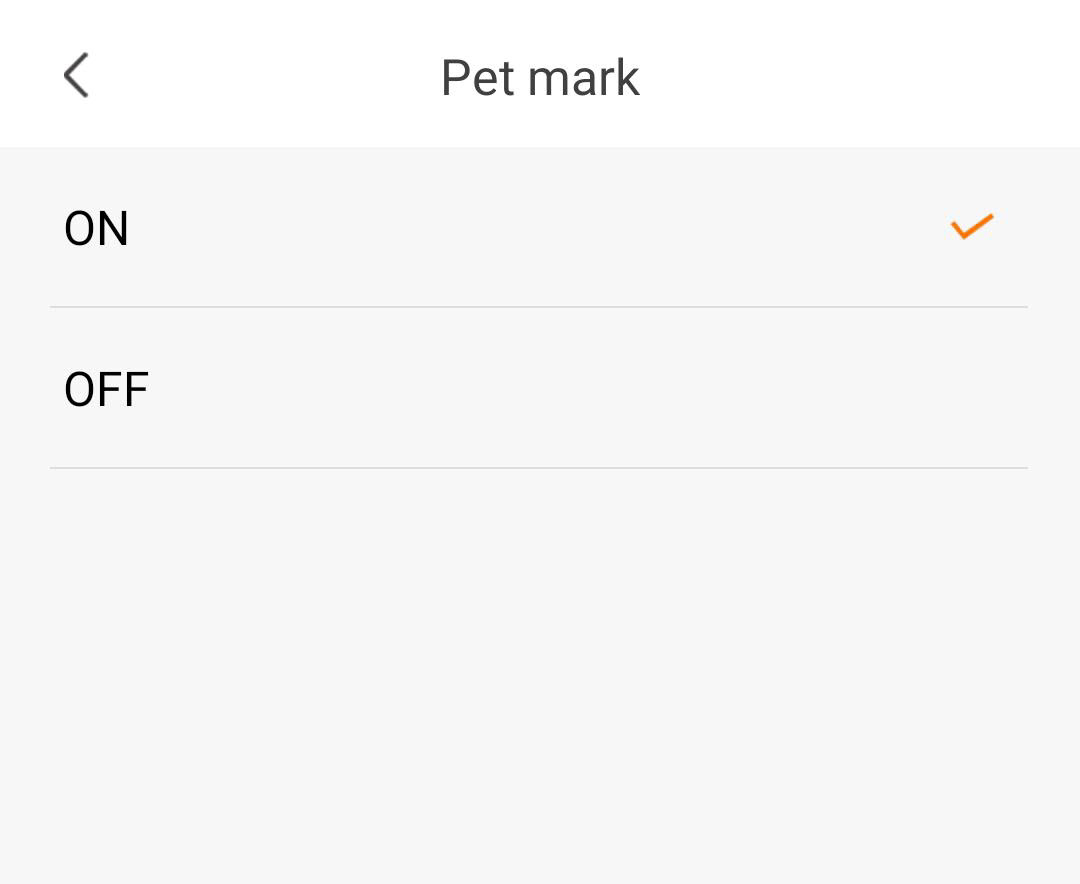
4Активиранена маркирането на домашни любимци
Изберете „Pet Mark“(активиране на маркирането на домашни любимци).
5. Настройкана чувствителността на откриването
Изберете чувствителност (изберете ниво – ниско, средно или високо, за да подобрите точността на откриването).

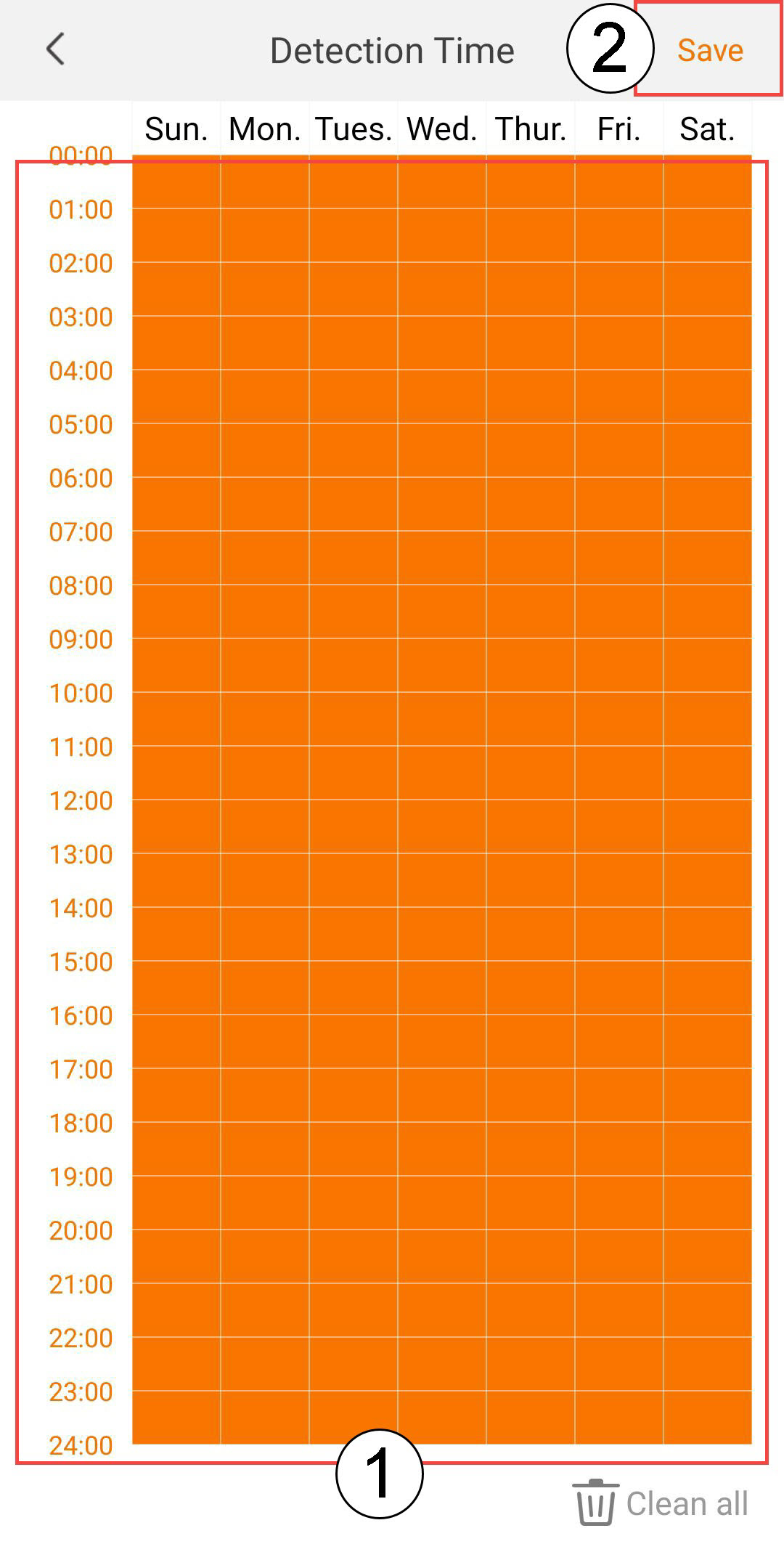
6. Настройкана времето за откриване
Изберете време за засичане (изберете дните и часовете, в които искате алармата да се задейства при засичане на човек, след което кликнете върху „Запази“).
7. Определетезоната на откриване
Изберете зона за откриване: (създайте зона за откриване върху решетката и натиснете „Запази“. Алармата ще се задейства, ако в тази зона бъде засечен човек).

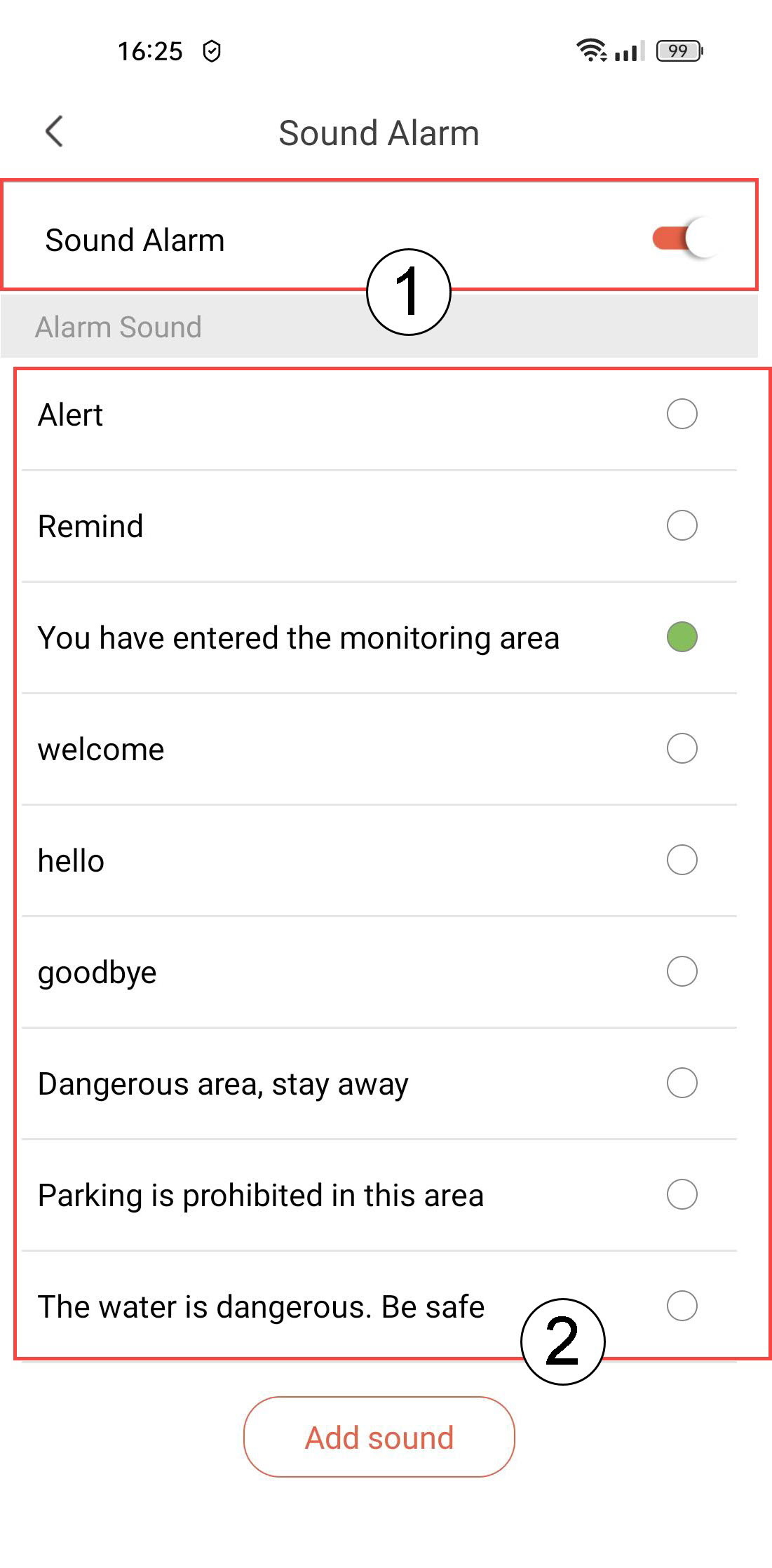
8Активиранена звуковата аларма
Изберете „Звукова аларма“ (натиснете превключвателя, за да активирате алармата, и изберете звук от списъка).
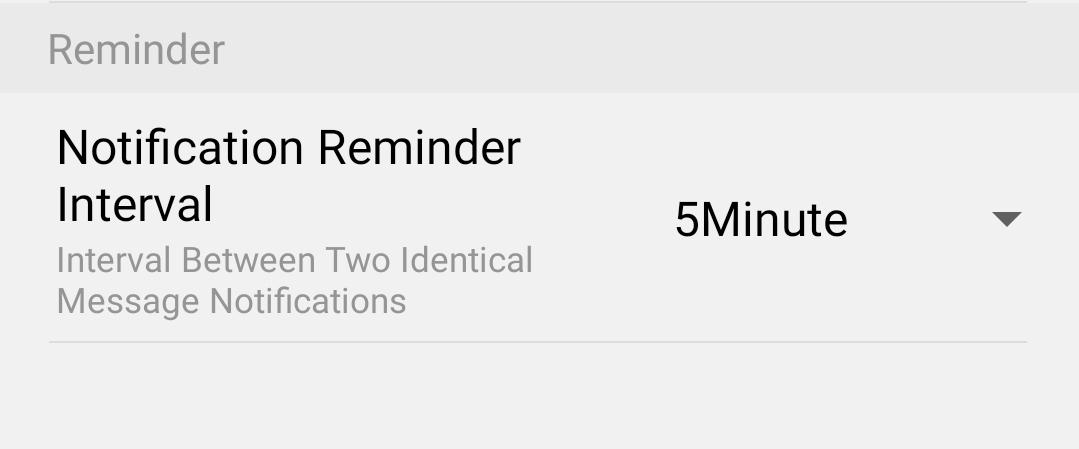
9Настройкана интервала за напомняне
Изберете „Напомняне“ (задайте интервала на уведомяване между две еднакви събития. Трябва да изберете стойност от 30 секунди до 30 минути).