Не са намерени никакви елементи.
Не са намерени никакви елементи.
2K+ SMART HOME КАМЕРА
Всички въпроси
Не са намерени никакви елементи.
Не са намерени никакви елементи.
2K+ SMART HOME КАМЕРА
Как да използвам облачните услуги след изтичане на пробния период?
След като изтече 30-дневният ви пробен период за облачните услуги, можете да се регистрирате, за да ползвате тази услуга през цялата година.
1. Настройки за достъп
Кликнете върху „Настройки“

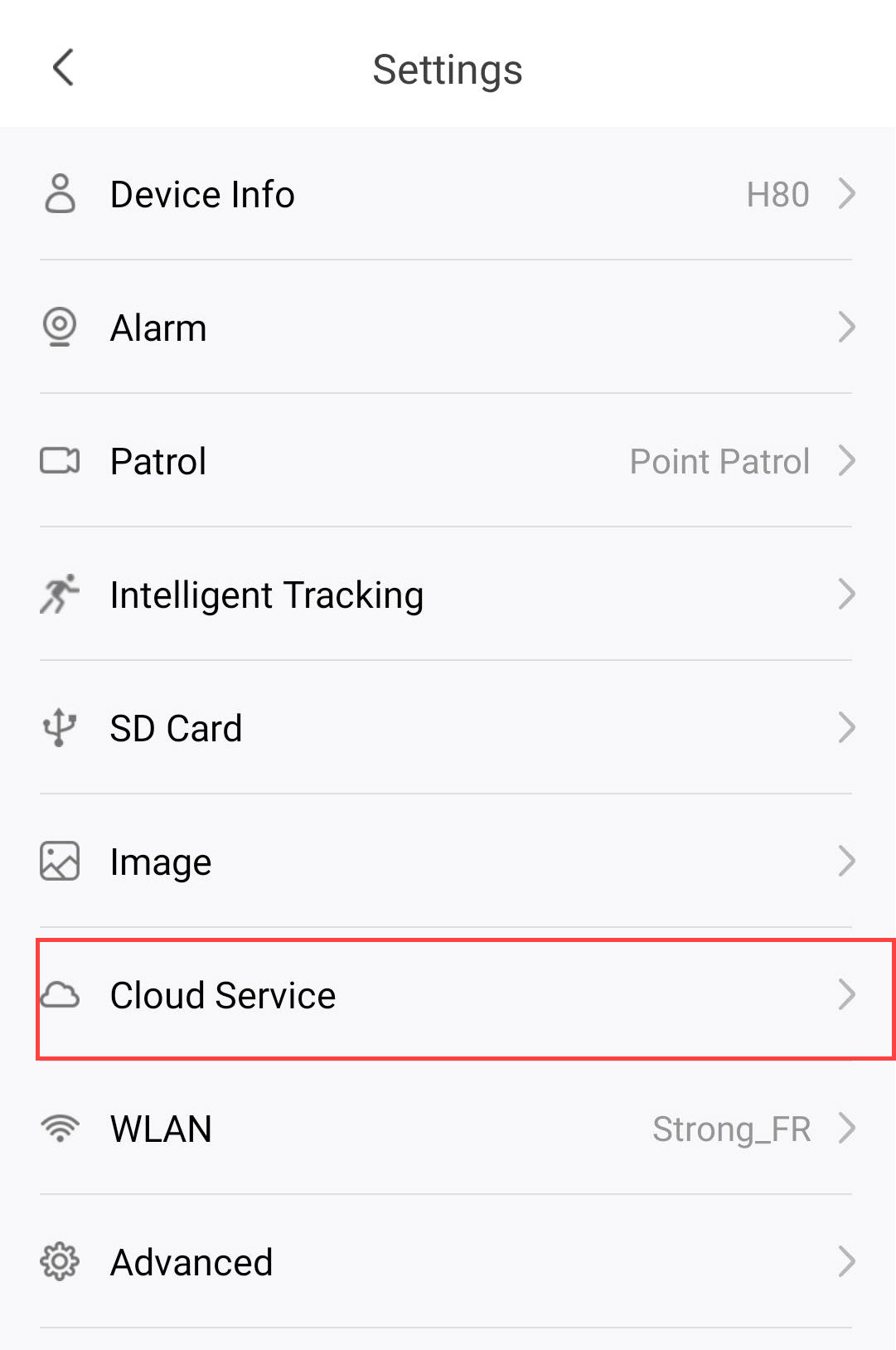
2. Отворетенастройките на облачните услуги
Кликнете върху „Облачни услуги“.
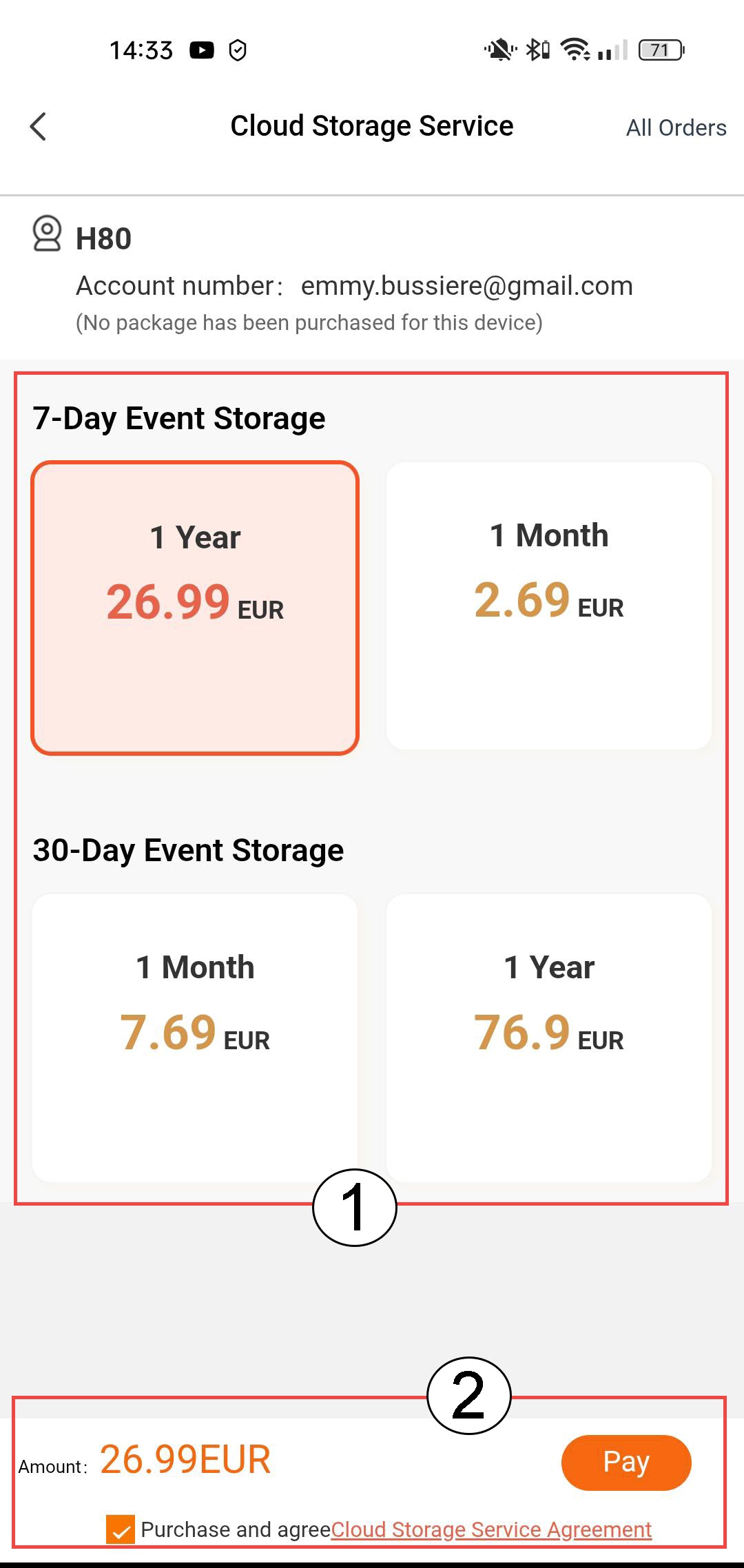
3Изберете„Съхранение на събития“ и „Абонамент“
Изберете между 7-дневно съхранение на събития (събитията се записват в продължение на 7 дни) или 30-дневно съхранение на събития (събитията се записват в продължение на 30 дни). След изтечане на избрания период записите се изтриват автоматично. Трябва да изберете периода на абонамента – месечен или годишен – преди да натиснете „Плати“.
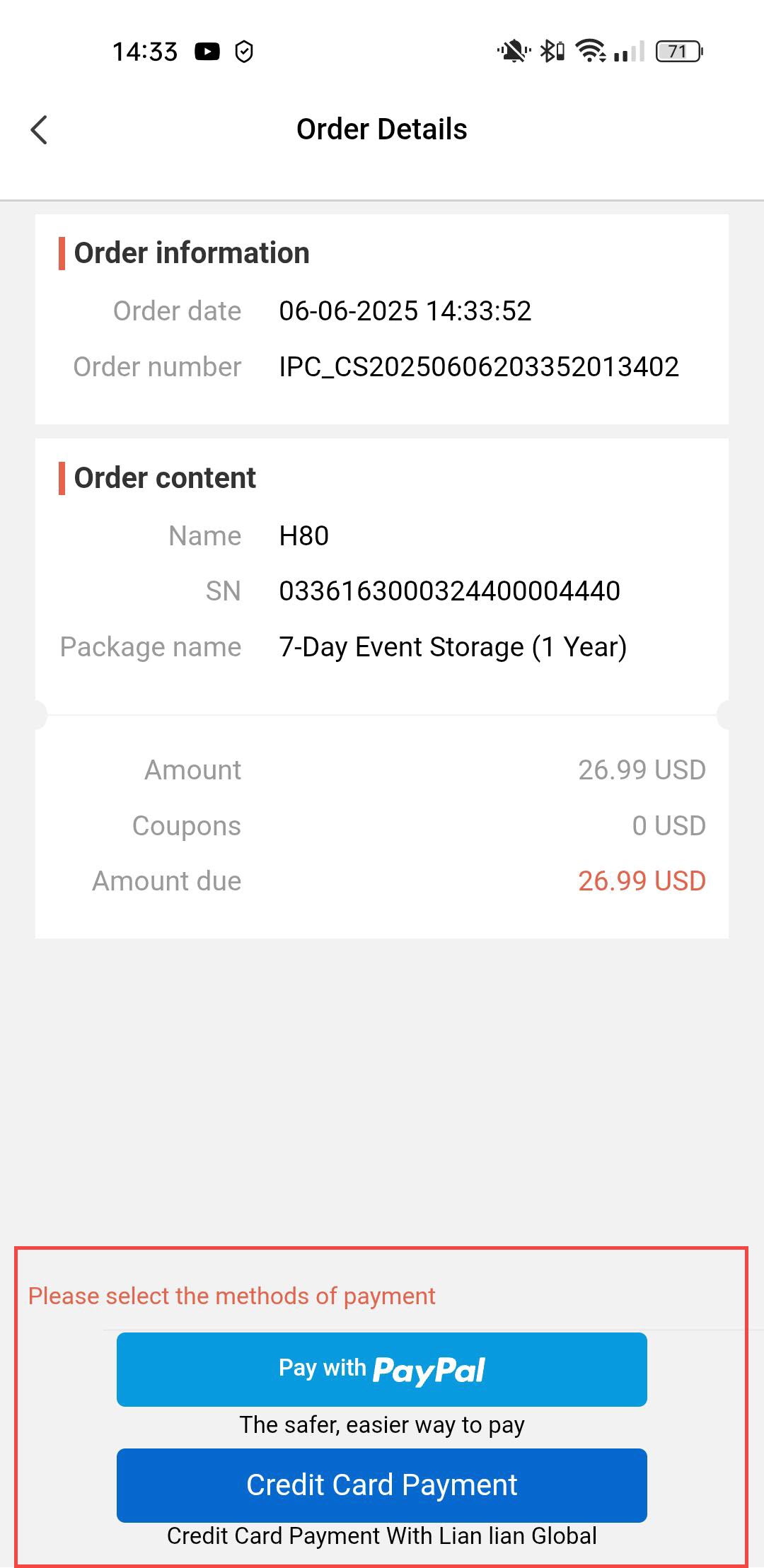
4Изберетеначин на плащане
След това изберете начин на плащане.
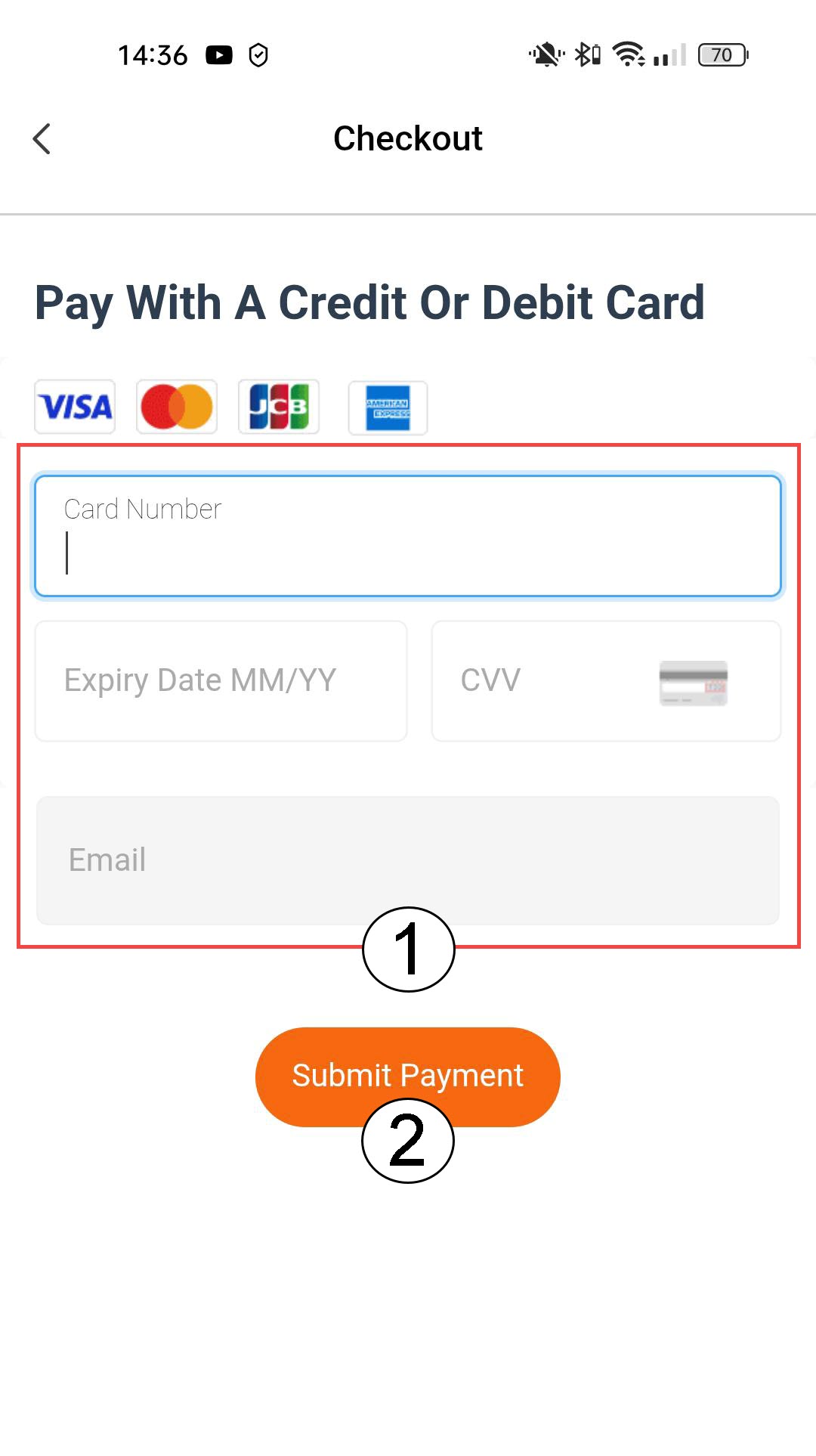
5Въведетеданните за плащането и потвърдете
Можете да въведете данните на кредитната си карта, преди да натиснете „Извърши плащане“
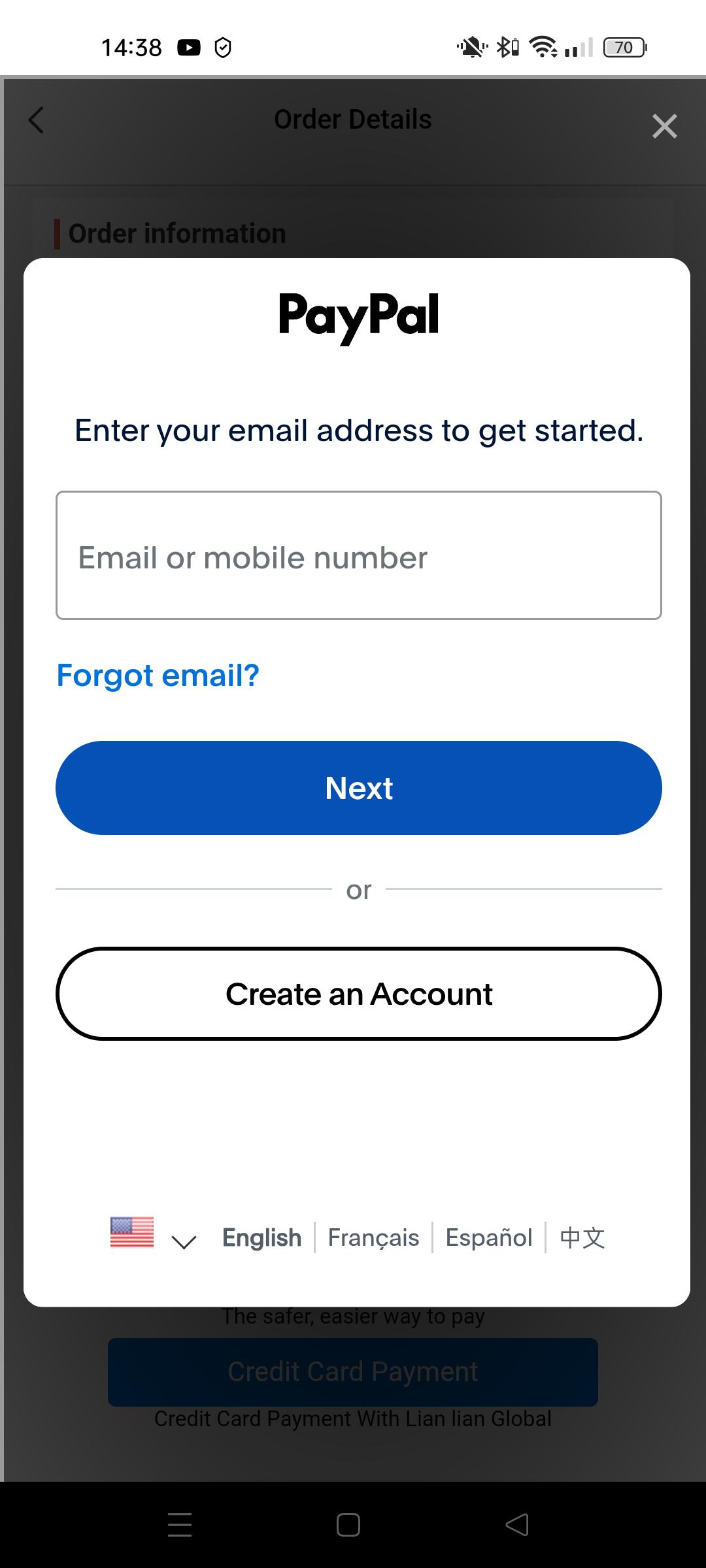
6Въведетеданните си за PayPal
Или въведете данните за вашия PayPal акаунт. След това следвайте инструкциите на екрана.