ATRIA Wi-Fi 6 Mesh 3000 UK 2-pak)
Ingen varer fundet.
Ingen varer fundet.
Alle spørgsmål
ATRIA Wi-Fi 6 Mesh 3000 UK 2-pak)
Ingen varer fundet.
Ingen varer fundet.
Hvordan kan jeg finde IP-adresserne på de forskellige Mesh -enheder i mit netværk?
For at finde IP-adresserne på de forskellige Mesh -enheder i dit netværk skal du først oprette forbindelse til webgrænsefladen eller appen, mens du er forbundet til Mesh -netværket.
1Sag1: Webgrænseflade
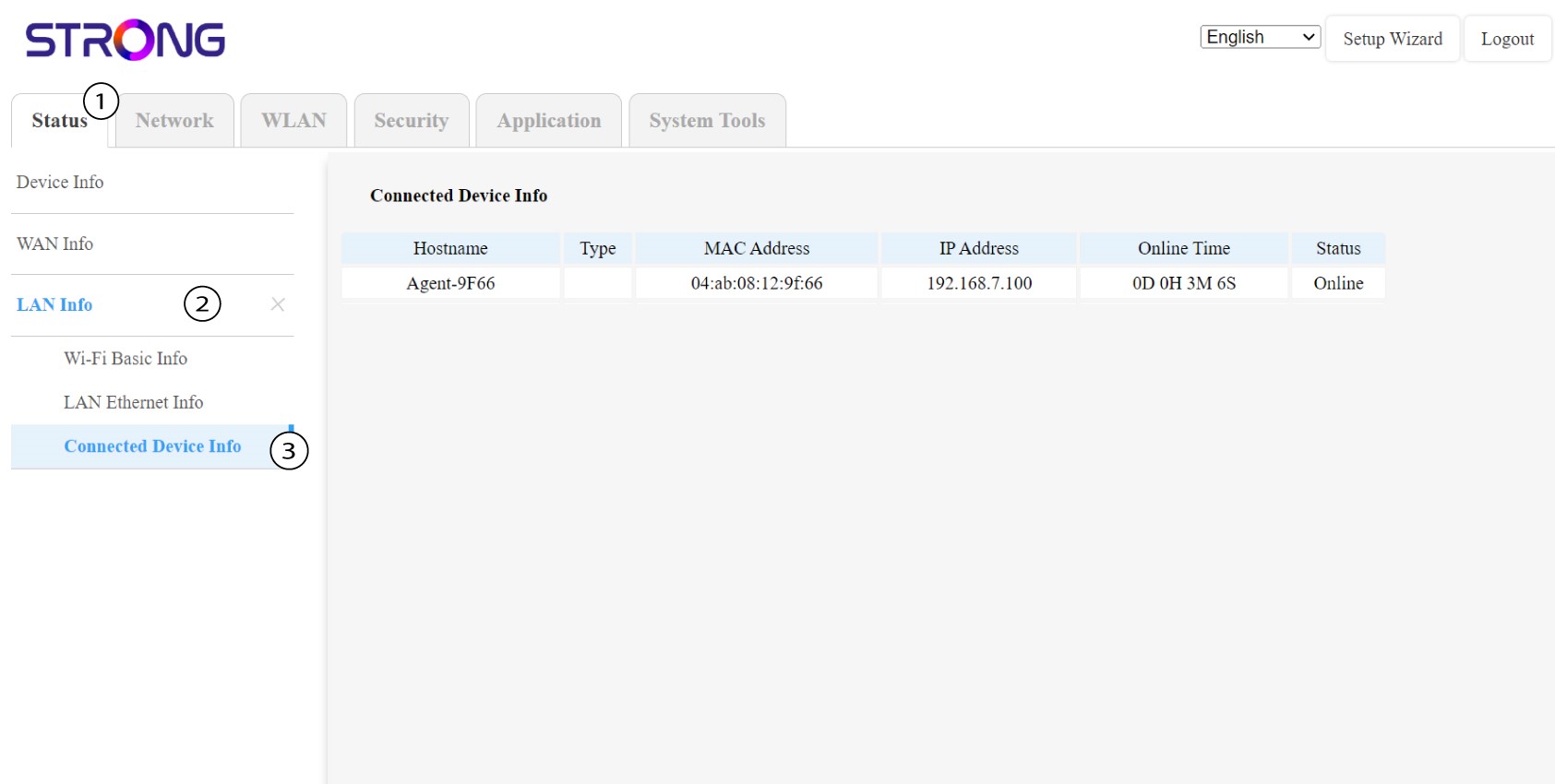
I webgrænsefladen kan du under »Status«, »LAN-oplysninger« og »Tilslutningsoplysninger« se IP-adressen på en Mesh med navnet »agent« og notere den.
1Sag2: App
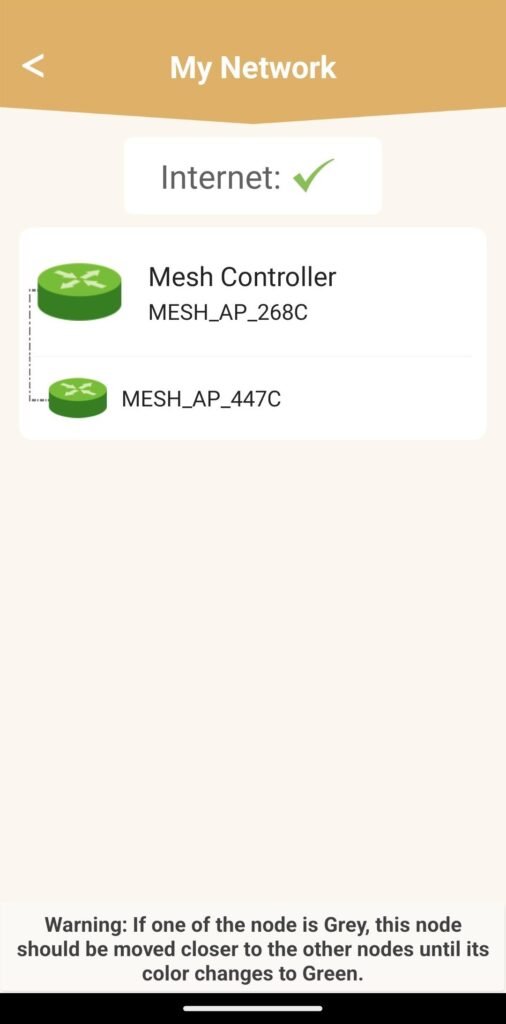
I Atria-appen skal du gå til »Mit netværk«, klikke på navnet på den enhed, du leder efter, og notere dens IP-adresse.