4G+ AIRSPOT 510 Mobil Wi-Fi
Ingen varer fundet.
Ingen varer fundet.
Alle spørgsmål
4G+ AIRSPOT 510 Mobil Wi-Fi
Ingen varer fundet.
Ingen varer fundet.
Hvordan opdaterer jeg enhedens firmware?
Du kan foretage en automatisk eller en manuel opgradering i webgrænsefladen.
Tilfælde 1: Automatisk opgradering
1. Åbnwebgrænsefladen
Følg nedenstående fremgangsmåde for at få adgang til webgrænsefladen: Hvordan får jeg adgang til webgrænsefladen?
2. Indstillinger for opgradering af åbentsystem
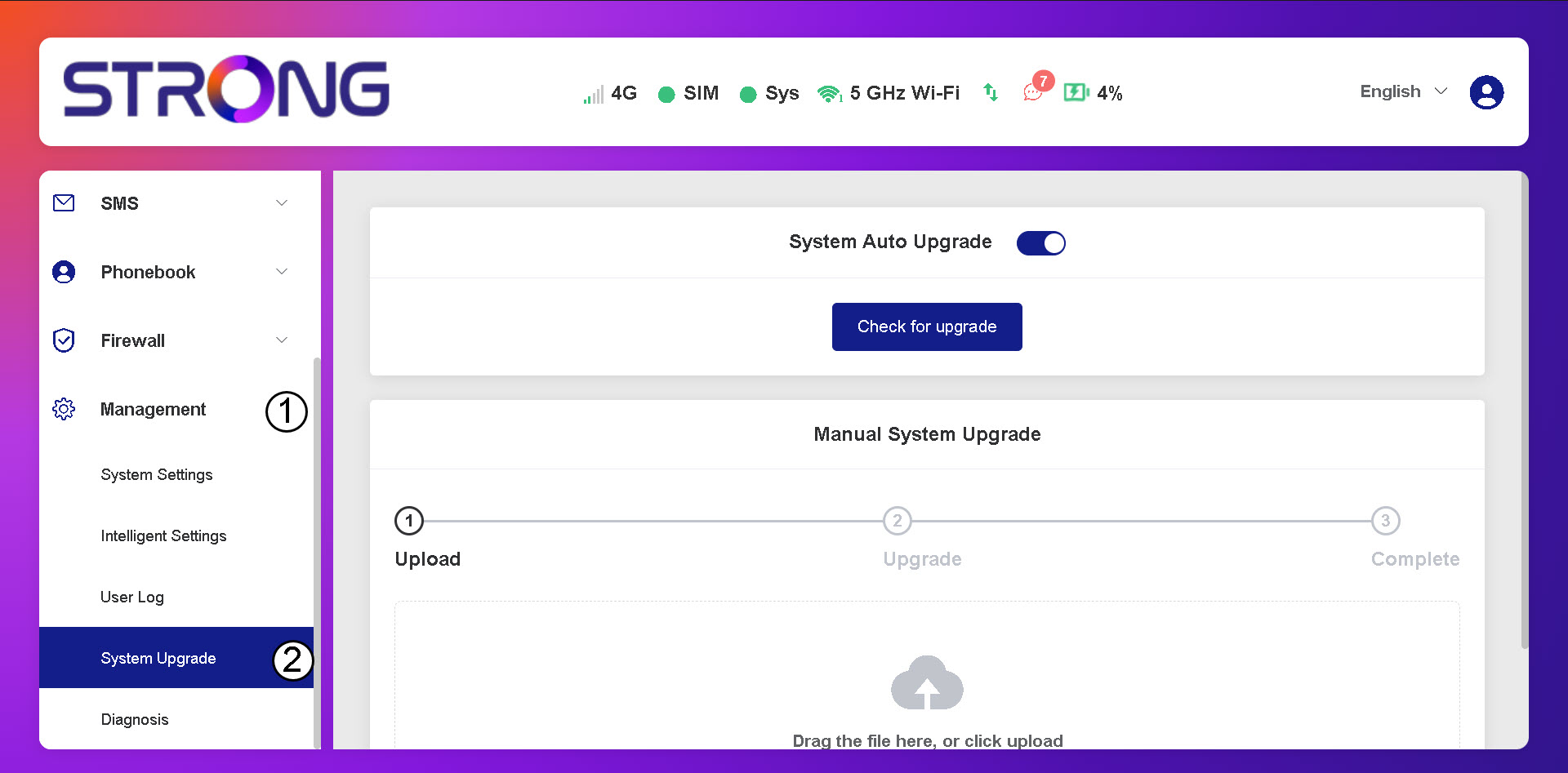
Klik på »Administration og systemopgradering«.
3. Tjekfor automatiske opdateringer
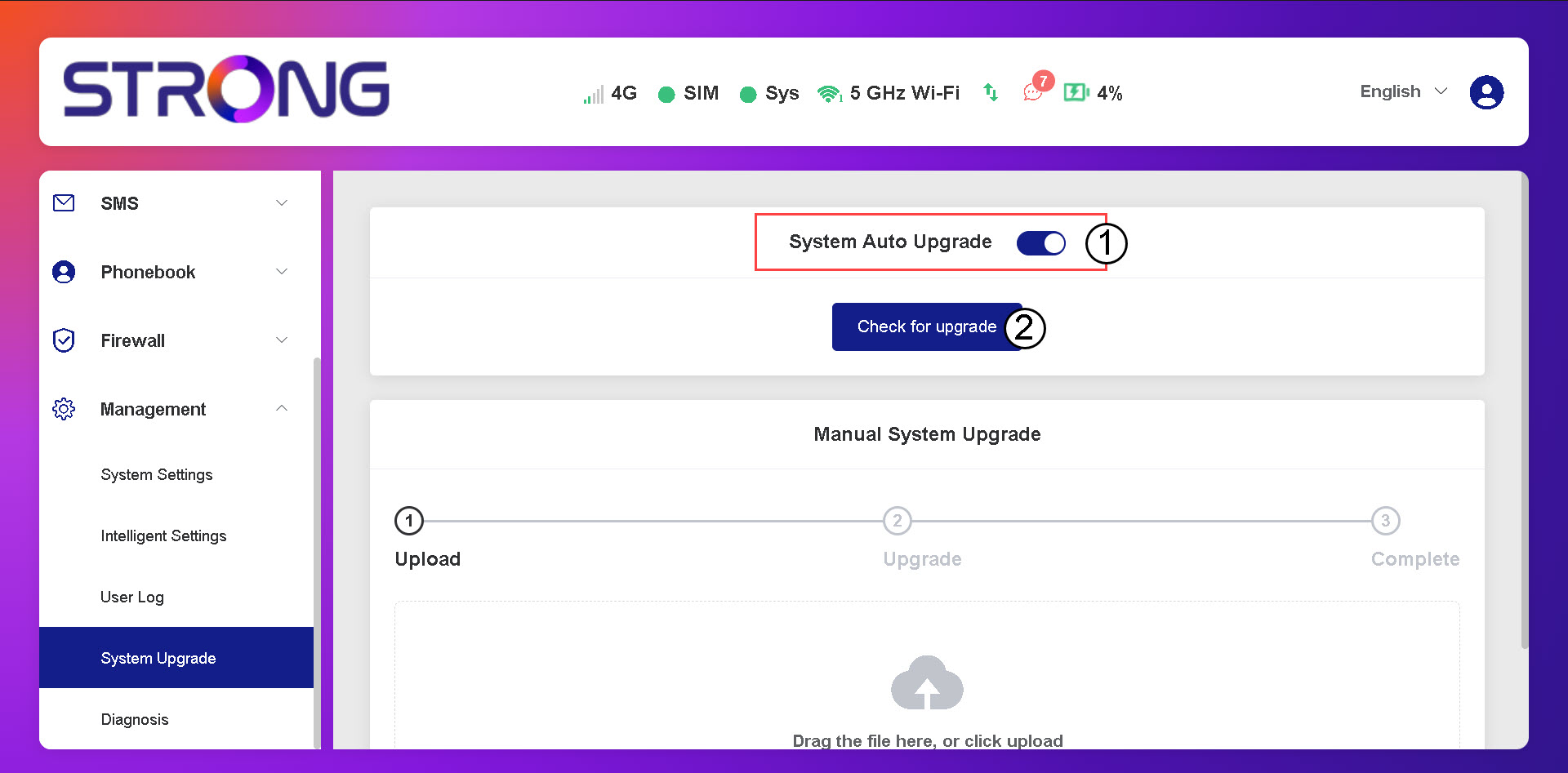
Kontroller, om indstillingen »Systemets automatiske opgradering« er aktiveret, og klik på knappen »Søg efter opgradering«.
4Ventpå opgraderingskontrollen
Vent, indtil systemet søger efter en opgradering. Hvis der findes en, vil systemet bede dig om at downloade den.

5Bekræftsystemstatus
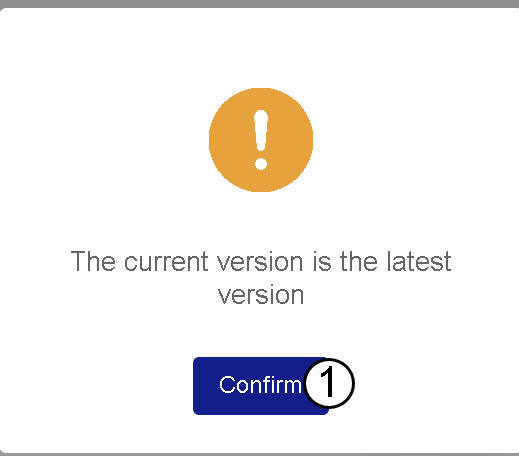
Hvis din enhed er opdateret, vises følgende meddelelse.