Mesh Wi-Fi 5 Mesh ATRIA 2100 (paquete de 2)
No se han encontrado artículos.
No se han encontrado artículos.
Todas las preguntas
Mesh Wi-Fi 5 Mesh ATRIA 2100 (paquete de 2)
No se han encontrado artículos.
No se han encontrado artículos.
¿Qué puedo hacer en la interfaz de usuario web?
1. Interfaz de usuario web
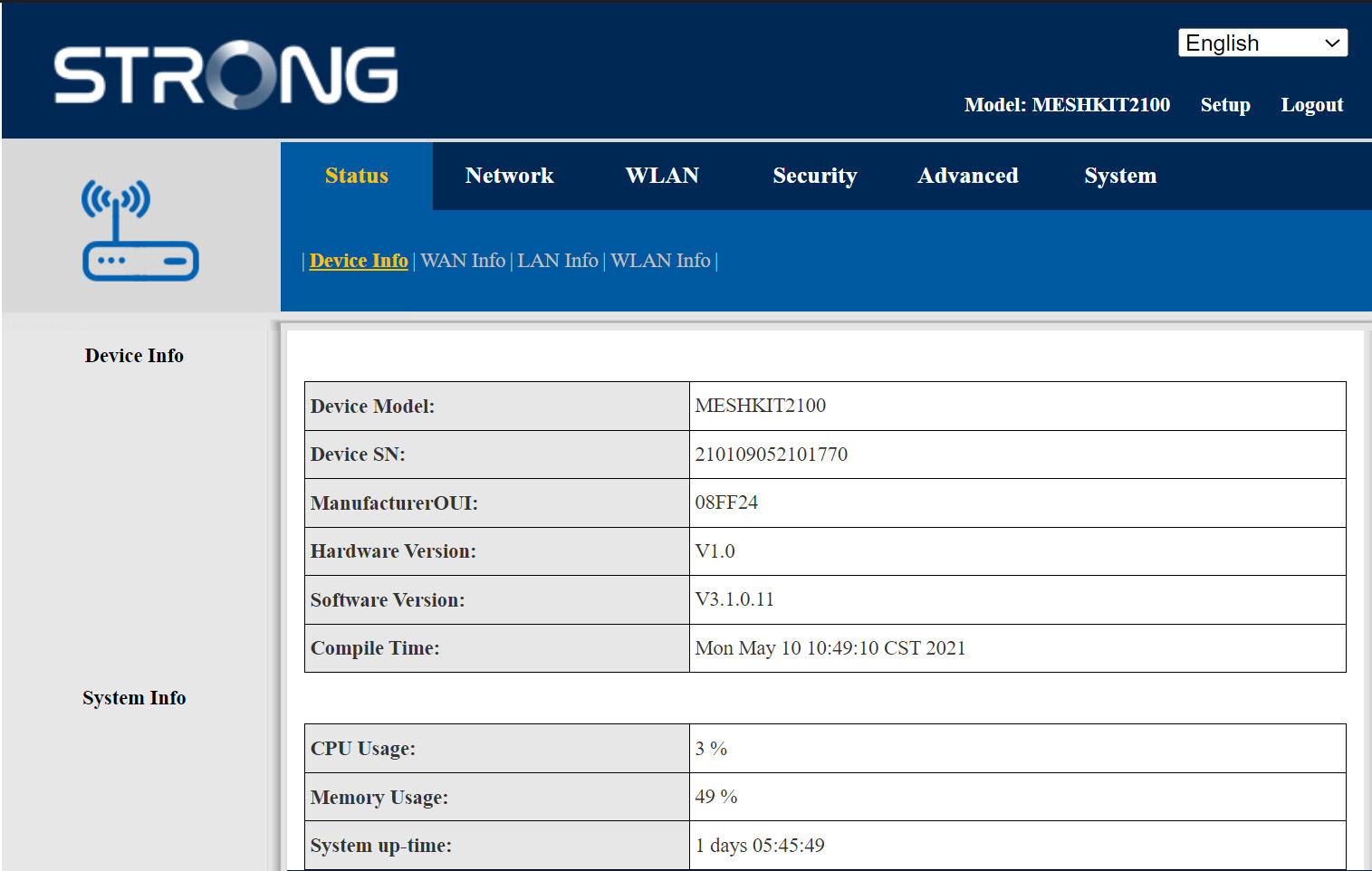
La interfaz de usuario web se divide en seis secciones:
- Estado: Aquí encontrarás toda la información sobre el dispositivo Mesh y la red.
- Red: aquí puedes configurar la WAN, los ajustes de la LAN (IPv4 / IPv6) y establecer un límite de velocidad.
- WLAN: aquí puedes elegir entre la red de 2,4 GHz y la de 5 GHz, configurar varios SSID, activar el WPS, gestionar el acceso a Internet de las distintas direcciones MAC, modificar el SSID y las contraseñas de Wi-Fi, y configurar una red « Mesh ».
- Seguridad: aquí puedes configurar un cortafuegos, los ajustes de DoS, filtros de URL y MAC, filtros de IP, el control parental y de servicios, así como programar la activación de la red « Mesh ».
- Avanzado: aquí puedes configurar los ajustes de NAT (ALG, DMZ, reenvío de puertos), una VPN, el SNTP (zona horaria), una VPN, un DNS dinámico y el UPnP.
- Sistema: desde aquí puedes cambiar las credenciales de inicio de sesión, reiniciar el dispositivo, actualizar el firmware, guardar y restaurar una copia de seguridad, restablecer la configuración de fábrica, gestionar los LED, acceder a los registros y ejecutar pruebas de diagnóstico.