
Dual Band Repeater 750
All questions
Settings and features
How do I activate the WPS?
To activate the WPS, press the button located on the left side of your repeater from approximately 5 seconds (until the WPS LED is flashing).
- If you press the WPS button for 2 seconds, you will be able to connect your computer to the repeater
- If you press the WPS button for 6 seconds, the repeater will connect to your router/AP.

How do I connect to the WPS?
1Activate the WPS on your repeater
To activate the WPS, press the button located on the front side of your repeater for 2 seconds, to connect your computer to the repeater or for 6 seconds, the repeater will connect to your router/AP.
2Activate the Wi-Fi and WPS on your device
Press the WPS button of your Internet box/router so that the repeater connects to it. Usually, the WPS button is indicated by two arrows.

WARNING: You can use the WPS function to set up the Wi-Fi connection between your repeater and your internet box/router.
How do I set a static IP for my repeater?
1Connect your repeater Wi-Fi Network
You need to connect to the repeater by RJ45 or to connect to one of the Wi-Fi networks that was created after the configuration.
.
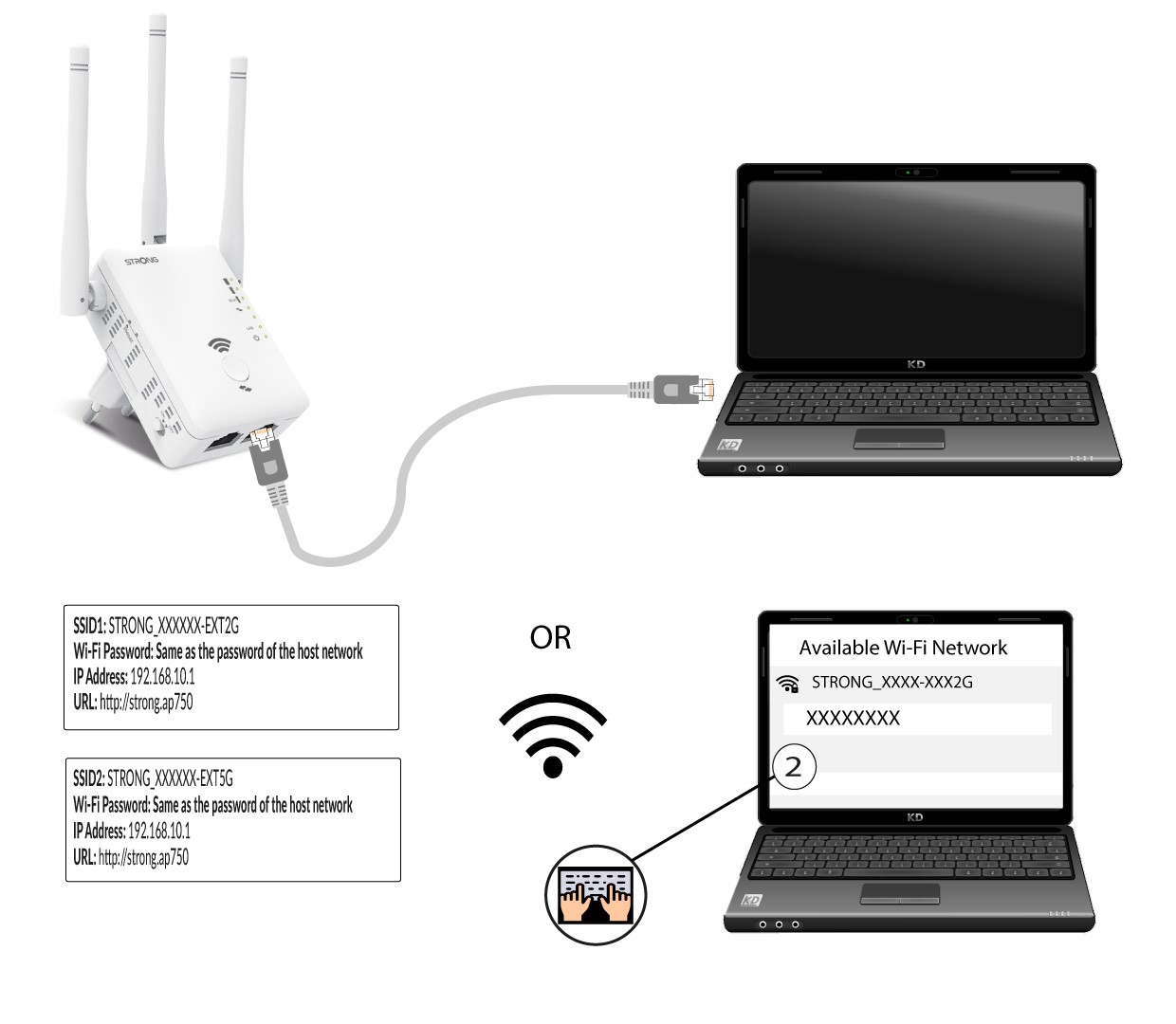
2Browse to the Web UI URL
Type the URL in your browser.
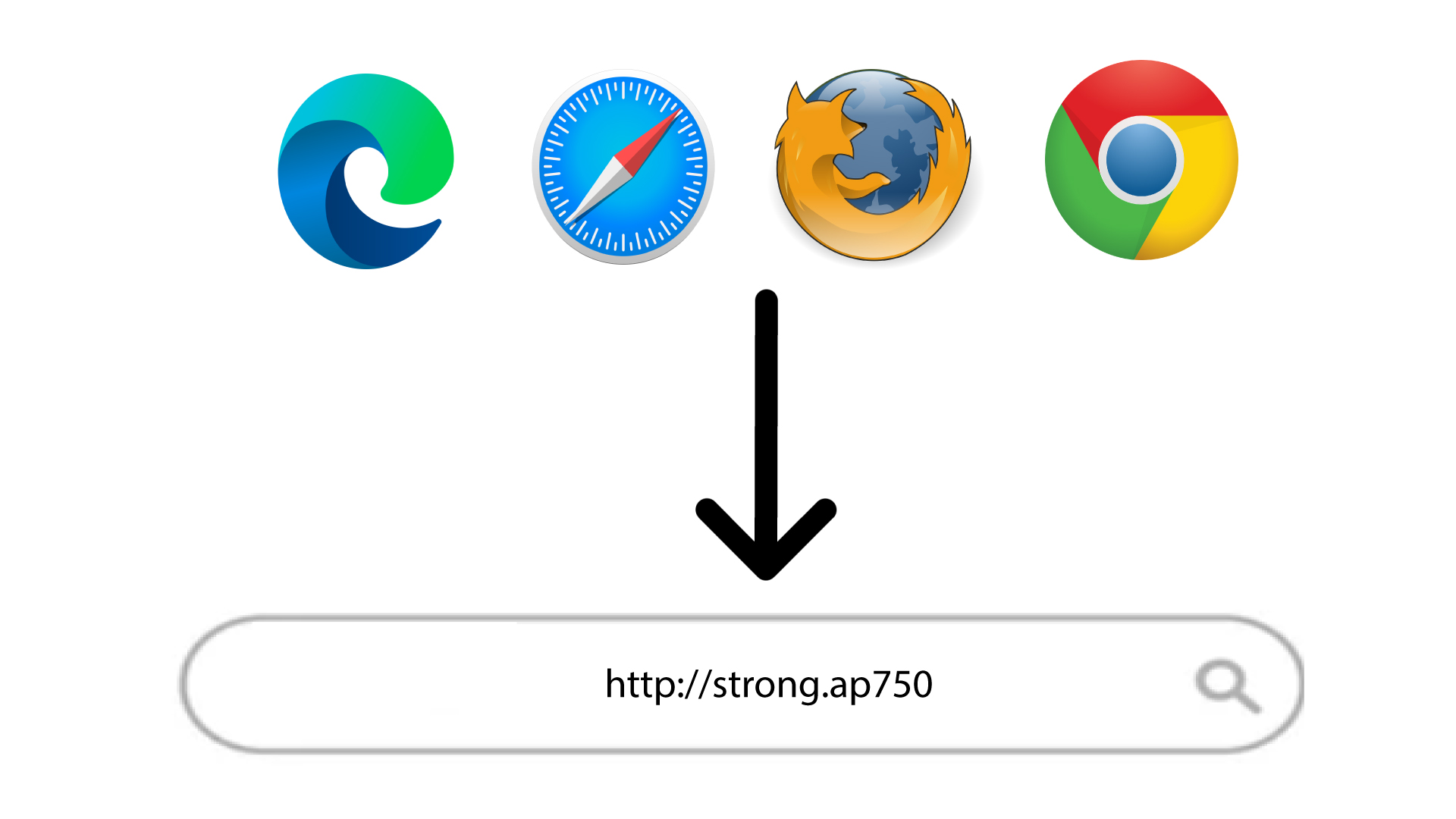
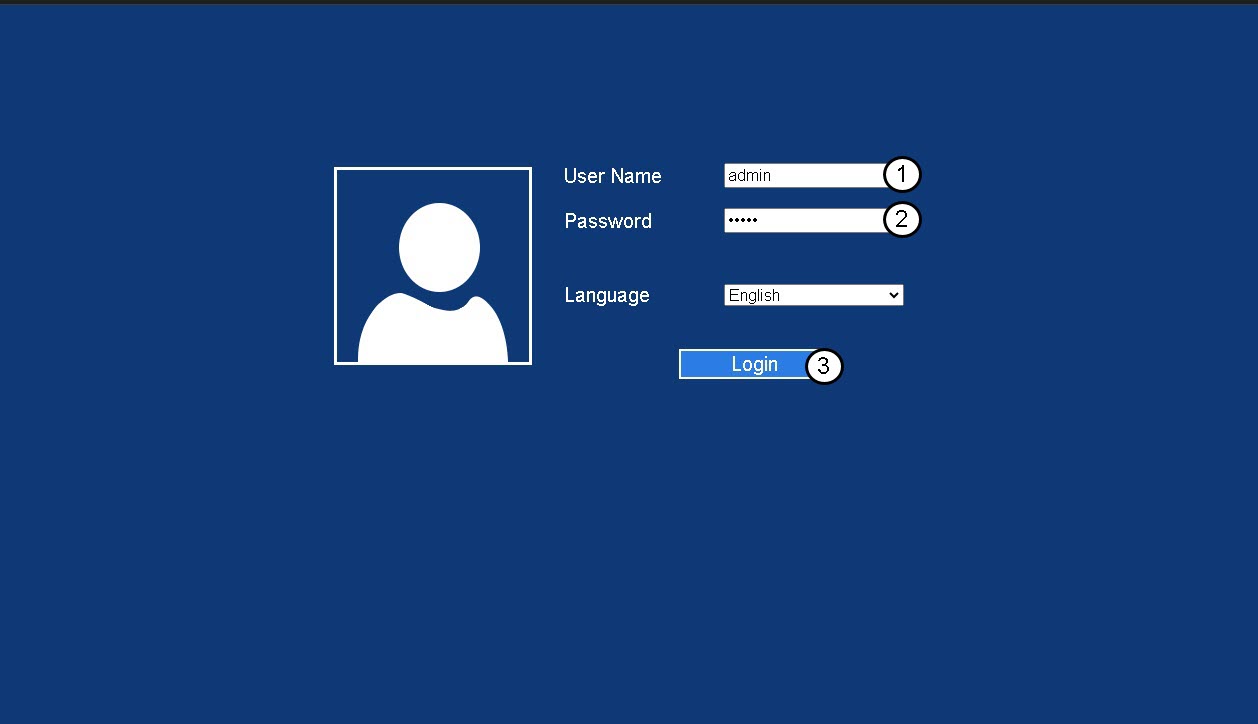
3Login Page
Enter your admin password and click Login.
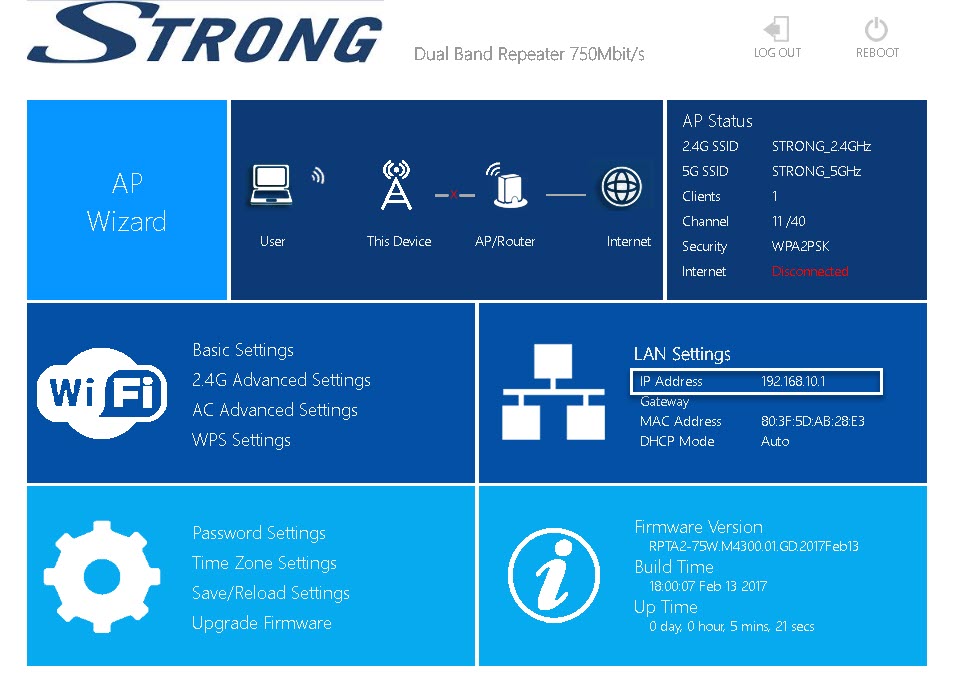
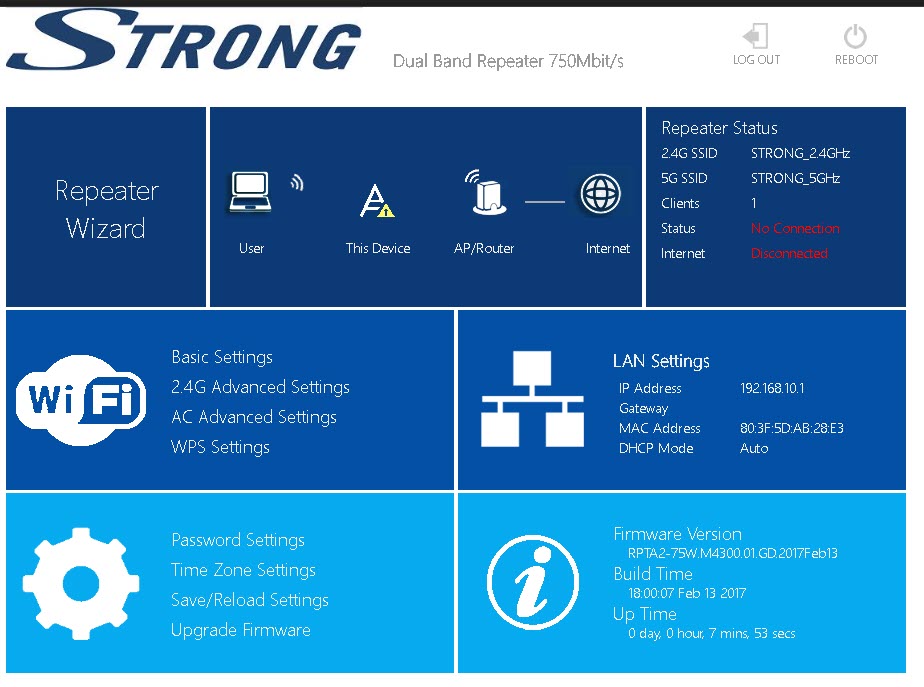
4LAN Settings
Click LAN Settings.
5Fix IP
Click Fix IP. Then, Enter the following information before clicking Apply:
- IP Address: Enter the IP Address for the repeater.
- Subnet Mask: Select the subnet mask in the list
- Gateway: Enter the IP Address of your repeater
- Primary DNS Server: You can enter an IP address.
- Secondary DNS Server: You can enter an Ip address.
I have a guest network on my modem/router. Can I extend my router’s network as well as the main Wi-Fi Network with the repeater,
It is not possible to extend two Wi-Fi Network. You can extend either your Guest Network or your main Wi-Fi Network.
Will the MAC address-filtering settings configured on my modem/router be effective if I use the repeater to extend the Wi-Fi network of my modem/router?
No. Wi-Fi devices that are connected to the repeater communicate to your modem/router by using the MAC addresses of the repeater.