4G+ AIRSPOT 510 mobiili Wi-Fi
Ei löytynyt kohteita.
Ei löytynyt kohteita.
Kaikki kysymykset
4G+ AIRSPOT 510 mobiili Wi-Fi
Ei löytynyt kohteita.
Ei löytynyt kohteita.
Miten päivitän laitteen laiteohjelmiston?
Voit suorittaa automaattisen tai manuaalisen päivityksen verkkokäyttöliittymässä.
Tapaus 1: Automaattinen päivitys
1Siirryverkkokäyttöliittymään
Toimi seuraavien ohjeiden mukaisesti päästäksesi verkkokäyttöliittymään: Miten pääsen verkkokäyttöliittymään?
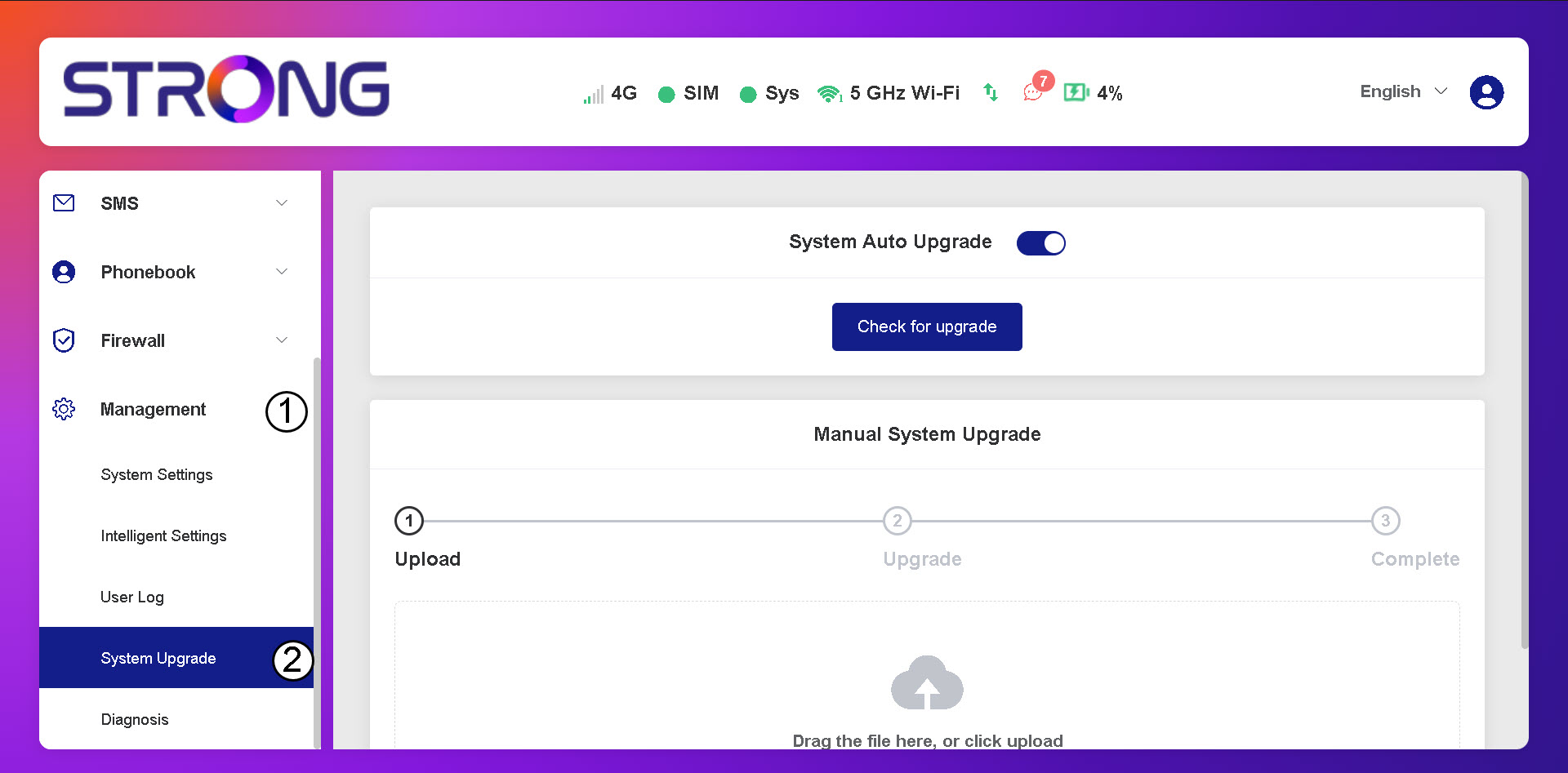
2. Avaajärjestelmän päivitysasetukset
Napsauta ”Hallinta ja järjestelmän päivitys”.
3Tarkistaautomaattiset päivitykset
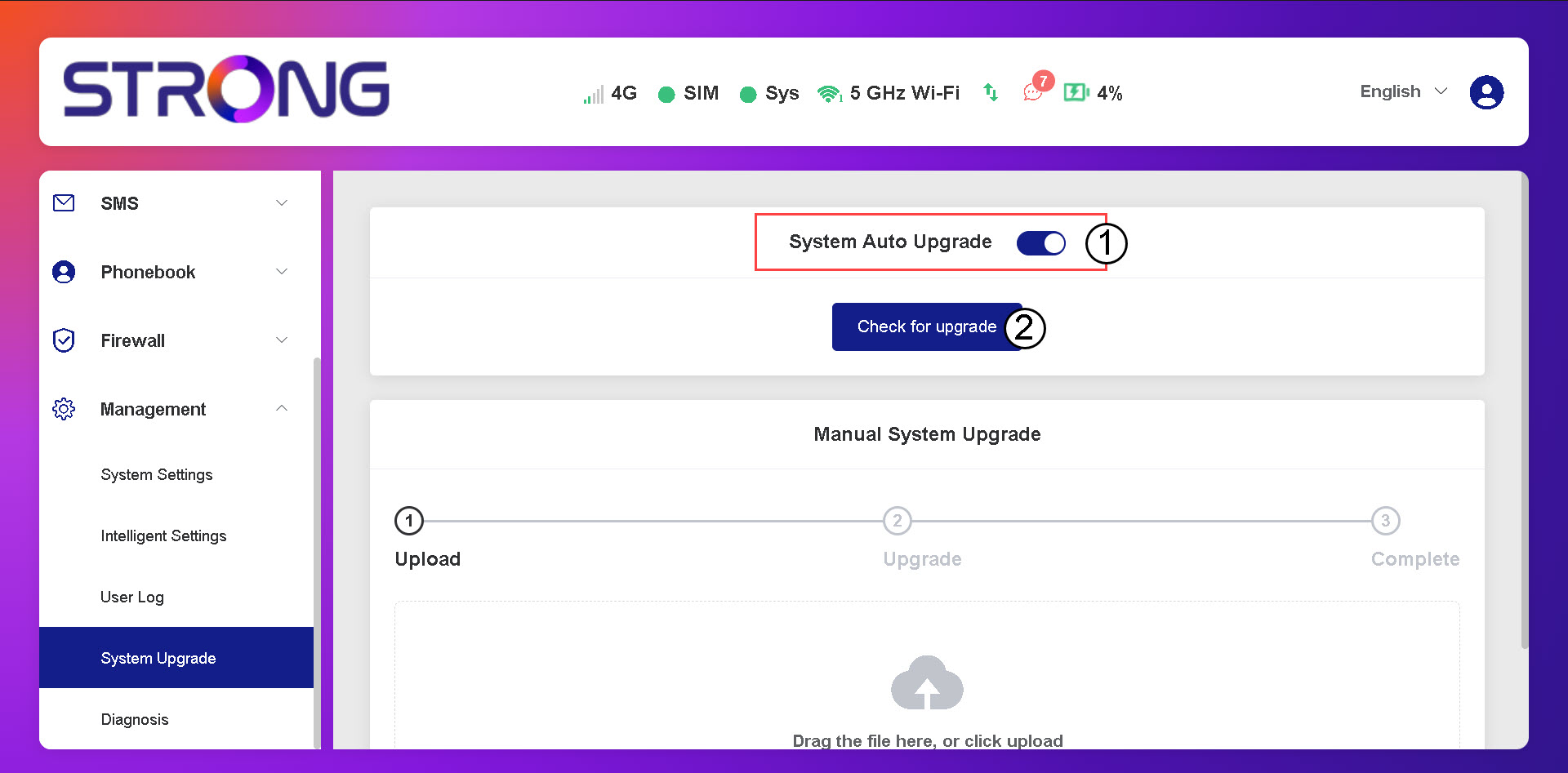
Tarkista, onko ”Järjestelmän automaattinen päivitys” -valintakytkin päällä, ja napsauta ”Tarkista päivitykset” -painiketta.
4Odotapäivitystarkistusta
Odota, kunnes järjestelmä etsii päivityksen. Jos päivitys on saatavilla, järjestelmä pyytää sinua lataamaan sen.
5. Varmistajärjestelmän tila
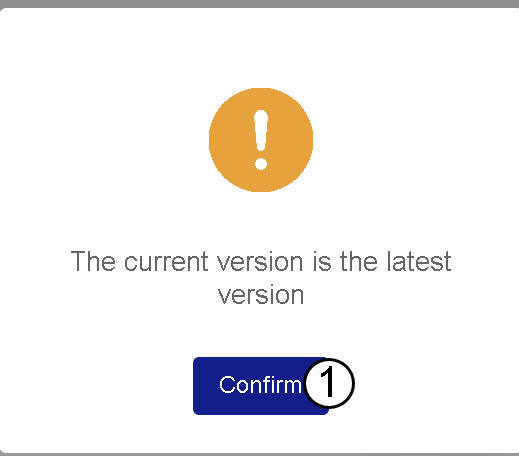
Jos laitteesi on ajan tasalla, näyttöön tulee seuraava viesti.