
Point d'accès Wi-Fi 4G+ AIRSPOT 510
Aucun élément n'a été trouvé.
Aucun élément n'a été trouvé.
Toutes les questions
Point d'accès Wi-Fi 4G+ AIRSPOT 510
Aucun élément n'a été trouvé.
Aucun élément n'a été trouvé.
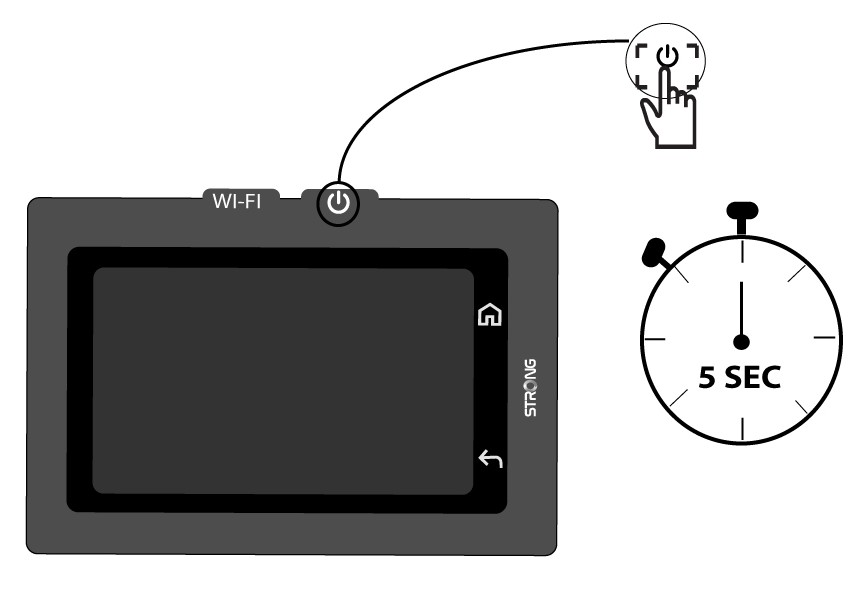
Comment allumer et éteindre l'appareil ?
Pour allumer ou éteindre l'appareil, appuyez sur le bouton d'alimentation pendant 5 secondes. Le bouton d'alimentation se trouve sur le côté droit de l'appareil.

Avertissement : veillez à ce que la batterie de l'appareil soit chargée avant de l'allumer. Vous pouvez également brancher le câble USB-C à un chargeur pour recharger votre appareil.