Aucun élément n'a été trouvé.
LEAP 41 | Google TV 4K avec HDR10+
Aucun élément n'a été trouvé.
Toutes les questions
Aucun élément n'a été trouvé.
LEAP 41 | Google TV 4K avec HDR10+
Aucun élément n'a été trouvé.
Comment mettre à jour ma télécommande ?

Avertissement : une fois votre appareil configuré, un message peut s'afficher dans la partie gauche de l'écran de votre téléviseur, dans les paramètres, vous invitant à mettre à jour votre télécommande.
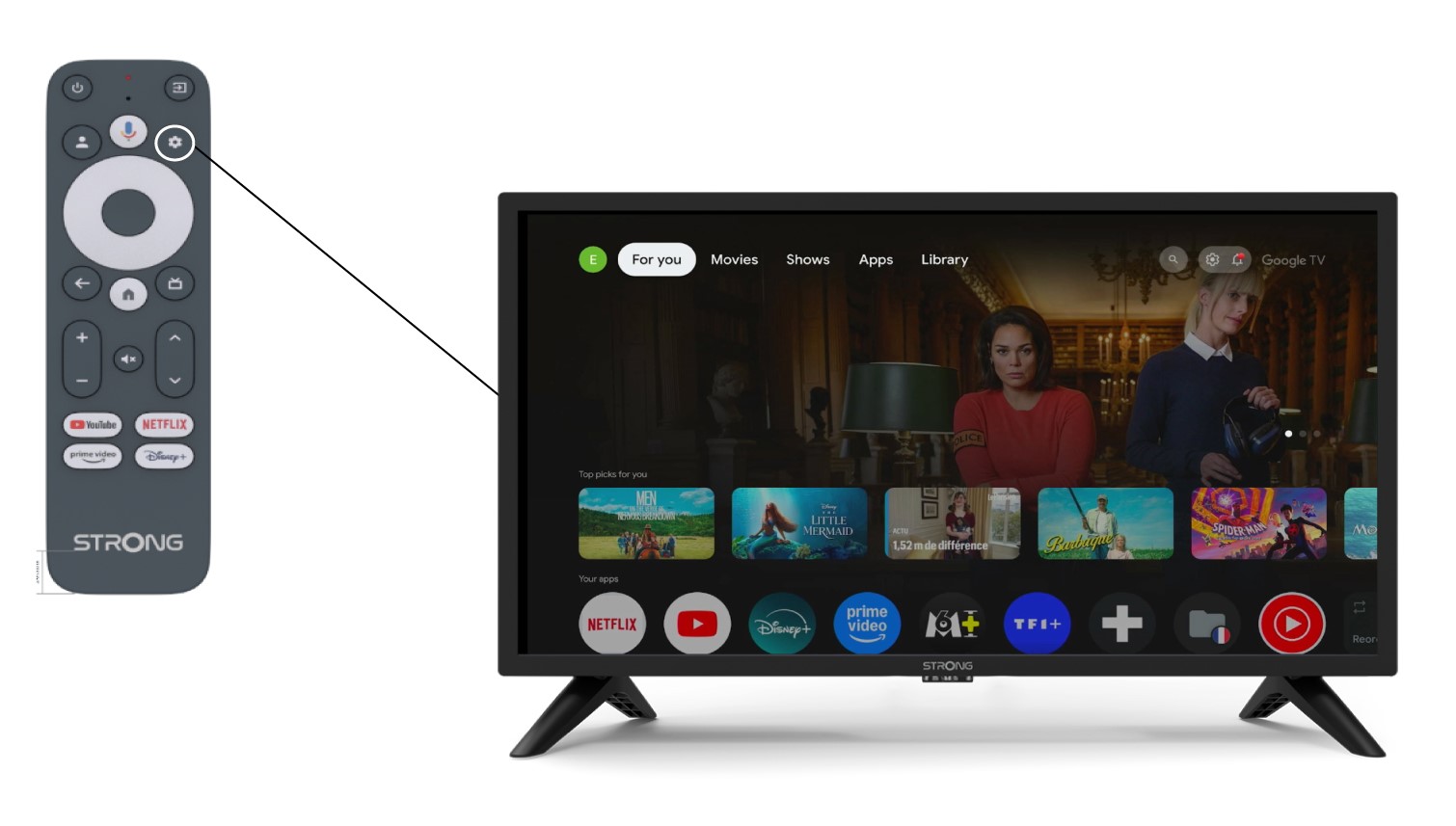
1. Paramètres
Dans la page « Paramètres », sélectionnez « Télécommandes et accessoires ».
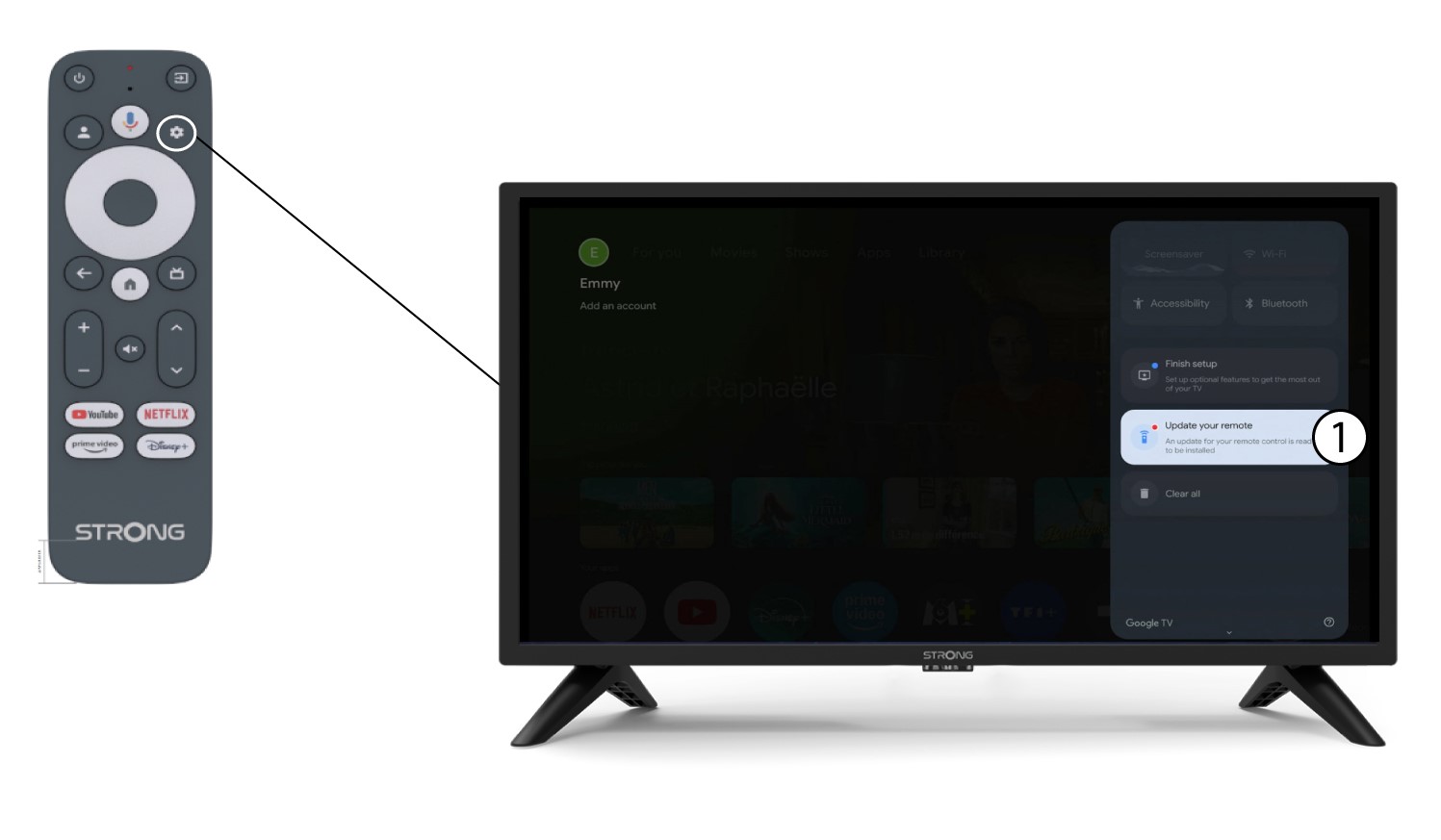
2. Mettez à jourvotre télécommande
Sélectionnez « Mettre à jour votre télécommande » dans le menu.
3. Validerla mise à jour
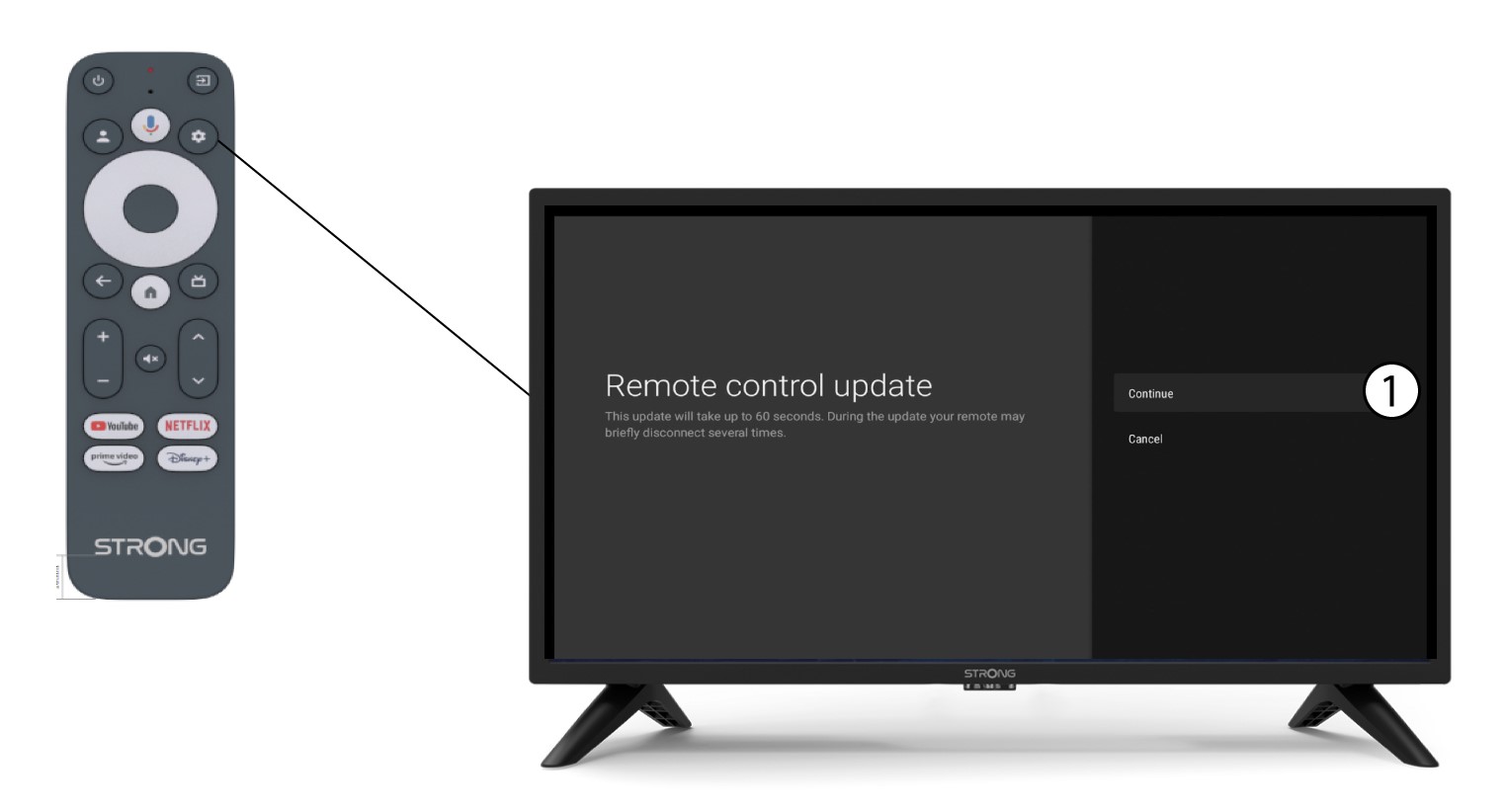
Cliquez sur « Continuer ».
Attendez que la mise à jour soit terminée.