LEAP 41 | Google TV 4K avec HDR10+
Toutes les questions
LEAP 41 | Google TV 4K avec HDR10+
J'ai branché un clavier AZERTY via USB, mais il est reconnu comme un clavier QWERTY. Pourquoi ?

Avertissement : veuillez noter que les dispositions de clavier prises en charge pour les claviers externes sont définies par Google. Il se peut donc que la disposition de votre clavier ne soit pas prise en charge. Dans ce cas, nous vous invitons à contacter le fabricant de votre clavier afin de savoir s'il existe une application permettant de rendre votre clavier compatible.
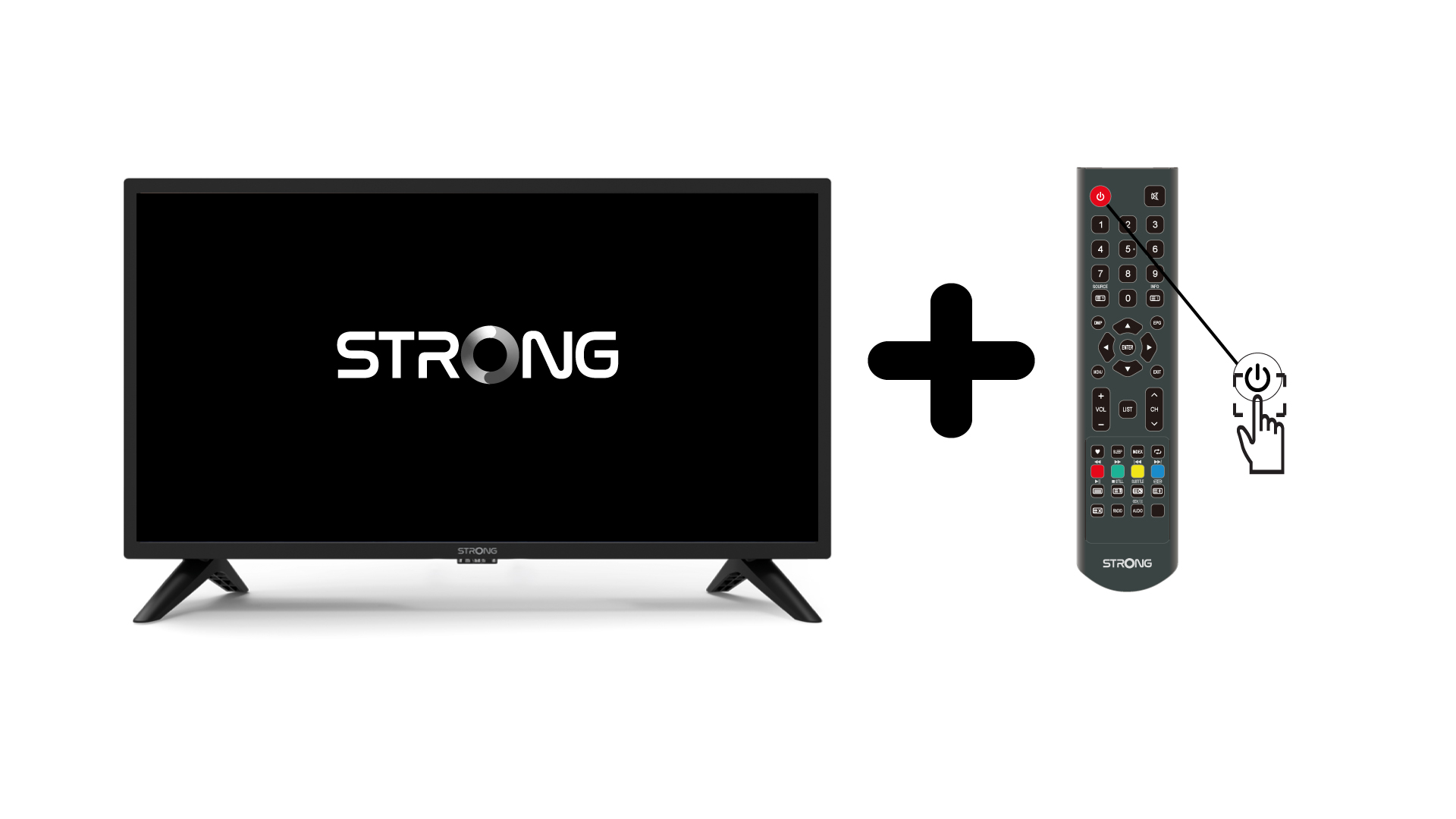
1.Allumez la télévision et l'appareil
Allumez votre téléviseur et votre appareil.
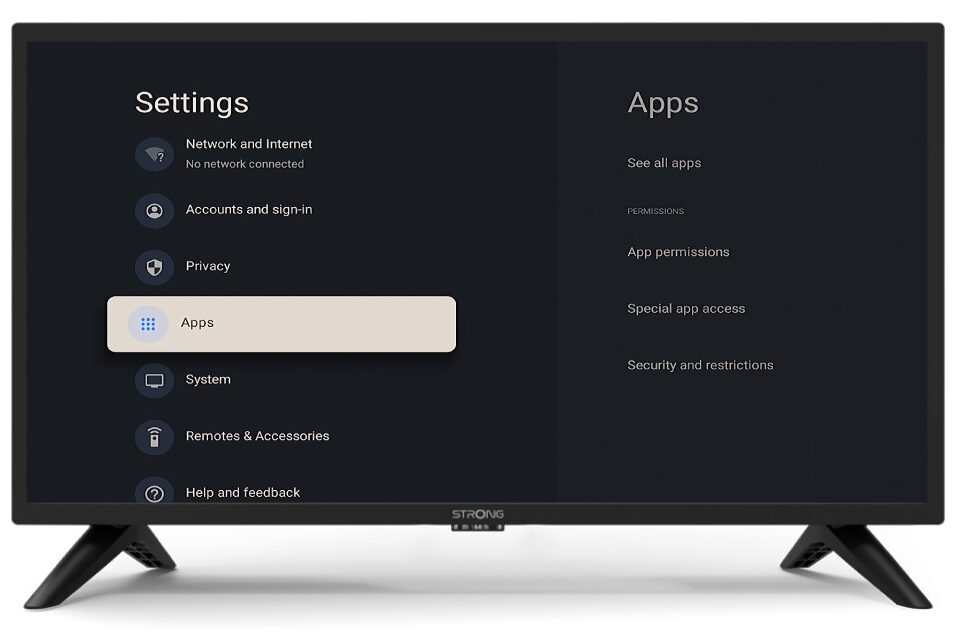
2. Paramètres
Appuyez sur le bouton « Paramètres » de la télécommande (icône en forme de roue dentée). Le menu « Paramètres » s'affichera à l'écran de votre téléviseur.
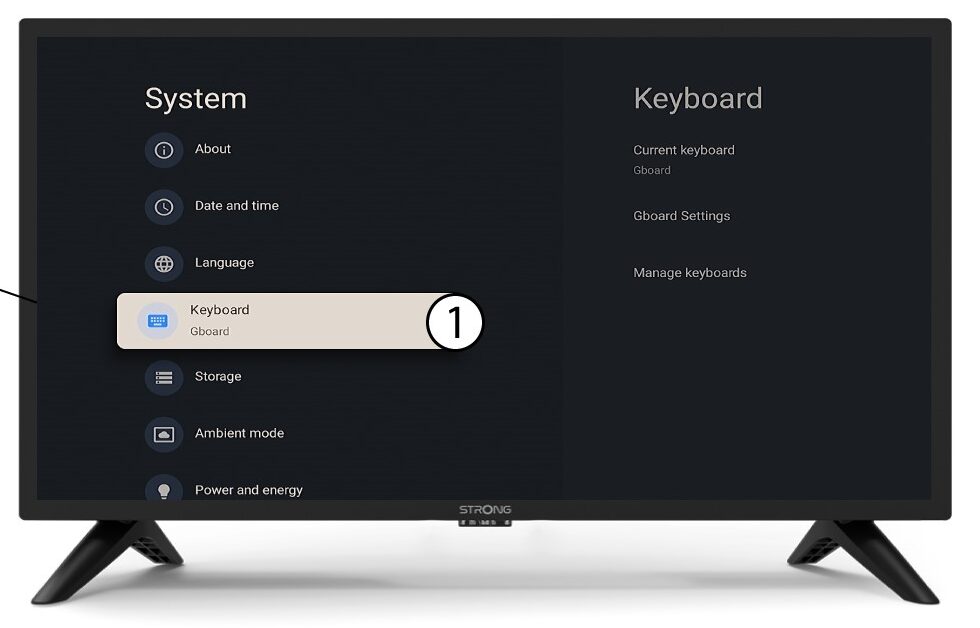
3Clavier
Sélectionnez « Clavier » dans le menu « Paramètres », puis appuyez sur la touche OK de votre télécommande.
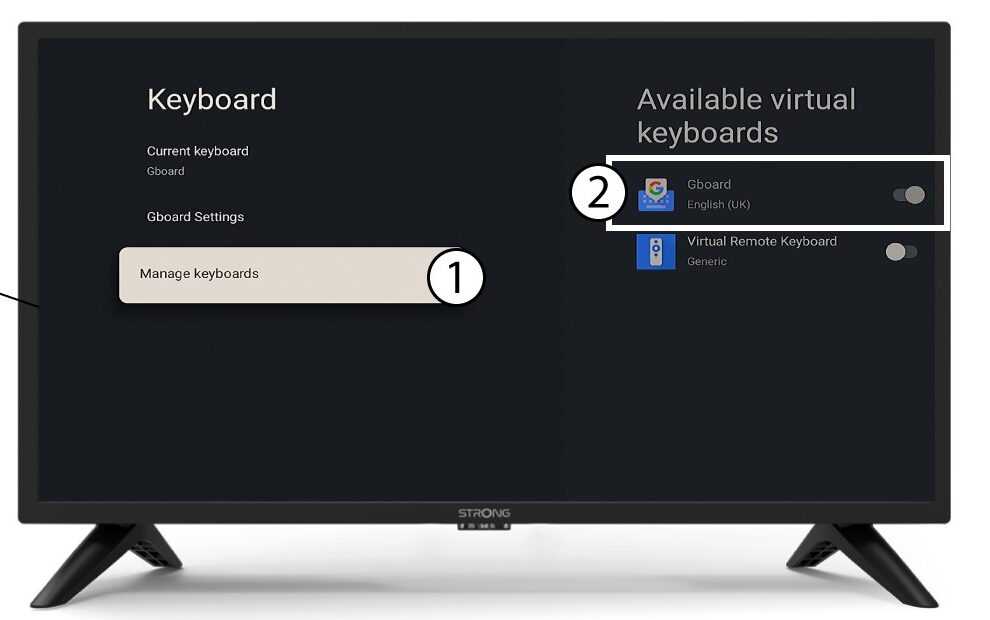
Clavier 4Manage
Cliquez sur « Gérer le clavier ». Cliquez ensuite sur le bouton bascule pour le désactiver.
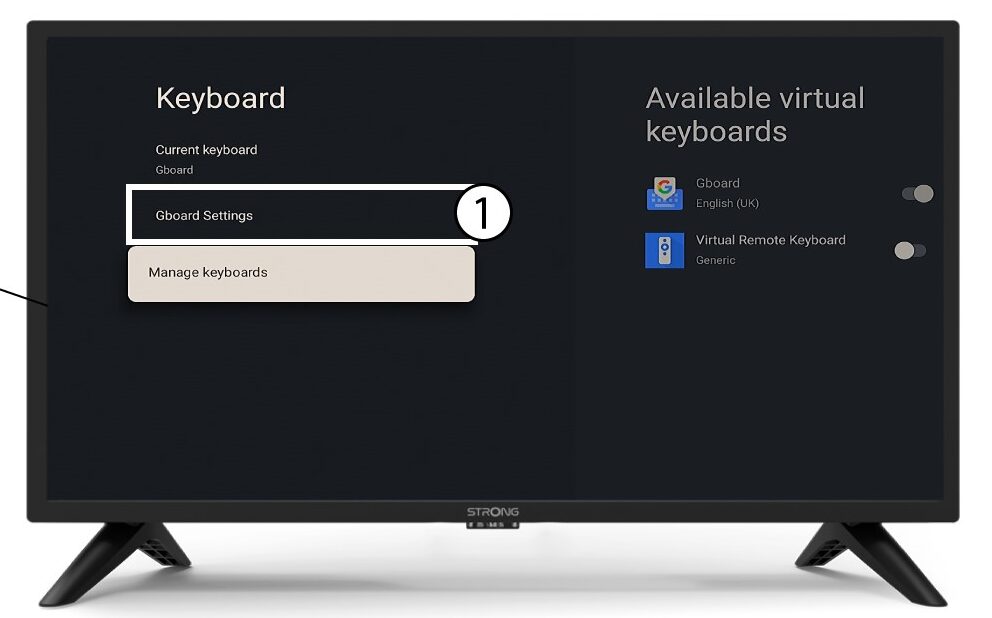
Paramètres de 5Gboard
Cliquez sur « Paramètres de Gboard », puis appuyez sur OK.
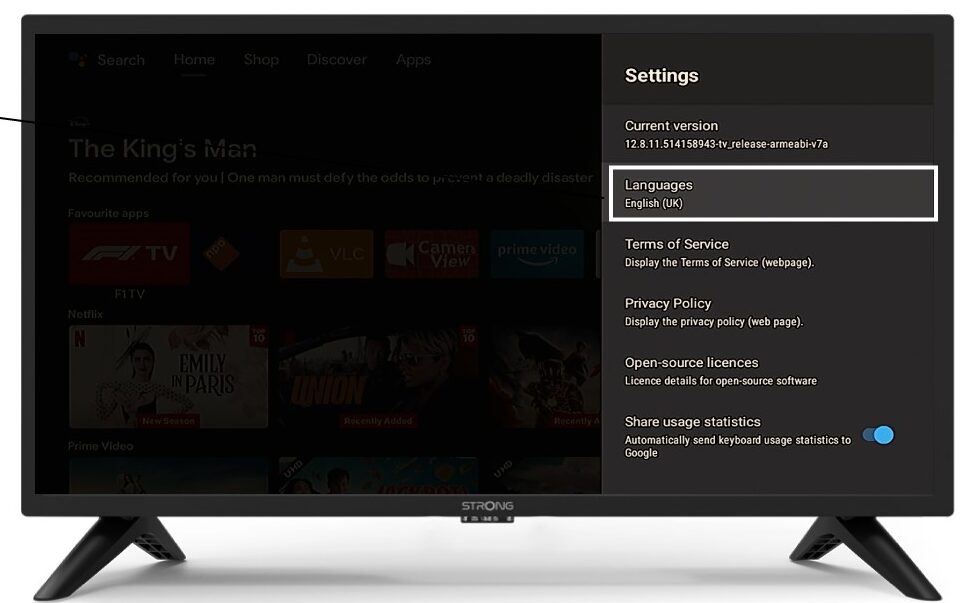
6langues
Cliquez sur « Langues » puis appuyez sur « OK » sur la télécommande. Sélectionnez ensuite la langue souhaitée.