
Wi-Fi 4G+ AIRSPOT 520 con touchscreen
Nessun articolo trovato.
Nessun articolo trovato.
Tutte le domande
Wi-Fi 4G+ AIRSPOT 520 con touchscreen
Nessun articolo trovato.
Nessun articolo trovato.
Come si inserisce il codice PIN? (Schermata Mi-Fi)
Quando inserisci la scheda SIM per la prima volta, il dispositivo ti chiederà di inserire il codice PIN.
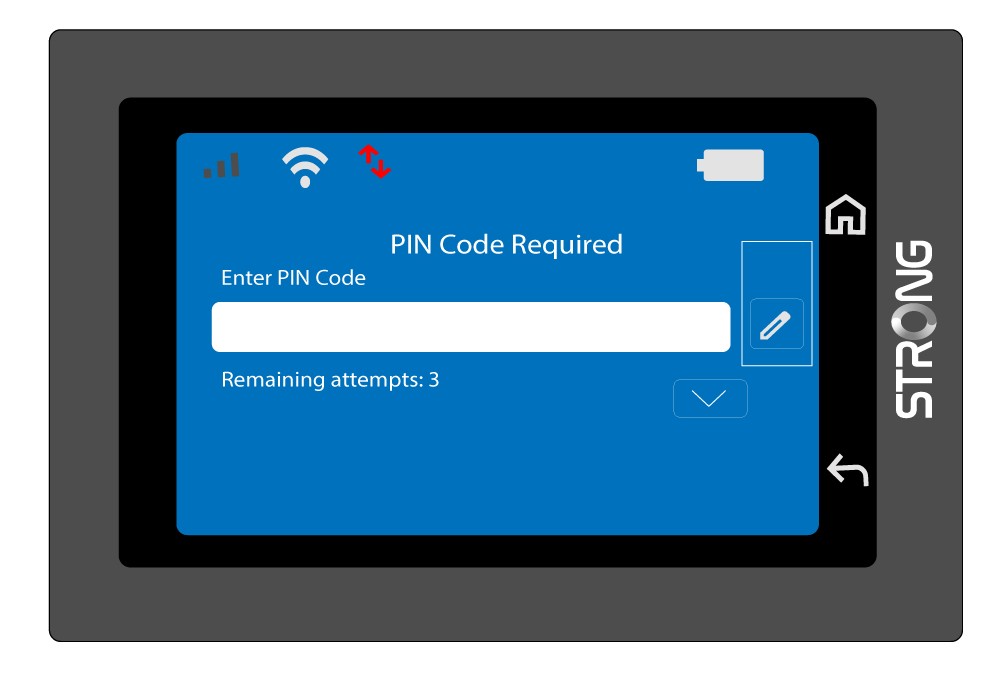
1. Accederealla tastiera
Fai clic sull'icona a forma di penna per aprire il tastierino numerico.
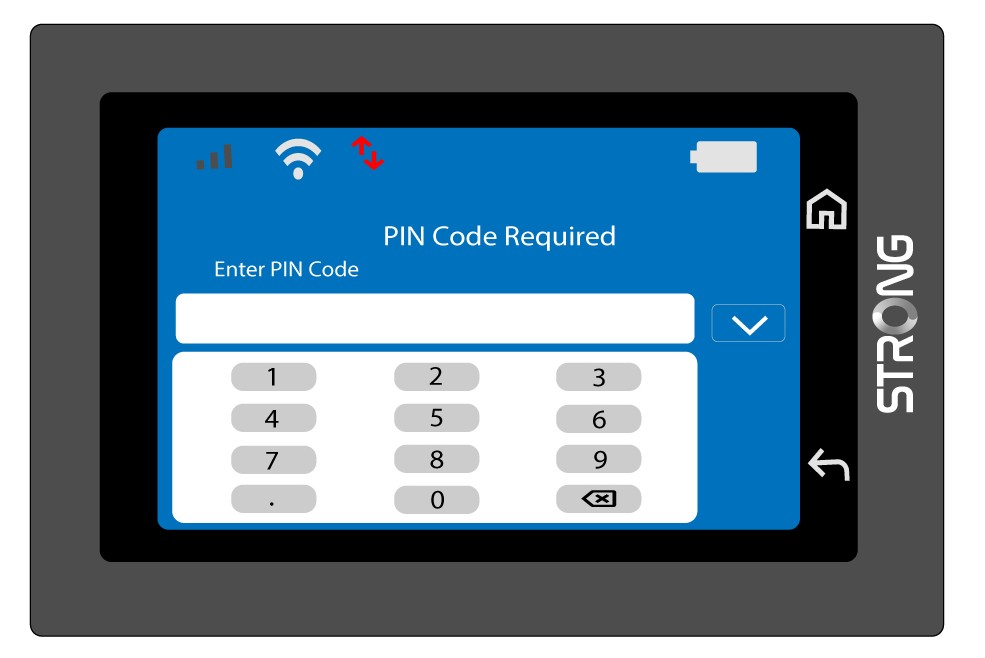
2. Inserisciil codice PIN
Inserisci il codice PIN utilizzando il tastierino numerico, quindi tocca l'icona (v) per confermare.
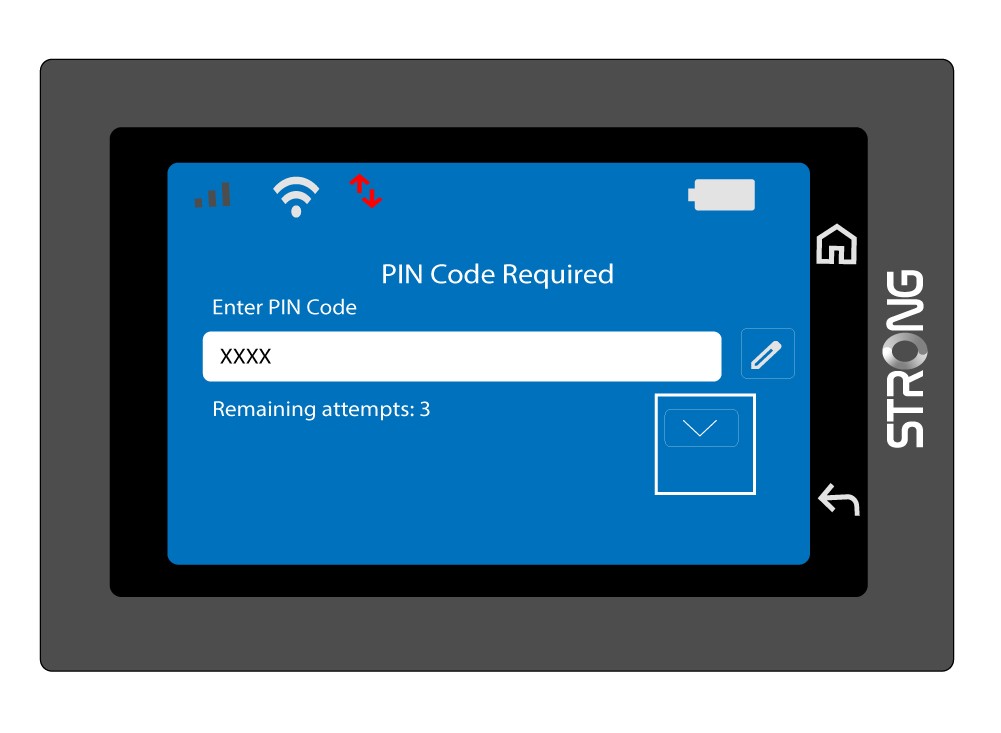
3. Confermail codice
Conferma il codice PIN nella schermata principale.
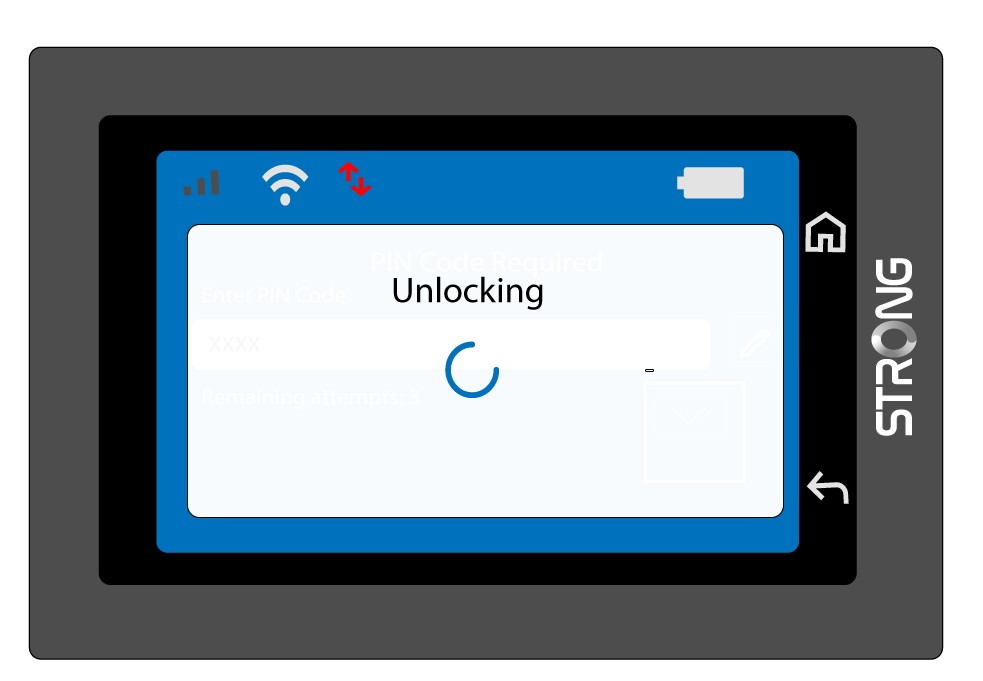
4. Attenderela conferma
Attendere che il messaggio di sblocco scompaia dallo schermo.
5Prontoall'uso
Dovresti vedere la schermata seguente.
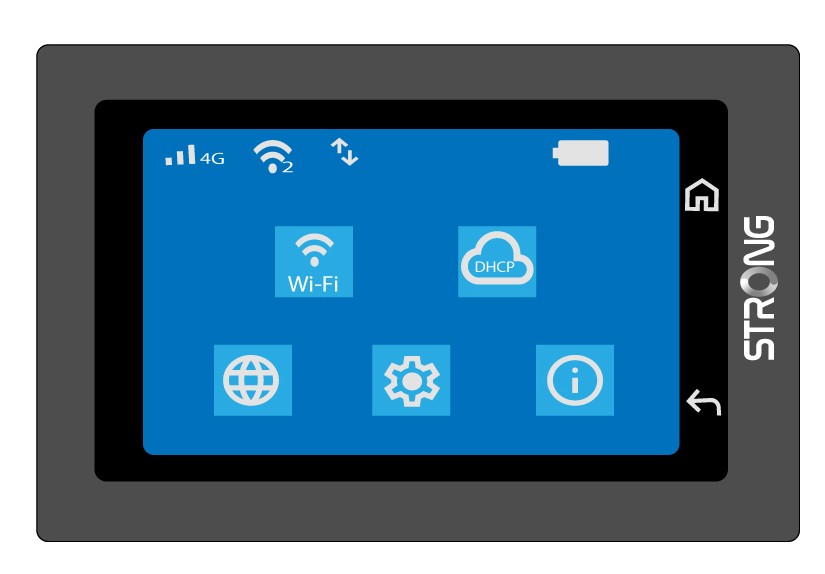
Dopo il primo accesso riuscito, il Mi-Fi memorizzerà il tuo codice PIN.