5G AIRHOME 1050 | Wi-Fi 6
Tutte le domande
5G AIRHOME 1050 | Wi-Fi 6
Come si inserisce il codice PIN della SIM?
Per inserire il codice PIN della SIM, è necessario connettersi all'interfaccia utente web.
1. Connettitialla rete Wi-Fi del tuo router
Per farlo, inserisci l'SSID (nome della rete Wi-Fi) e la password Wi-Fi del router sul tuo dispositivo:

2. Accedereall'interfaccia utente web tramite l'indirizzo IP
A questo punto, inserisci nel browser il seguente indirizzo IP: 192.168.0.1

3Pagina di accesso
È necessario inserire il nome utente e la password ( i dati sono riportati sull'etichetta situata sotto il prodotto; si prega di annotare la nuova password di amministratore impostata dopo il primo accesso). Quindi, fare clic su “Accedi”.

4. Inseriscile tue credenziali
Quando ti connetti all'interfaccia utente web per la prima volta, verrà visualizzato un messaggio di avviso che ti invita a inserire il codice PIN facendo clic sul pulsante di connessione.
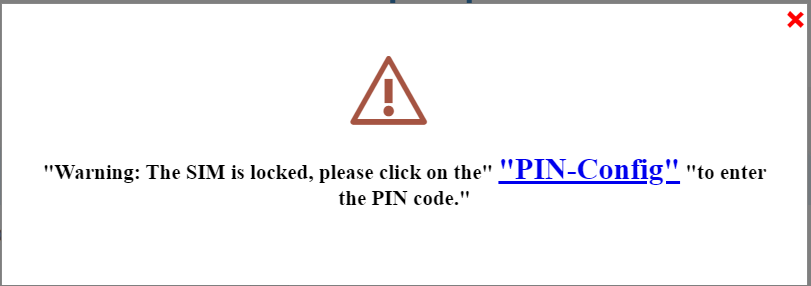
5. Inserisciil tuo codice PIN
Quindi vai su “Rete” nella barra in alto, poi nella sezione “Rete mobile” e clicca su “Configurazione PIN”.
Inserisci il tuo codice PIN nell’apposito campo e clicca su “Invia”.
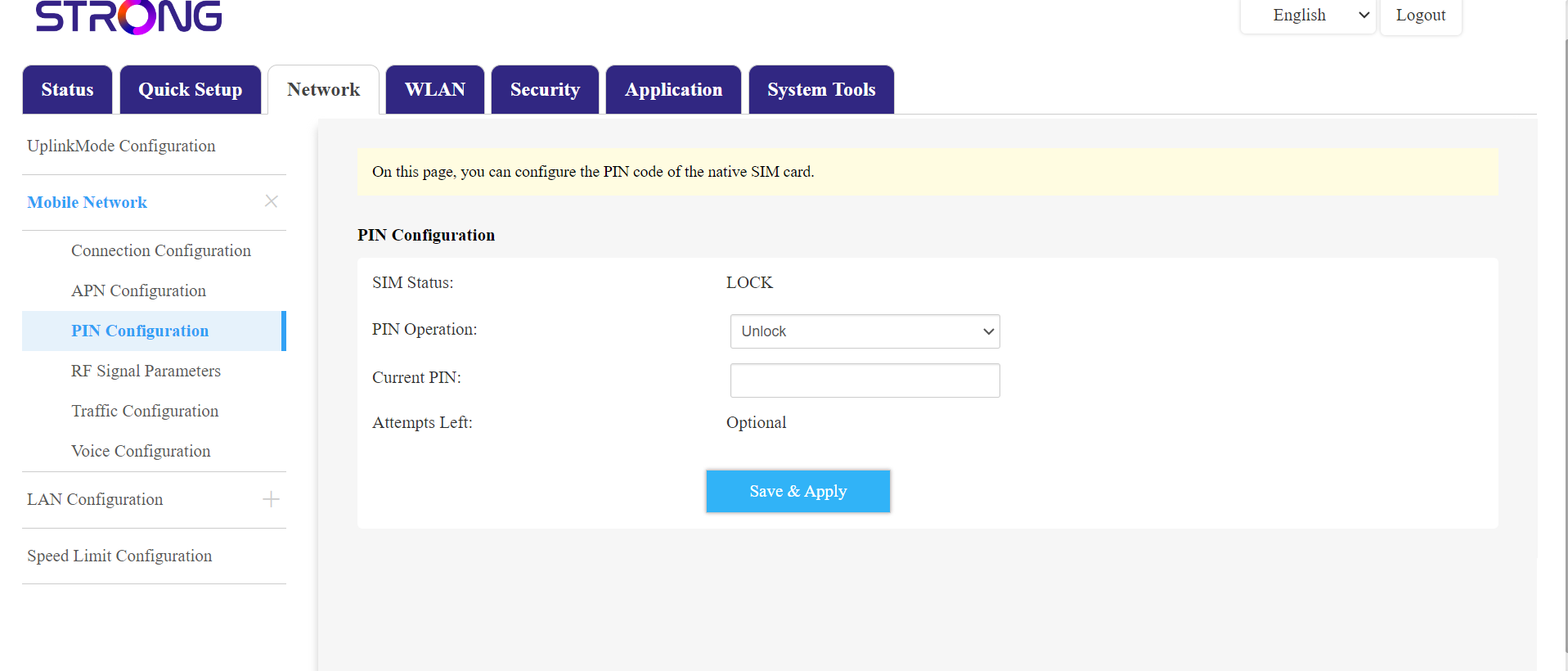
La scheda SIM 6è sbloccata
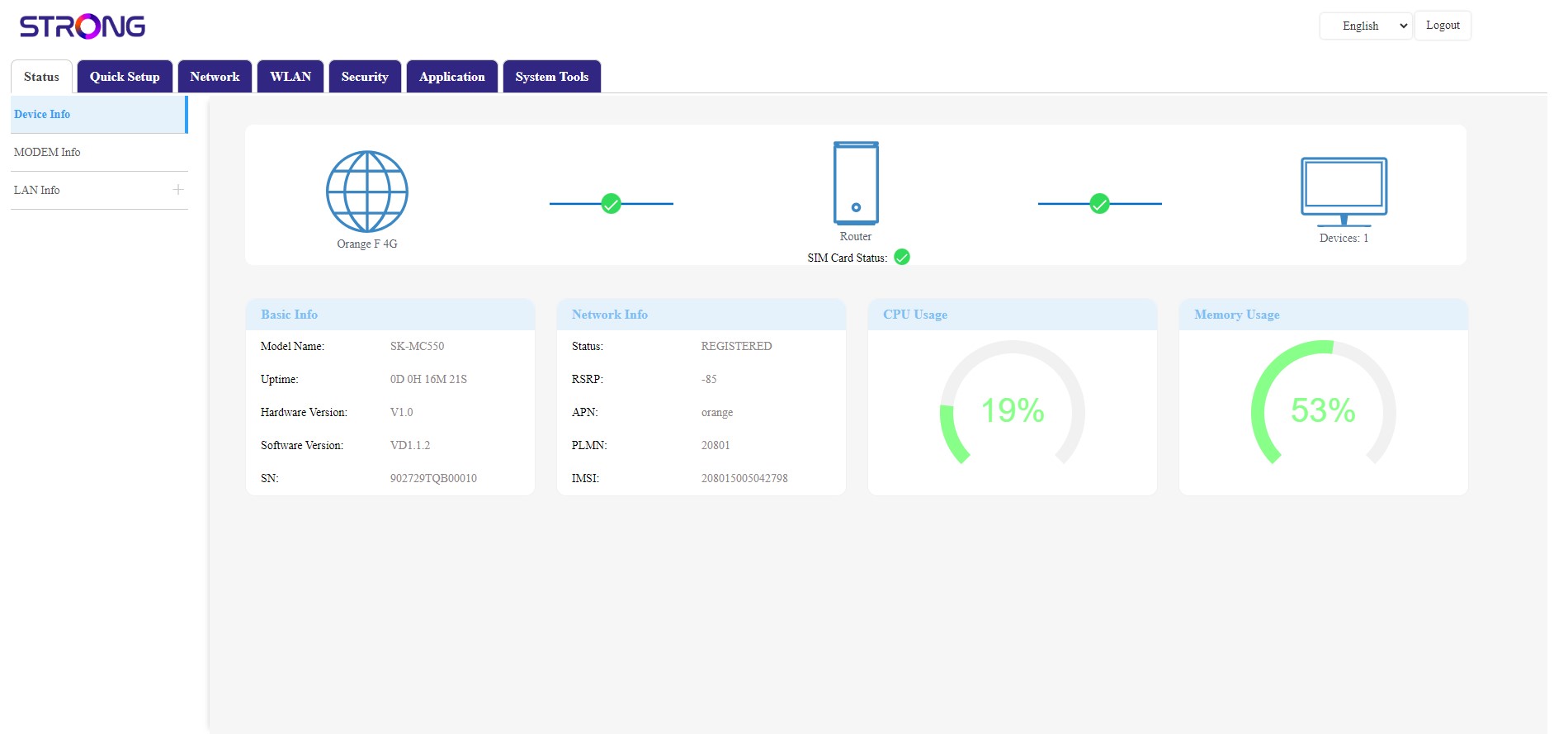
La scheda SIM è sbloccata e la relativa icona ora diventa verde, con il nome della rete accanto.