ATRIA Wi-Fi 6 Mesh 3000 UK 2-pack)
Geen items gevonden.
Geen items gevonden.
Alle vragen
ATRIA Wi-Fi 6 Mesh 3000 UK 2-pack)
Geen items gevonden.
Geen items gevonden.
Hoe kan ik de IP-adressen van de verschillende Mesh -apparaten in mijn netwerk achterhalen?
Om de IP-adressen van de verschillende Mesh -apparaten in uw netwerk te achterhalen, moet u eerst verbinding maken met de webinterface of de app terwijl u verbonden bent met het Mesh -netwerk.
1. Geval1: Web-gebruikersinterface
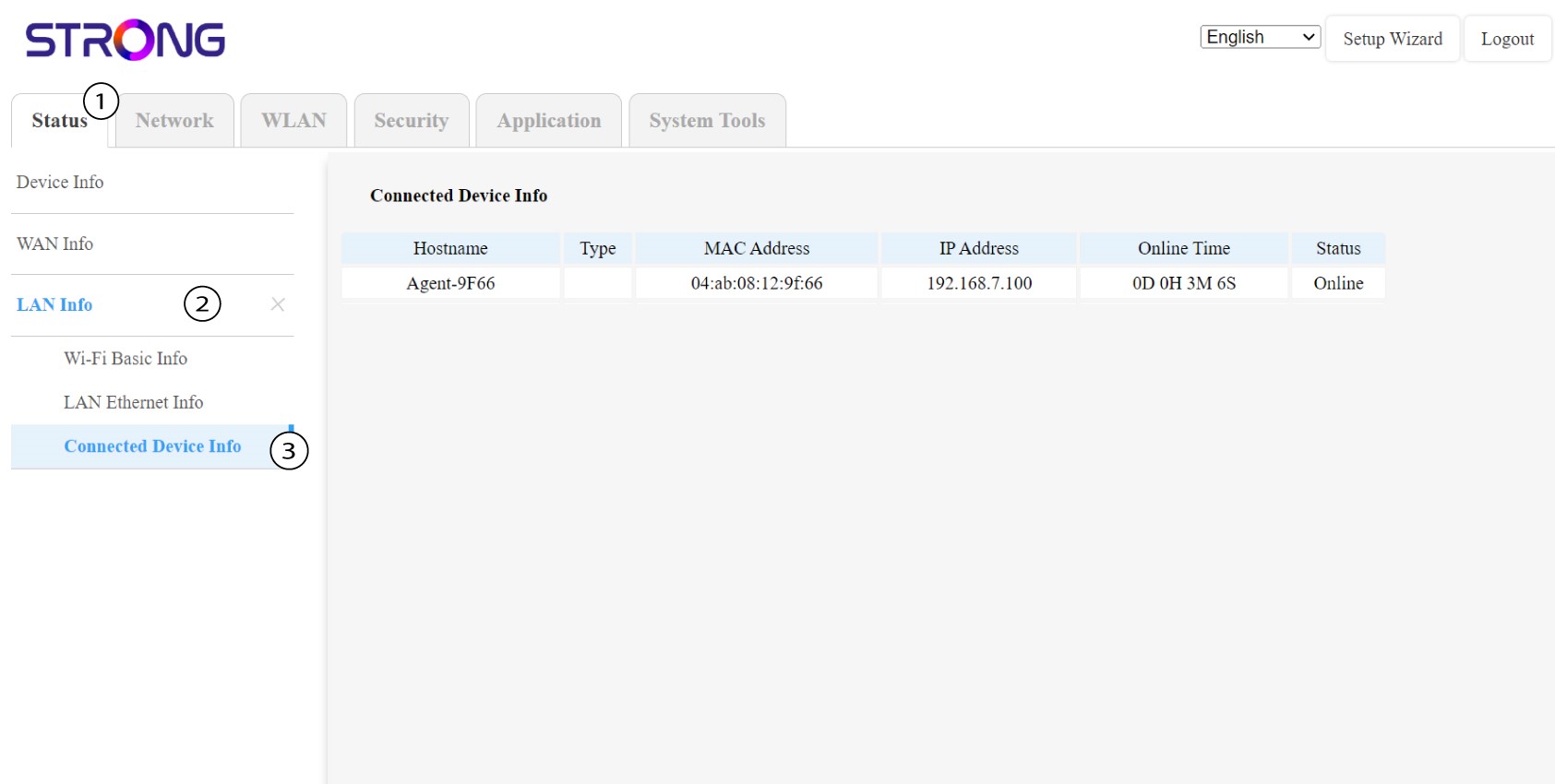
In de webinterface kun je onder ‘Status’, ‘LAN-info’ en ‘Verbindingsinfo’ het IP-adres zien van een Mesh met de naam "agent" en dit noteren.
1Zaak2: App
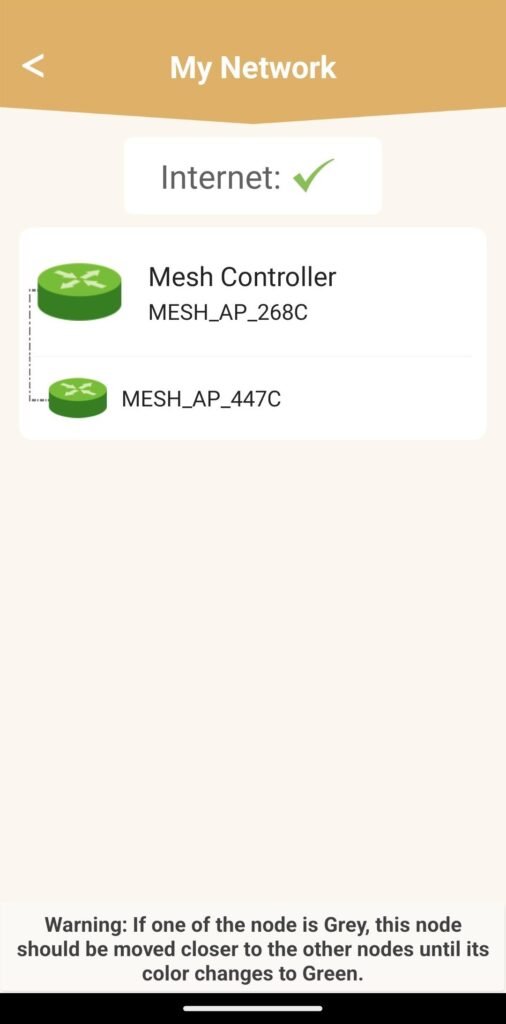
Ga in de Atria-app naar ‘Mijn netwerk ’, klik vervolgens op de naam van het apparaat dat je zoekt en noteer het IP-adres ervan.