ATRIA Wi-Fi 6 Mesh 3000 UK 2-pack)
Alle vragen
ATRIA Wi-Fi 6 Mesh 3000 UK 2-pack)
Wat kan ik doen in de webinterface?
1Maak verbindingmet het wifi-netwerk van het apparaat
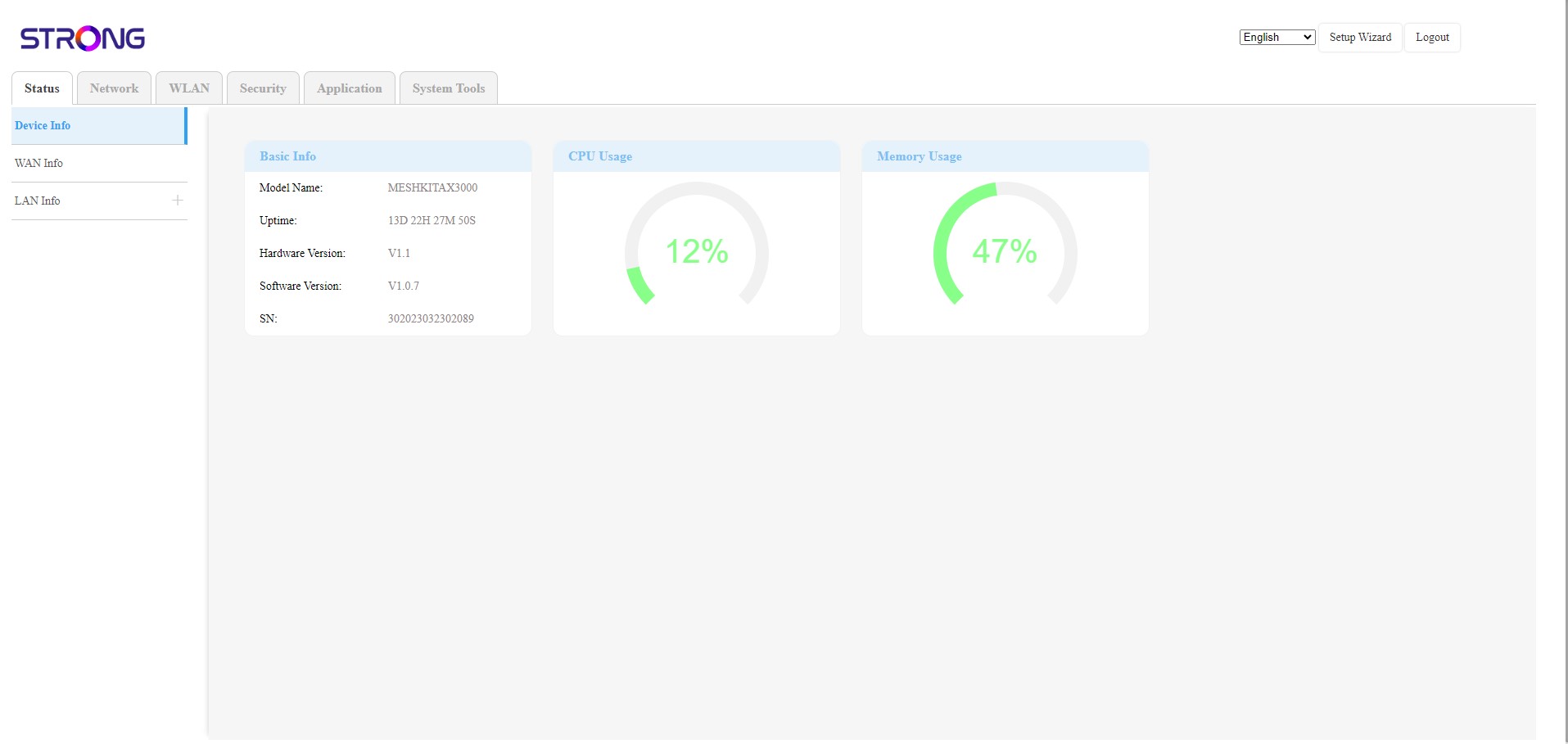
De webinterface is onderverdeeld in 6 secties:
• Status: hier vind je alle informatie over het Mesh -apparaat en het netwerk.
• Netwerk: hier kun je de WAN- en LAN-instellingen (IPv4 / IPv6) configureren en een snelheidslimiet instellen.
• WLAN: hier kiest u tussen een 2,4 GHz- en een 5 GHz-netwerk, stelt u meerdere SSID’s en WPS in, beheert u de internettoegang voor verschillende MAC-adressen, wijzigt u de SSID en Wi-Fi-wachtwoorden en stelt u een Mesh in.
• Beveiliging: hier kunt u een firewall, DoS-instellingen, URL-/MAC-filters, IP-filters, ouderlijk toezicht en servicecontrole instellen en de activering van het Mesh -netwerk plannen.
• Toepassingen: hier kunt u de NAT-instellingen (ALG, DMZ, poortdoorsturing), een VPN, de SNTP (tijdzone), een VPN, een dynamische DNS en UPnP configureren en de IPTV-configuratie openen.
• Systeemtools: hier kunt u de inloggegevens wijzigen, het apparaat opnieuw opstarten, de firmware bijwerken, een back-up opslaan en herstellen, de fabrieksinstellingen herstellen, de LED’s beheren, de logboeken bekijken en diagnostische tests uitvoeren.