4G AIRHOME 300 Mini-router met afneembare 4G-antennes
Alle vragen
4G AIRHOME 300 Mini-router met afneembare 4G-antennes
Hoe verbind ik mijn apparaten via WPS?

Je kunt de WPS-functie gebruiken om bijvoorbeeld de wifi-verbinding tussen je router en je computers en/of je printer tot stand te brengen. Het is niet mogelijk om een mobiele telefoon via WPS te verbinden. Om je telefoon eenvoudig met het wifi-netwerk te verbinden, scan je de QR-code op de achterkant van je router; je wordt dan automatisch met het netwerk verbonden zonder dat je het wifi-wachtwoord hoeft in te voeren.
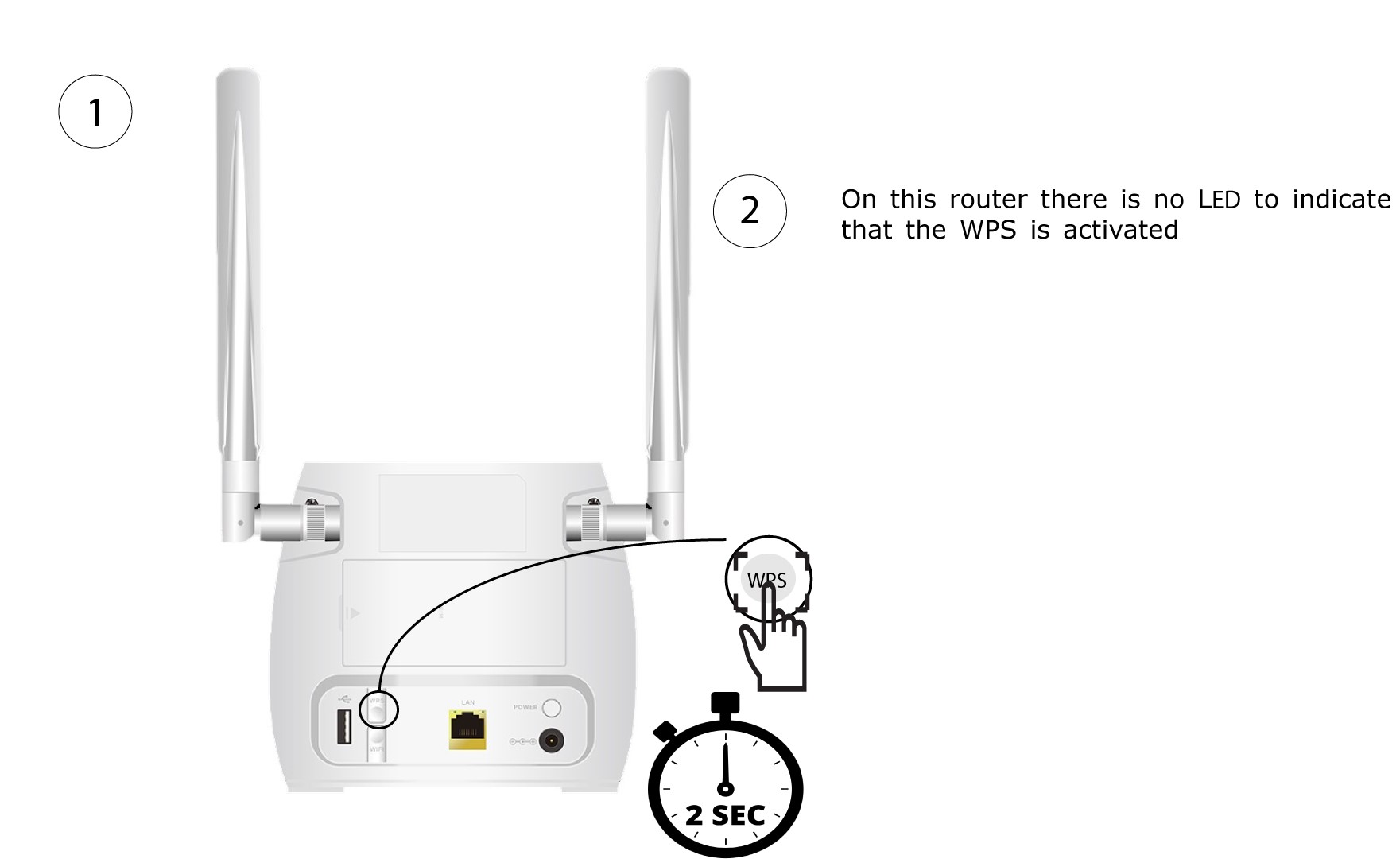
1. Druk opde WPS-knop
Druk 2 seconden lang op de WPS-knop aan de achterkant van de router, zodat elk compatibel apparaat in uw huis automatisch verbinding kan maken met het wifi-netwerk van de router.
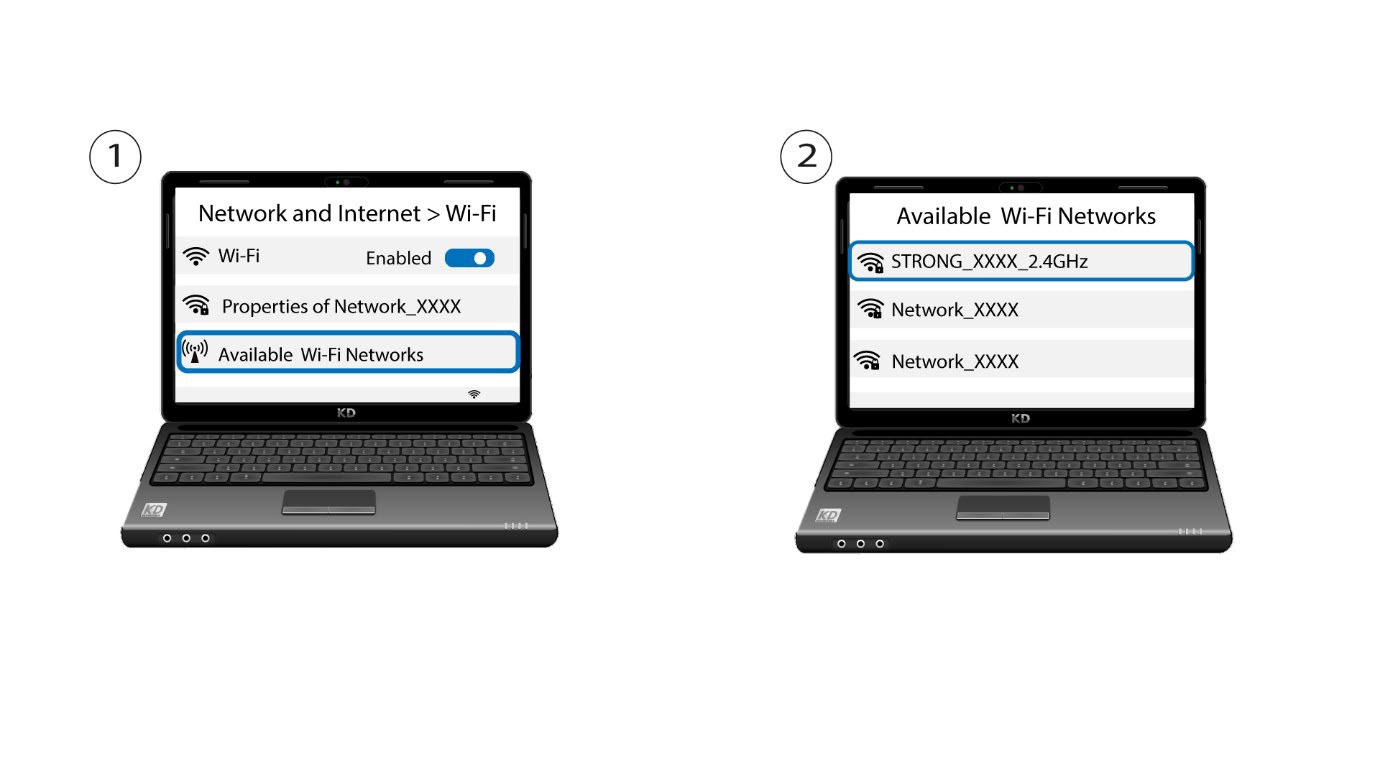
2. Selecteerhet wifi-netwerk van de router
Ga naar de wifi-instellingen van je computer of telefoon en klik op de naam van de router om deze te selecteren.
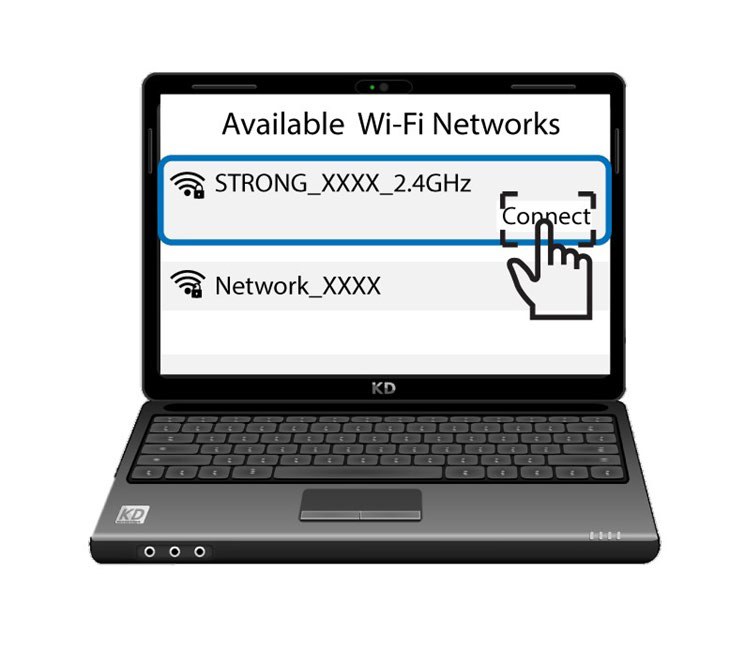
3. Maak verbindingmet het wifi-netwerk
Klik vervolgens op de knop ‘Verbinden ’