
4G AIRHOME 210 UK zamontowanymi na stałe antenami 4G
Nie znaleziono żadnych elementów.
Nie znaleziono żadnych elementów.
Wszystkie pytania
4G AIRHOME 210 UK zamontowanymi na stałe antenami 4G
Nie znaleziono żadnych elementów.
Nie znaleziono żadnych elementów.
Jak wyłączyć Wi-Fi?
Możesz uznać, że nie potrzebujesz korzystać z sieci Wi-Fi swojego routera; w takim przypadku musisz ją wyłączyć w interfejsie użytkownika.
1. Połącz sięz siecią Wi-Fi swojego routera
Aby wyłączyć sieć Wi-Fi routera, musisz połączyć się z siecią Wi-Fi swojego urządzenia.

2. Przejdźdo adresu IP interfejsu użytkownika (Web UI)
Następnie wpisz w przeglądarce następujący adres IP: 192.168.188.1.

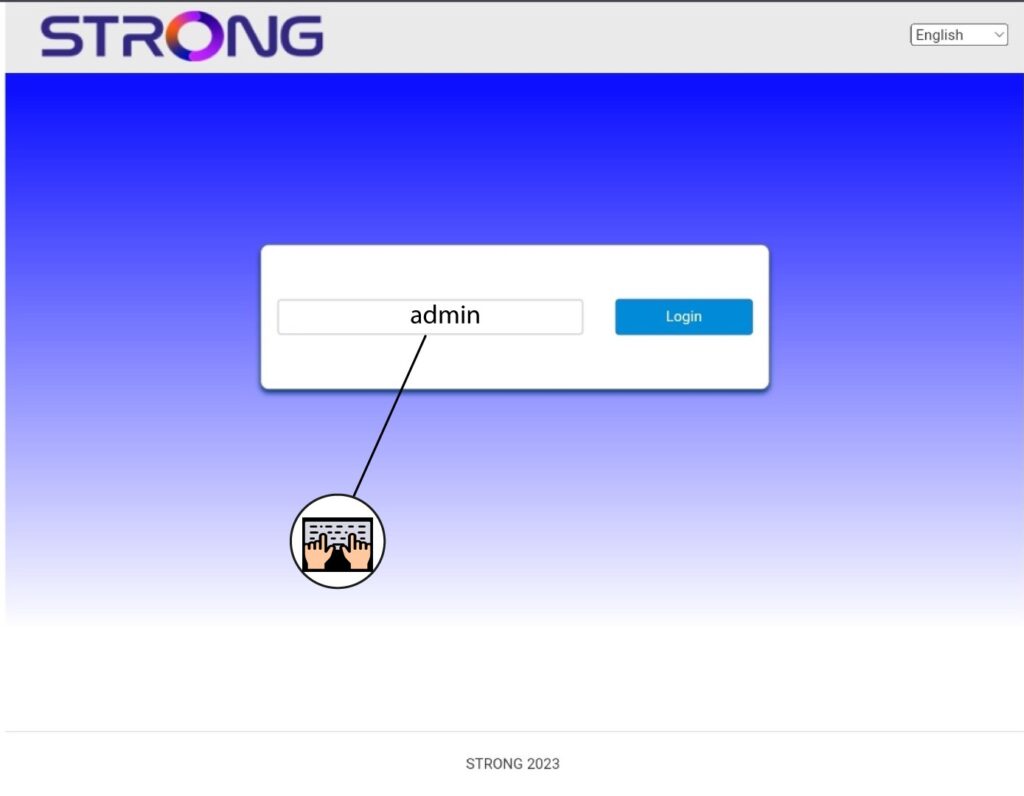
3. Wprowadźswoje dane logowania
Należy wprowadzić hasło.
4. Ustawienia Wi-Fi
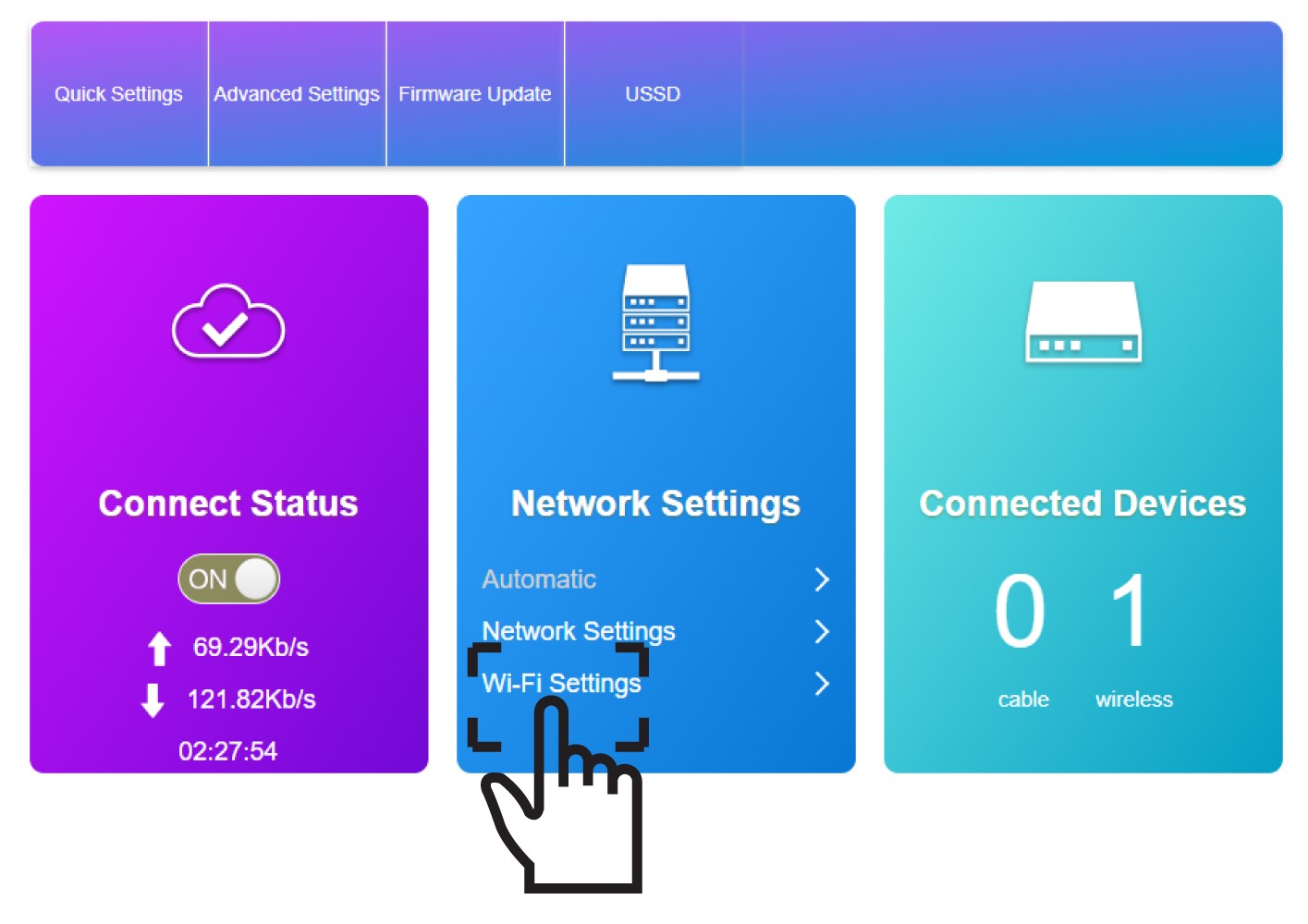
Kliknij opcję „Ustawienia Wi-Fi” w sekcji „Ustawienia sieciowe”.
5. WyłączWi-Fi
Następnie kliknij „Wyłącz ” i „Zastosuj”.
