
4G AIRHOME 210 UK zamontowanymi na stałe antenami 4G
Wszystkie pytania
4G AIRHOME 210 UK zamontowanymi na stałe antenami 4G
Jak zaktualizować oprogramowanie sprzętowe urządzenia?
Po zalogowaniu się do interfejsu użytkownika (Web UI) należy sprawdzić wersję oprogramowania sprzętowego urządzenia, korzystając z opcji aktualizacji online dostępnej w interfejsie Web UI. Dzięki temu zostanie zainstalowana najnowsza wersja oprogramowania sprzętowego. Jeśli router nie jest zaktualizowany, należy postępować zgodnie z poniższą procedurą, aby zaktualizować oprogramowanie sprzętowe.
1. Połącz sięz siecią Wi-Fi swojego routera
Aby wyłączyć sieć Wi-Fi routera, musisz połączyć się z siecią Wi-Fi swojego urządzenia.

2. Przejdźdo adresu IP interfejsu użytkownika (Web UI)
Następnie wpisz w przeglądarce następujący adres IP: 192.168.188.1.

3. Wprowadźswoje dane logowania
Należy wprowadzić hasło.
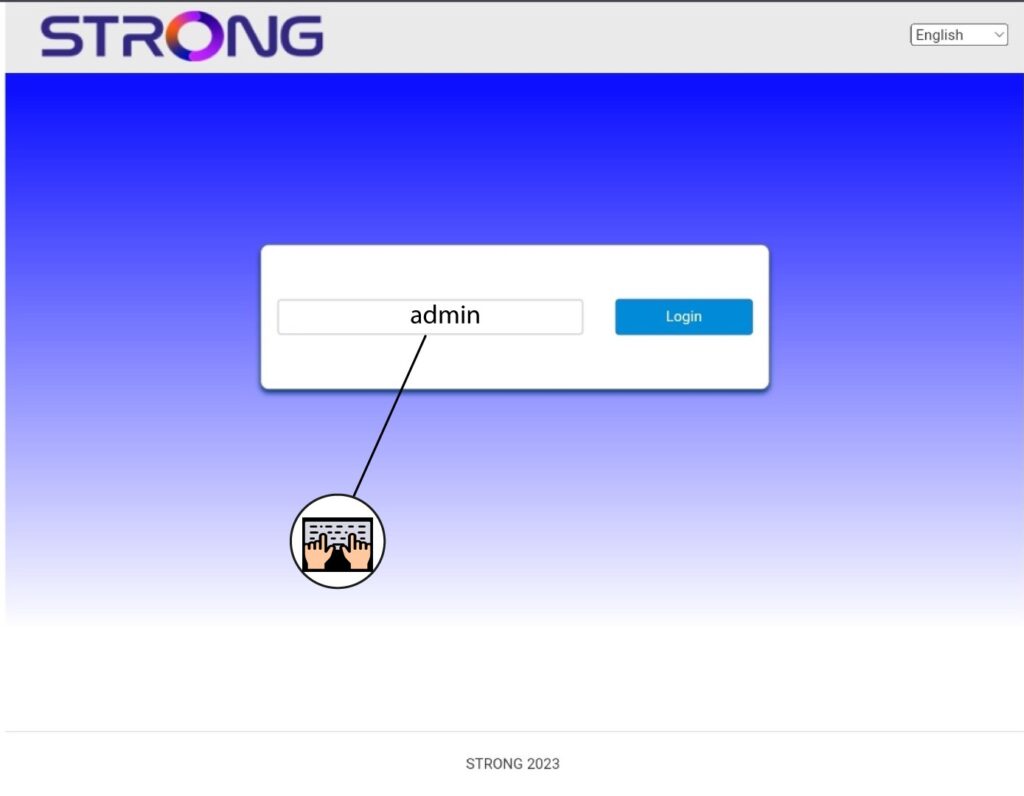
4. Aktualizacja oprogramowania sprzętowego
Kliknij opcję „Aktualizacja oprogramowania sprzętowego”.

5. Zaktualizujrouter
Kliknij opcję „Sprawdź” w sekcji „Sprawdź nową wersję”. Najnowsza wersja oprogramowania zostanie automatycznie pobrana, a następnie konieczne będzie ponowne połączenie się z siecią Wi-Fi w celu wprowadzenia kodu PIN.